

FlexiLayouts
Transform core gallery block into a responsive and beautiful masonry grid with just a few clicks.
Plugin info
Maintenance & Compatibility
Maintenance score
Maintained • Last updated 121 days ago
Is FlexiLayouts abandoned?
Likely maintained (last update 121 days ago).
Compatibility
Similar & Alternatives
Explore plugins with similar tags, and compare key metrics like downloads, ratings, updates, support, and WP/PHP compatibility.
Description
FlexiLayouts extends the WordPress block editor with powerful layout options and animations. Easily convert Gallery block into a responsive and stunning masonry grids without writing a single line of code.
Key Features
- Masonry Grids: Create beautiful masonry layouts in gallery block
- Responsive Controls: Fine-tune settings for different screen sizes
- Performance Optimized: Built with modern JavaScript and CSS
Source files
Supported Blocks
- Core/Gallery
Installation
- Upload the
flexilayoutsfolder to the/wp-content/plugins/directory - Activate the plugin through the ‘Plugins’ menu in WordPress
- Edit Gallery block to access the new layout options
Frequently Asked Questions
- Add Gallery Block
- Open the block settings in the right sidebar
- Navigate to the ‘Layout’ tab
- Select ‘masonry’ from the layout options
- Customize the masonry settings as needed
Yes! FlexiLayouts is designed to work with any WordPress theme that supports the block editor.
FlexiLayouts works with the default WordPress block editor. Compatibility with third-party page builders may vary.
Review feed
Screenshots
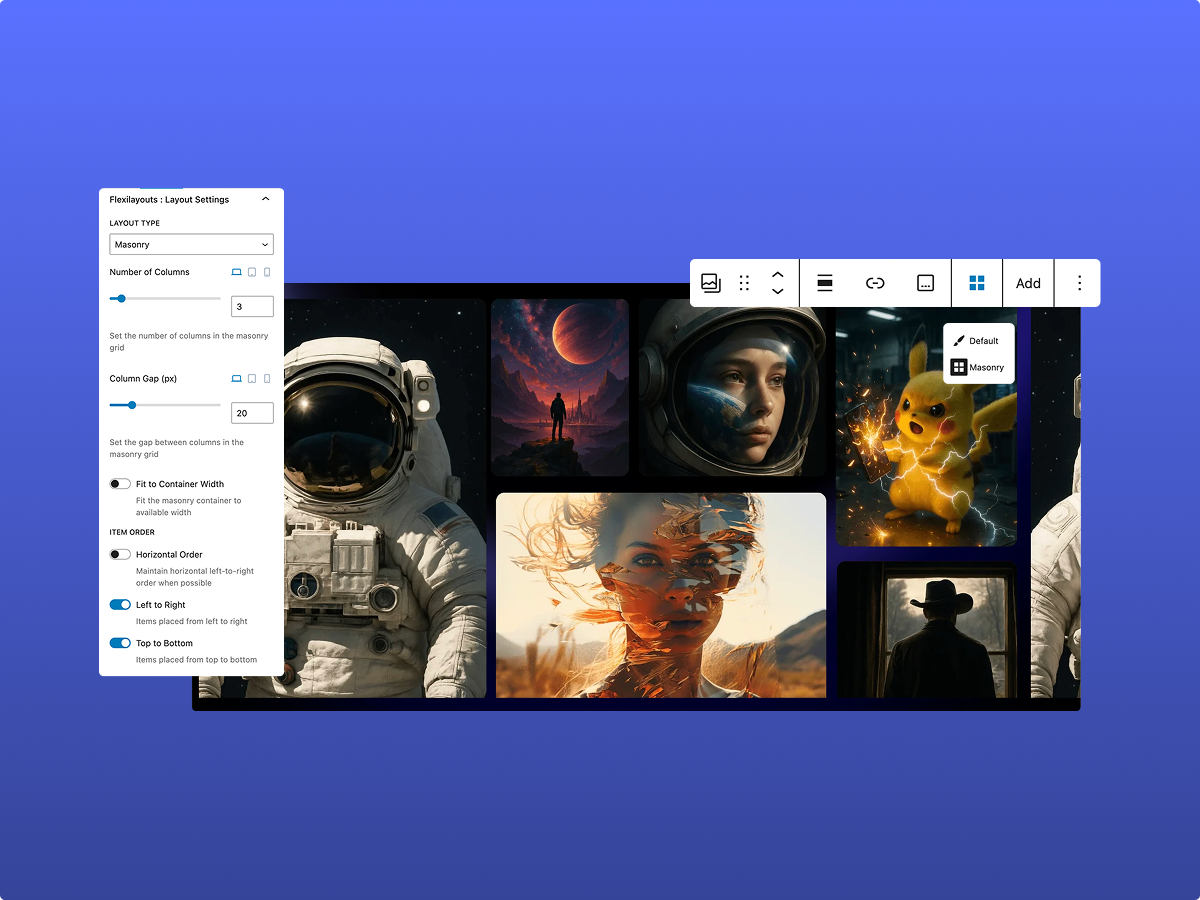
Masonry grid layout for Gutenberg Gallery block
Changelog
1.0.0
- First release! Fueled by coffee, commits, and questionable life choices. FlexiLayouts is finally live. 🚀