

Floaty Header – Easy Sticky Header, Sticky Menu & Announcement Bar
Easily create sticky headers, menus & announcement bars for Elementor or any theme. Simple, lightweight & fast.
Plugin info
Maintenance & Compatibility
Maintenance score
Maintained • Last updated 120 days ago • 1 reviews
Is Floaty Header – Easy Sticky Header, Sticky Menu & Announcement Bar abandoned?
Likely maintained (last update 120 days ago).
Compatibility
Similar & Alternatives
Explore plugins with similar tags, and compare key metrics like downloads, ratings, updates, support, and WP/PHP compatibility.
Description
Floaty Header is a lightweight and flexible sticky header plugin that helps you fix any element to the top of the page when scrolling — be it your header, navigation, or an announcement bar. Perfect for improving user navigation, increasing visibility of key elements, and maintaining branding on long pages.
⚡ New: Sticky on Scroll Up
With the sticky on scroll up feature, your header or navigation remains hidden while users scroll down and only becomes visible when they scroll up. This keeps your site clean, uncluttered, and content-focused while still providing easy access to navigation. This functionality is fully customizable for desktop and mobile, giving you precise control over when and where the sticky header appears.
To make any element sticky, simply enter its CSS selector — whether it’s header, #site-header, .main-navbar, or more specific elements like header > div.logo-wrap or .top-bar nav.primary ul.menu. No coding required!
✨ Features
⬆️ Sticky on Scroll Up – Keep your header hidden while scrolling down and reveal it when users scroll up for better UX and unobstructed content.
🎨 Scroll Transition Effects – Smooth Fade or Slide animations when your header becomes sticky.
🖌️ Custom Sticky Background & Text Color (Mobile & Desktop) – Independently style your sticky header for both mobile and desktop with live color pickers.
📏 Offset Control – Set the scroll distance before your header sticks to the top.
📱 Mobile-Friendly Control – Option to disable sticky behavior on mobile devices.
📢 Sticky Announcement Bar Support – Make any announcement bar sticky for promotions or alerts.
🎯 Improved Styling & UI/UX – Enhanced handling for links, buttons, icons, SVGs, toggles, and form spacing in the settings page.
⚡ Optimized Performance – Lightweight updates to ensure fast, conflict-free behavior.
✅ Additional Highlights
- Make any element sticky – headers, announcement bars, navigation.
- Works with any theme or page builder.
- Simple, clean UI with live previews and toggles.
- Easy setup – no coding required.
Installation
- Upload the plugin folder to
/wp-content/plugins/. - Activate the plugin via the “Plugins” screen in WordPress.
- Go to Settings > Floaty Header to configure your sticky element.
Frequently Asked Questions
Yes. Floaty Header is fully compatible with Elementor and other popular WordPress page builders. You can easily make any Elementor header, section, or widget sticky without writing code.
Yes, you can enter any valid CSS selector — such as announcement bars, menu sections, etc.
Yes, Floaty Header is theme-agnostic and compatible with all popular themes and page builders.
Yes, there’s a toggle option to disable sticky headers on smaller screens.
When enabled, the header remains hidden while scrolling down and only appears when the user scrolls up. It helps reduce clutter and keeps content visible.
Review feed
I just used this sticky header plugin in my website
Screenshots
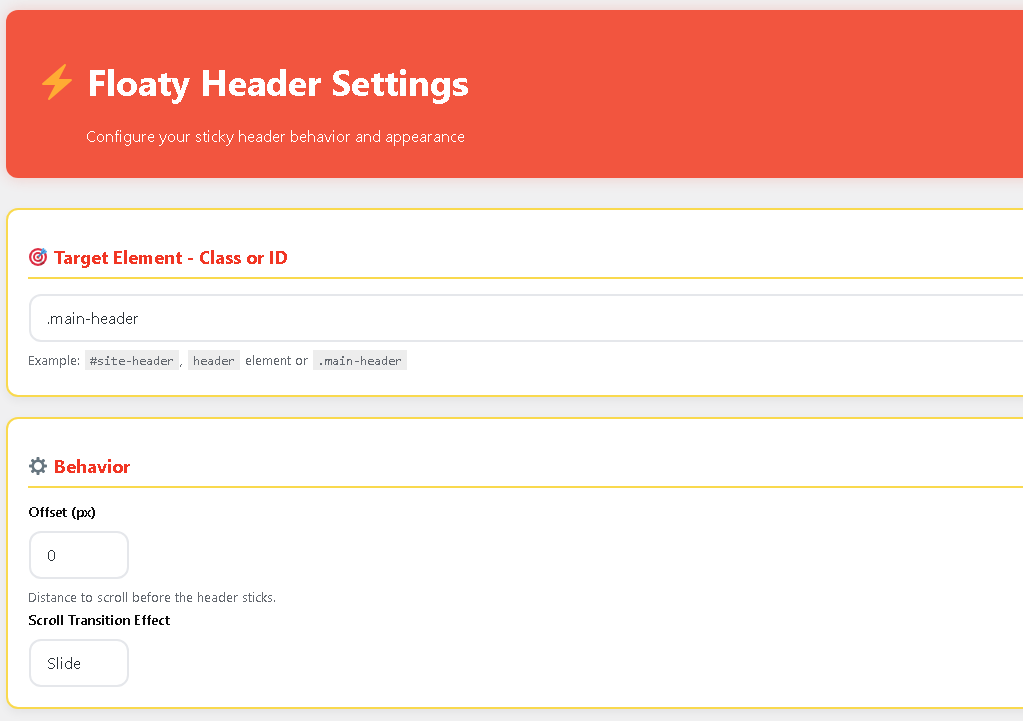
Settings section with Target Element - Class or ID, Behavior - Offset (px), Scroll Transition Effect
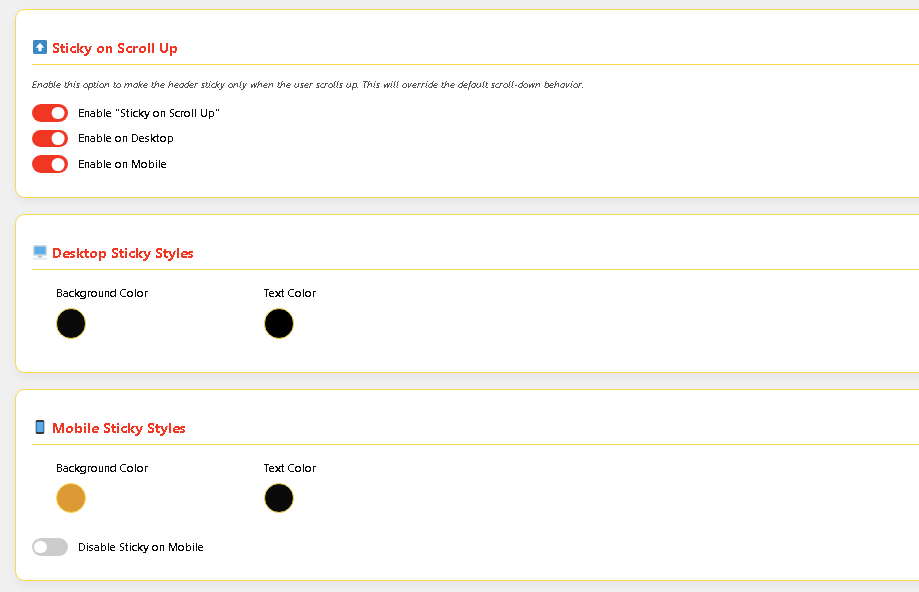
Settings section with Sticky on Scroll Up, Desktop Sticky Styles, Mobile Sticky Styles
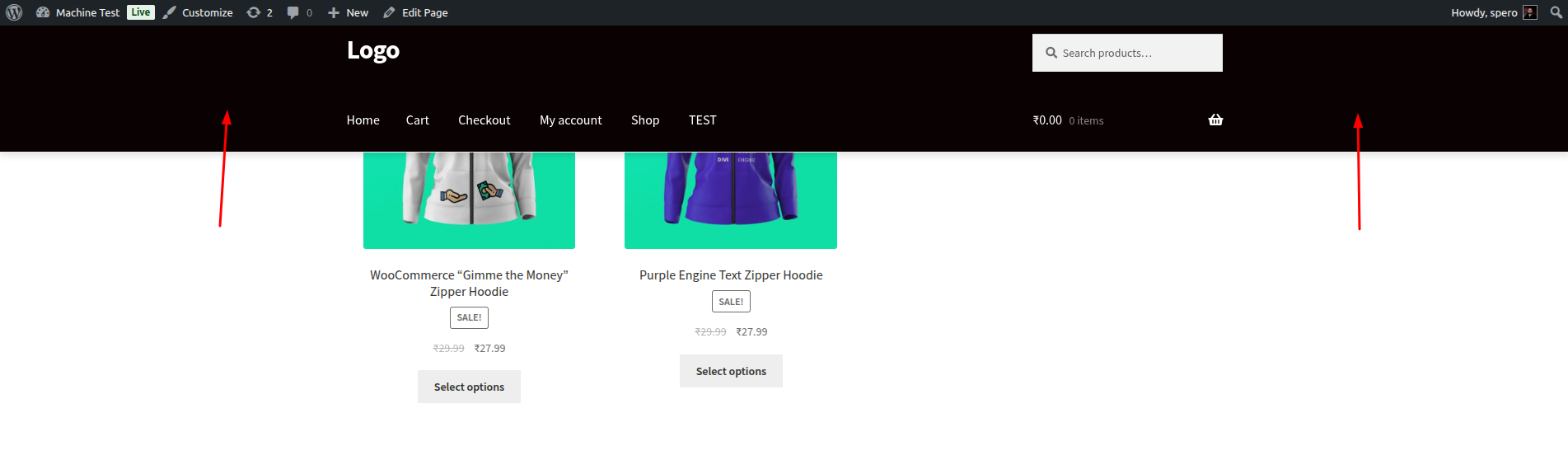
Sticky header in action with custom background, offset, and scroll up behavior - Desktop.
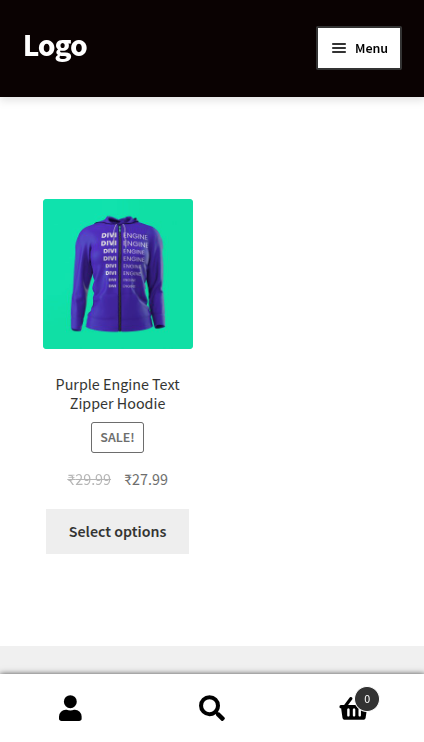
Sticky header in action with custom background, offset, and scroll up behavior - Mobile.
Changelog
1.2.4
Minor update. No functional changes.
1.2.3
- Updated plugin name to Floaty Header – Easy Sticky Header, Sticky Menu & Announcement Bar for better clarity and SEO.
1.2.2
- Added “Sticky on Scroll Up” functionality for better UX.
- Enhanced admin UI/UX with improved spacing, toggles, and responsive design.
- Minor performance improvements and code refinements.
1.2.1
- Added separate color and background options for mobile and desktop.
- Introduced option to make announcement bars sticky.
- UI enhancements and improved spacing between form elements.
- Styled the submit button for a clean design.
1.2.0
- Added scroll transition effects (fade and slide).
- Improved color pickers with live preview.
- Offset configuration introduced.
1.0.0
- Initial release with basic sticky header functionality.