

FluentComments – Spam protection, AntiSpam, Ajax Enhanced Comments
AJAX powered realtime comments. Designed to prevent spams, performance and make comments beautiful again 🚀
Plugin info
Maintenance & Compatibility
Maintenance score
Stale • Last updated 225 days ago • 5 reviews
Is FluentComments – Spam protection, AntiSpam, Ajax Enhanced Comments abandoned?
Likely maintained (last update 225 days ago).
Compatibility
Languages
Similar & Alternatives
Explore plugins with similar tags, and compare key metrics like downloads, ratings, updates, support, and WP/PHP compatibility.
Description
Fluent Comments is a better comment form and comment spam protection plugin. It is easy to use, and it is compatible with all themes except FSE Themes.
Designed to supercharge WordPress native comments with beautiful design, super fast, spam protection. Fluent Comments changes your site’s commenting experience and provides you with user engagement features.
Amazing Features
- AJAX powered realtime comments
- Spam protection with advanced cryptographic mechanisms
- Intuitive Comment Form
- Beautiful Email Notifications for new comments to authors, admins and commenters
- Beautiful design and user experience
- Compatible with all themes (except FSE Themes)
- Compatible with all page builders
Upcoming Features
- More Design Options
Using in FSE Themes
Fluent Comments is not compatible with FSE Themes yet. But you can use Fluent Comments shortcode to use it in FSE Themes. Just use the shortcode [fluent_comments] in your template and it will render the comments with form.
Other Plugins By WPManageNinja Team
- Fluent Forms – Fastest Contact Form Builder Plugin for WordPress
- Ninja Tables – Best WP DataTables Plugin for WordPress
- Ninja Charts – Best WP Charts Plugin for WordPress
- WPPayForm – Stripe Payments Plugin for WordPress
- Mautic Integration For Fluent Forms
- Fluent Forms PDF – PDF Entries for Fluent Forms
- FluentSMTP – The Most Advanced SMTP, SES Plugin for WordPress
CONTRIBUTE
If you want to contribute to this project or just report a bug, you are more than welcome. Please check repository from Github.
Installation
- Install FluentComments either via the WordPress.org plugin repository or by uploading the files to your server.
- Activate FluentComments from Plugins page.
- That’s it, no additional setup required. Enjoy the secure and beautiful comments in your WordPress.
Frequently Asked Questions
Fluent Comments use short time cryptographic tokens to prevent spam. It is impossible to spam your site with bots.
Absolutely not. Fluent Comments is designed to be super fast and lightweight. It will not slow down your website.
Yes, it is compatible with all themes. It will work with any theme.
Review feed
This is how comments should be by default
Screenshots
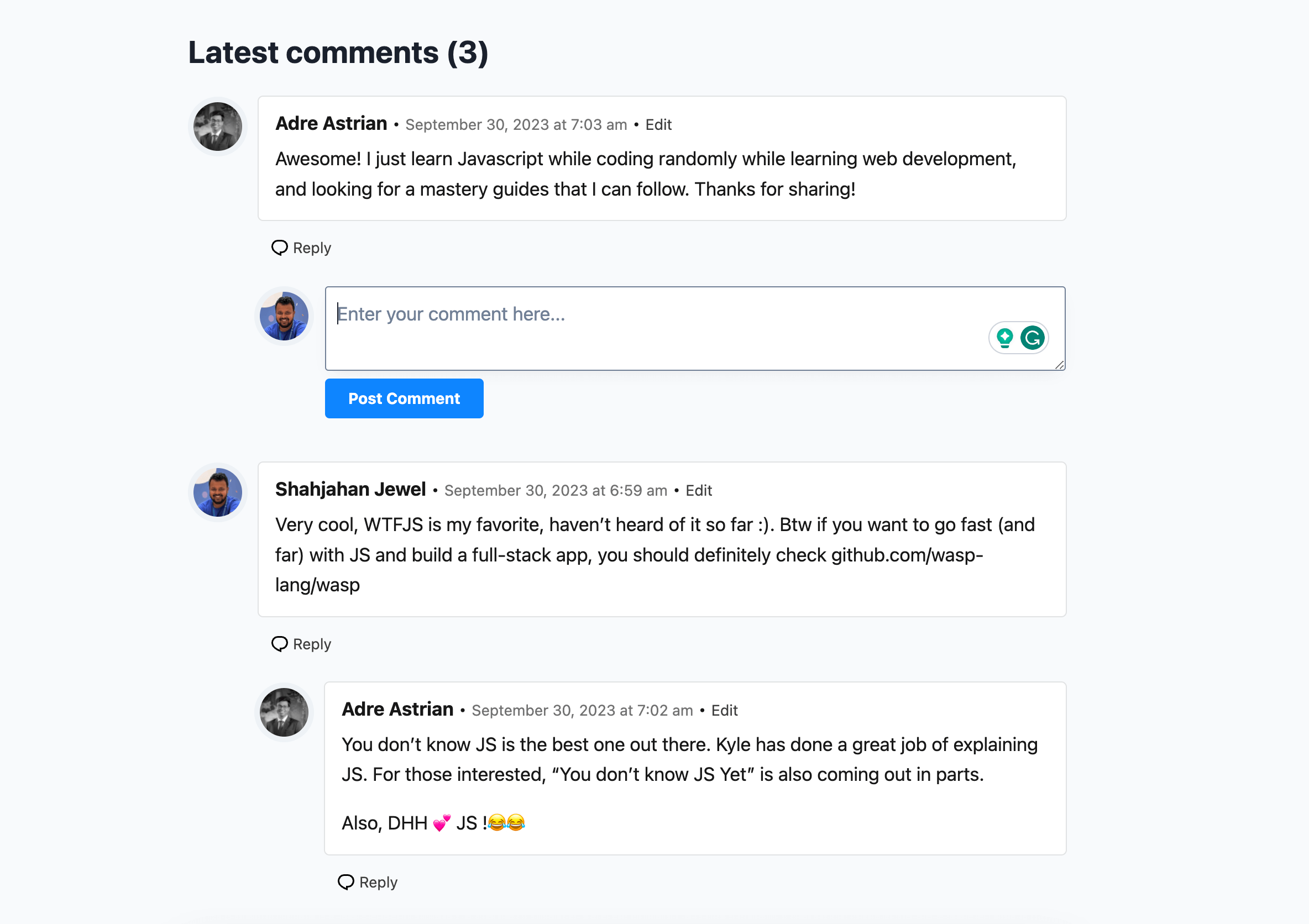
Comment List
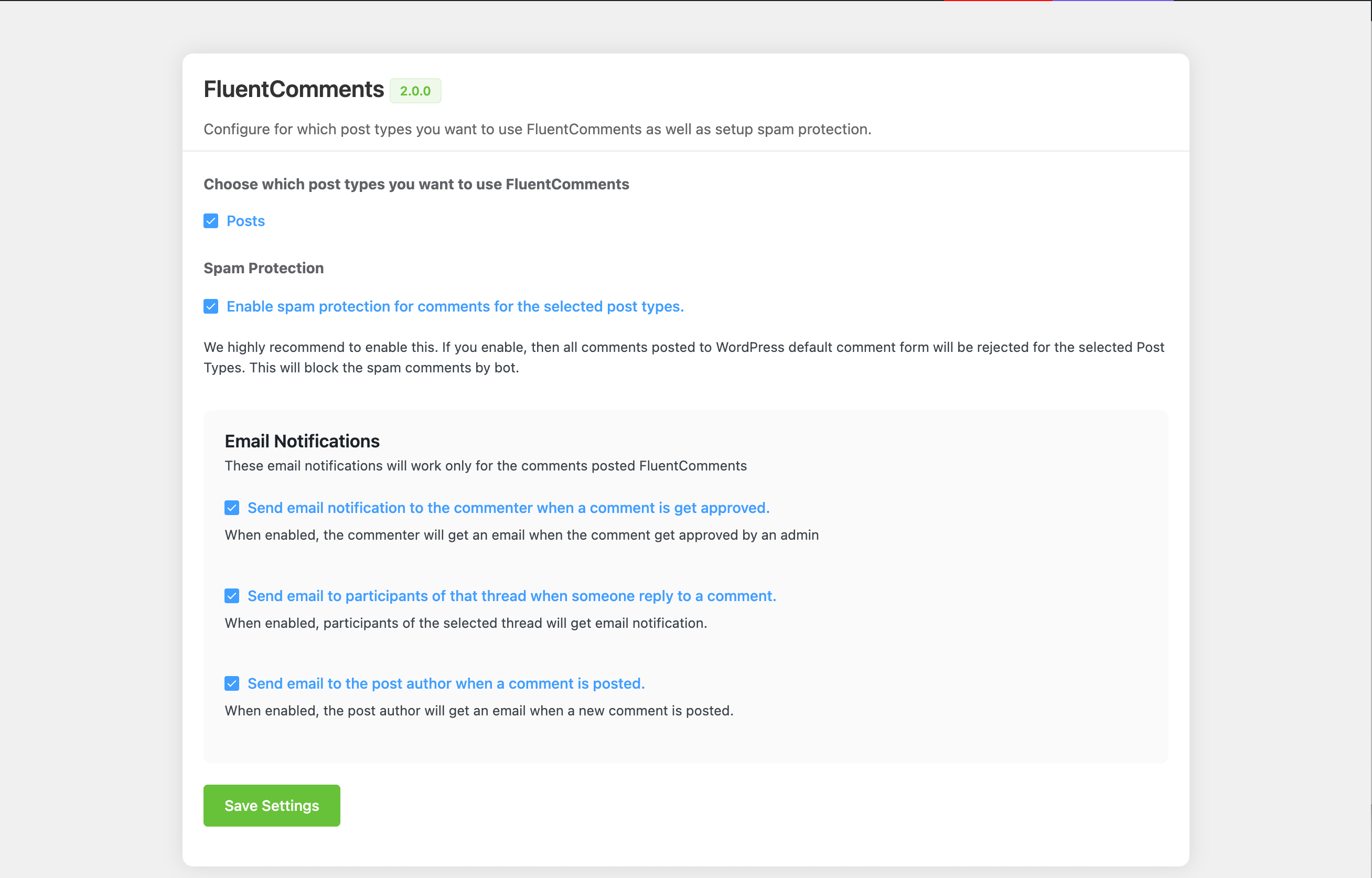
Admin Panel
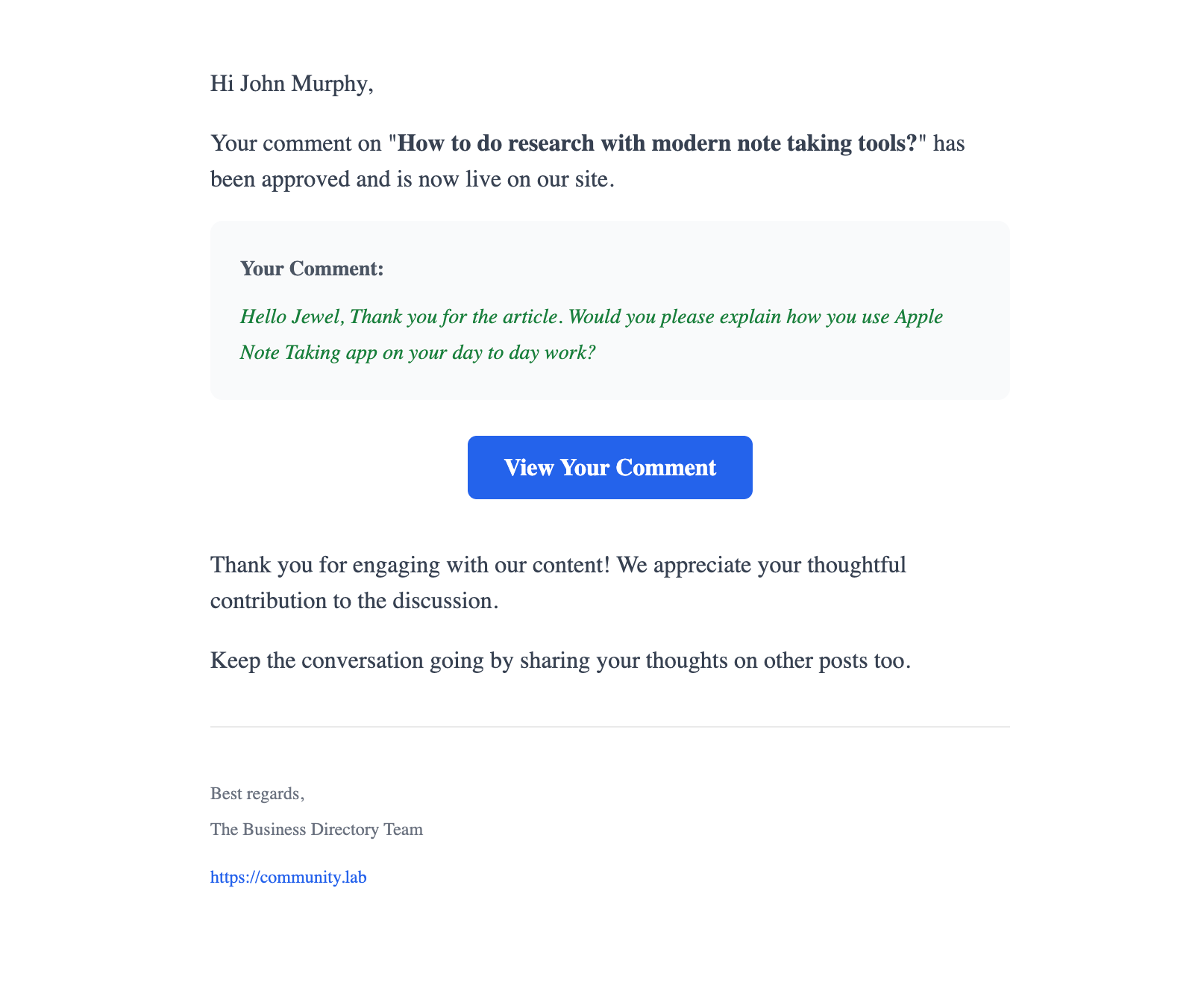
Notification Email on Comment Approval
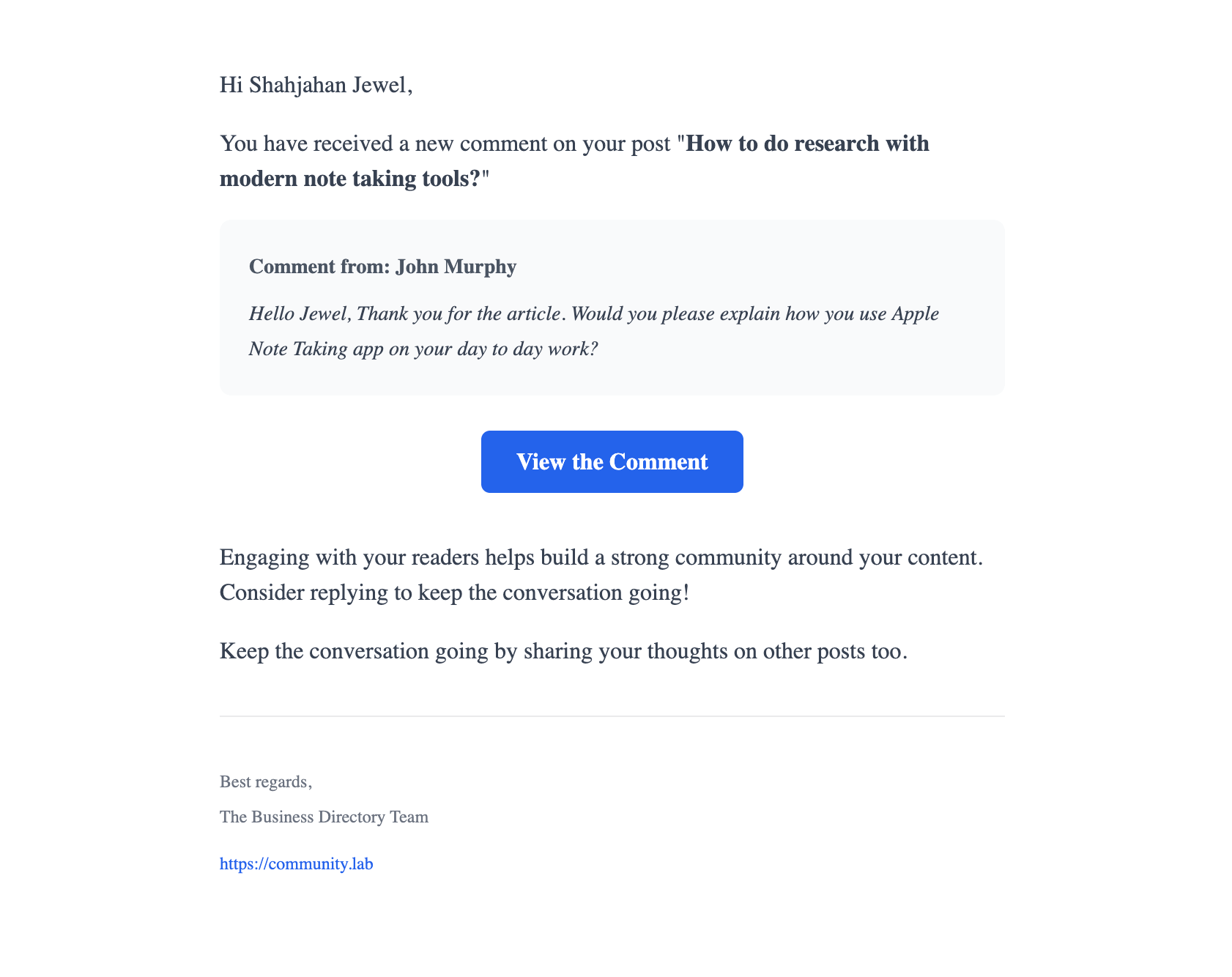
Notification Email to Post Author
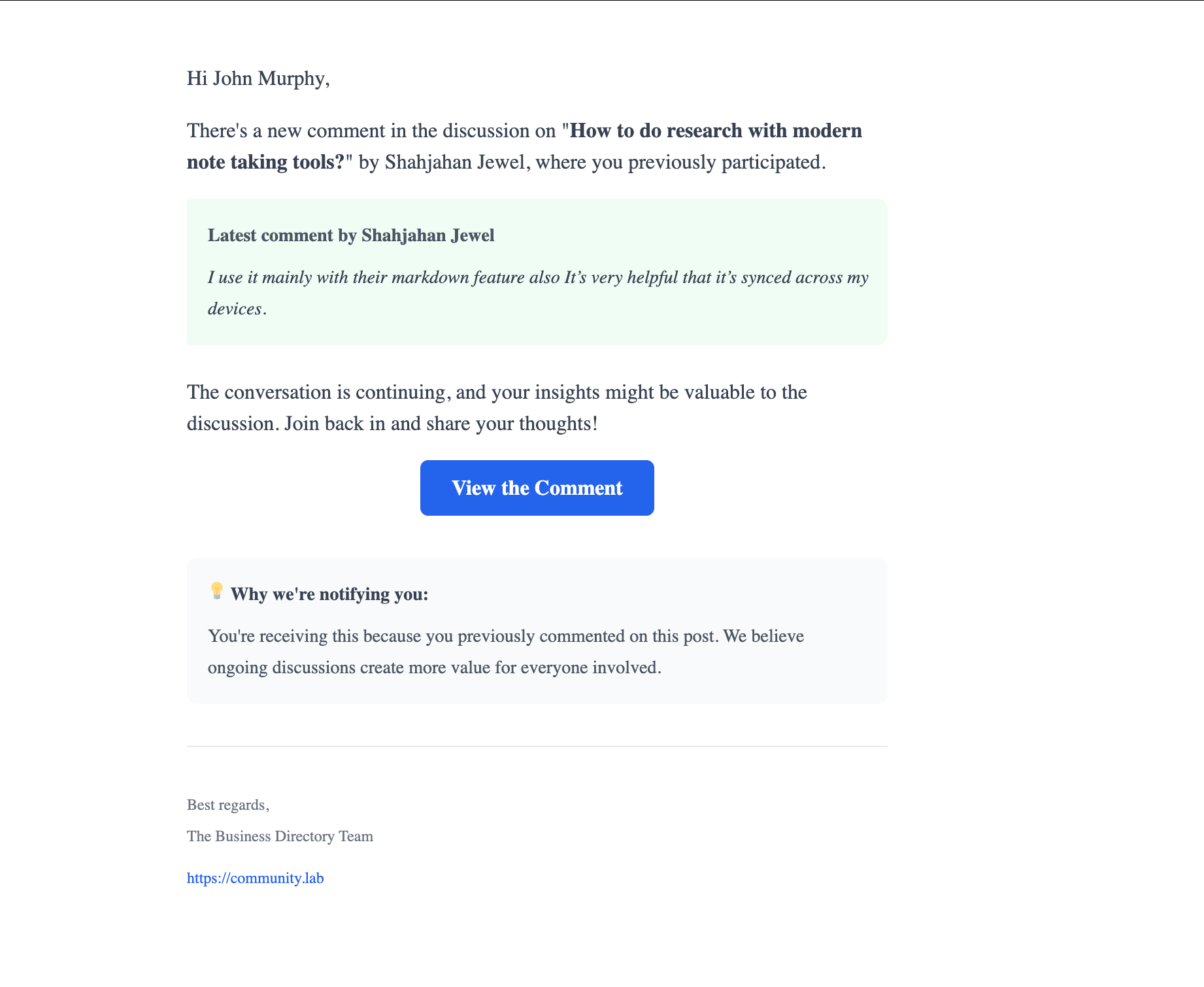
Notification Email to Commenters
Changelog
2.0.0 (Date: Jul 07, 2025)
- Added support for FSE Themes
- Added Email Notification for Admins, Authors and Commenters
- Added option to enable/disable email notification
- Advanced spam protection with cryptographic tokens
1.0.1 (Date: May 18, 2024)
- Added shortcode support for FSE Themes
- Fixed minor CSS issues
- Checking Logged in requirement for comment form
1.0.0 (Date: Sep 30, 2023)
- Initial release