
Fluent Connect – Connect ThriveCart with your WordPress and FluentCRM
Connect ThriveCart shop with your WordPress and FluentCRM
Plugin info
Maintenance & Compatibility
Maintenance score
Stale • Last updated 322 days ago
Is Fluent Connect – Connect ThriveCart with your WordPress and FluentCRM abandoned?
Likely maintained (last update 322 days ago).
Compatibility
Languages
Similar & Alternatives
Explore plugins with similar tags, and compare key metrics like downloads, ratings, updates, support, and WP/PHP compatibility.
Description
Connect ThriveCart with FluentCRM & WordPress
The aim of this plugin is to connect ThriveCart with FluentCRM. ThriveCart is a super simple and powerful cart solution for internet marketers on the other hand FluentCRM is a powerful and most cost effective email markting solution right into your WordPress.
We are aiming to connect ThriveCart with your FluentCRM as well as WordPress.
What can you do with this plugin?
- Add as FluentCRM contact when a specific product got sold on ThriveCart
- Add/Remove specific tags/lists on FluentCRM
- Create WordPress user (via FluentCRM) on ThriveCart purchase event.
- Remove / Add Tags when a refund or subscription cancel happens on ThriveCart
- Ability to add multiple ThriveCart account.
How to use?
- Install this plugin (download from releases)
- Configure ThriveCart with API Key and set webhook
- Create a
Data Connector Feedand connect with FluentCRM - That’s it
CONTRIBUTE
If you are a developer or ThriveCart user please feel free submit a feature idea or request a PR on Github.
View the project on Github
Installation
This section describes how to install the plugin and get it working.
- Just search for Fluent Connect in WordPress Plugins and click install and activate.
OR
- Upload the plugin files to the
/wp-content/plugins/fluent-connectdirectory, or install the plugin through the WordPress plugins screen directly. - Activate the plugin through the \’Plugins\’ screen in WordPress
- Use the
Fluent Connect->Dashboardscreen to configure the plugin
Frequently Asked Questions
Yes, You need both to make this plugin work.
Review feed
Screenshots
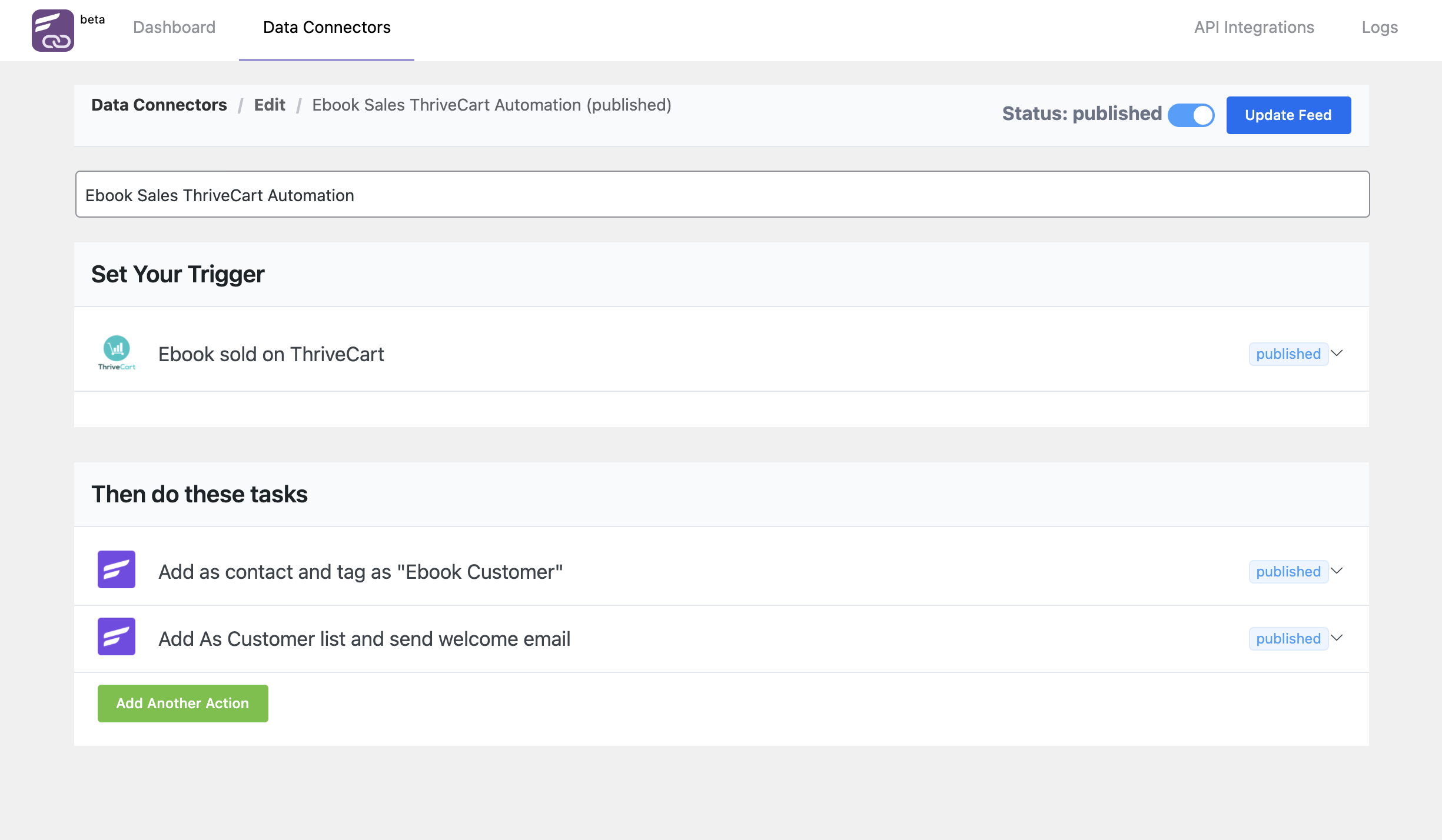
ThriveCart to FluentCRM Integration Feed
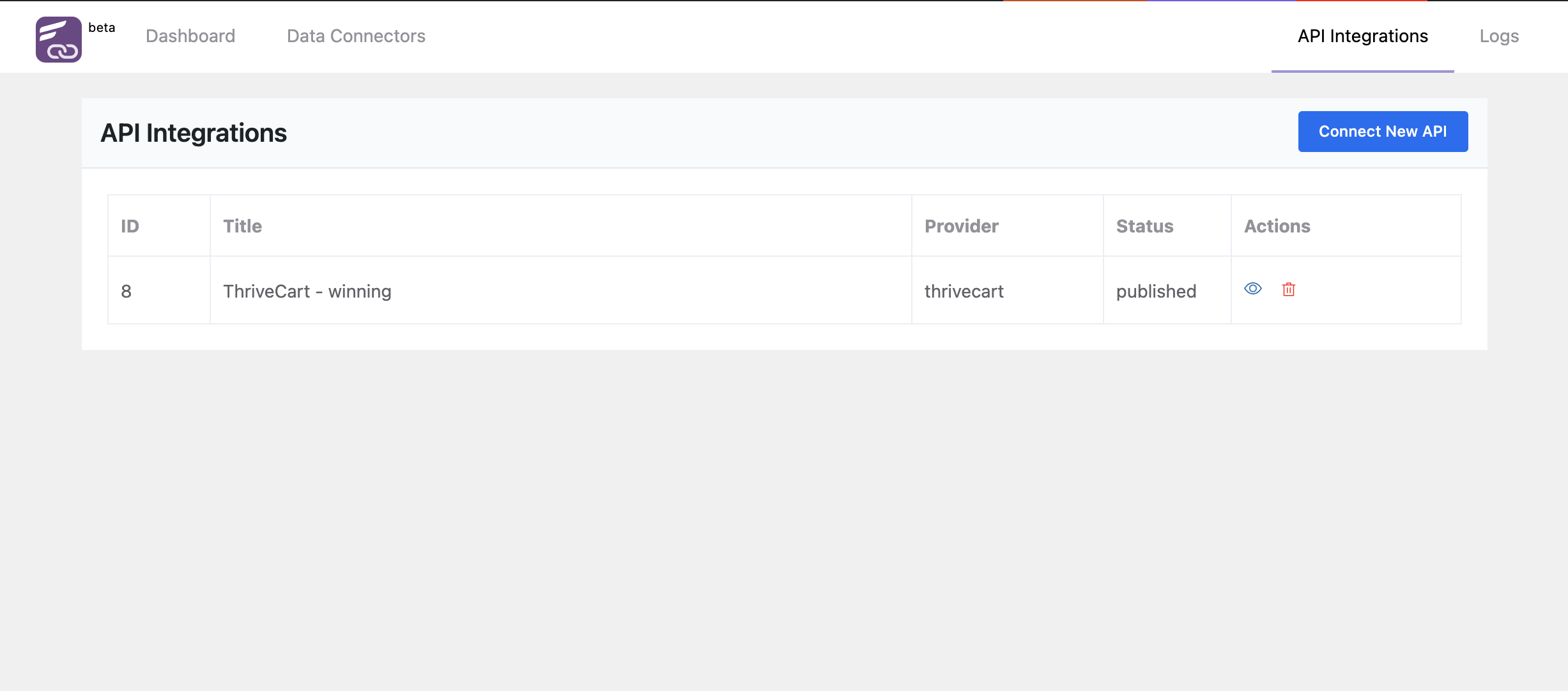
All Integrations
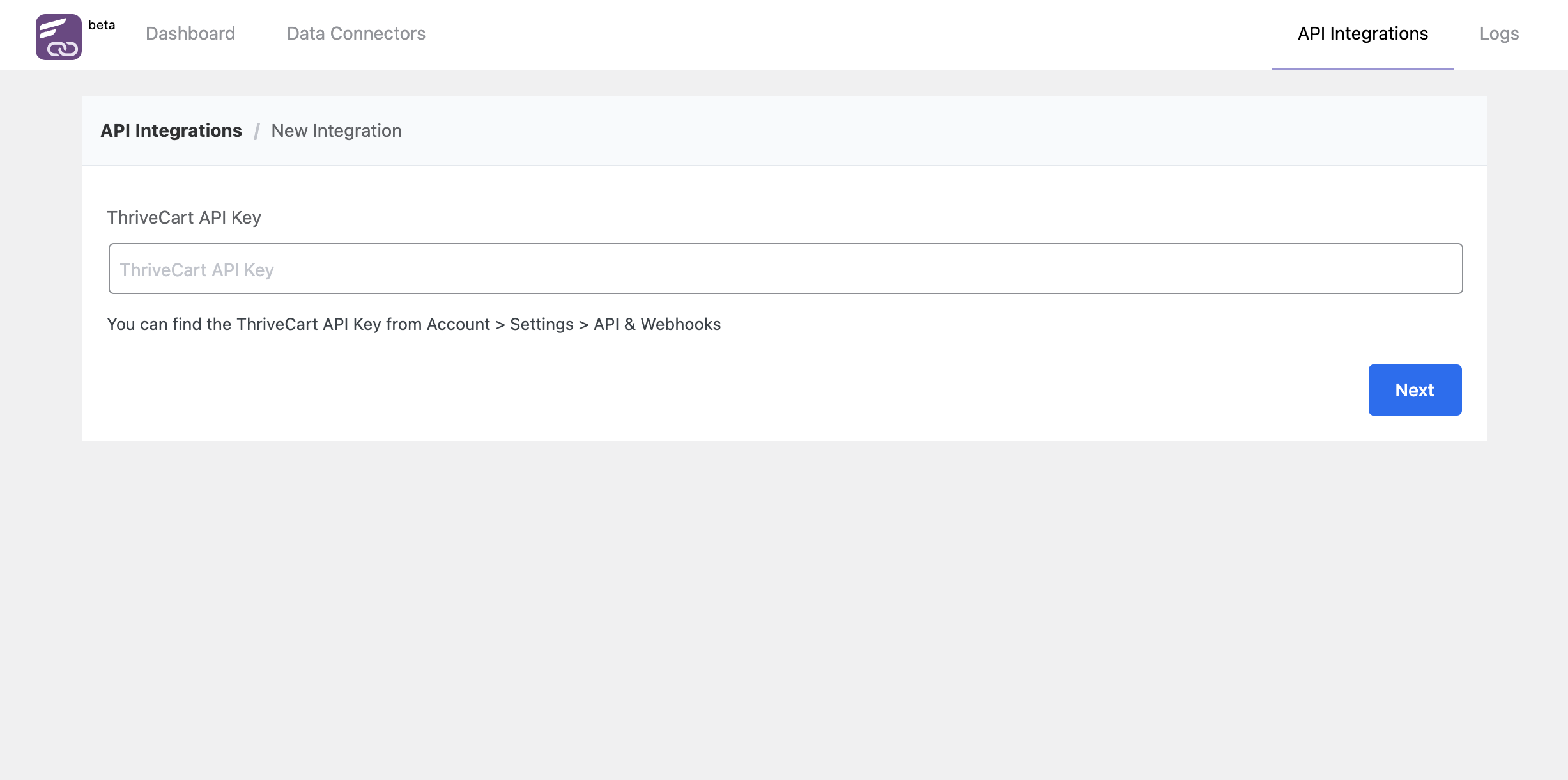
ThriveCart Integration Page
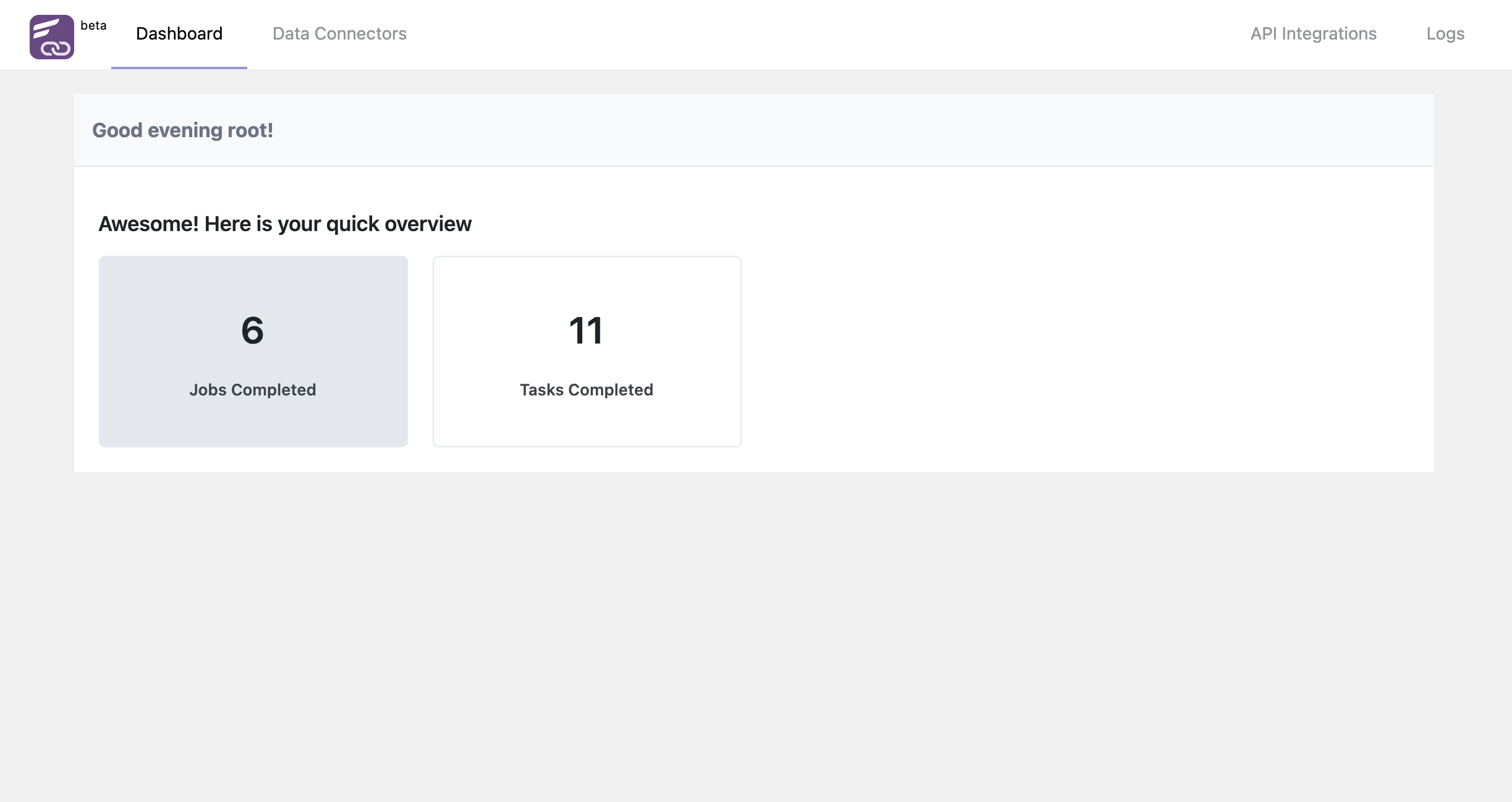
FluentConnect Dashboard
Changelog
0.4 (Date: May 15, 2025)
- Compatibility with FluentCRM Latest Version
- Fixed: Webhook Request Issue
- Other minor fixes
0.3 (Date: Sep 23, 2023)
- Compatibility with FluentCRM Latest Version
0.2 (Date: October 25, 2021)
- Initial Beta Release