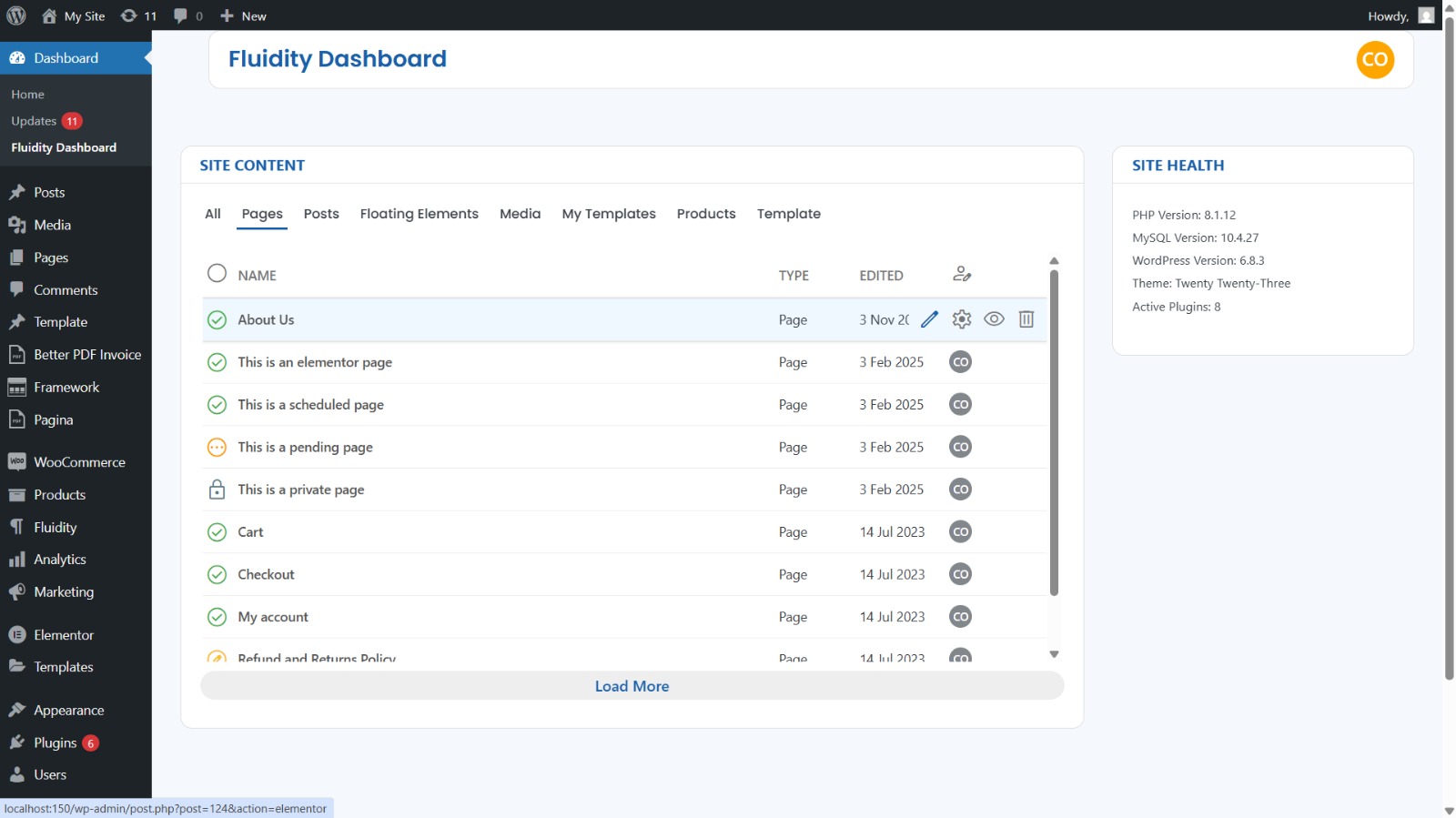
Fluidity Dashboard
A faster, friendlier dashboard for managing all post types — built with WordPress standards, zero tracking, and local Material icons by default.
Plugin info
Maintenance & Compatibility
Maintenance score
Maintained • Last updated 103 days ago
Is Fluidity Dashboard abandoned?
Likely maintained (last update 103 days ago).
Compatibility
Similar & Alternatives
Explore plugins with similar tags, and compare key metrics like downloads, ratings, updates, support, and WP/PHP compatibility.
Description
Fluidity Dashboard replaces the clicky default screens with a clean, Material-inspired dashboard tailored for busy site admins and content teams. It emphasizes speed, clarity, and safe defaults:
- Unified content view: See registered post types at a glance with status, author, and dates.
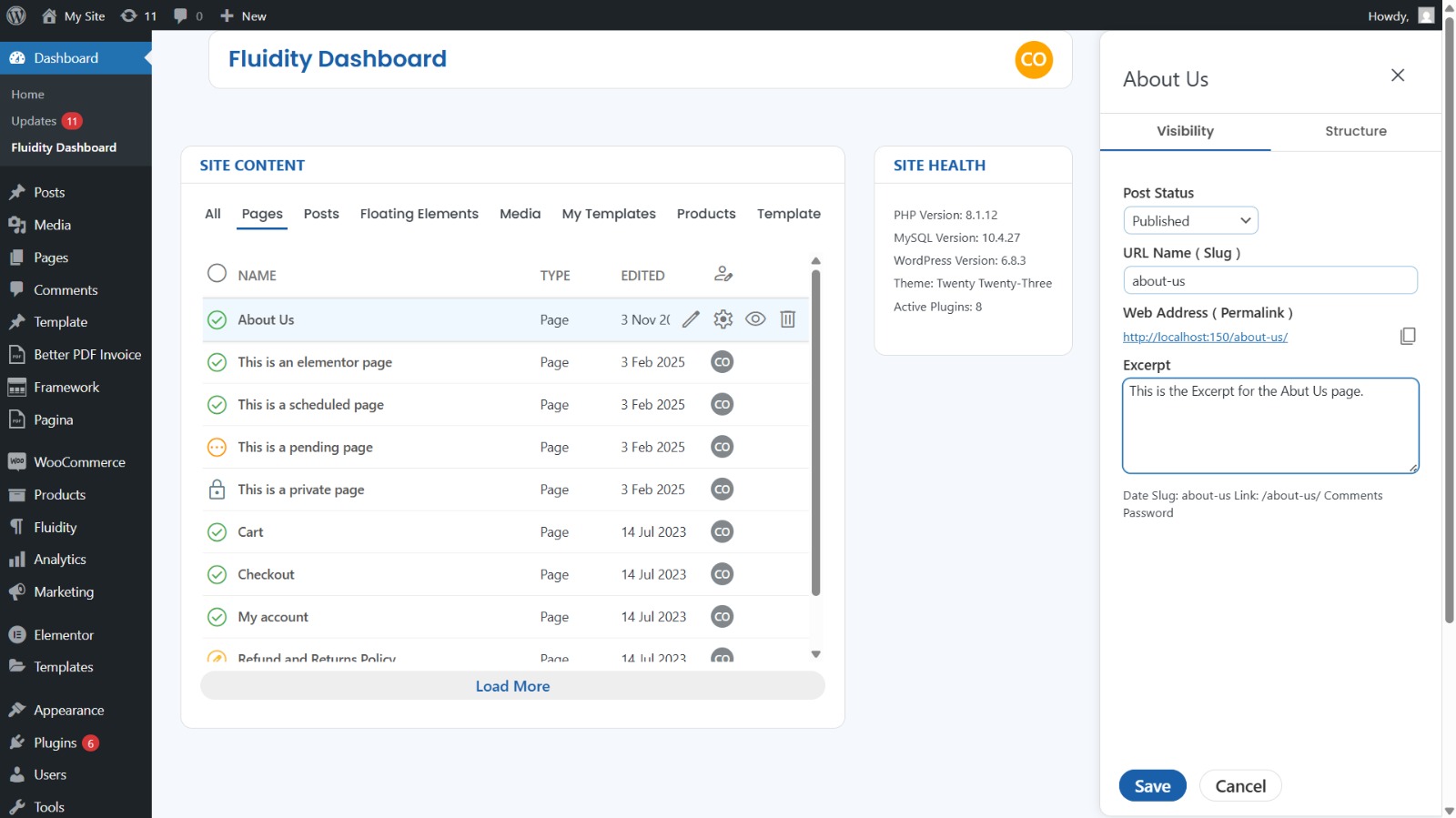
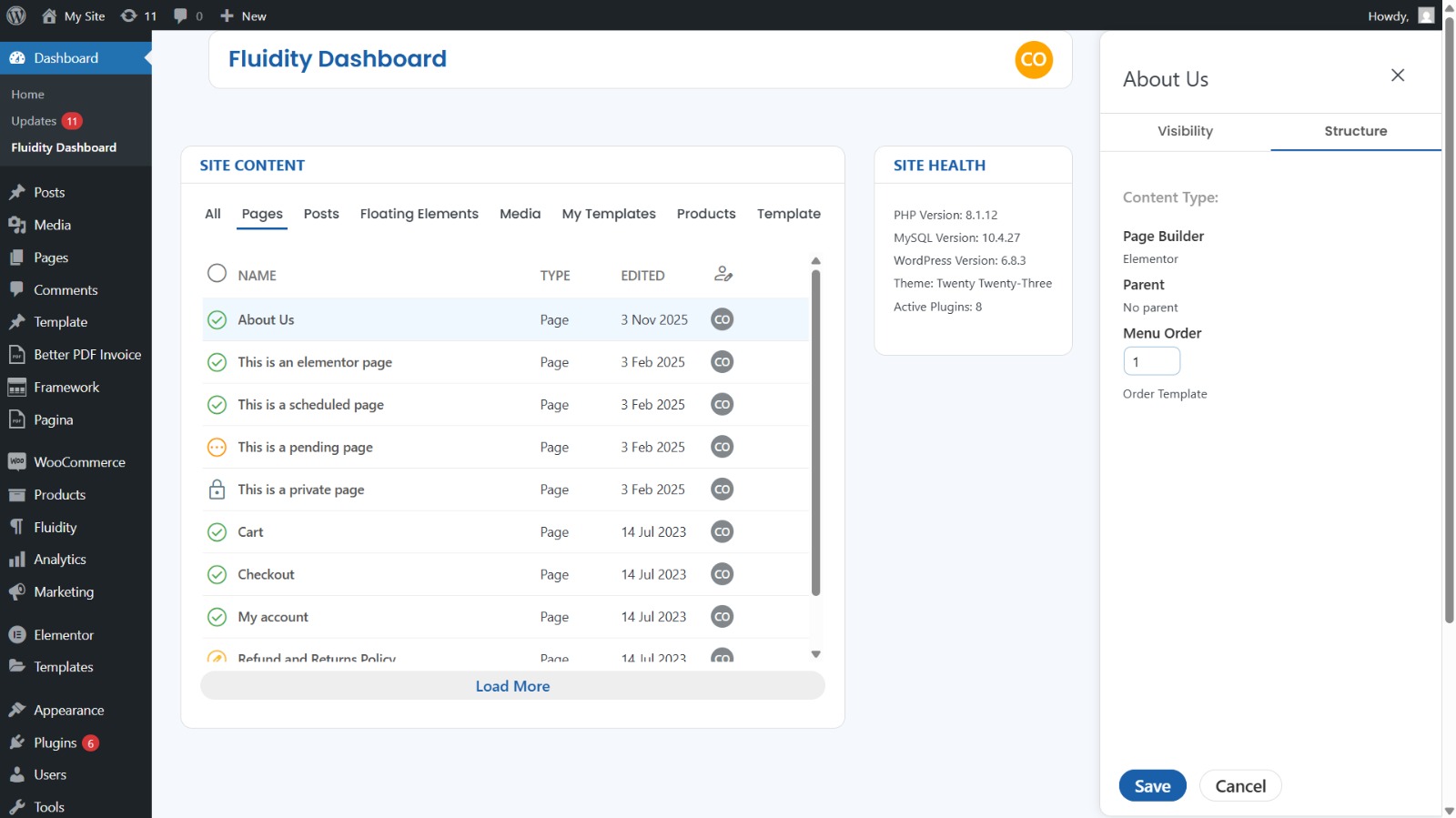
- Inline actions & quick editing: Save time on common tasks without leaving the screen.
- AJAX-first UX: Smooth updates without page reloads.
- Privacy-first icons: Material Symbols Outlined load locally by default; you may opt into the Google CDN or disable icons entirely.
- No tracking / no ads / no nagware.
Built for WordPress standards
- Proper capability checks and nonces on all admin actions.
- Scripts and styles registered/enqueued via core APIs.
- Translatable strings (text domain:
fluidity-dashboard).
External services
This plugin does not contact external services by default.
If you opt into CDN icons (see “FAQ”), the plugin will request CSS/Font files from Google Fonts.
Installation
- Upload the plugin folder to
/wp-content/plugins/, or install it via Plugins Add New Upload Plugin. - Activate Fluidity Dashboard.
- Go to WP Admin Fluidity to use the custom dashboard.
Optional (developers): Switch icon source (local / remote / disabled) using a filter:
`php
// In a small mu-plugin or your theme’s functions.php:
add_filter( ‘vwp_dash_icons_mode’, function ( $mode ) {
return ‘local’; // ‘local’ (default), ‘remote’, or ‘disabled’
});