

Frontend Post Submission Manager Lite – Frontend Posting WordPress Plugin
Frontend Post Submission with or without Login, 5 PreDesigned Form Templates, Add Unlimited Custom Fields, Google Captcha Security, Post Notifications
Plugin info
Maintenance & Compatibility
Maintenance score
Stale • Last updated 283 days ago • 21 reviews
Is Frontend Post Submission Manager Lite – Frontend Posting WordPress Plugin abandoned?
Likely maintained (last update 283 days ago).
Compatibility
Similar & Alternatives
Explore plugins with similar tags, and compare key metrics like downloads, ratings, updates, support, and WP/PHP compatibility.
Description
Frontend Post Submission Manager Lite is a free, powerful and user-friendly Frontend Posting WordPress plugin designed to simplify the process of submitting posts directly from the frontend of your website. Whether your users are logged in or not, this plugin empowers them to create and submit posts effortlessly, enhancing user engagement and content generation on your site.
You can configure available forms with drag and drop form builder, add unlimited custom fields with various field type supports.
Frontend Post Submission Manager Lite Features
📋 Guest Post Form and Login Required Form with Drag and Drop Form Builder
Create custom submission forms effortlessly using a user-friendly drag-and-drop builder.
🛠️ Unlimited Custom Fields with Various Types
Collect diverse data with unlimited custom fields and various field types.
👁️🗨️ Frontend and Backend Display
View custom field data both on the frontend and backend for easy access.
🖌️ 5 Beautiful Pre-Designed Templates
Choose from five visually appealing templates to enhance form aesthetics.
🌐 Guest Post Support
Encourage guest contributors to submit content and expand engagement.
🔒 Secure Form Submission with Google Captcha
Protect your site from spam with secure Google Captcha integration.
📧 Admin and User Notification Configurations
Customize notifications for admin and users to stay informed.
👁️🗨️ Frontend Form Preview
Enable users to preview form entries before submission.
🔀 Redirection after Successful Submission
Redirect users to specific pages post-submission for a seamless experience.
📈 Configure Submitted Post Status
Customize post status, author, and format to align with your strategy.
🔢 Character Limit Configuration
Set character limits for content submissions.
✅ Enable/Disable Form Components
Tailor the form by enabling or disabling specific components.
🔄 Ajax Form Submission
Ensure real-time submissions with smooth Ajax form functionality.
💼 Developer Documentation Available
Access developer documentation for customizing the plugin.
📱 All Device-Friendly and Browser Compatibility
Optimized for all devices and browsers for universal accessibility.
🌐 Translation Ready
Expand your reach with translation-ready features for global audiences.
Check Frontend Post Submission Manager Features
- Create Unlimited Forms with different Restrictions
- 20+ Pre Designed Beautiful Form Templates
- Custom field with various field types
- Textfield
- Textarea
- Select Dropdown
- Checkbox
- Radio Button
- Number
- Datepicker
- File Uploader
- URL
- Tel
- Youtube Embed
- Custom Post Types Support
- Custom Taxonomies Support
- Frontend Post Management Dashboard
- Direct Image upload to Post Content Editor with or without logging in
Check all Frontend Post Submission Manager premium features here
Upgrade to PRO
Installation
- Upload the plugin files to the
/wp-content/plugins/frontend-post-submission-manager-litedirectory, or install the plugin through the WordPress plugins screen directly. - Activate the plugin through the ‘Plugins’ screen in WordPress
- Do the necessary configuration of the available forms from the Frontend Post Submission admin menu
Frequently Asked Questions
Our plugin provides you the form which you can use in the frontend through shortcode for Post Submission with or without logging in.
Yes, you can use our plugin for both Login and Without Login require forms.
Yes you can add unlimited custom fields.
No you won’t need to design the forms because we have 5 pre designed form templates
Review feed
Very good plugin.
Screenshots
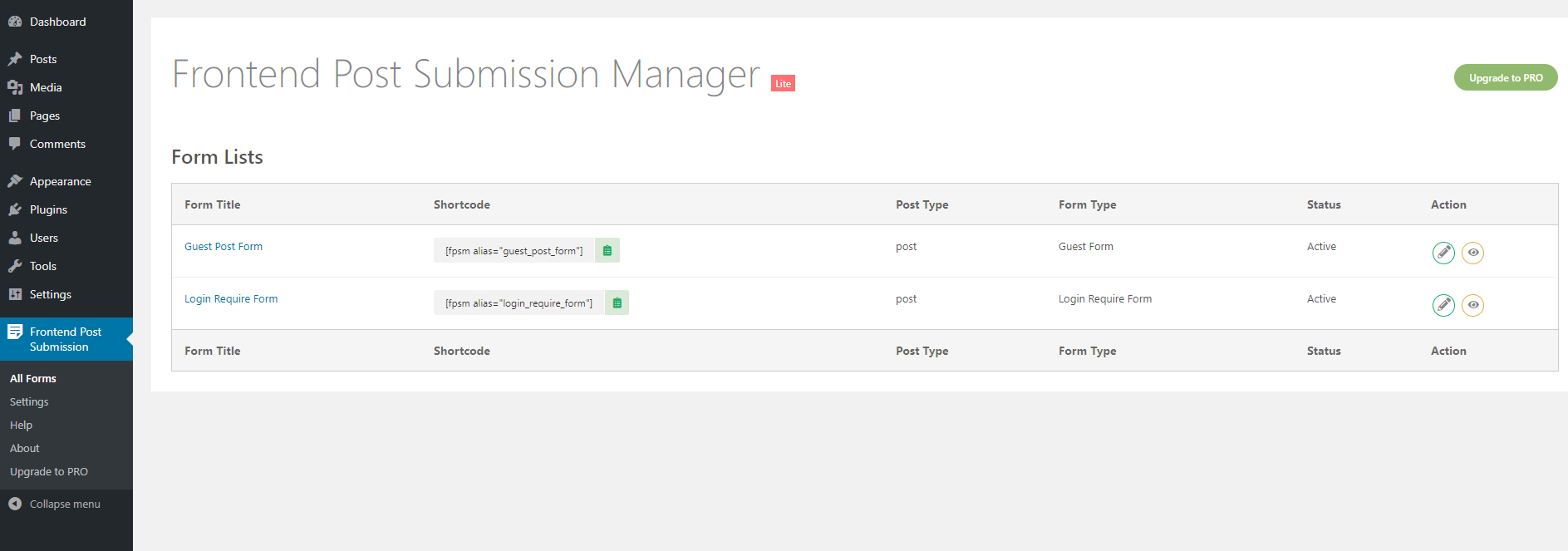
Form Lists
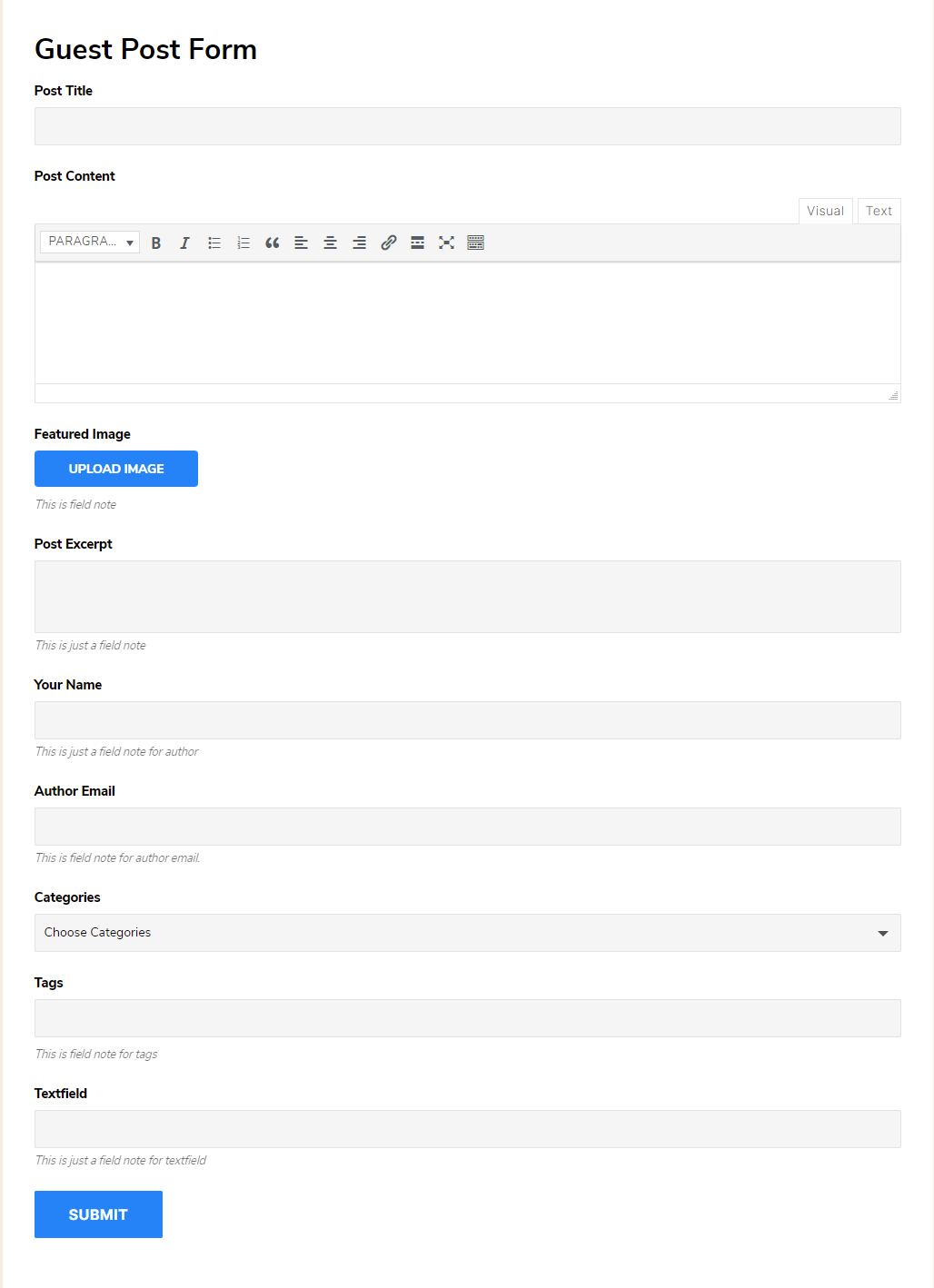
Frontend Post Submission Form Template 1

Frontend Post Submission Form Template 2
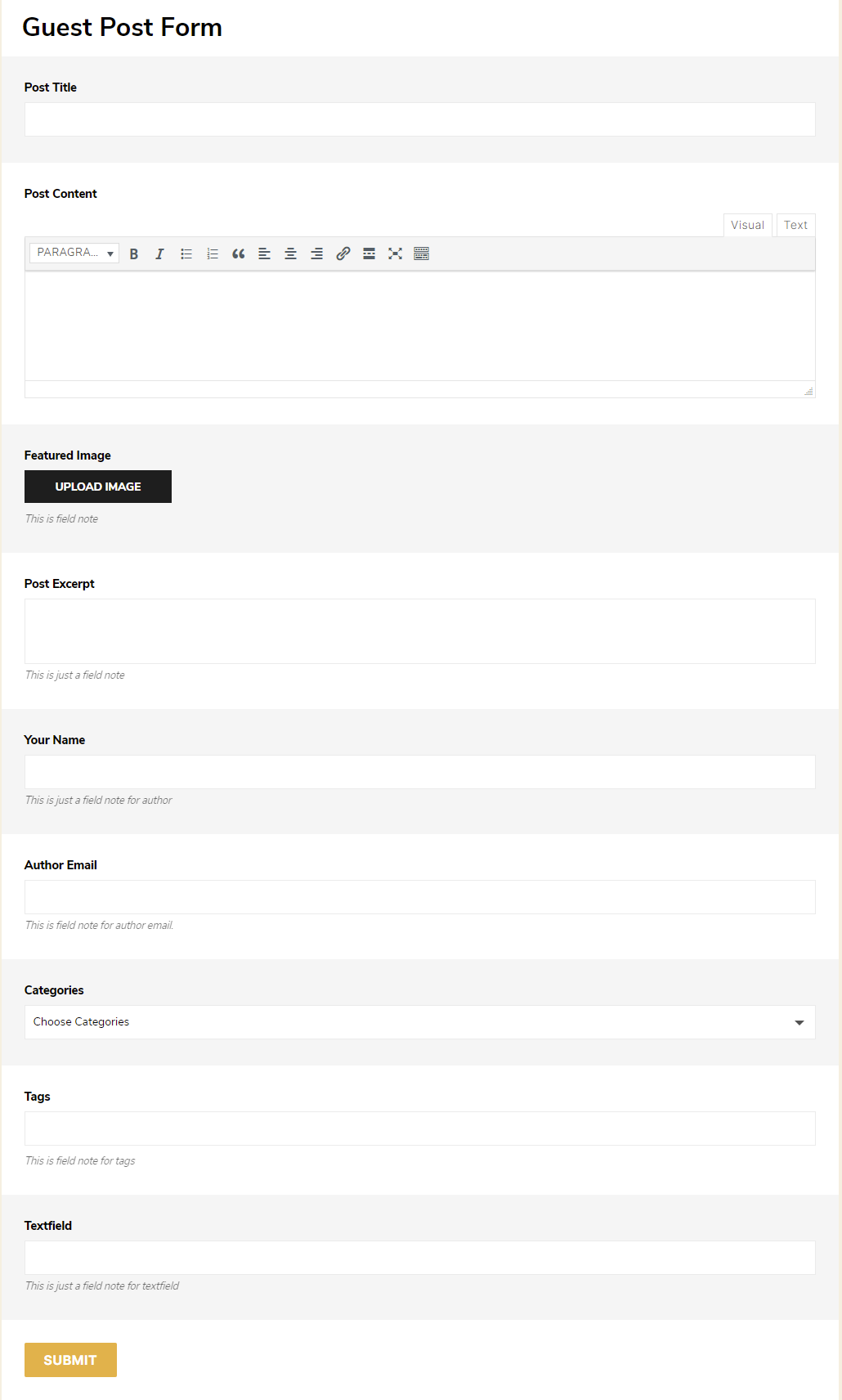
Frontend Post Submission Form Template 3
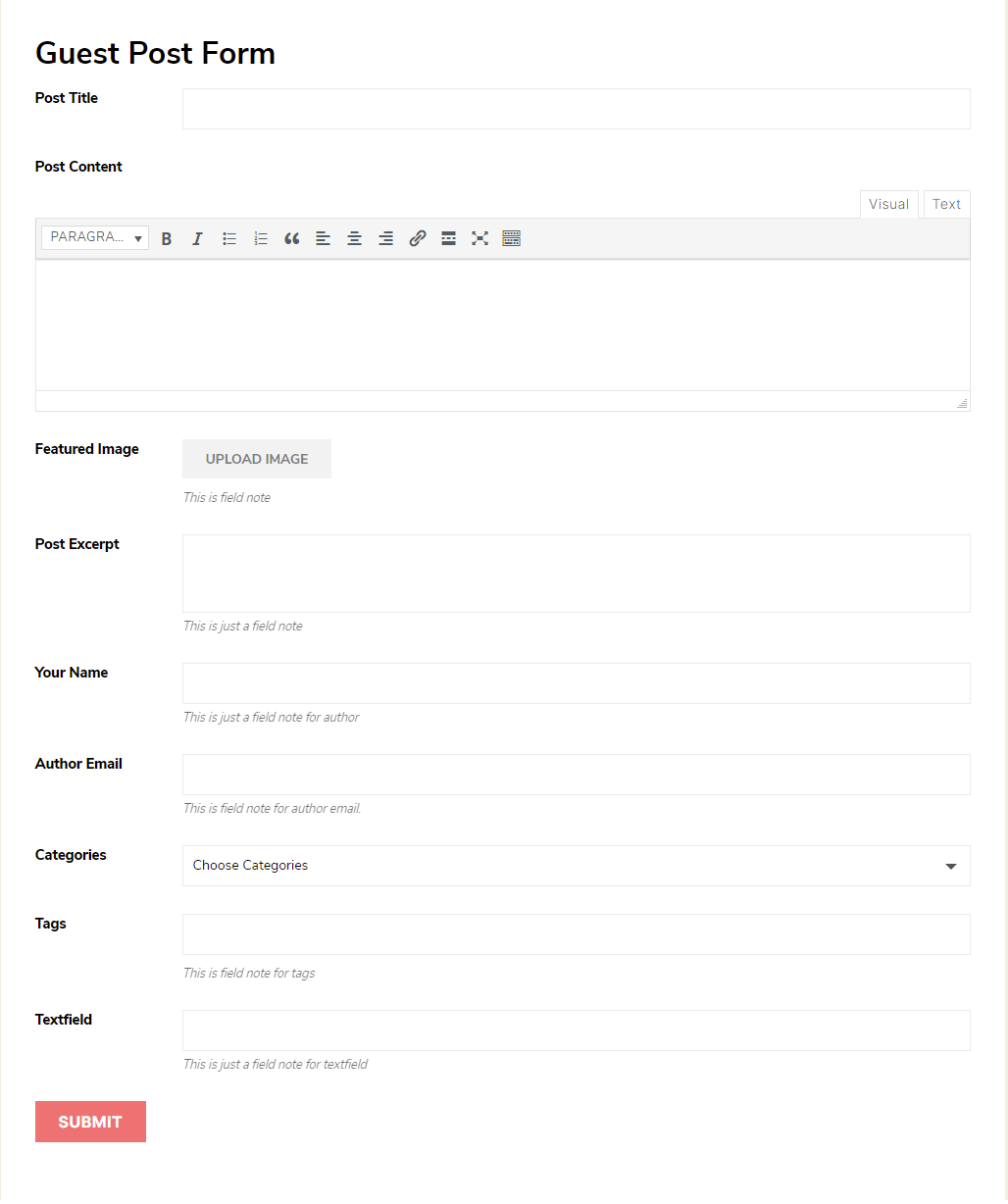
Frontend Post Submission Form Template 4
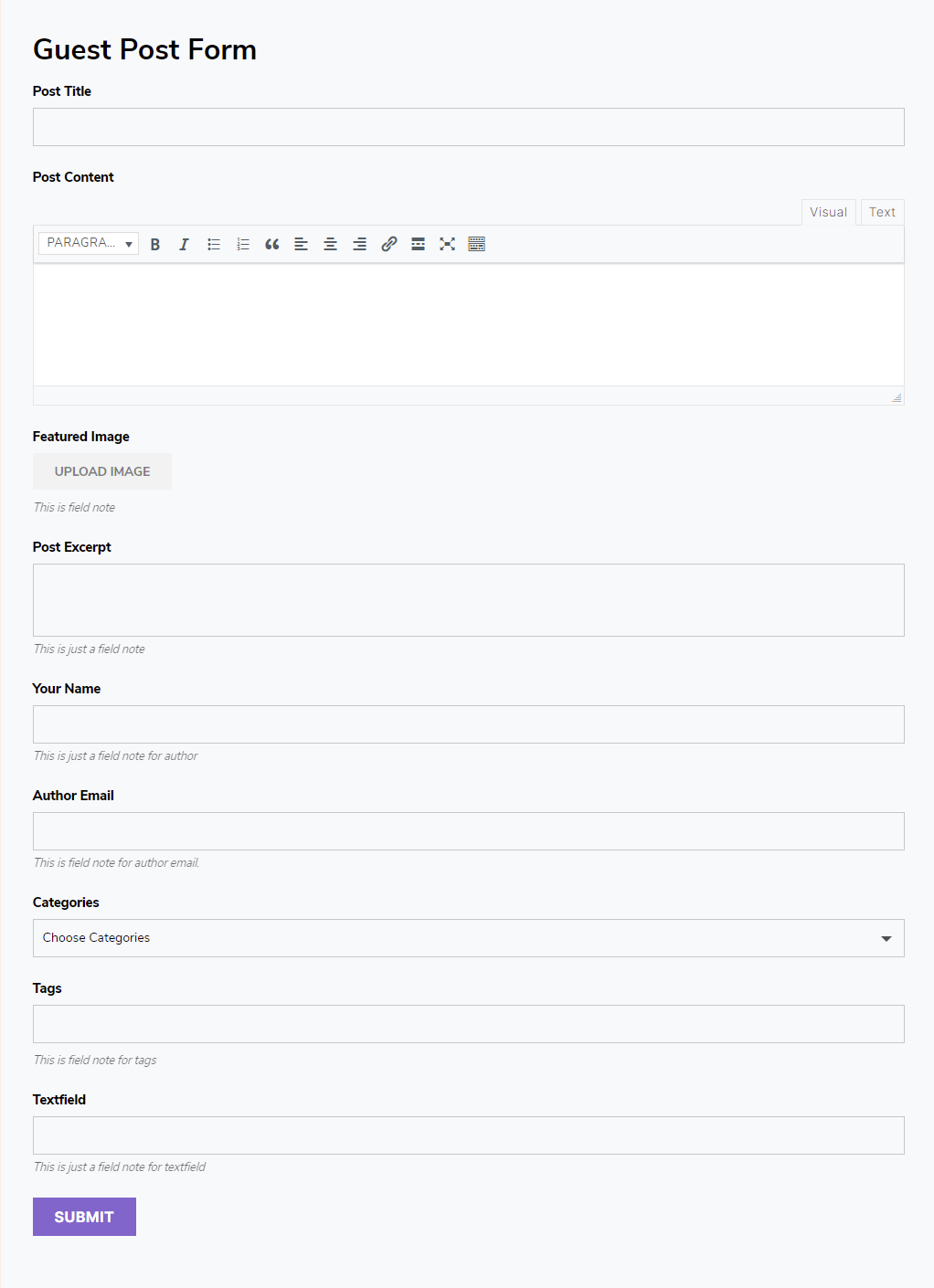
Frontend Post Submission Form Template 5
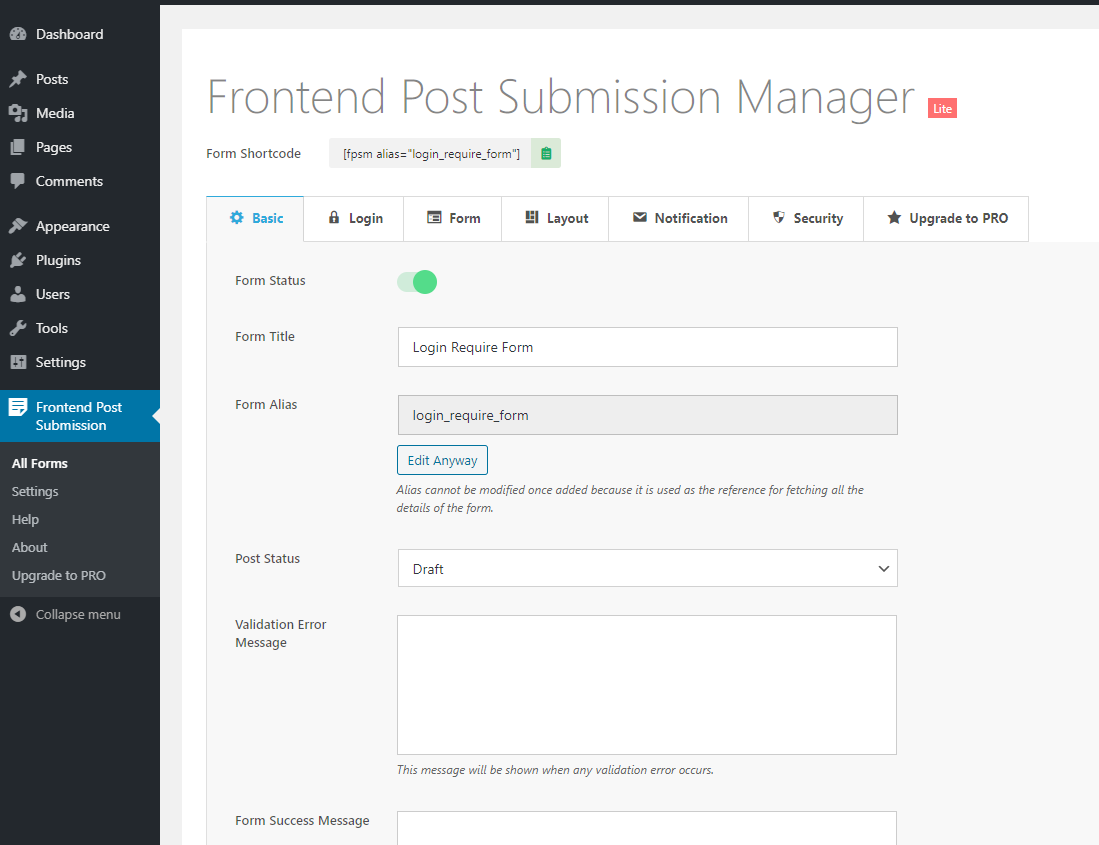
Frontend Post Submission Backend Basic Settings
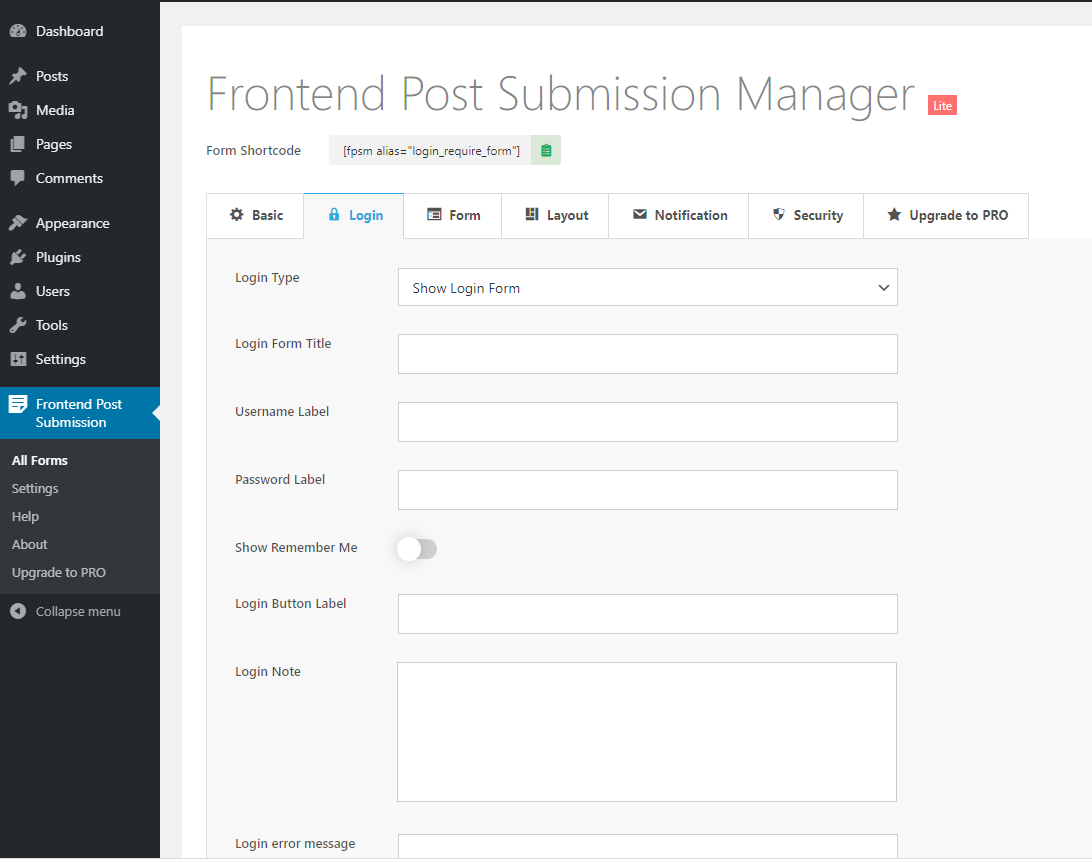
Frontend Post Submission Backend Login Settings
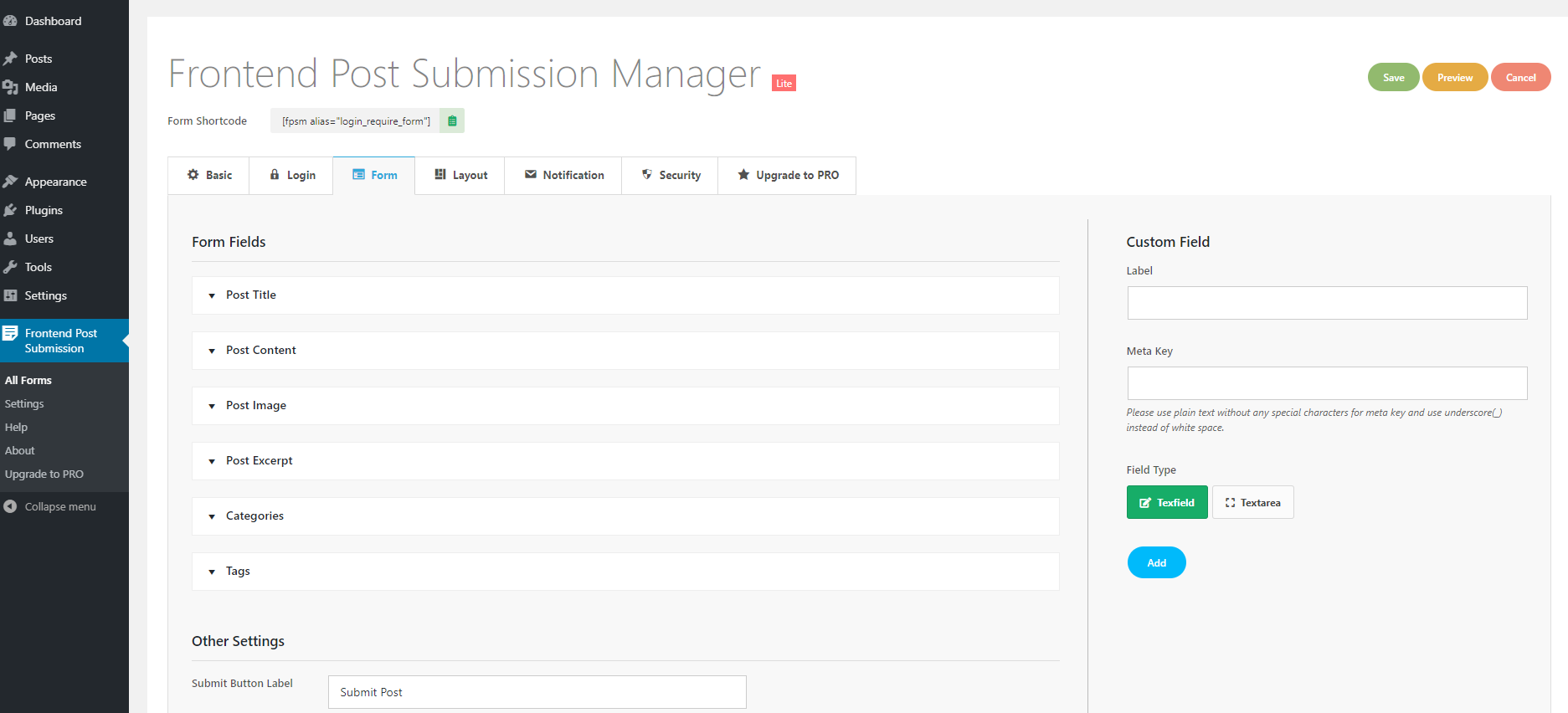
Frontend Post Submission Backend Form Settings
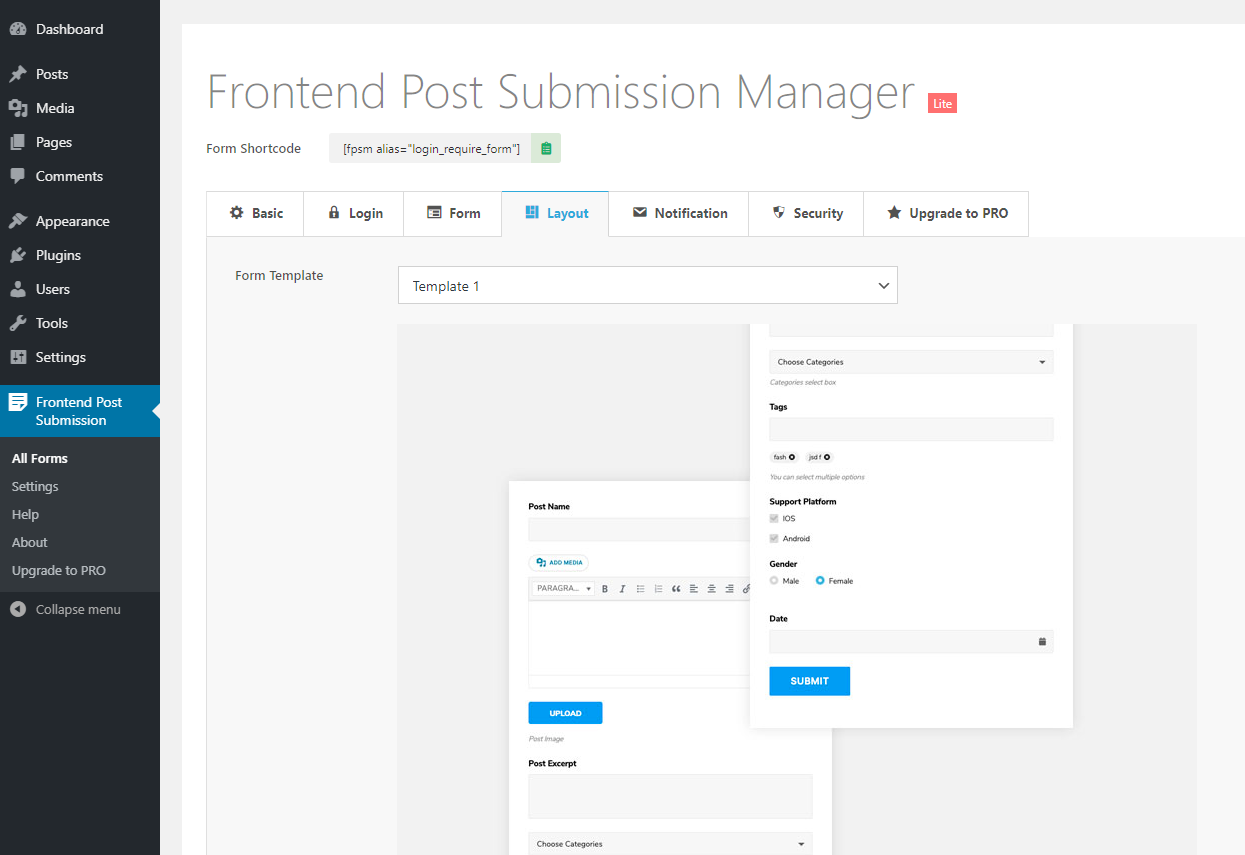
Frontend Post Submission Backend Layout Settings
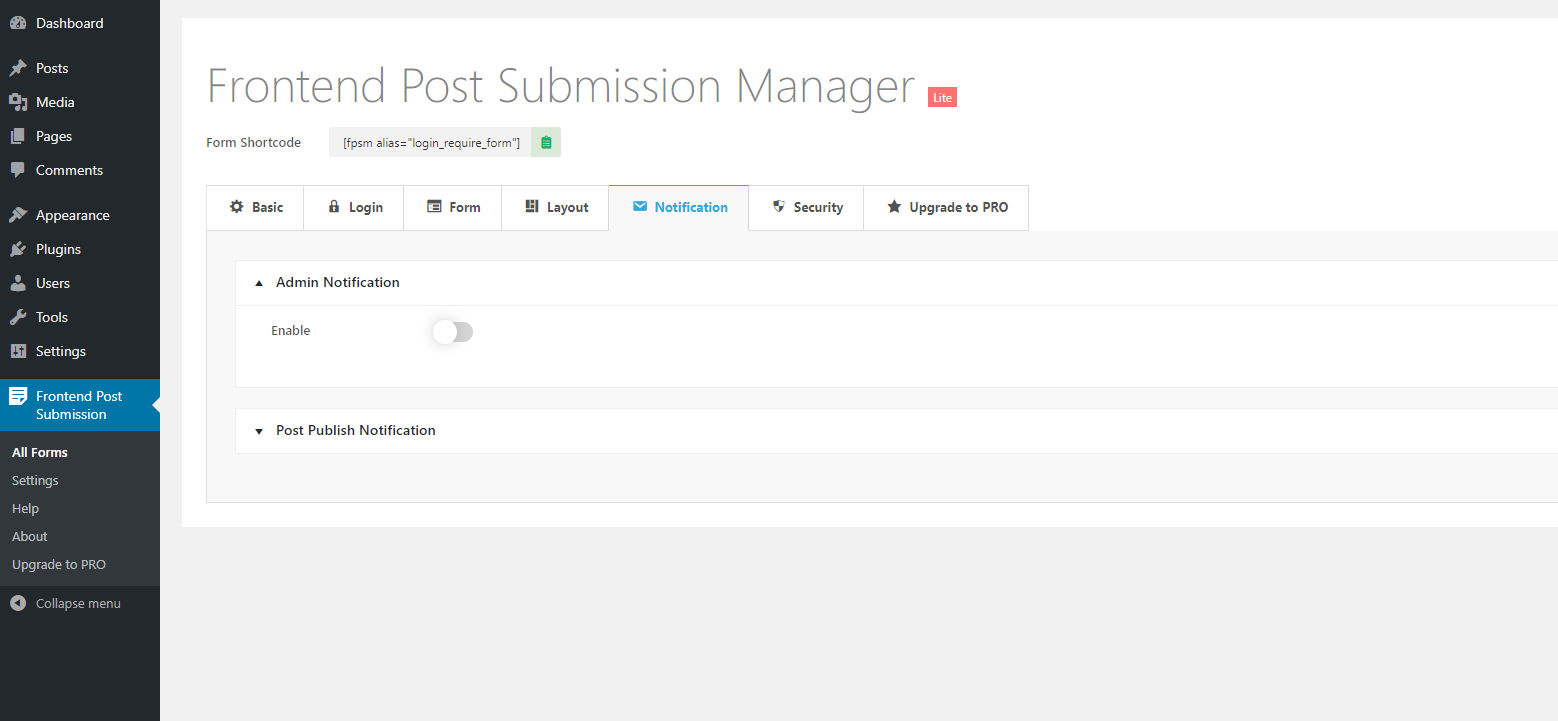
Frontend Post Submission Backend Notification Settings
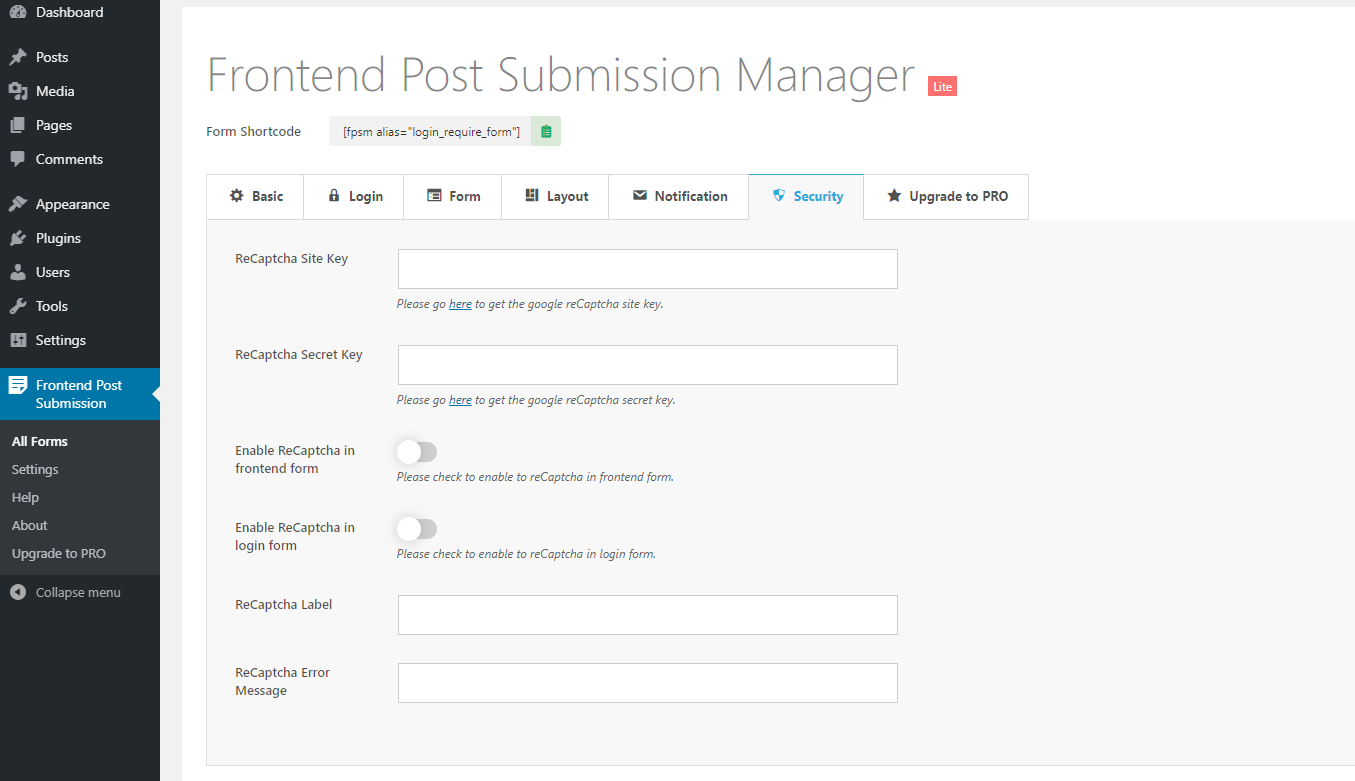
Frontend Post Submission Backend Security Settings
Changelog
1.2.5
- Fixed text domain warning message
1.2.4
- Fixed text domain warning message
- Updated upgrade images and added free vs pro comparison
1.2.3
- Fixed security vulnerability reported by Wordfence
1.2.2
- Added upgrade to pro banner
1.2.1
- Updated price in upgrade to pro section
1.2.0
- Fixed author selection issue in basic settings
- Fixed post format selection issue in basic settings
1.1.9
- Added review Notice
1.1.8
- WP 6.3 Compatibility check
1.1.7
- Fixed file upload issue
1.1.6
- Fixed post admin link for admin notification Email
- Removed unncessary files
- Fixed HTML text editor issue
1.1.5
- WP 6.2 compatiblity check
1.1.4
- WP 6.1 compatiblity check
1.1.3
- Added – support in meta key while adding custom fields
1.1.2
- Changed details in upgrade section
1.1.1
- WP 6.0 Compatiblity Check
1.1.0
- Added fpsml_submission_before_process_ajax hook before form submission ajax process
1.0.9
- PRO featured displayed in backend
1.0.8
- WP 5.9 Compatiblity Check
1.0.7
- Fixed upgrade link
1.0.6
- Fixed backend layout issues
- WP 5.8 Compatibility Check
1.0.5
- Fixed checkbox field issue for non hierarchical taxonomies
- Added editor height option for post content editor
1.0.4
- WP 5.7 compatiblity check
1.0.3
- Fixed bug for multisite
- Fixed few warnings
1.0.2
- WP 5.6 compatiblity check
1.0.1
- Updated upgrade section
1.0.0
- Initial Commit to Repository