

FullScope Bulk Page Generator
Generate multiple WordPress pages from a CSV file using an existing page as a template.
Plugin info
Maintenance & Compatibility
Maintenance score
Stale • Last updated 293 days ago
Is FullScope Bulk Page Generator abandoned?
Likely maintained (last update 293 days ago).
Compatibility
Similar & Alternatives
Explore plugins with similar tags, and compare key metrics like downloads, ratings, updates, support, and WP/PHP compatibility.
Description
The FullScope Bulk Page Generator allows you to quickly create multiple WordPress pages using an existing page as a template. Perfect for creating location pages, product pages, or any other content that follows a consistent structure.
Features
- Use any existing WordPress page as a template
- Import data from CSV files
- Support for custom URL structures through parent pages
- Yoast SEO meta description and title integration
- Preview first row before generation
- Batch processing for large datasets
- Progress tracking during page creation
How it Works
- Create a template page with placeholders like {{location_name}}, {{address}}, etc.
- Prepare your CSV file with columns matching your placeholders
- Select your template page and map CSV columns to placeholders
- Choose a parent page (optional)
- Include Yoast meta_description and meta_title (optional)
- Generate all pages automatically
CSV Requirements
Your CSV file should include columns for:
* All placeholders used in your template
* URL slug
* meta_description and/or meta_title (optional, for Yoast SEO)
Installation
- Search for “FullScope Bulk Page Generator” in the Plugins section
- Click “Install Now”
- Activate the plugin through the ‘Plugins’ menu in WordPress
- Go to FullScope Bulk Page Generator in the admin menu
- Follow the step-by-step process to generate your pages
Frequently Asked Questions
Your CSV file should be comma-delimited with headers in the first row. The headers should match the placeholders in your template.
Yes, you can preview how the first row of your CSV data will look when applied to your template.
Yes, if your CSV includes a column named ‘meta_description’, it will automatically be used for the Yoast SEO meta description.
Yes, you can select a parent page, and all generated pages will be created as child pages under it.
The plugin processes pages in batches and provides detailed error reporting if any issues occur.
define( ‘WP_DEBUG’, true );
define( ‘WP_DEBUG_LOG’, true );
define( ‘WP_DEBUG_DISPLAY’, false ); // Prevents errors from displaying on screen
Logs will be written to wp-content/debug.log
Remove these lines when you are done debugging.
Review feed
Screenshots

Select the page/post/template with the placeholders

CSV mapping interface

Additional settings

Preview first row
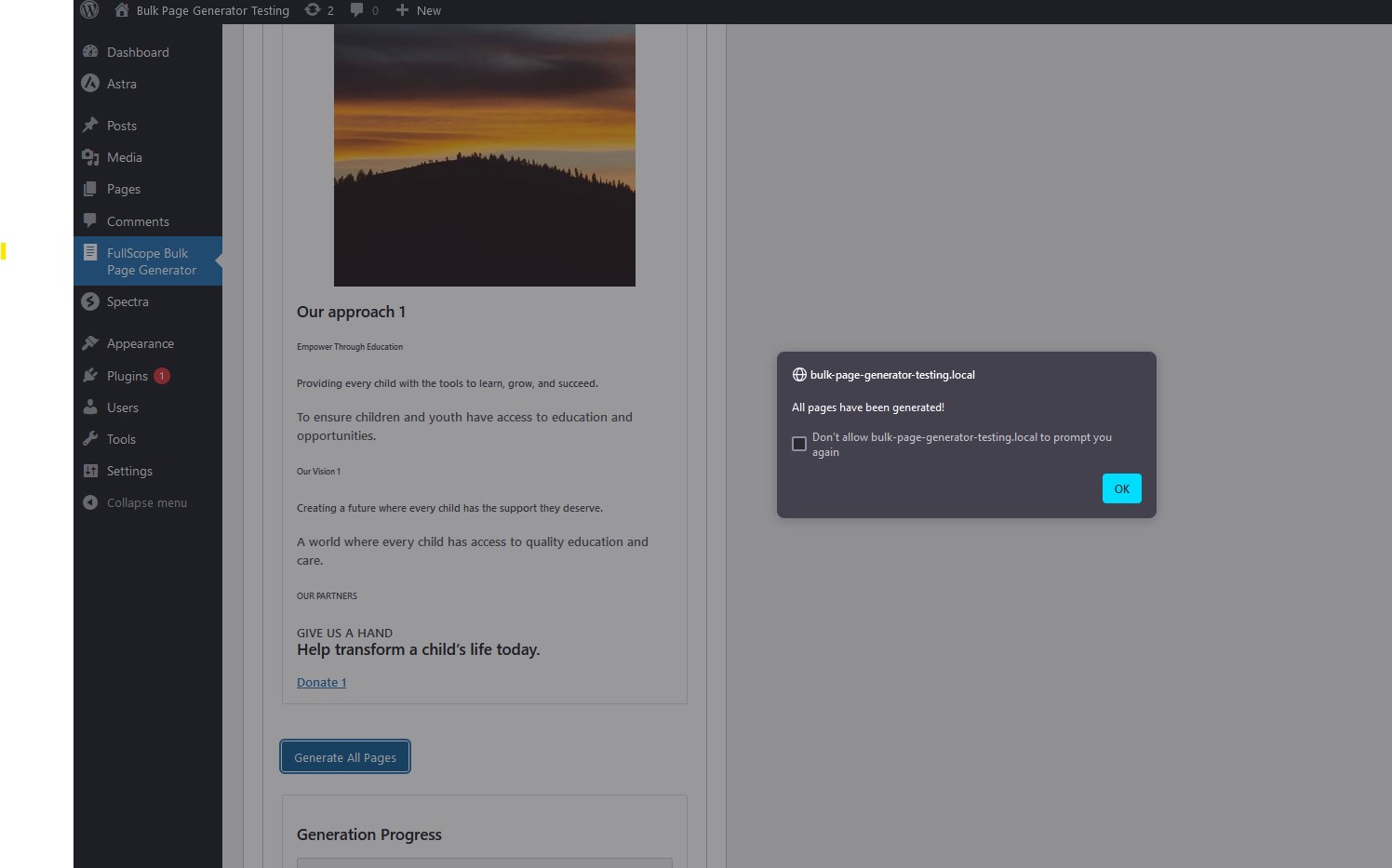
Generation confirmation

New pages nested under parent

New page frontend
Changelog
1.0.1
- WordPress 6.8 Compatibility
1.0
- Initial release