

G Meta Keywords
G Meta Keywords (GMK) is a simple but useful WordPress add-on that allows you to easily add the keyword insertion field removed from many Search Engin …
Plugin info
Maintenance & Compatibility
Maintenance score
Possibly abandoned • Last updated 2479 days ago • 9 reviews
Is G Meta Keywords abandoned?
Possibly abandoned (last update 2479 days ago).
Compatibility
Developers
Similar & Alternatives
Explore plugins with similar tags, and compare key metrics like downloads, ratings, updates, support, and WP/PHP compatibility.
Description
G Meta Keywords (GMK) is a simple but useful WordPress add-on that allows you to easily add the keyword insertion field removed from many Search Engine Optimization (SEO) enhancements for WordPress to all your content again.
Installation
Automatic Installation
Once you have entered the WordPress panel, you can automatically install the plugin by searching for “G Meta Keywords” in the “Install Add-ons” page.
Manual Installation
- Load the “g-meta-keywords” folder in the ZIP file you downloaded into the “wp-content/plugins” folder in the directory of your WordPress installation.
- From your WordPress panel, go to the “Plugins” page and activate the “G Meta Keywords” plugin.
It’s that easy! Now when you enter the edit page of any of your content, you can see the “G Meta Keywords” box at the bottom of your page.
Frequently Asked Questions
Is there a setting panel?
Yes there is.
Do you add any files to the web page (CSS, JS etc)?
No. It only adds meta key words.
I do not see GMK plugin under some content?
This is normal, as there may be different “Post Types” depending on the theme you are using. If you add these Post Types by entering the GMK plugin’s settings panel, the plugin box will appear.
Review feed
Good Job
Screenshots
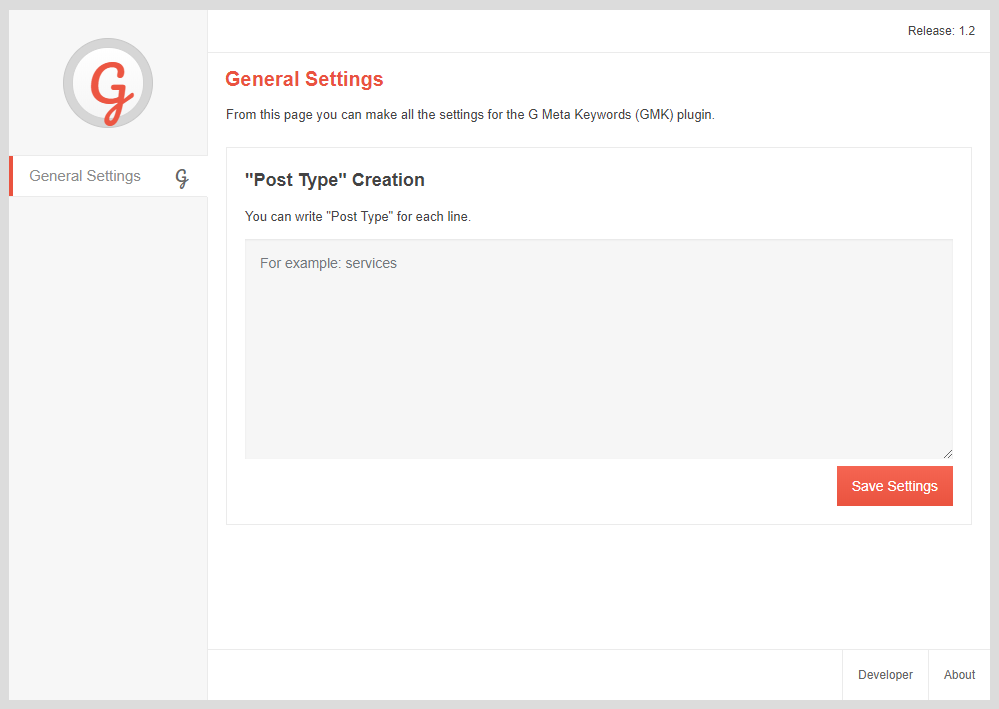
An image from the setting panel of the "G Meta Keywords" plug-in.
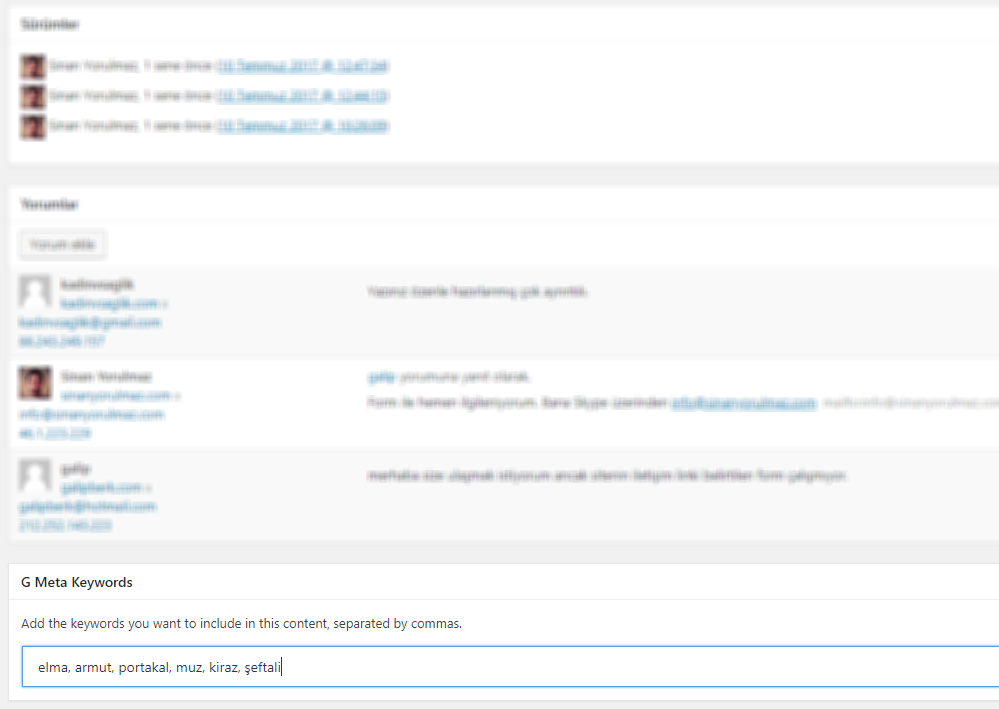
An image showing where to enter keywords.
Changelog
1.4
- Keyword entering feature was brought to categories.
- Some variable names have been edited.
- Improvements were made.
1.3
- The unnecessary lines of code in the plugin have been cleared and the code has become more stable.
- Improvements were made.
1.2
- Plug-in support for “Post Type” definitions, which vary according to the theme, has been introduced.
- Improvements were made.
1.1
- Panel added.
- Improvements were made.
1.0
- Some of the problems with URL structure of the plug-in has been fixed.