

Gallery Block by Galleryberg: Lightbox with Tiles, Masonry, Square, & Justified Layouts
A powerful and customizable gallery block for WordPress.
Plugin info
Maintenance & Compatibility
Maintenance score
Maintained • Last updated 136 days ago • Support resolved 0% • 5 reviews
Is Gallery Block by Galleryberg: Lightbox with Tiles, Masonry, Square, & Justified Layouts abandoned?
Likely maintained (last update 136 days ago).
Compatibility
Languages
Similar & Alternatives
Explore plugins with similar tags, and compare key metrics like downloads, ratings, updates, support, and WP/PHP compatibility.
Description
Galleryberg Gallery Block enhances your WordPress content creation experience with a feature-rich gallery solution for the block editor. Create stunning image galleries with multiple layout options and built-in lightbox functionality.
Key Features
- Multiple Gallery Layouts – Choose from tiles, square, masonry, or justified layouts to best showcase your images
- Responsive Design – Adjustable column counts that adapt beautifully to any screen size
- Built-in Lightbox – Professional lightbox with zoom effects, keyboard navigation, and touch support
- Advanced Image Controls – Individual image customization including borders, captions, and aspect ratios
- Performance Optimized – Server-side rendering ensures fast page loads
- Accessibility Ready – Proper ARIA labels and keyboard navigation support
Layout Options
- Tiles Layout – Classic grid layout with consistent spacing
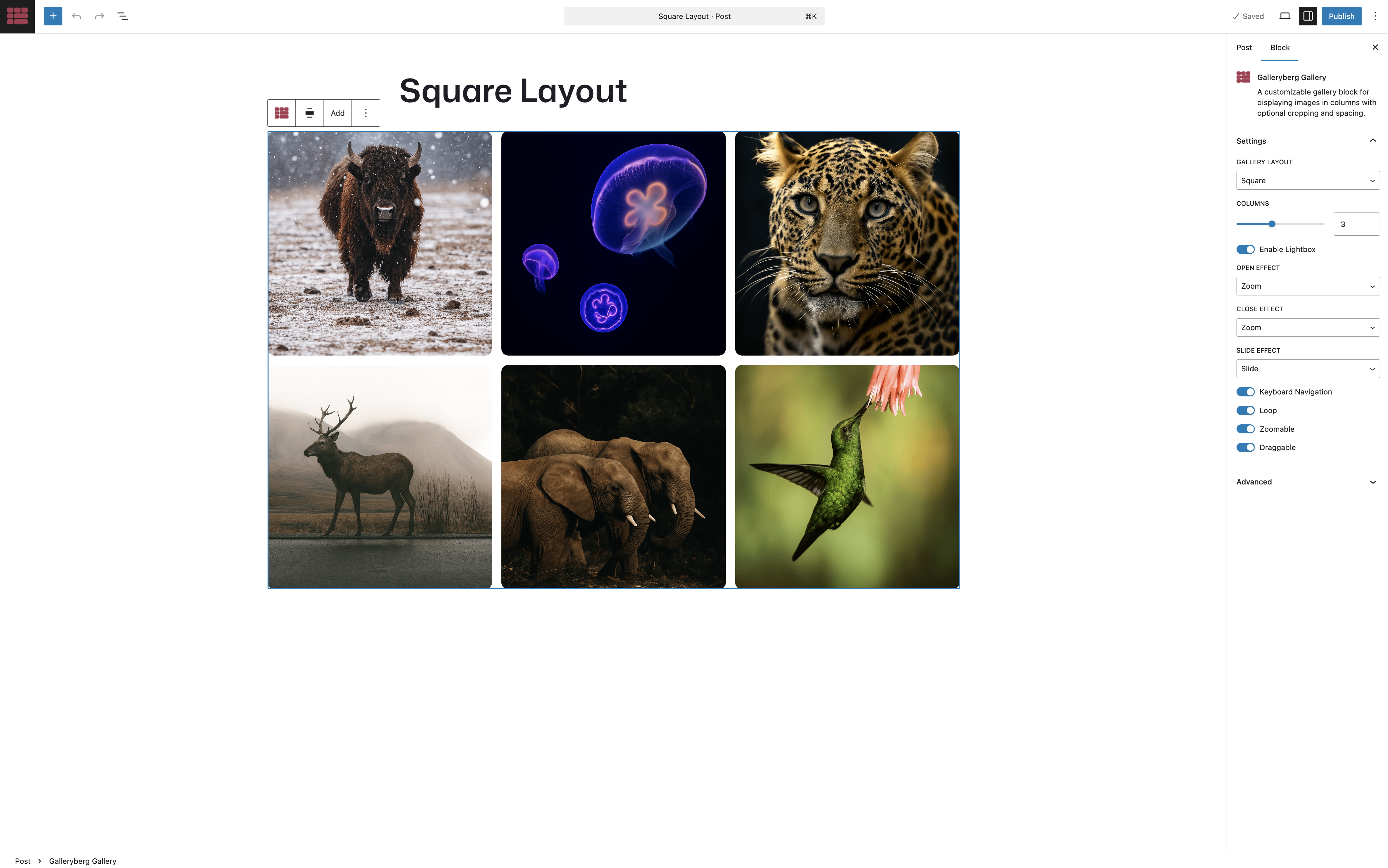
- Square Layout – Perfect square image containers
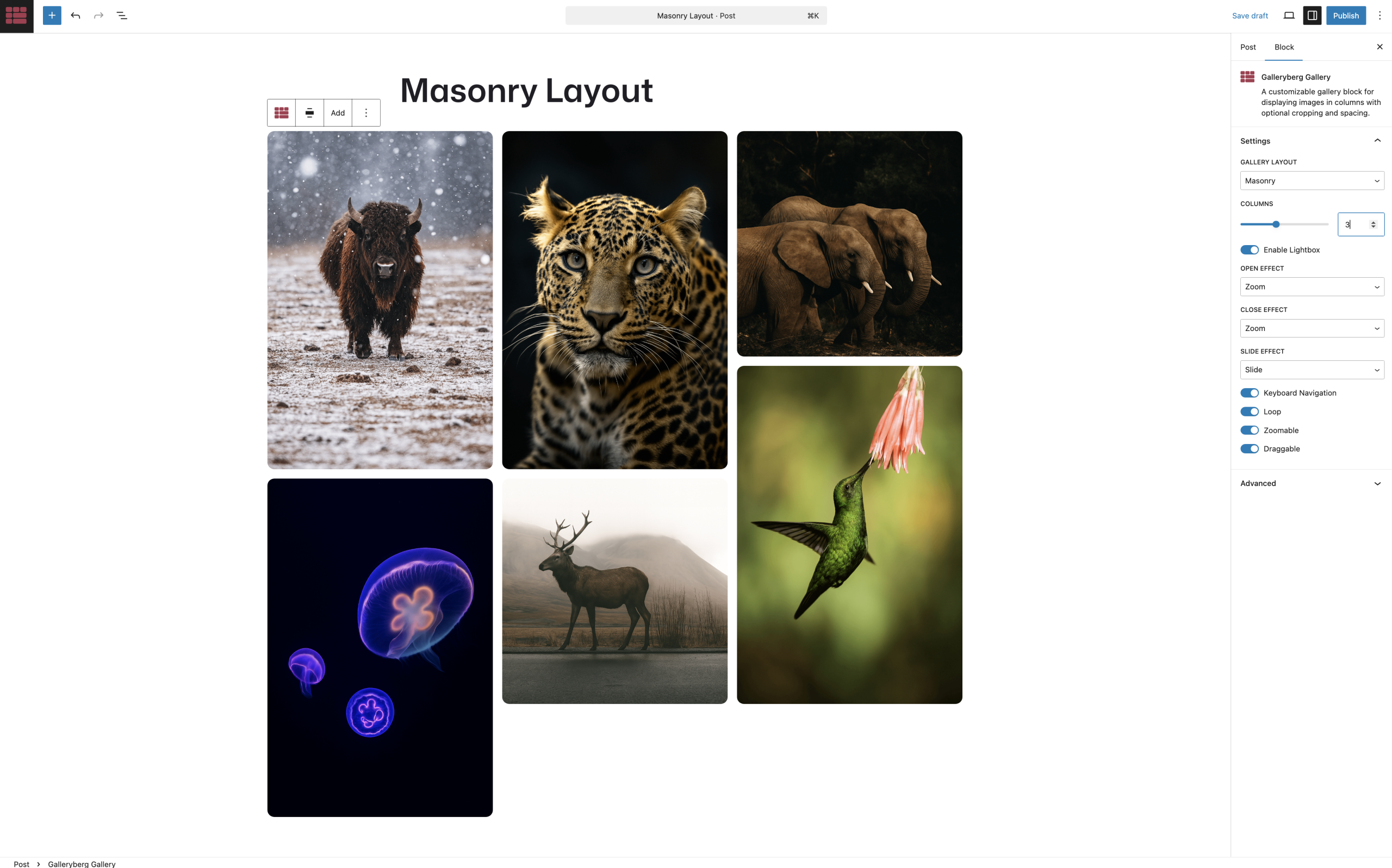
- Masonry Layout – Pinterest-style layout that maximizes space usage
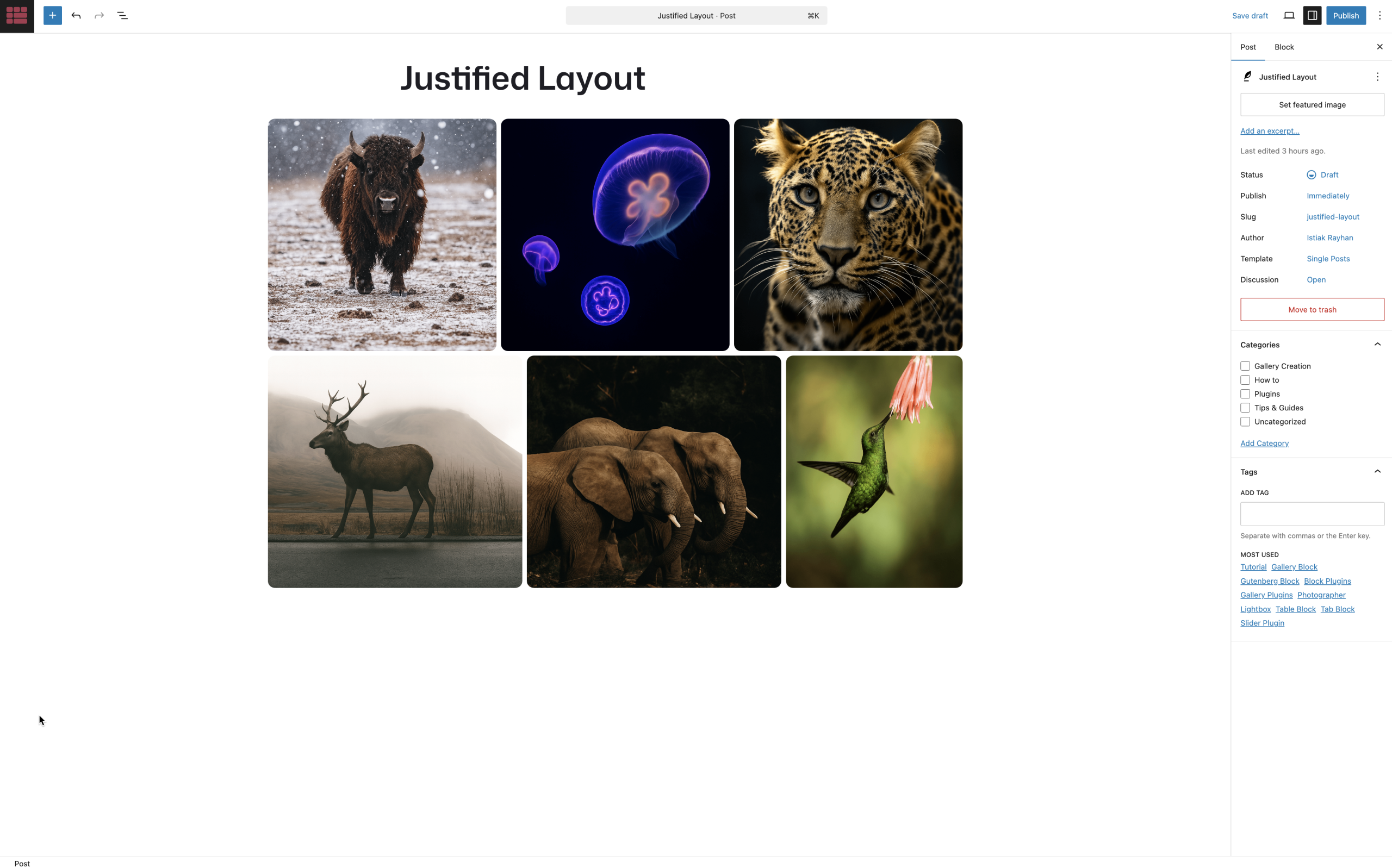
- Justified Layout – Rows of images with equal heights
Customization Options
- Adjustable number of columns (1-8)
- Custom spacing between images
- Image cropping toggle
- Caption display options
- Border and border-radius controls
- Multiple image size options
- Duotone filter support
- Custom link destinations
Lightbox Features
- Smooth zoom open/close effects
- Slide navigation between images
- Keyboard navigation (arrow keys, ESC)
- Touch-friendly on mobile devices
- Loop functionality
- Image zoom capability
- Draggable images
This plugin uses GLightbox for its lightbox functionality.
Privacy
This plugin does not collect or store any personal data. All images and settings are stored locally in your WordPress database.
Installation
Automatic Installation
- Log in to your WordPress dashboard
- Navigate to Plugins Add New
- Search for “Galleryberg Gallery Block”
- Click “Install Now” and then “Activate”
Manual Installation
- Download the plugin ZIP file
- Upload the plugin files to the
/wp-content/plugins/galleryberg-gallery-blockdirectory - Activate the plugin through the ‘Plugins’ screen in WordPress
After Activation
- Create or edit a post/page
- Click the “+” block inserter button
- Search for “Galleryberg Gallery”
- Add the block and start building your gallery
Frequently Asked Questions
After installing the plugin, simply add the Galleryberg Gallery block to any post or page, then click “Upload” or “Media Library” to add your images.
Yes! You can adjust the number of columns from 1 to 8 in the block settings sidebar. The gallery will automatically adapt for smaller screens.
Absolutely! The lightbox is fully responsive and includes touch support for swiping between images on mobile devices.
Yes, you can disable the lightbox feature in the block settings if you prefer images to open in a new tab or not be clickable.
The plugin supports all WordPress registered image sizes including thumbnail, medium, large, and full size. You can select your preferred size in the block settings.
Yes, each image can have its own caption. You can toggle caption display on or off for the entire gallery.
The plugin is designed specifically for the WordPress block editor (Gutenberg) and works seamlessly with it. It may not be compatible with other page builders.
Yes, the plugin generates semantic HTML with appropriate classes that you can target with custom CSS for further customization.
Review feed
Great plugin for creating awesome images
Screenshots
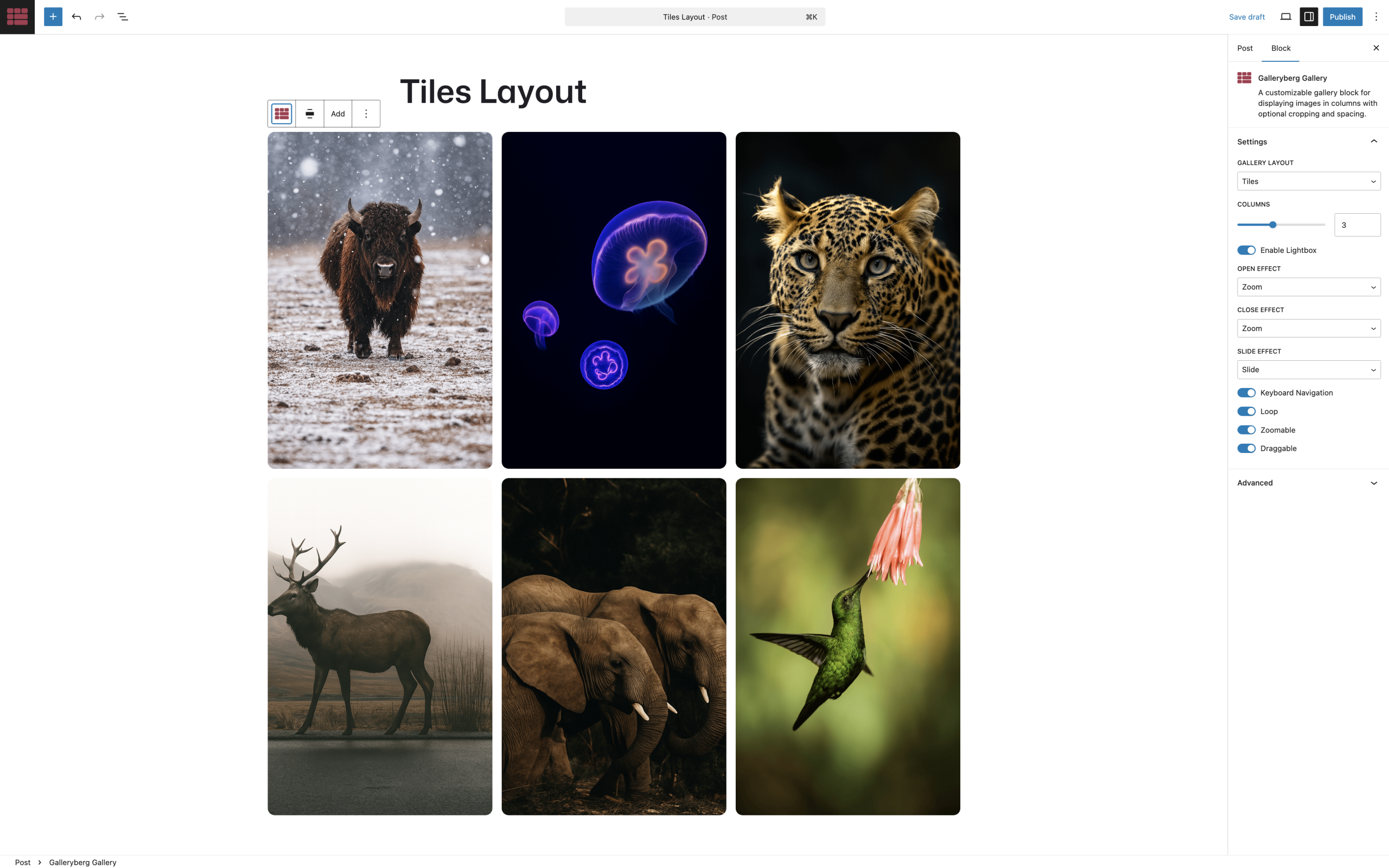
Gallery block in the editor showing layout options and settings
Tiles layout example with 3 columns
Masonry layout showcasing irregular image sizes
Justified layout with perfect row alignment
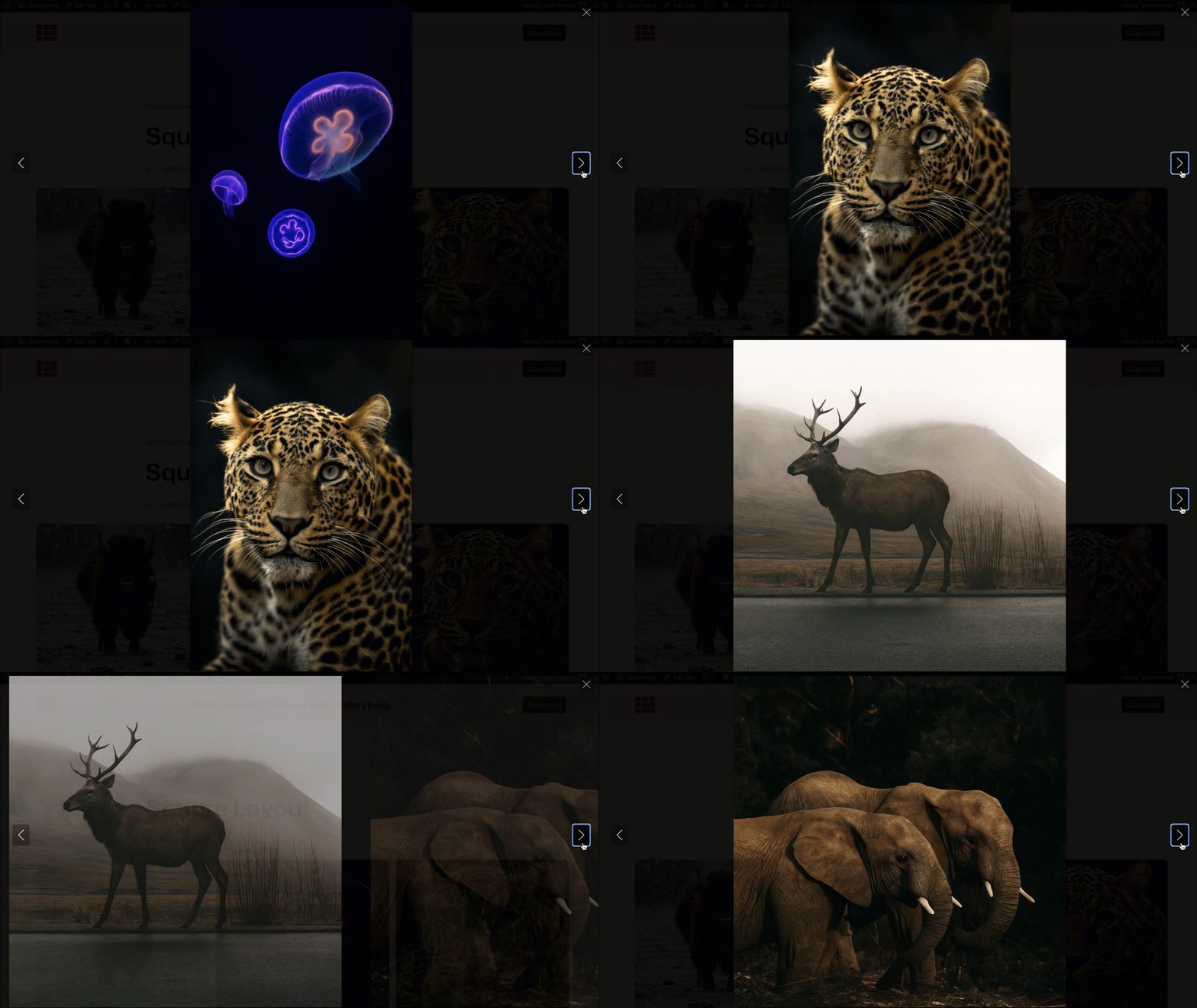
Lightbox view with navigation controls
Changelog
1.0.7
- PRO: FIX: Enhanced security checks and implemented fixes
1.0.6
- NEW: Galleryberg Gallery Block Pro is now publicly available with advanced features and layouts.
1.0.5
- NEW: Caption type options including below image, full overlay, and bar overlay.
- NEW: Advanced caption visibility controls with always visible, show on hover, and hide on hover options.
- NEW: Advanced caption alignment with positioning matrix for overlay captions and left/center/right options for below captions
- IMPROVE: Enhanced gallery controls with improved user interface
1.0.4
- NEW: Border radius control for all images in gallery block.
- NEW: Transform support from core/gallery to galleryberg/gallery block.
- IMPROVE: Separate row and column gap options.
1.0.3
- FIX: Alignment left and right not working properly.
- NEW: Gallery background color option.
- NEW: Block Spacing option.
- NEW: Gallery Padding and margin option.
- NEW: Gallery border and border radius option.
1.0.2
- IMPROVE: Compatibility with Classic Themes.
1.0.1
- FIX: External script issue.
1.0.0
- Initial release