

Plugin info
Maintenance & Compatibility
Maintenance score
Stale • Last updated 321 days ago • 2 reviews
Is Gift Message for WooCommerce abandoned?
Likely maintained (last update 321 days ago).
Compatibility
Similar & Alternatives
Explore plugins with similar tags, and compare key metrics like downloads, ratings, updates, support, and WP/PHP compatibility.
Description
Developed by PowerfulWP | Premium | Documents
- The images include premium features.
Gift Message
The Gift Message for WooCommerce plugin lets you add a gift message to your wooCommerce checkout page.
Your customers can write a gift message for their orders, and you can easily copy the gift message in the admin panel.
Your customers will view the gift messages on order thank you page and emails. The store owner will view it on the admin panel.
This plugin is handy to any wooCommerce store that wants to give customers a better user experience in adding gift messages to the order on the checkout page.
Premium Features
Gift Message for WooCommerce Premium includes the following additional features:
- Add occasions to your wooCommerce checkout page.
- 25 occasions to choose from on the checkout page.
- Occasions manager – you can update, delete and add many occasions as you want.
- Gift message suggestions for your customers on the wooCommerce checkout page.
- 72 New Gift Message Suggestions sorted by occasion.
- Gift message suggestions manager – you can update, delete and add many gift message suggestions as you want.
- Admin can copy the gift message with one click.
- Admin can select where to show the gift message on the checkout page.
- Gif message column on the admin panel orders page, copied with one click.
- Gif message cards – Let your customers buy a gif message card at the checkout page.
Installation
- Make a backup of your website and database
- Download the plugin
- Upload the plugin to the wp-content/plugins directory,
- Go to “plugins” in your WordPress admin, then click activate.
- You will now see the Gift Message option on your left navigation bar.
- On the general setting page, you can select if the Gift message field is required and set the maximum length of the gift message.
Frequently Asked Questions
Not at all. This plugin is straightforward to use.
Review feed
Screenshots
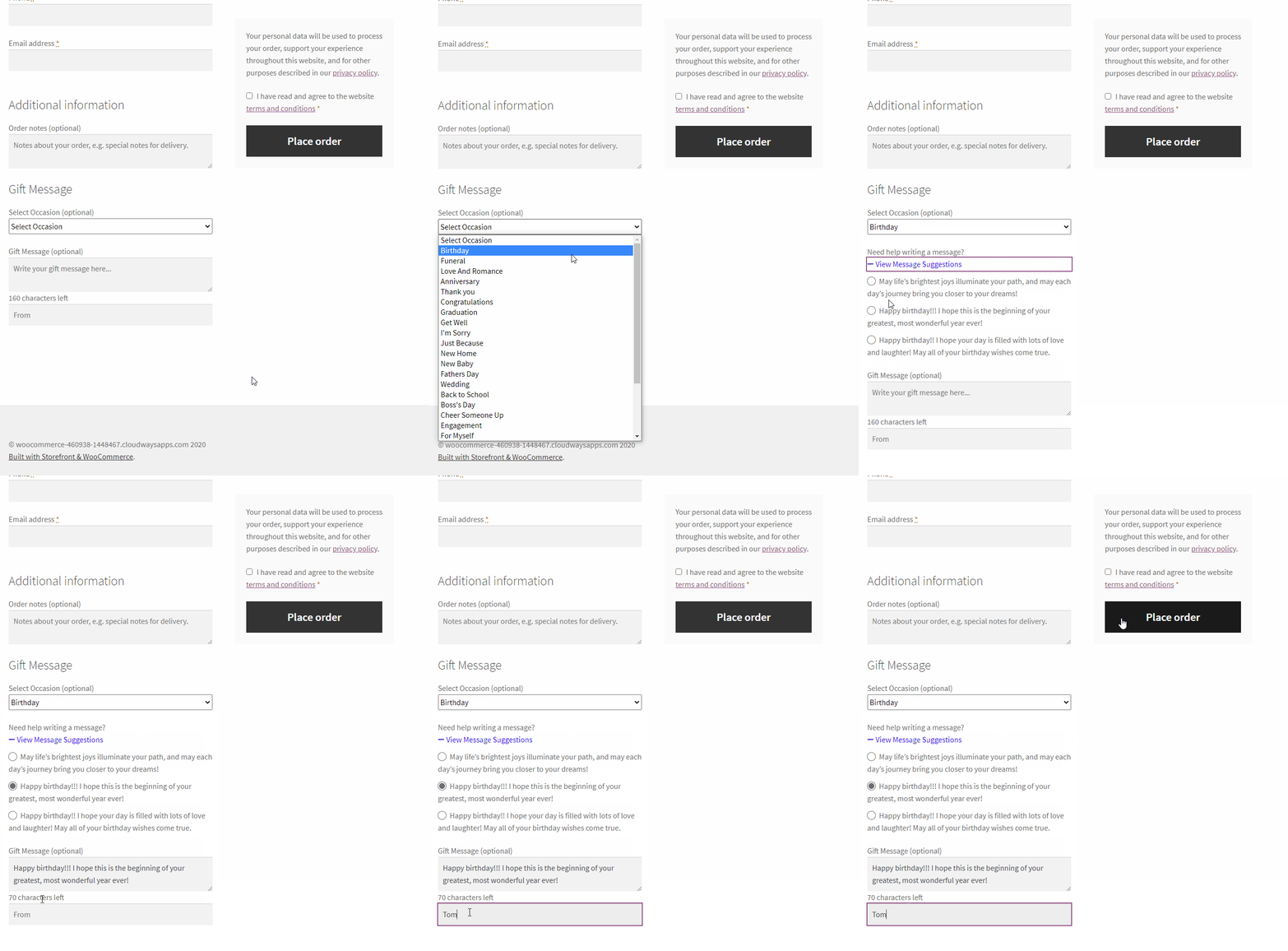
Premium - Gift message and occasion.
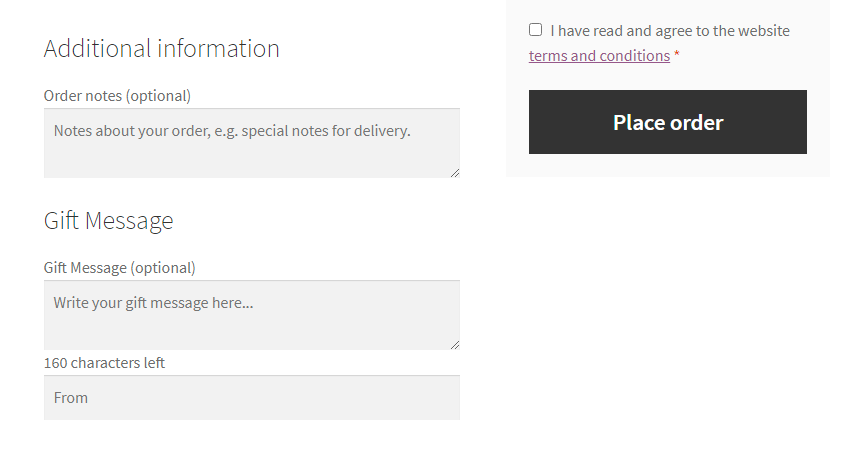
Gift message field in wooCommerce checkout page.
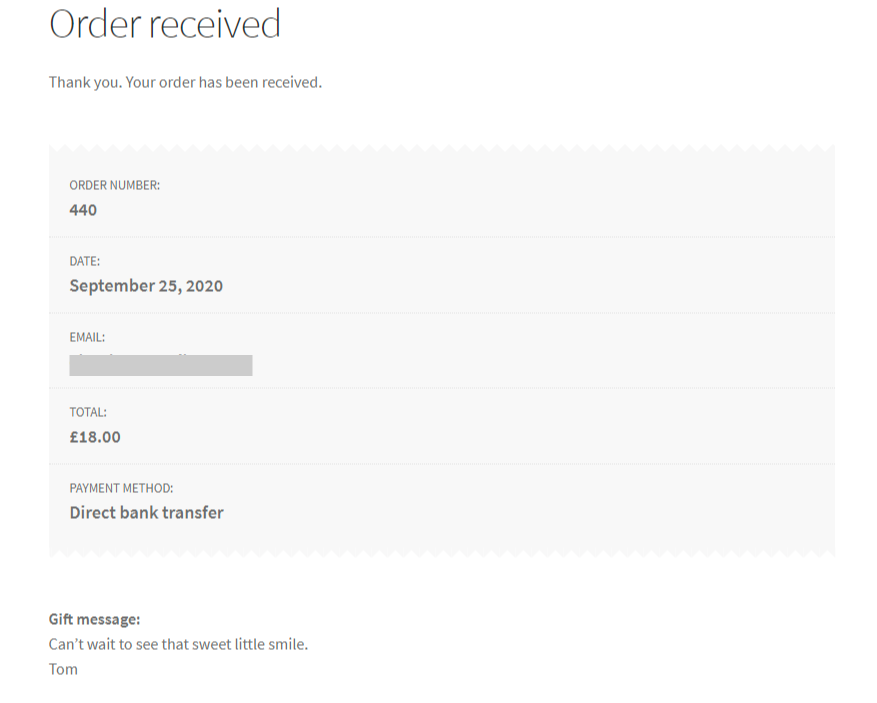
Gift message in the thank you page.
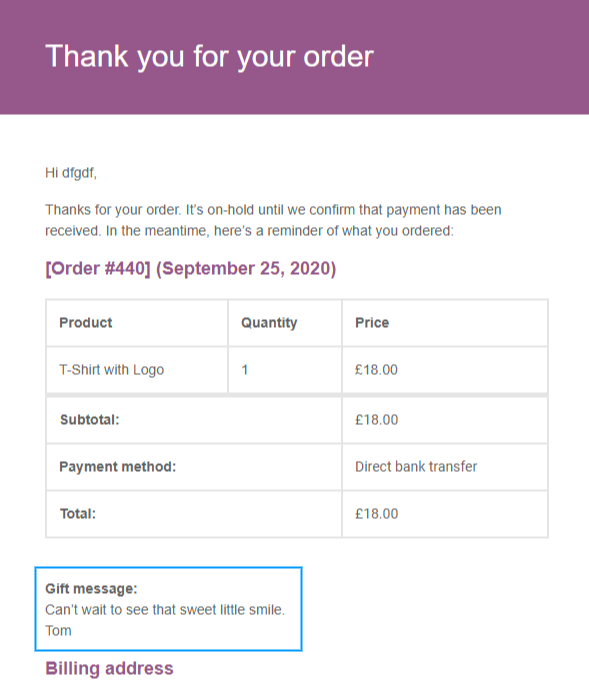
Gift message in email.

Gift Message in the admin order page.
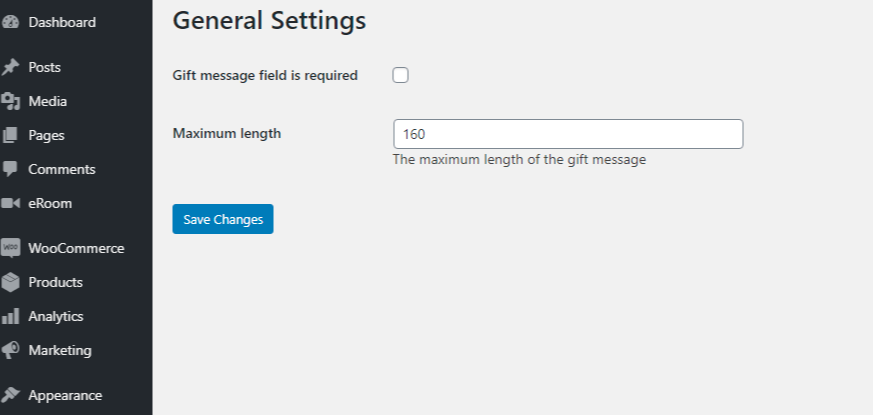
Gift Message settings.

Gift Message cards.
Changelog
1.0.0
- Initial release.
1.1.0
- Fix style
- Add New SDK
1.2.0
- Add default value for empty characters length
- Add Premium – Where to show the gift message in the checkout.
1.3.0
- Add gift message form to admin order page.
1.4.0
- Add WC version.
- Add freemius SDK version.
1.5.0
- Add WordPress 5.8 support.
= 1.6.0
* Fix: Freemius SDK security fix.
1.7.1
- Tweak: Premium – Gif message column added to the admin panel orders page, copied with one click.
- Tweak: Premium – Gif message cards – Let your customers buy a gif message card at the checkout page.
1.7.3
- Tweak: Premium – Gif message fee.
- Add: Freemius SDK version 2.5.4.
- Add: WordPress version 6.1 support.
- Add: New settings option – enable gift message on checkout setting option.
- Add: Premium – New settings option – enable gift message suggestions on checkout.
- Add: Premium – Occasion list in alphabetical order.
1.7.4
- Add: Freemius SDK version 2.5.5.
- Fix: remove_from_cart function.
1.7.5
Add: Latest Freemius SDK.
1.7.6
- Update: Freemius SDK to version 2.6.2
- Tweak: Added support for WooCommerce Hook-Point Order Storage (HPOS) to ensure compatibility with the latest WooCommerce features.
- Changed: Removed the Checkout Gift Message From field for a streamlined checkout process.
1.7.7
- Fix: Translation.
- Update: Freemius SDK to version 2.7.2
1.7.8
- Fix: Security fix.
- Update: Freemius SDK to version 2.10.1
1.7.9
- Update: Freemius SDK version