

Google Photos Gallery with Shortcodes
The best Google Photos Gallery plugin to display your Google Photo Albums on your WordPress blog. It is fully responsive and looks awesome.
Plugin info
Maintenance & Compatibility
Maintenance score
Possibly abandoned • Last updated 939 days ago • 42 reviews
Is Google Photos Gallery with Shortcodes abandoned?
Possibly abandoned (last update 939 days ago).
Compatibility
Similar & Alternatives
Explore plugins with similar tags, and compare key metrics like downloads, ratings, updates, support, and WP/PHP compatibility.
Description
The best Google Photos Gallery plugin to display your Google Photo Albums on your WordPress blog. It is fully responsive and looks awesome. Google Photo Gallery is based on Google Photos API. Use the plugin to display your Google Photo Albums on your WordPress blog. Using the shortcodes it is simple to embed your albums. Images in album are displayed in a lightbox.
- See plugin example Google Photos Albums in Google Photos Albums
Credits
- Lightbox2 (http://lokeshdhakar.com/projects/lightbox2)
Installation
- Unzip into your
/wp-content/plugins/directory - Activate the plugin through the ‘Plugins’ menu in WordPress
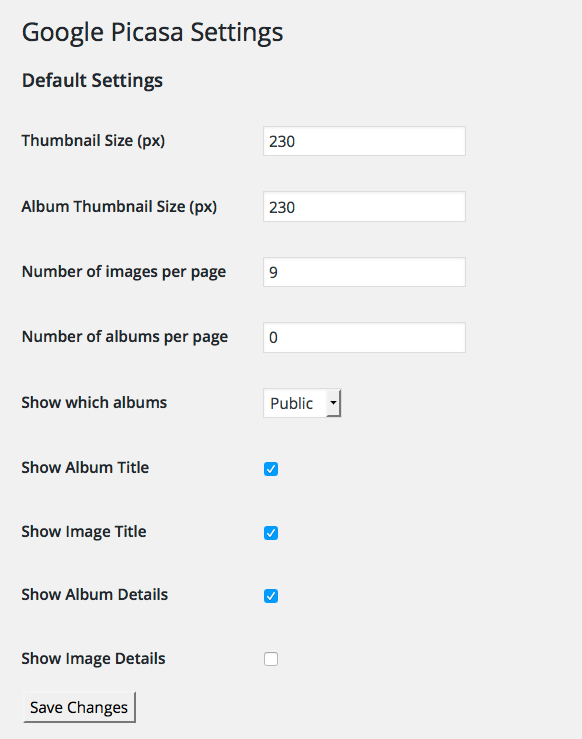
- Make your settings, Admin->Google Photos->Settings
- Use the ‘Display Album’ shortcode [cws_gpp_albums_gphotos] on a page of your choice.
- To display the album’s images place the shortcode, [cws_gpp_images_in_album_gphotos] on a page
- Update the shortcode used in step 4 to include the result_page option. [cws_gpp_albums_gphotos results_page=’page-slug-here’]
Frequently Asked Questions
Simple select “Public” option from the ‘Show which albums’ dropdown menu.
Yes this plugin works with images and albums stored and created in Google Photos too.
Yes this is an option on the Pro version
Log in to you web host and check the cache/ folder is writable by the web server.
Review feed
Screenshots
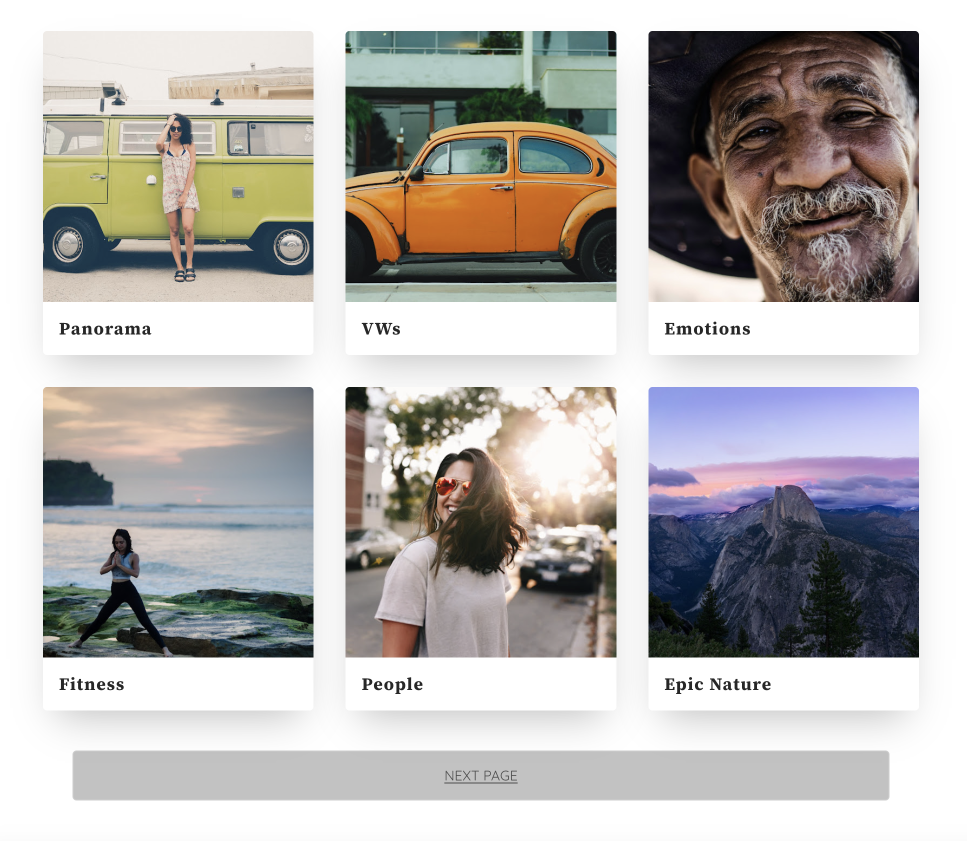
An example of Google Photos Album Grid View.
This is an example of the lightbox displaying photo you clicked on.

Changelog
4.0.3
- Improvement: Pro Only – Justified Image Grid
- Security Fix: Sanitized paramaters
4.0.2
- Bug Fix: Lightbox Image Size was not being set when activated
4.0.1
- Removed obsolete code
4.0
- A rewrite of the plugin to support Google Photos API (Google deprecated Google Picasa API)