

Gumlet Video
An official plugin by Gumlet for video embedding, dynamic watermark configuration, user level analytics and shortcode.
Plugin info
Maintenance & Compatibility
Maintenance score
Maintained • Last updated 133 days ago • 1 reviews
Is Gumlet Video abandoned?
Likely maintained (last update 133 days ago).
Compatibility
Similar & Alternatives
Explore plugins with similar tags, and compare key metrics like downloads, ratings, updates, support, and WP/PHP compatibility.
Description
The plugin offers dynamic watermarking, player customisation, user level analytics, and embed shortcode for Gumlet videos
- Automate your video security using dynamic watermark support
- Select specific user data such as name, email, id to show as the dynamic watermark
- Use shortcode to embed videos quickly
- Add videos using gutenberg block
- Responsive video embeds or use custom dimensions
- CDN delivery by AWS CloudFront (215+ locations)
- Track user level analytics for deeper insights
- Gumlet uses play.gumlet.io domain for data transfer. This domain is owned by https://www.gumlet.com. Read Privacy Policy and Terms of Service
This is the plugin you will ever need for securing videos!
Installation Guide for Dynamic Watermark
-
Enable the dymanic watermark and set the visual configuration in the player settings options on Video CMS. Visit https://dashboard.gumlet.com/video/manage?tab=edit_player
-
Select options (name, email, user_id) from the Gumlet WordPress plugin settings and save to show them over the video.
-
Use Gumlet shortcode to embed videos anywhere across WordPress website.
-
Sample shortcode to use –
[gumlet id=653f6137411da17d32e574a5] -
Define the width, height of the Embed inside the shortcode –
[gumlet id=653f6137411da17d32e574a5 width=800 height=600] -
Set audio track and caption language –
[gumlet id=653f6137411da17d32e574a5 audio_track_language=en caption_language=es] -
Embed videos directly with Gutenberg block
Get in touch!
Still not sure? Come chat with us, we will honestly help you make the right choice.
- Website (Chat available)
- Write to us at: [email protected]
- Twitter – gumletapp
- Facebook – gumletapp
Installation
Frequently Asked Questions
Yes, you can use name, email and user_id in a combination as per your need.
Gumlet Video plugin is free to use. However, to use the dynamic watermark on your videos, you would need a Business plan. Learn more about plans here
Review feed
[Test Review] Quick Embeds to your WordPress
Screenshots
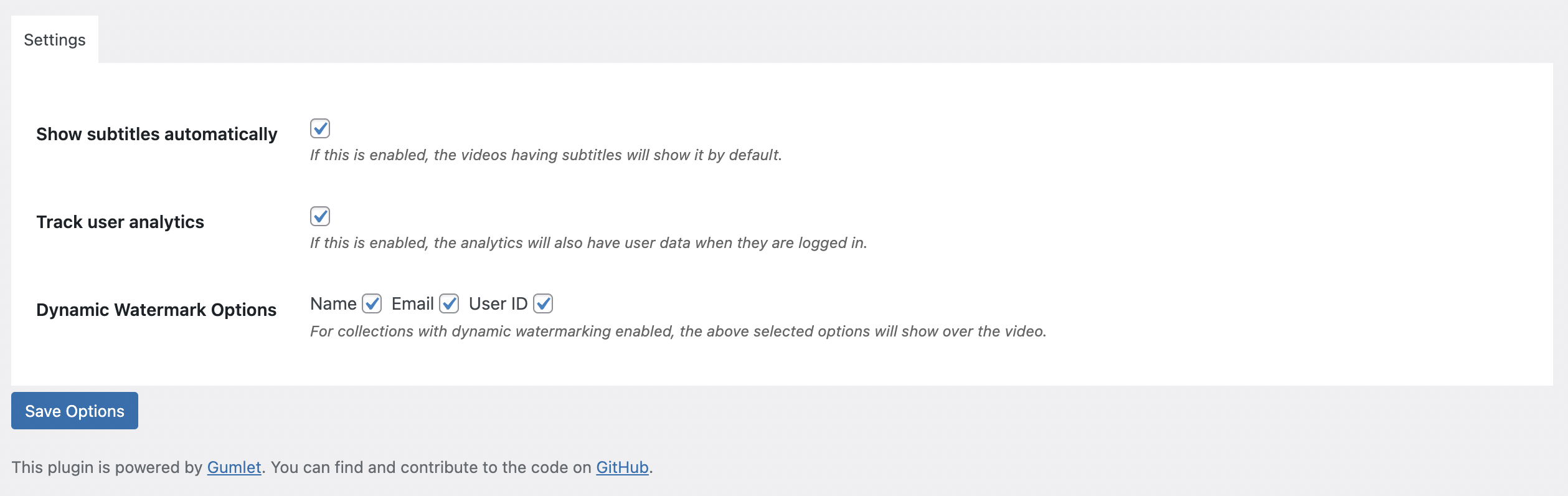
WordPress settings panel
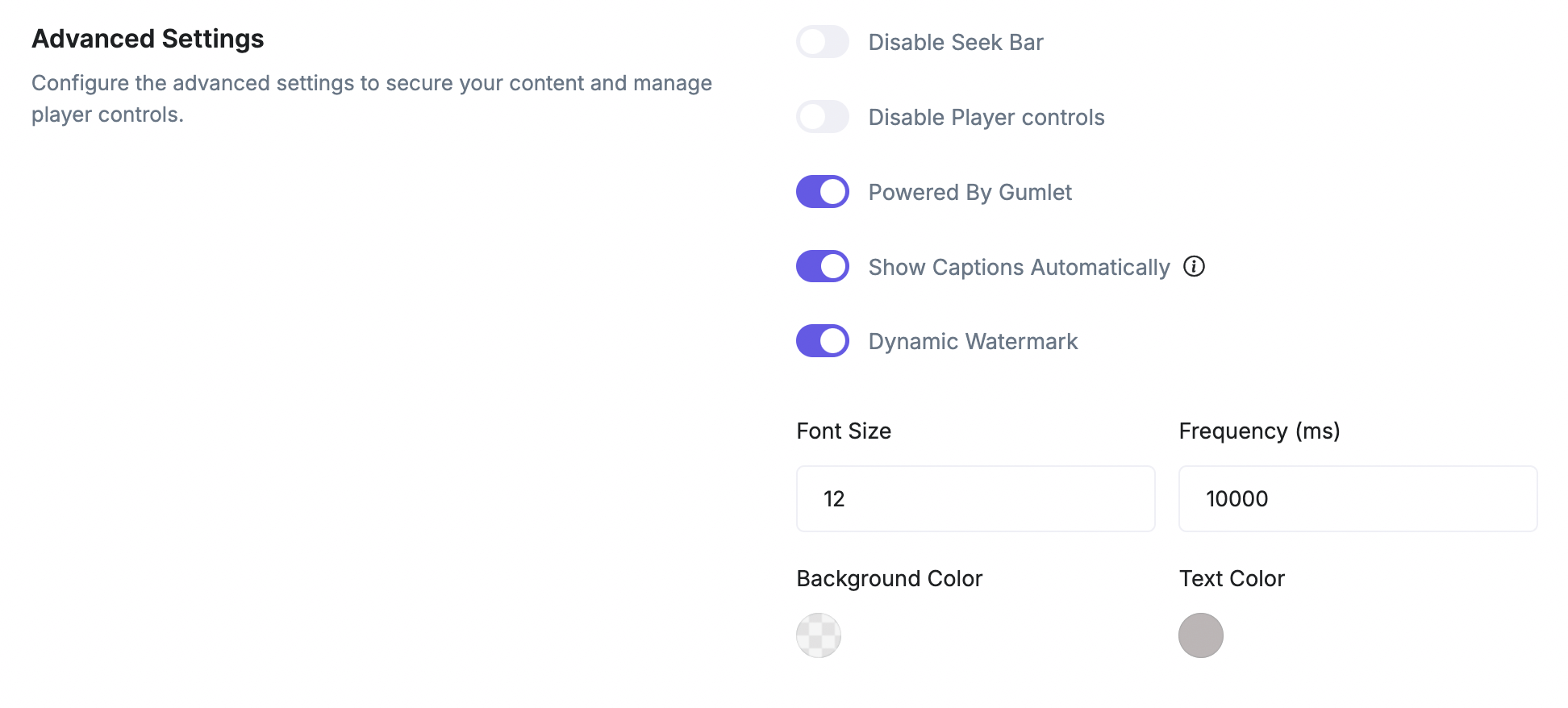
Gumlet Player customisation panel
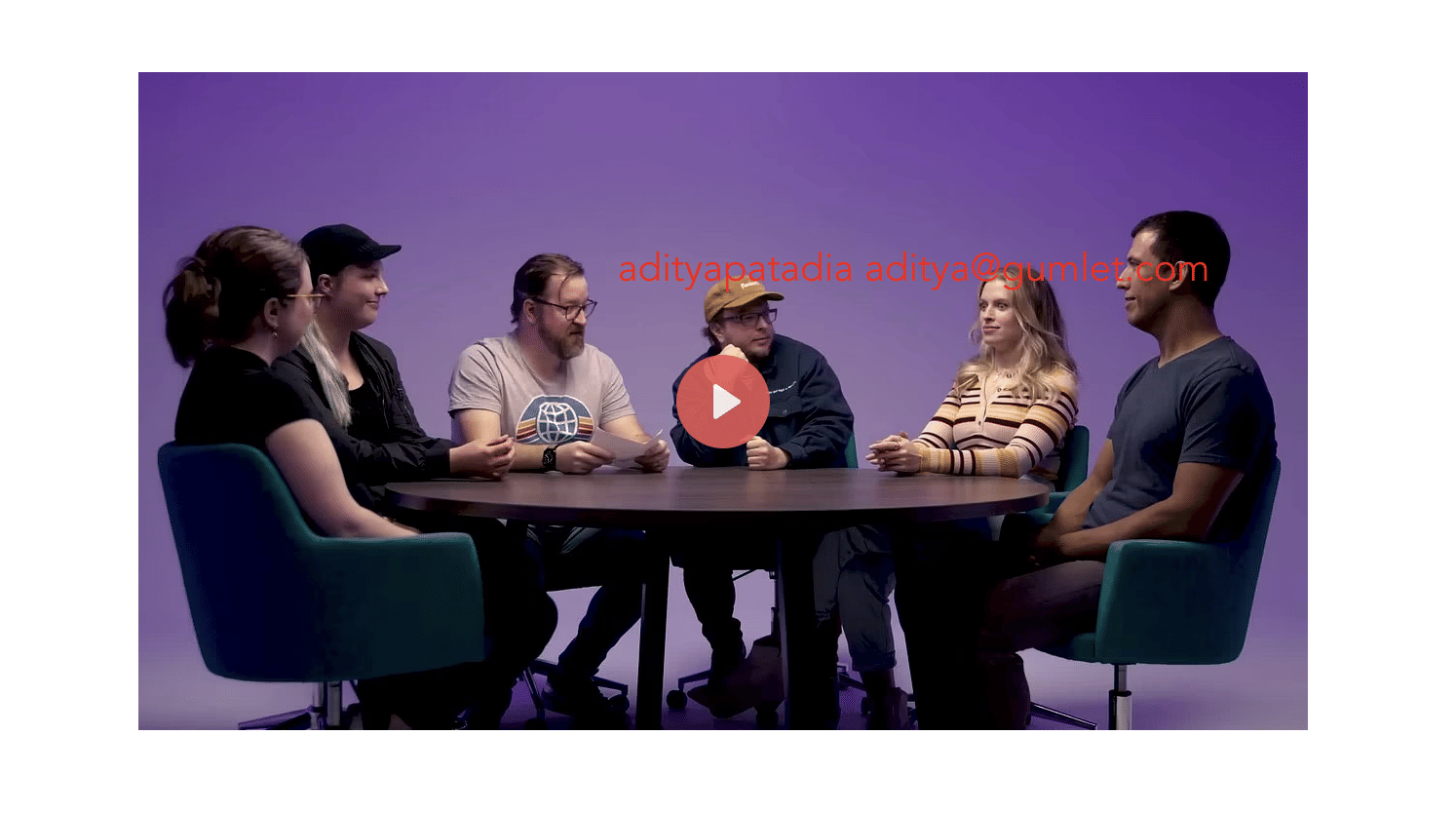
How does it work?

Shortcode usage
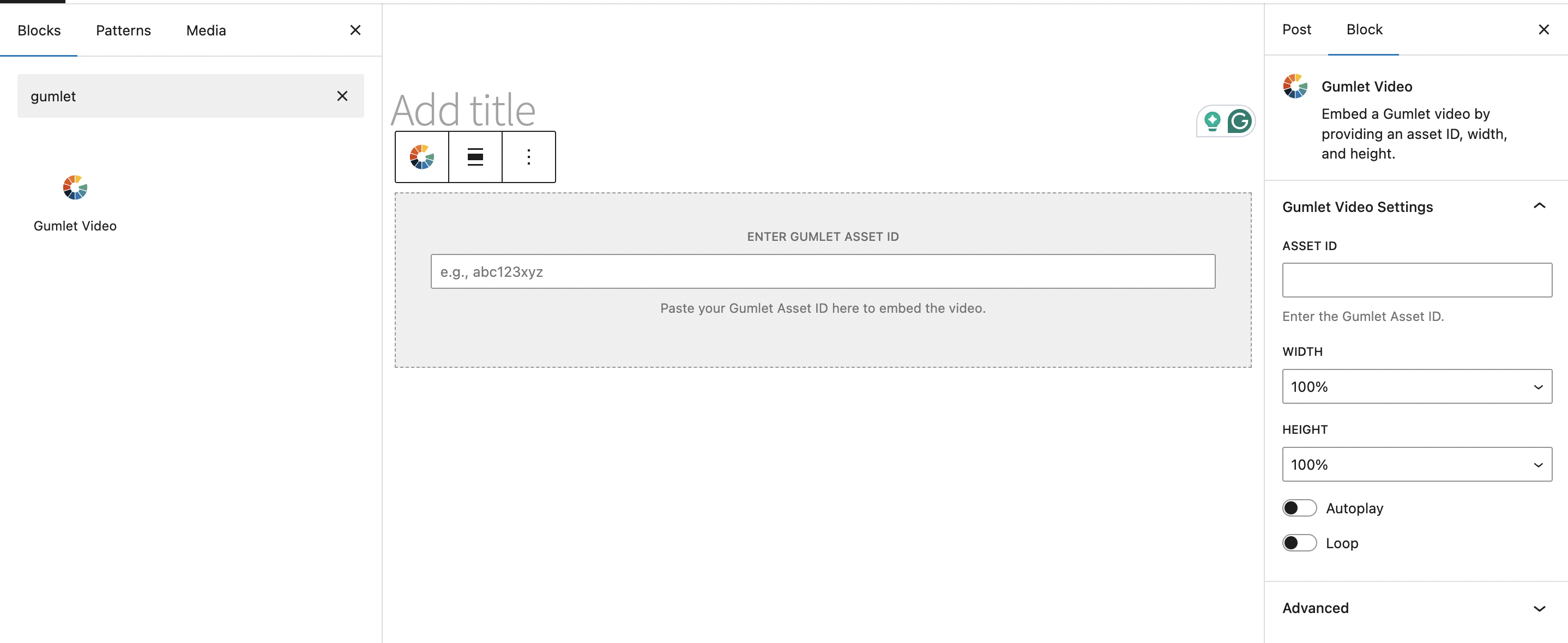
Gutenberg block usage
Changelog
1.2.0
- Added audio_track_language parameter to shortcode for setting default audio track language
- Added caption_language parameter to shortcode for setting default caption language
- Added Default Audio Track Language and Default Caption Language controls to Gutenberg block
1.1.1
- Update docs for Gutenberg block support
1.0.5
- Added Gutenberg block support for Gumlet video embedding
- Updated security settings
1.0.4
- Fixed security issues – XSS
1.0.3
- Added support for user level analytics
- Fixed bug for non-logged in user for dynamic watermark
1.0
- First plugin version
- Shortcode to Embed Gumlet video
- Support for configuring dynamic watermarking parameters