
Simple Slider Block – Create Sliders From Core Blocks
Create sliders from core blocks.
Plugin info
Maintenance & Compatibility
Maintenance score
Stale • Last updated 243 days ago • 5 reviews
Is Simple Slider Block – Create Sliders From Core Blocks abandoned?
Likely maintained (last update 243 days ago).
Compatibility
Languages
Similar & Alternatives
Explore plugins with similar tags, and compare key metrics like downloads, ratings, updates, support, and WP/PHP compatibility.
Description
A Gutenberg block for creating a simple slider using Slick Slider with core blocks.
It is compatible with the core blocks like Cover, Image, and more.
Simple Slider Block Plugin uses Slick Slider to create sliders from core blocks.
You can convert your blocks to a slider with Simple Slider Block Plugin.
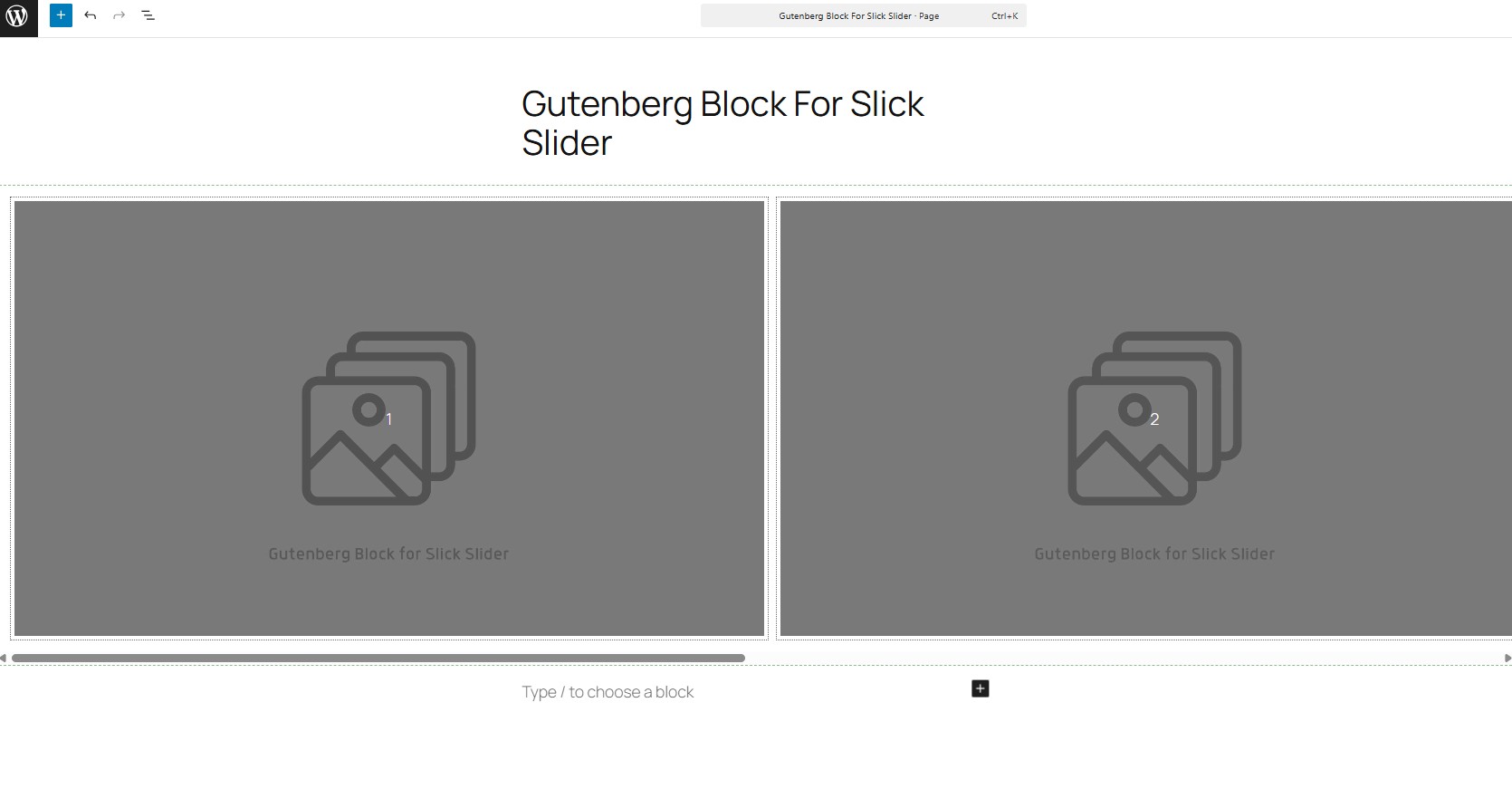
Just add a new Slick Slider Block and start creating your own designs.
Resources
Slick Slider
Copyright (c) 2013-2016 Kenwheeler Slick Slider
License: The MIT License (MIT),
Source : https://kenwheeler.github.io/slick/
Installation
- You have a couple options:
- Go to Plugins → Add New and search for “Gutenberg Block for Slick Slider”. Once found, click “Install”.
- Download the Gutenberg Block for Slick Slider from wordpress.org and make sure the folder us zipped. Then upload via Plugins → Add New → Upload.
- Open the block inserter within the Block Editor (Gutenberg) and search for “slick slider”. The plugin should appear and allow you to it install directly. Skip steps 2 and 3.
- Activate the plugin through the ‘Plugins’ screen in WordPress.
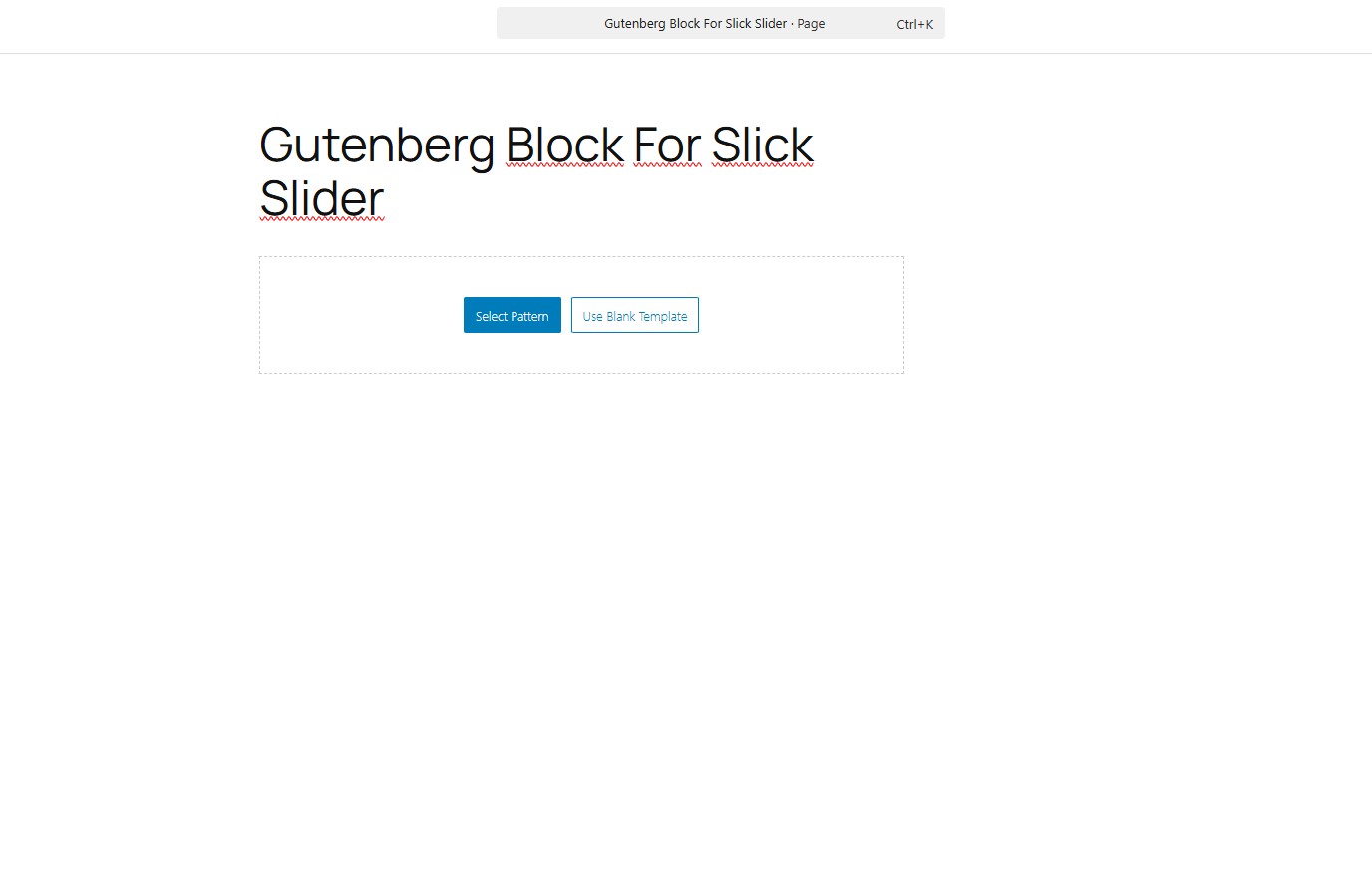
- Search for the block within the Block Editor (Gutenberg) and begin using.
Frequently Asked Questions
Review feed
Very simple, very usefull
Screenshots
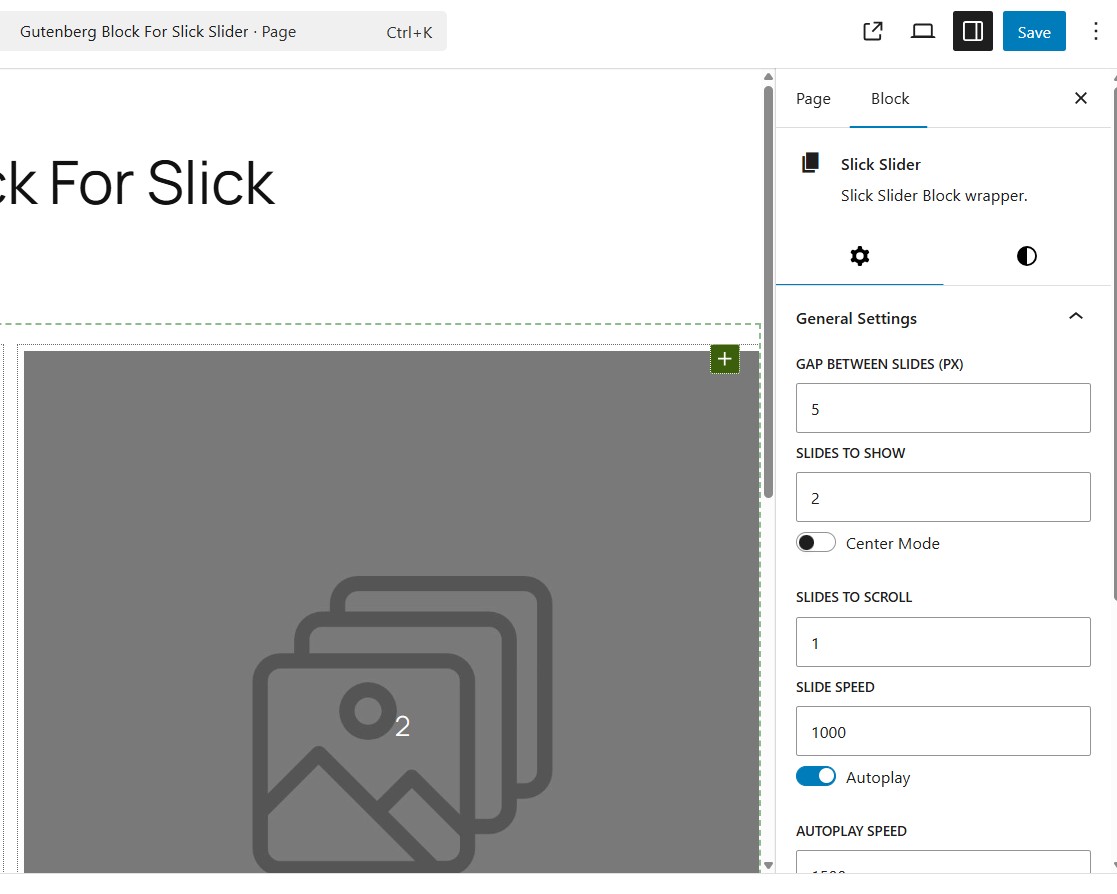
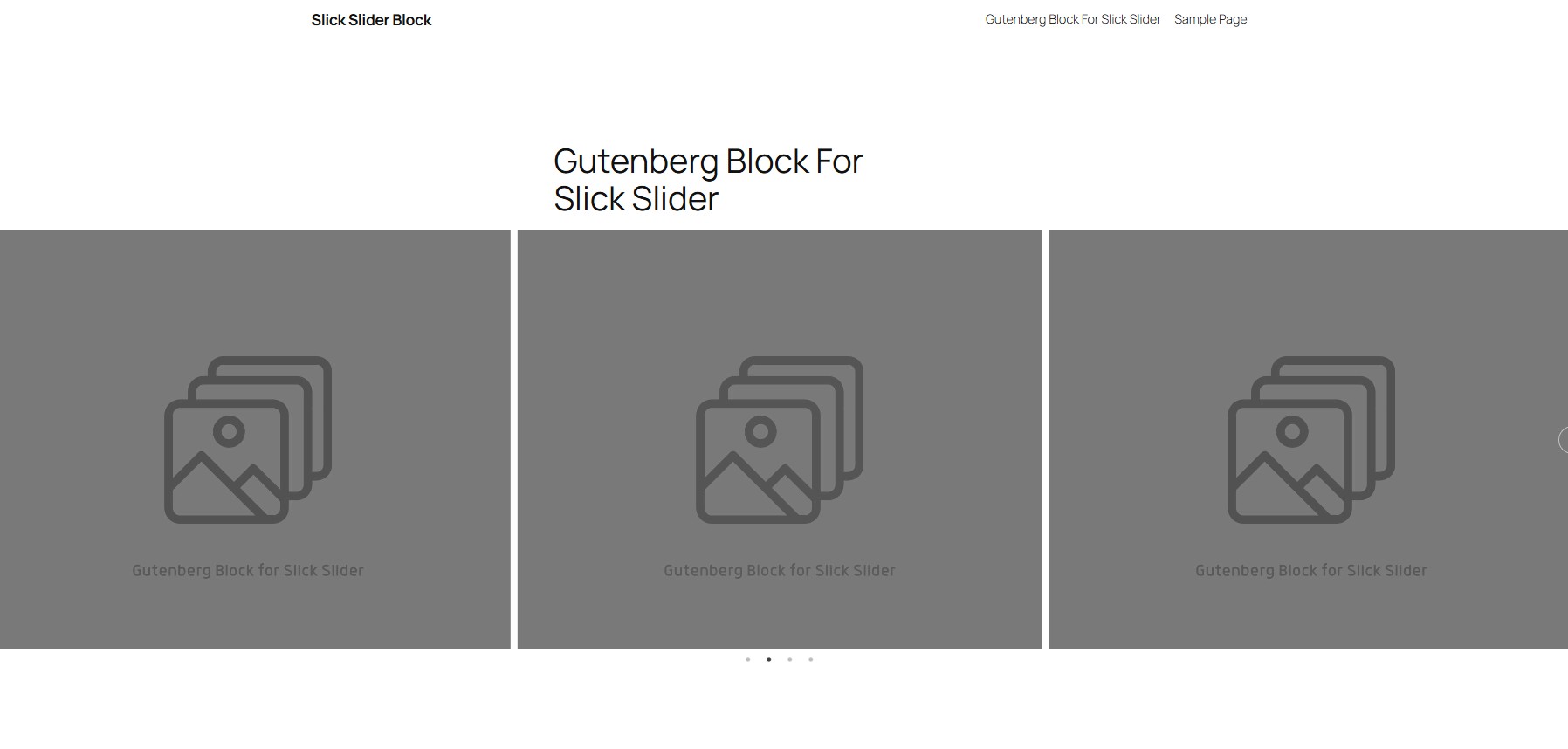
Changelog
1.2.2
- Fixed: The spelling mistake in the plugin nam
1.2.1
- Fixed: Block wrapper attributes
1.2.0
- Tested up to: WordPress 6.8
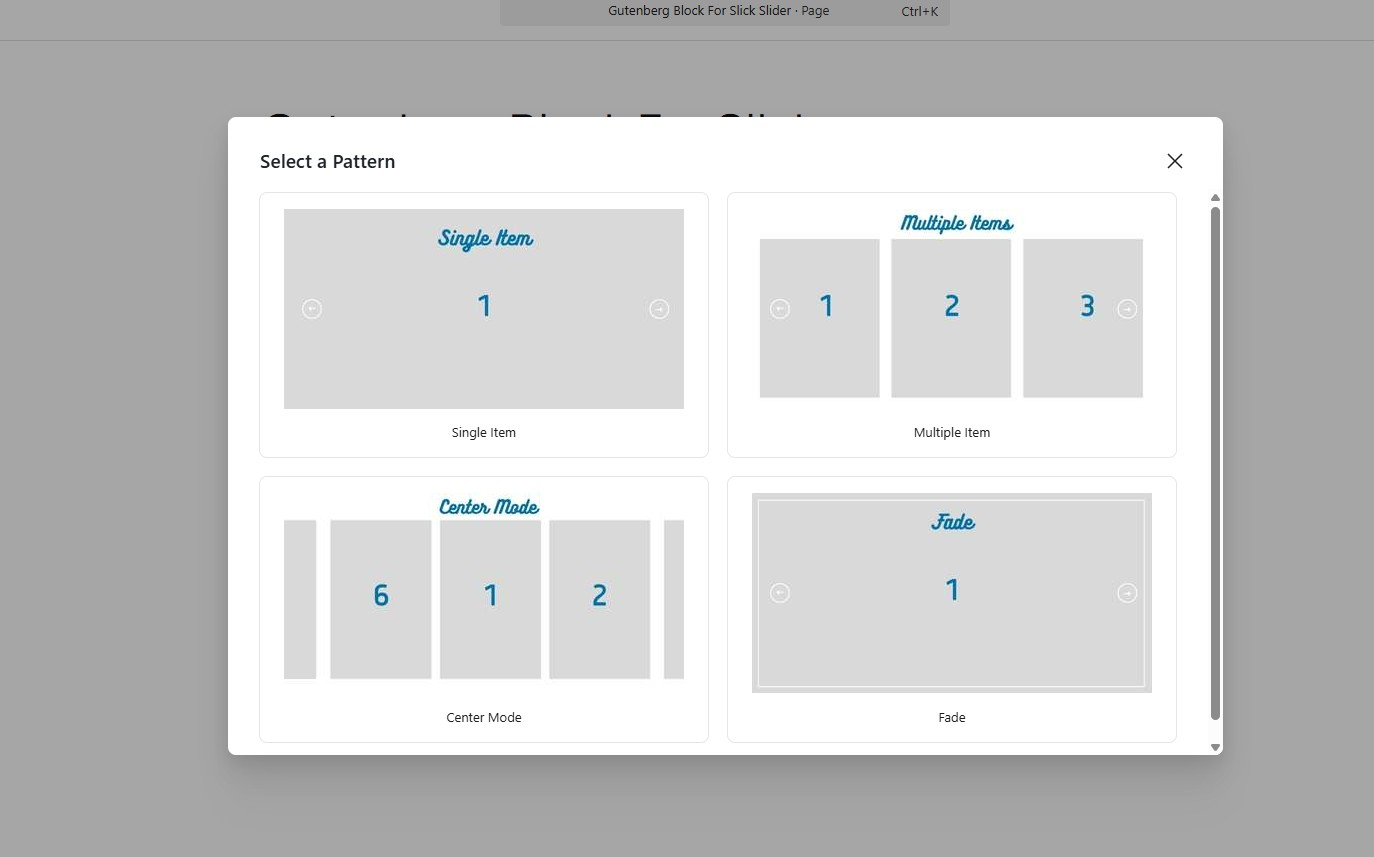
- Added: Prebuild templates (patterns)
- Converted: Slick Slider Block into dynamic block
- Fixed: RTL support problem
- Added: Arrow options (color, size, position)
1.1.4
- Add: Automatic RTL support
1.1.3
- Fixed: Block validation error
- Fixed: Responsive settings reset problem
1.1.2
- Fixed: Center mode error
- Fixed: Add responsive settings for each blocks
1.1.1
- Fixed: Show Infinite loop option for slide to show 1
1.1.0
- Added block supports for blocks
1.0.9
- Successfully tested with WordPress version 6.5
1.0.8
- Successfully tested with WordPress version 6.4
1.0.7
- Added a new contributor
1.0.6
- Responsive settings added
1.0.5
- Successfully tested with WordPress version 6.3
1.0.4
- Removed padding of slider container.
1.0.3
- Error fixed: When calling init twice
1.0.2
- Error fixed: Block validation error
- Error fixed: Adding additional css classes
1.0.1
- Parent block styles changed
- Block error at console fixed
- Child block styles changed
- Block context added
1.0.0
- Initial release