

Halloween Countdown Widget
Get into the Halloween spirit with a cute countdown widget for your sidebar!
Plugin info
Maintenance & Compatibility
Maintenance score
Possibly abandoned • Last updated 402 days ago • 1 reviews
Is Halloween Countdown Widget abandoned?
Possibly abandoned (last update 402 days ago).
Compatibility
Similar & Alternatives
Explore plugins with similar tags, and compare key metrics like downloads, ratings, updates, support, and WP/PHP compatibility.
Description
Get into the Halloween spirit with the Halloween Countdown Widget! This fun and festive widget lets you display a cute countdown to the spookiest night of the year. Choose from five adorable designs: the classic ‘Vampy’ Countdown, or one of our four new backgrounds—the Moon, a Ghost, a Cauldron, and Candy.
Easily add the countdown to your sidebar, footer, or any widget-ready area of your site. Whether your site is a full-fledged Halloween site or perhaps you just love a bit of seasonal fun, this widget is the perfect way to build excitement as Halloween approaches!
Features
- Five Designs to choose from!
- Transparent Backgrounds
- Place in any widget ready area on your site!
More information at ChristmasWebmaster.com.
Installation
- Upload
hallocount.phpto the/wp-content/plugins/directory - Activate the plugin through the ‘Plugins’ menu in WordPress
- Go to your widgets screen, pick a place, then select your Halloween Countdown widget style.
- Let the countdown to Halloween begin!
Frequently Asked Questions
Of course he does! We call him Vampy.
Yes. You can edit the halloween-countdown.css file to suit your needs.
In version 3 of the plugin, I added new backgrounds and updated the file structure within the plugin. After updating from a previous version, you will need to visit your widget area and select the countdown image you would like displayed.
Review feed
Screenshots
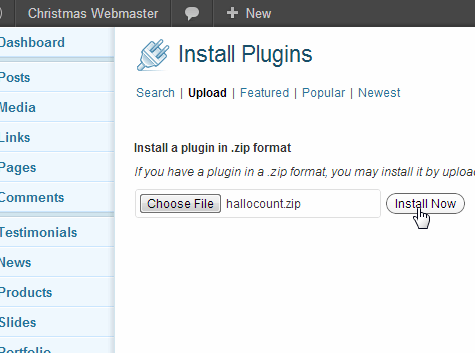
Upload plugin and install.
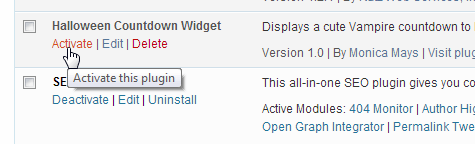
On the plugins panel activate the Halloween Countdown Widget.
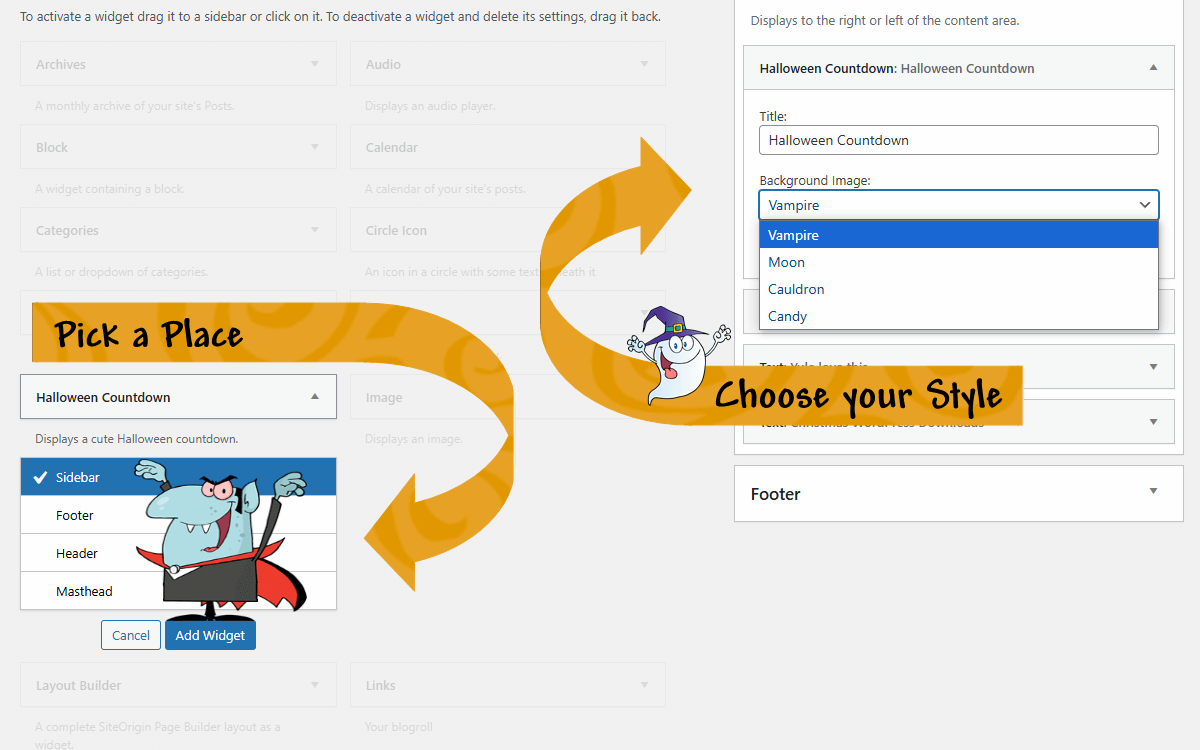
In the widgets section, pick a place, then select the Halloween Countdown of your choice. Vampy is shown by default.
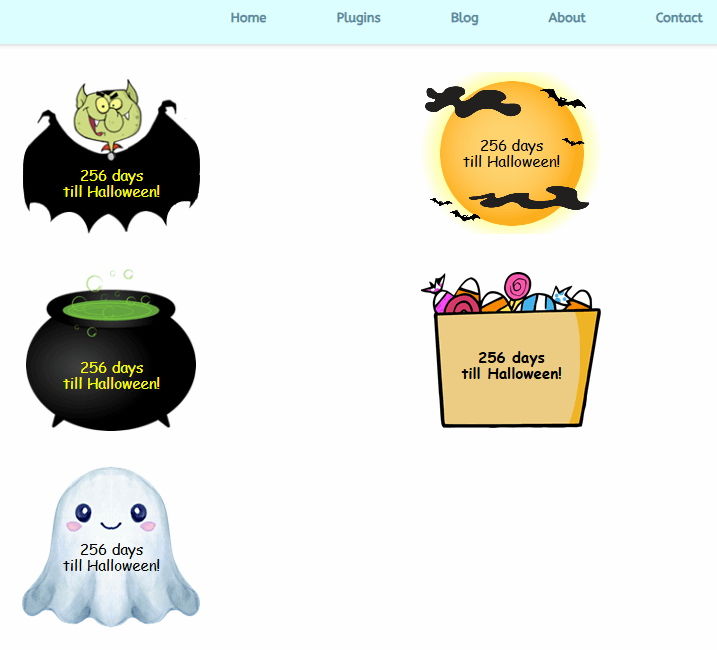
The Halloween Countdown Widget displays one of 5 cute countdowns to Halloween in your sidebar!
Changelog
Version 3.0.2
- Minor fix to readme
- Released 02/23/2025
Version 3.0.1
- Minor fix to readme to include new FAQ
- Released 02/19/2025
Version 3.0.0
- Updated depricated code
- Added 4 new backgrounds
- Released 02/17/2025
Version 2.4
- Released 09/08/2022
Version 2.3
- Released 10/10/2021
Version 2.2
- Released 6/12/2020
Version 1.2
- Released 10/27/2018
Version 1.1
*Released 10/24/2012
Version 1.0
*Released 10/05/2012