

Handy Custom Fields
The plugin gives you an easy way to extend default posts data.
Plugin info
Maintenance & Compatibility
Maintenance score
Possibly abandoned • Last updated 2508 days ago
Is Handy Custom Fields abandoned?
Possibly abandoned (last update 2508 days ago).
Compatibility
Similar & Alternatives
Explore plugins with similar tags, and compare key metrics like downloads, ratings, updates, support, and WP/PHP compatibility.
Description
Handy Custom Fields is a compact plugin, which allows You to:
– work with additional data about post (while creating/editing blog posts);
– display such additional data by specifying name of the field You want to show;
– activate/deactivate each of the additional fields separately through WP admin panel (when deactivated, field will no longer be available for creating);
Installation
Steps to become happy with HCF:
1. Copy “HCF” directory files to the “/wp-content/plugins/” directory.
2. Find the plugin in the “Plugins” menu in admin panel and activate it.
3. Set up plugin’s settings in admin panel (“HCF” page) by entering word “true” in inputs to active needed additional field/fields.
Frequently Asked Questions
How to add new custom field or edit existing?
In “HCF.php” file You will find “extra_fields_box_func” function.
Each “if” block references single plugin’s additional field. It checks if field is activated, and if so – generates markup in posts create/edit pages on admin panel.
How to add display custom field data on page?
Simply add code “ID, “title”, true); ?>” anywhere on your page, which will get custom field value and display it as text.
You have to specify name of custom field to show, in example it is “title”.
Review feed
Screenshots

Admin panel page with plugin settings
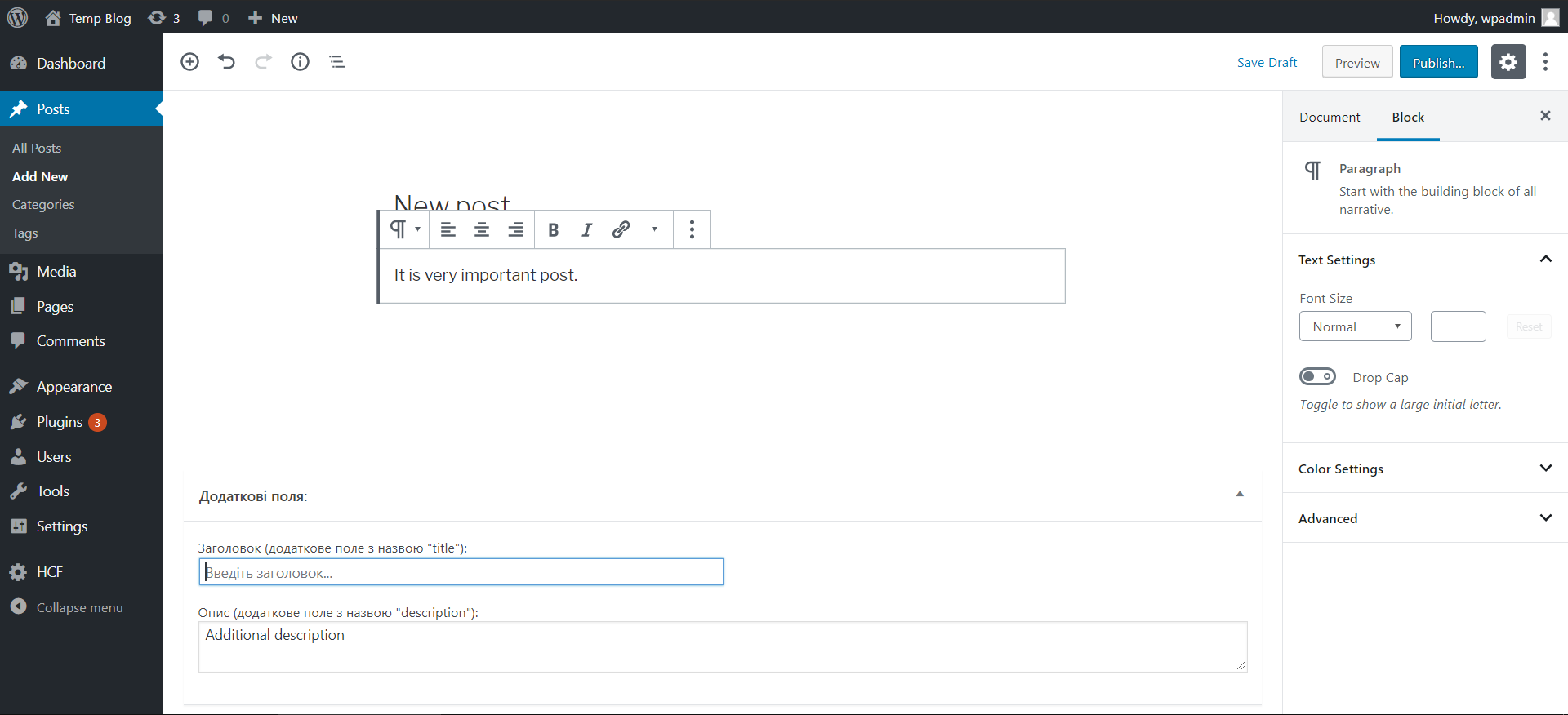
Post creation page with custom fields from HCF plugin
Changelog
1.1
- Fixed function names.
1.0
- Ended up with stable version.
- Custom fields editing.
- Inserting custom fields values in markup.