

Hide Category by User Role for WooCommerce
This plugin allows you to easily hide WooCommerce categories based on User Role.
Plugin info
Maintenance & Compatibility
Maintenance score
Maintained • Last updated 128 days ago • 5 reviews
Is Hide Category by User Role for WooCommerce abandoned?
Likely maintained (last update 128 days ago).
Compatibility
Similar & Alternatives
Explore plugins with similar tags, and compare key metrics like downloads, ratings, updates, support, and WP/PHP compatibility.
Description
This plugin allows you to easily hide WooCommerce categories based on User Role.
You can also choose to redirect users to a URL or display a custom message when they attempt to access a hidden category or its related products.
This plugin has been tested with the most recognized user role management plugins. However, if you notice any bugs, please contact us.
Installation
To install this plugin:
- Install the plugin through the WordPress admin interface, or upload the plugin folder to /wp-content/plugins/ using FTP.
- Activate the plugin through the ‘Plugins’ screen in WordPress. On a Multisite you can either network activate it or let users activate it individually.
- Go to WordPress Admin > Hide Category by User Role for WooCommerce
Frequently Asked Questions
Review feed
Screenshots
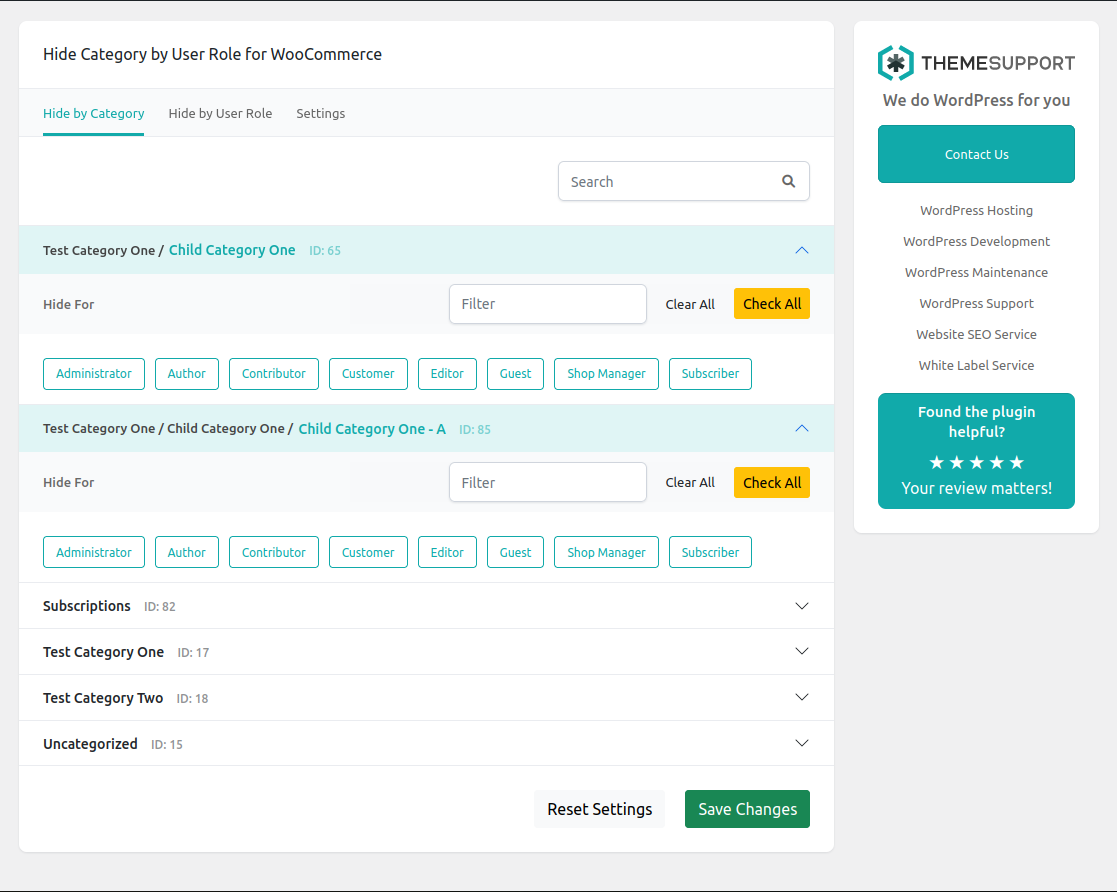
Hide By category

Hide By user role
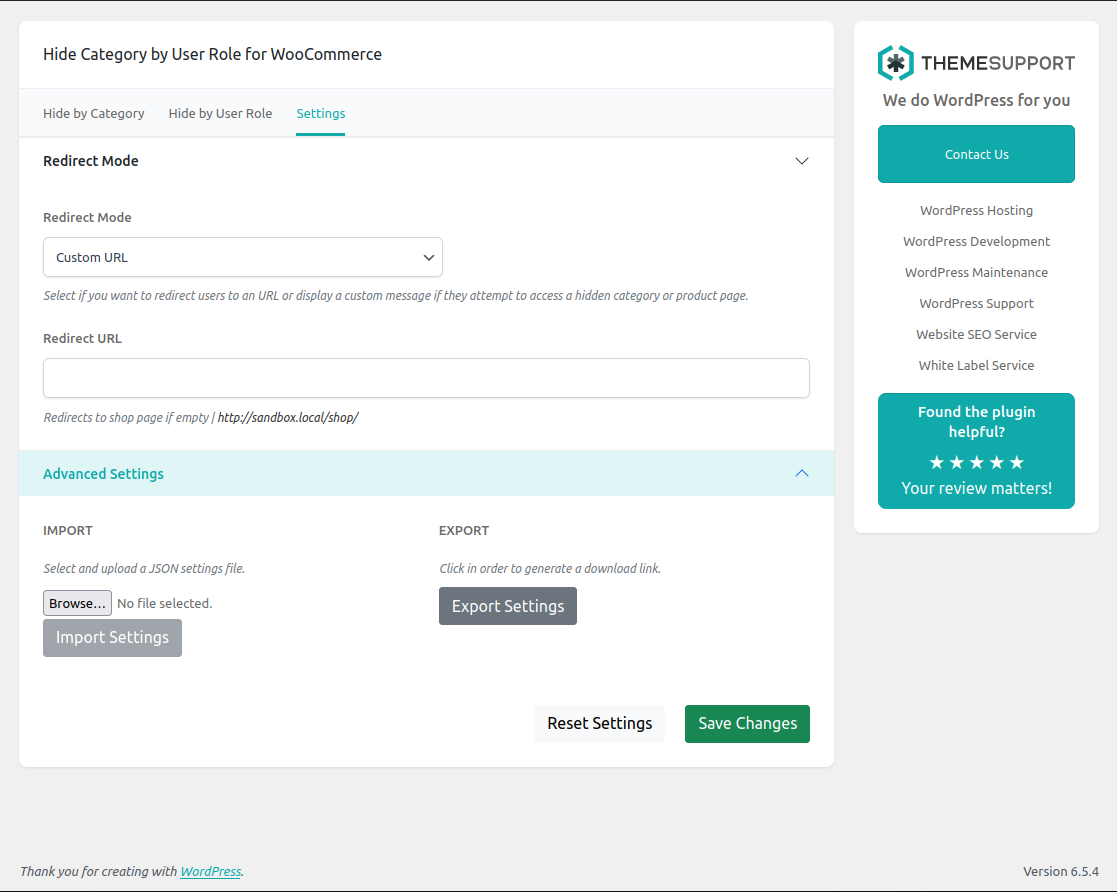
Display a custom message when a user attempts to access a hidden category or its related products.

Customize the message to match the look and feel of your site.
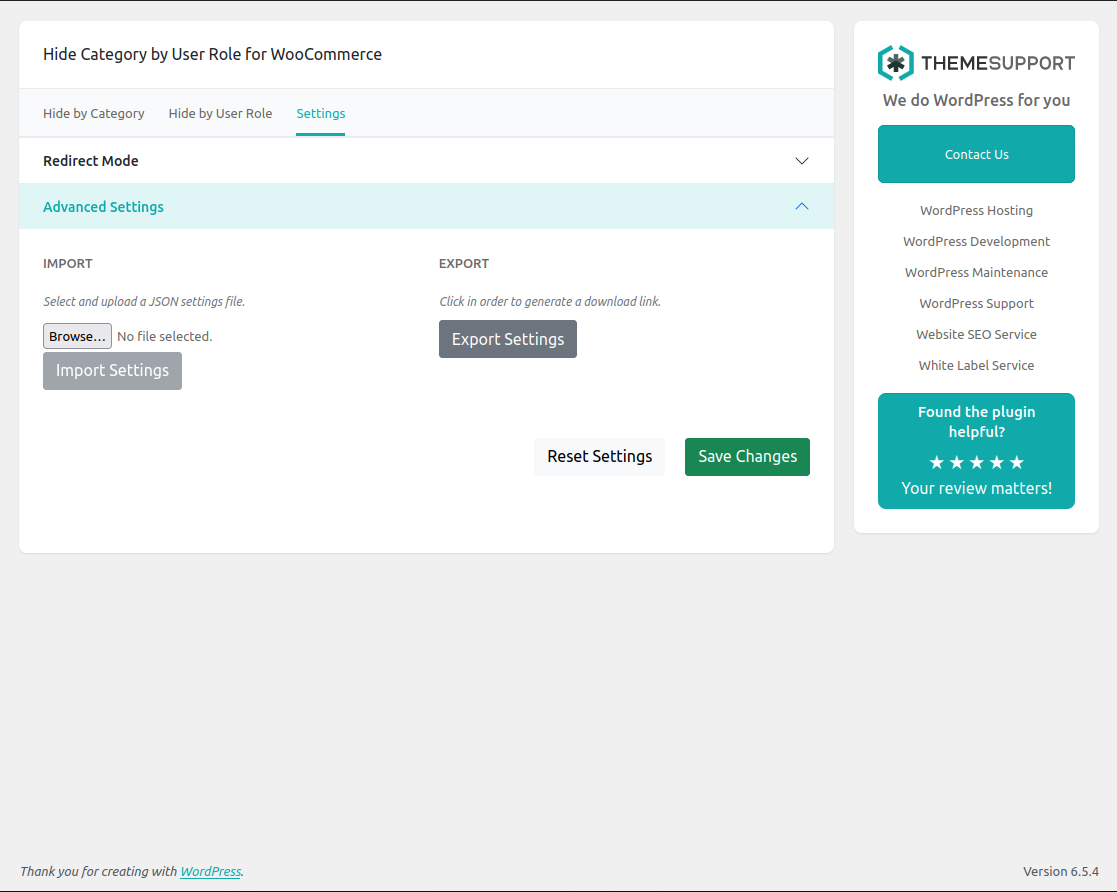
Import and Export your settings.
Changelog
2.3.1
- Date: July 17 2025
- Improved compatibility with managed hosting environments.
2.3
- Date: June 26 2025
- Improved compatibility with WooCommerce’s term cache.
2.2.2
- Date: May 20 2025
- Fixed a bug that prevented the plugin from hiding categories correctly.
- Confirmed compatibility with WordPress 6.8.1
2.2.1
- Date: Jan 21 2025
- Compatibility with Woocommerce 9.6.0 checked
- Fixed – Missing translation files added.
- Adjusted the permissions of the JSON settings file to allow admin users to download it.
2.2
- Date: Jan 20 2025
- Security improvements to counter possible arbitrary content deletion attacks, enhancing the plugin’s overall protection.
- Added translations for Spanish, German, French, and Portuguese to make the plugin more accessible to a broader audience.
- Improvements to the way custom messages are displayed on the frontend, ensuring a more seamless and user-friendly experience.
- Enhanced filters to hide products from restricted categories in cross-sell product blocks.
2.1.1
- Date: Sep 17 2024
- Fixed a CSS line that was overriding the body color in some themes
2.1.0
- Date: Jun 11 2024
- Resolved an issue causing infinite redirection when the Redirect URL points to the /shop page but all categories are hidden for a specific user role.
- Enhanced validation of hidden categories. Terms are now consulted by ID or slug if custom walkers return these values instead of the term object.
- Implemented the exclude_related_products function to exclude related products belonging to hidden categories from the Related Products WooCommerce block.
- Implemented the custom_upsell_ids and custom_cross_sell_ids functions to exclude products belonging to hidden categories from the up-sells and cross-sells WooCommerce blocks.
- Dequeued theme stylesheets specifically for the plugin’s options page to prevent theme styles from overriding the plugin’s look and feel.
- Improved the look and feel of the administration page
2.0.2
- Date: Apr 30 2024
- Code Improvements
2.0.1
- Date: Oct 12 2023
- Fixed *** Missing Files
2.0.0
- Date: Oct 12 2023
- Added Import/Export feature. You can export a JSON file containing all your settings.
- Added a Reset Settings feature. Now you can easily reset your previous configuration with a single click.
- Added a Message Wrapper feature. You can now choose the DOM element container for your blocked category or product message.
- Added Custom Message Styles feature. You can now include CSS rules to customize the message displayed to the users.
- The overall appearance and user experience have been enhanced.
1.3
- Date: Feb 6 2023
- Added support for Dokan. Now you can have products and categories that will only be available to sellers (seller-to-seller).
- Added a new feature to remove from cart products that may have been added before hiding their categories on the site. This prevents users from purchasing products that are hidden to them.
1.2
- Date: Jan 19 2023
- Added improvements to the way a user is redirected when visiting a hidden category or product.
- Added WordPress methods to bypass browser cache on hidden products and categories.
1.1
- Date: Jan 17 2023
- Fixed some compatibility issues with the bootstrap files loaded by other plugins.
1.0
- Date: Jan 16 2023
- First release of the plugin.