

Hide My Website – Password Protect, Block AI & Hide Admin Login
Hides your website behind a password prompt and manages various security features.
Plugin info
Maintenance & Compatibility
Maintenance score
Maintained • Last updated 136 days ago • Support resolved 0% • 5 reviews
Is Hide My Website – Password Protect, Block AI & Hide Admin Login abandoned?
Likely maintained (last update 136 days ago).
Compatibility
Similar & Alternatives
Explore plugins with similar tags, and compare key metrics like downloads, ratings, updates, support, and WP/PHP compatibility.
Description
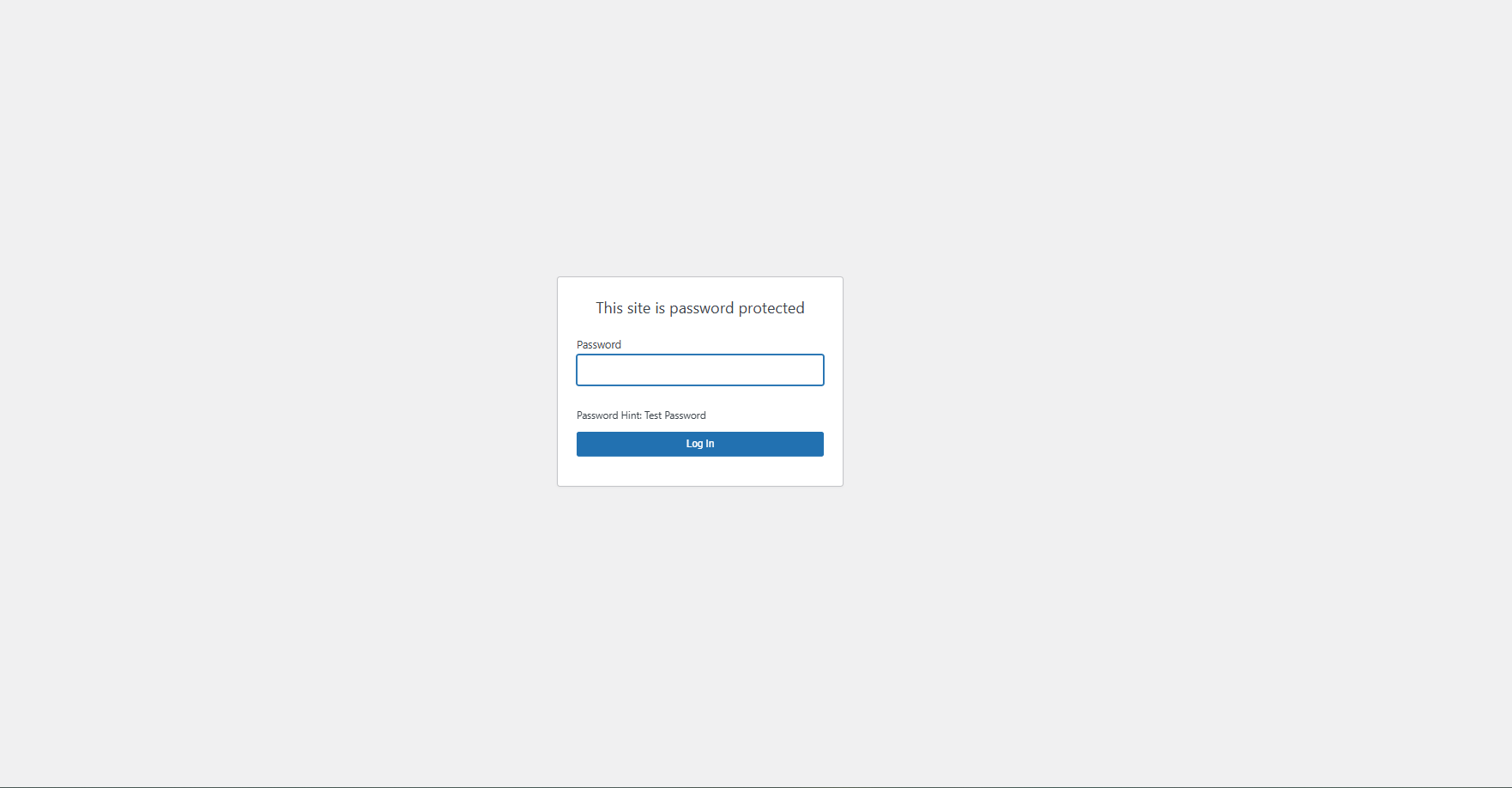
Hide My Website is a powerful security plugin that allows you to protect your entire WordPress site or specific pages behind a password prompt. It offers various security features to enhance your website’s protection against unauthorized access.
Key Features:
* 🔐 Password protect the entire site or specific pages
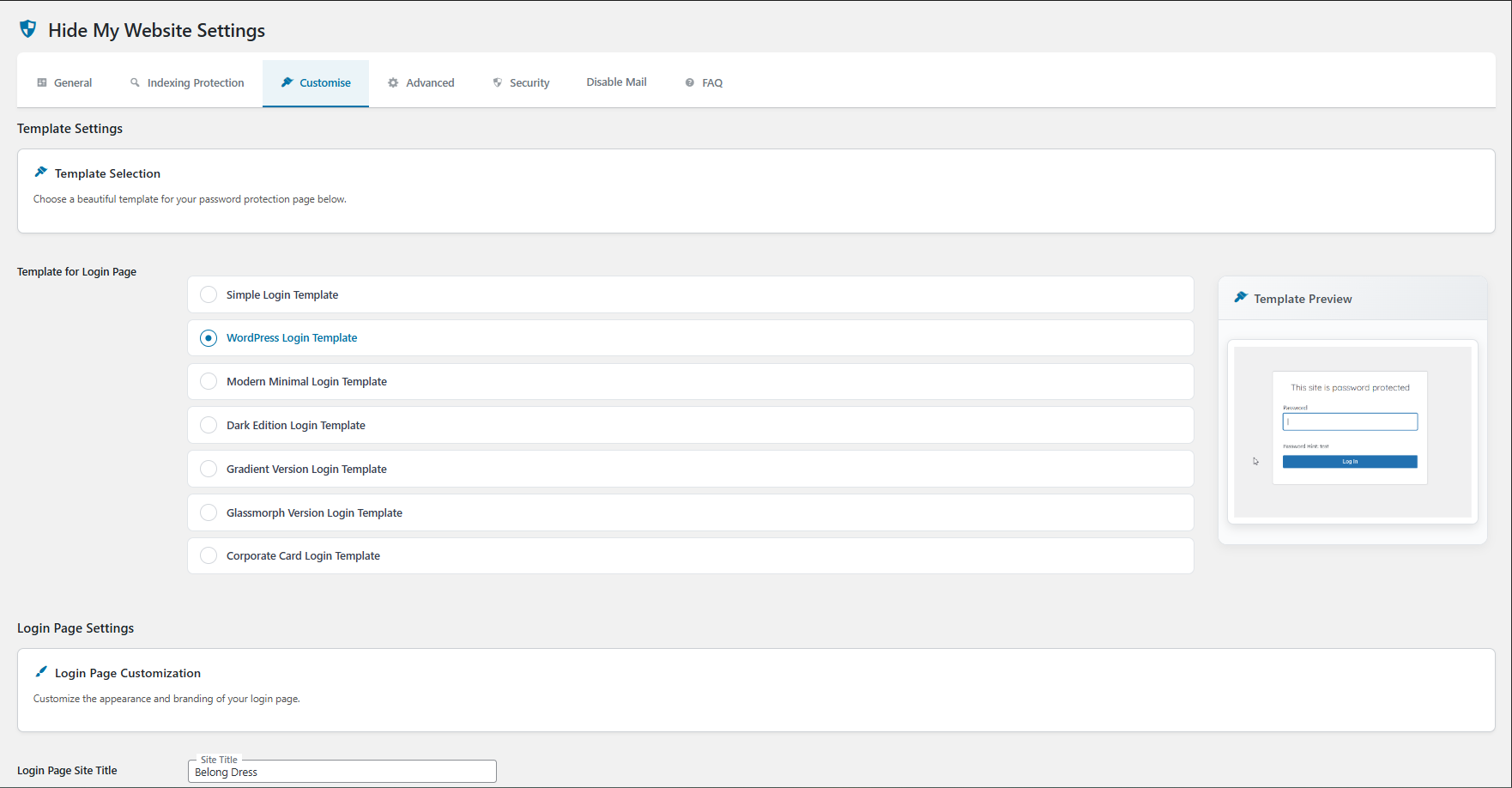
* 🧩 Multiple login templates
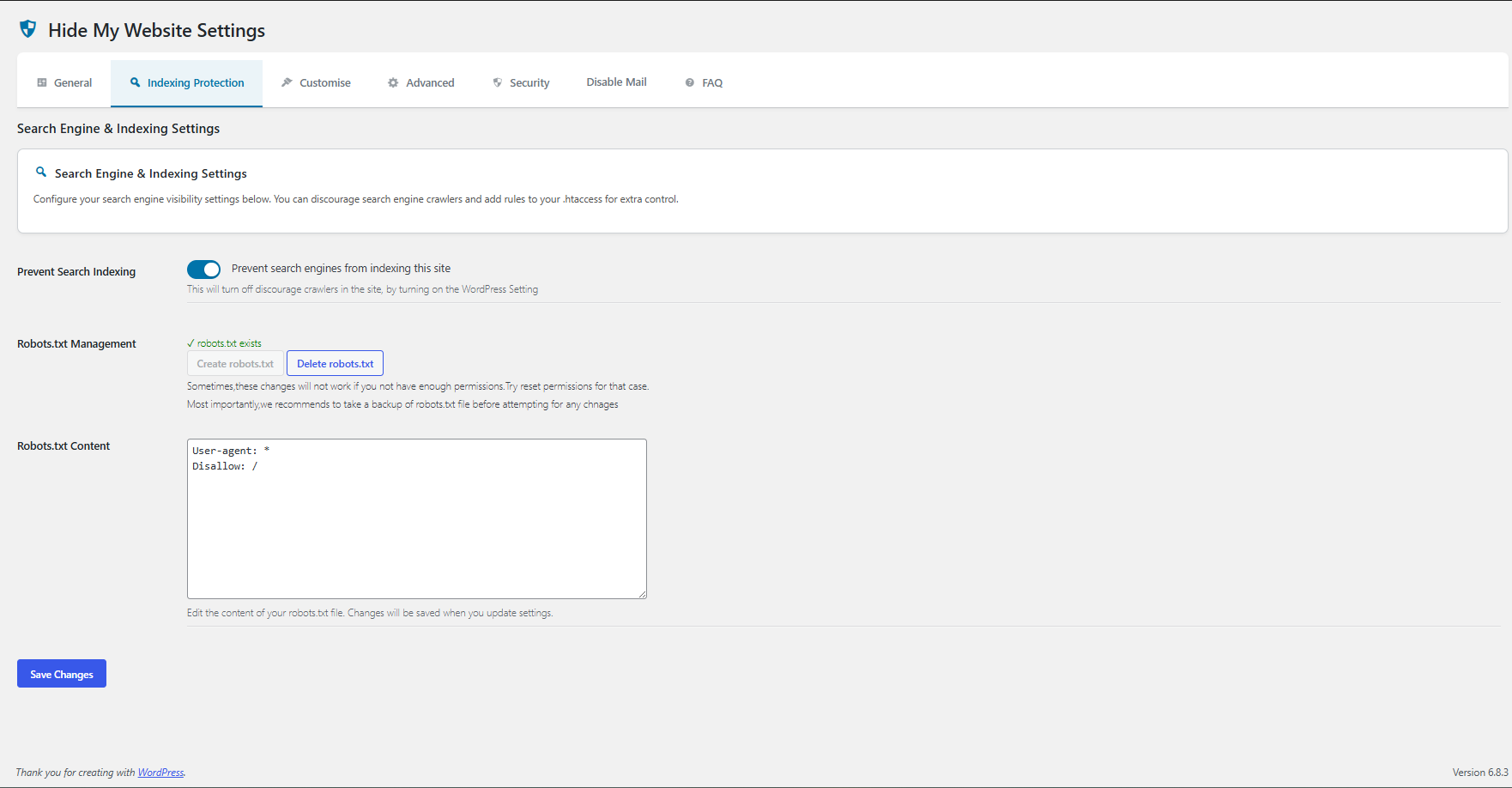
* 🤖 Block bots by modifying robots.txt
* 🚫 Search engine blocking
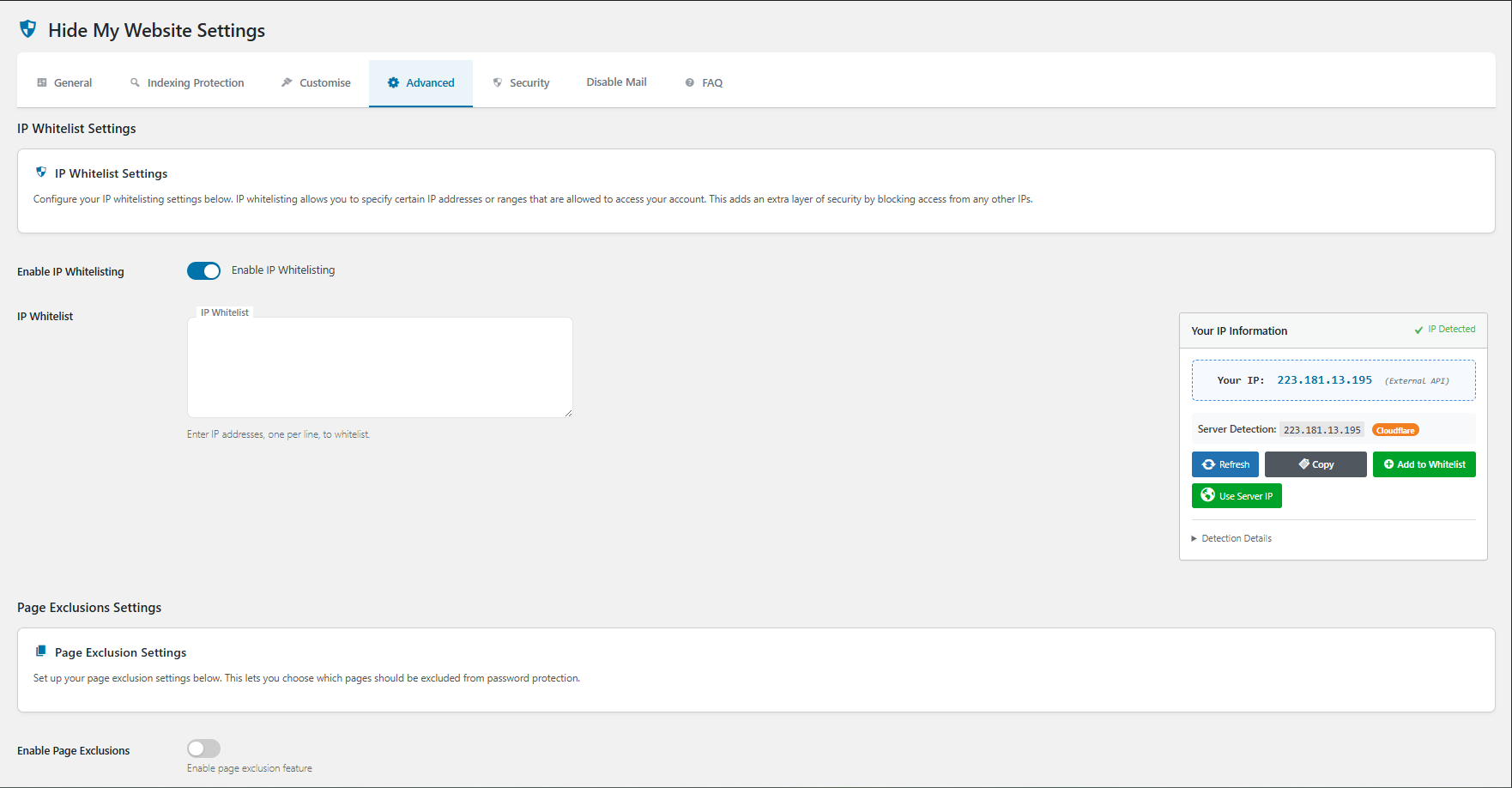
* 🧾 IP whitelisting
* 📡 Prevent feeds & XML-RPC
* 📄 Restrict specific pages
* 🗂️ Robots.txt customization
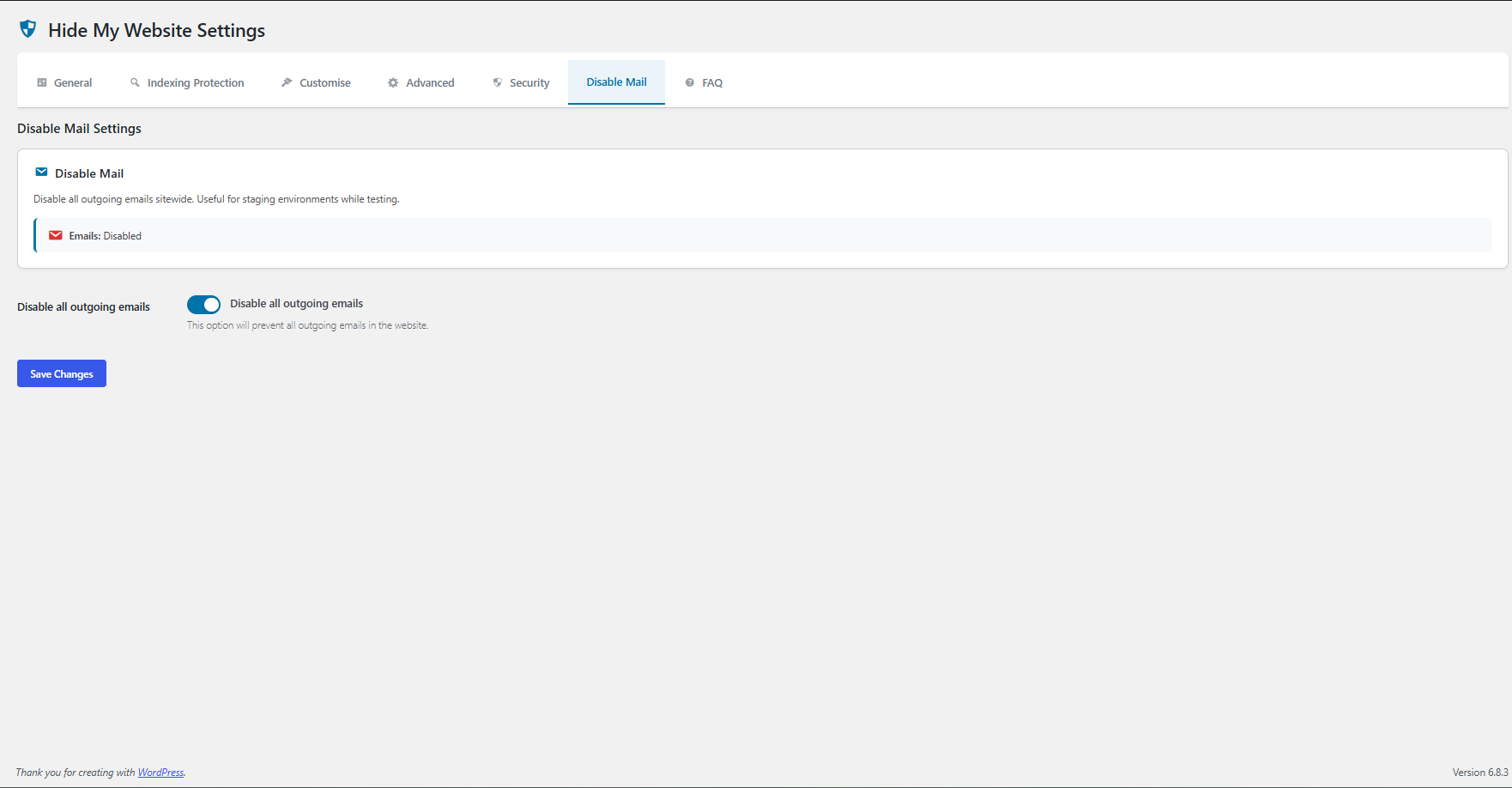
* ✉️ Disable all outgoing emails with one toggle
* 🛑 Admin Bar badge: “Emails disabled”
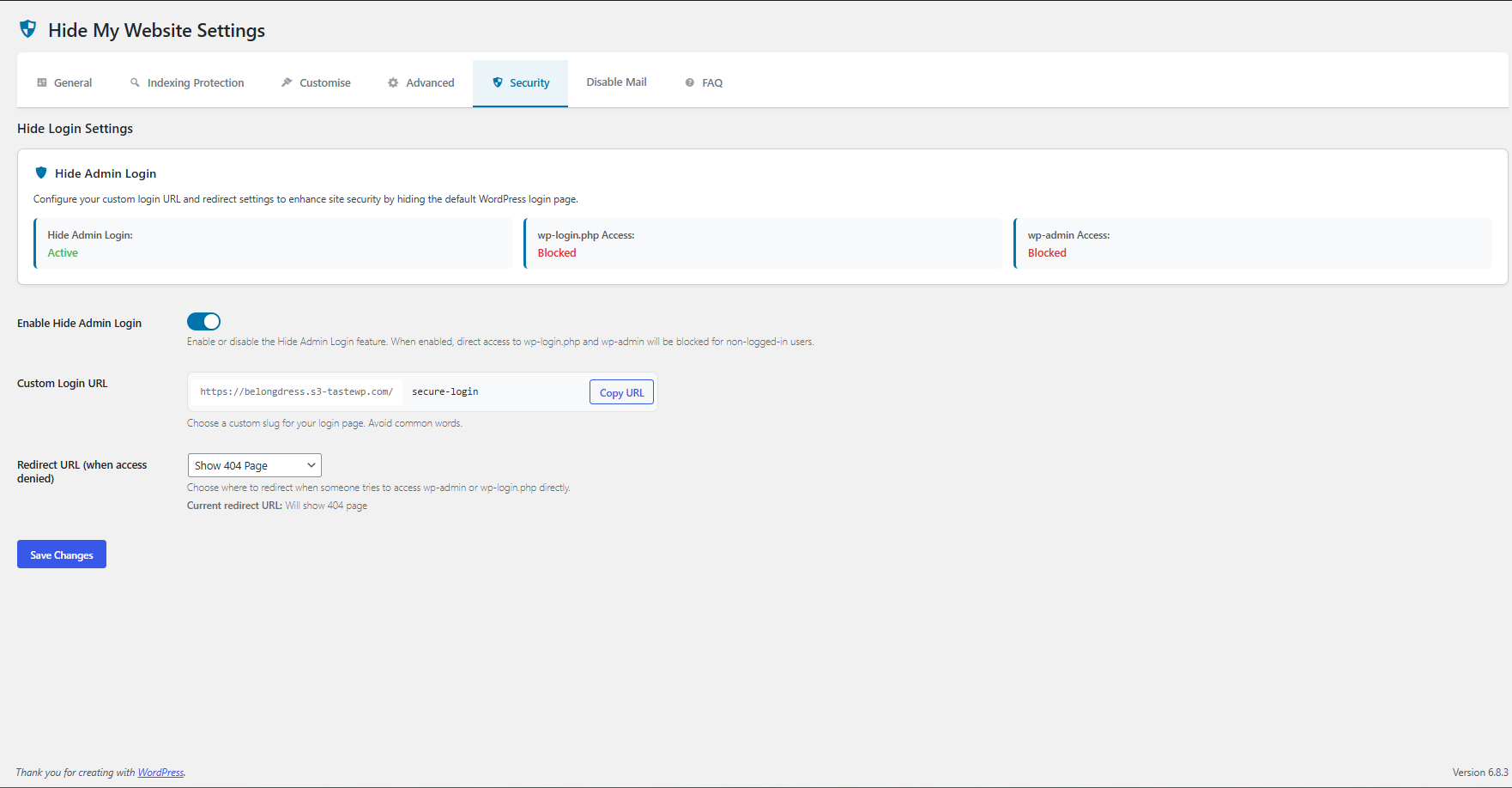
* 🔗 Hide Admin Login with a custom login URL
* 🤖 Block AI Crawlers (GPTBot, ClaudeBot, CCBot) with robots.txt rules and HTTP headers (new)
Coming soon:
* 🛡️ Brute-force Protection & Spam IP Block
* ⏱️ Timed access control
* 👥 User role-based access
* 🎨 Customizable login page
Installation
- Upload the
hide-my-websitefolder to the/wp-content/plugins/directory - Activate the plugin through the ‘Plugins’ menu in WordPress
- Go to the ‘Hide My Website’ settings page to configure the plugin or find the settings link below plugin name in the plugins page.
Frequently Asked Questions
Yes, you can choose to protect your entire website or select specific pages to hide behind the password prompt.
The plugin includes an IP whitelisting feature that allows you to specify IP addresses that can access the site without entering a password.
Yes, the plugin provides multiple login templates
Review feed
Best password protect plugin
Screenshots
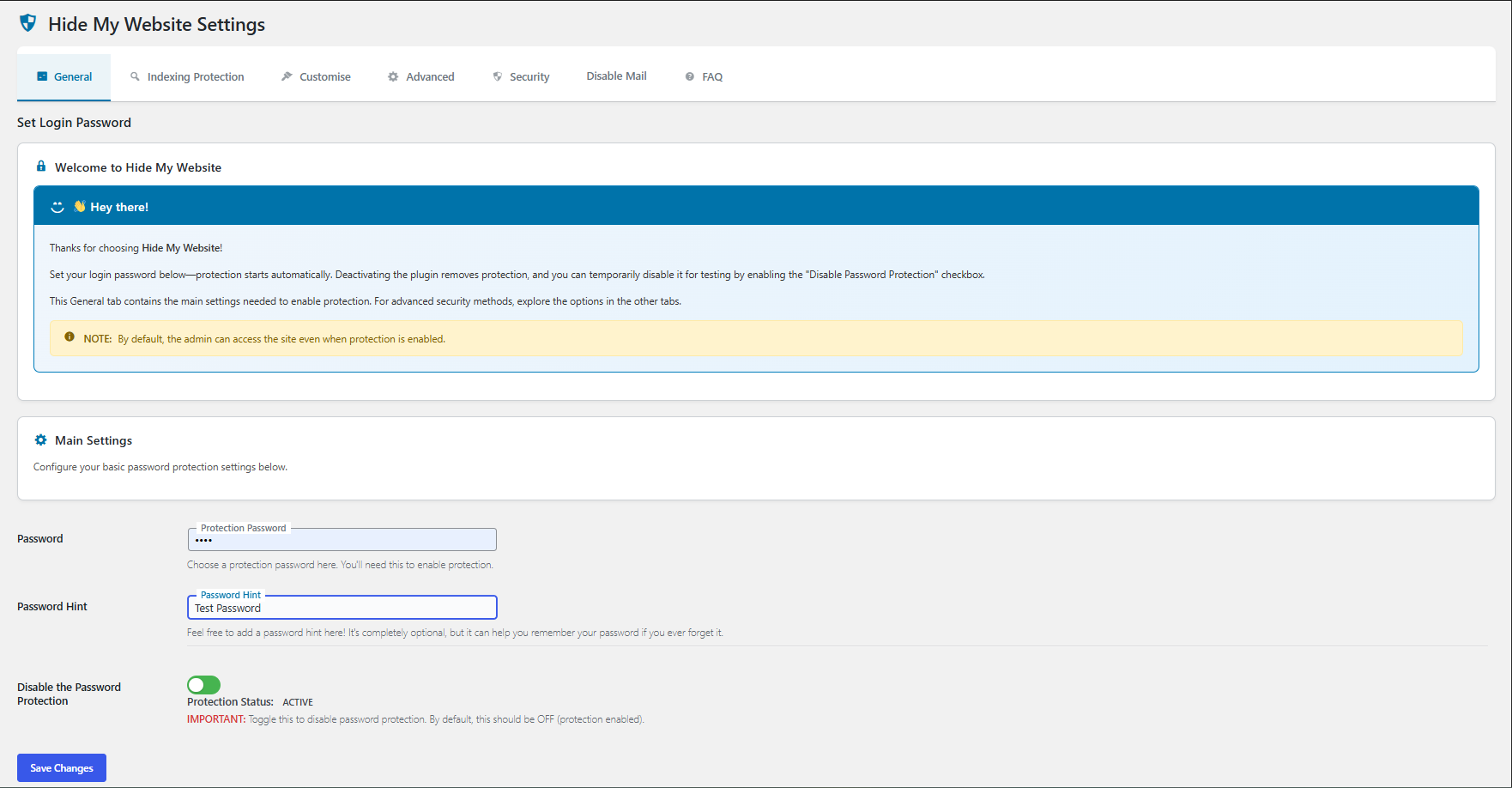
Main settings page
Changelog
1.6.2
Minor
* ✨ New: Block AI Crawlers feature – prevent GPTBot, ClaudeBot, CCBot, and other AI services from crawling your site
* 🤖 AI blocking includes robots.txt rules and X-Robots-Tag HTTP headers
* 🔧 New: Automatic cache clearing when plugin settings are updated
* 🐛 Bug Fix: Fixed redirect loop when password is changed in another window/private browsing session
* 🔒 Improved: Enhanced cookie validation to prevent authentication bypass
* ⚡ Performance: Optimized redirect handling for better performance
1.6.1
Minor
* Compatibility with WordPress 6.8.3
* Minor bug fixes
1.6.0
Major
* Added Hide Admin Login feature with custom login URL
* Improved security with enhanced bot blocking
* UI improvements across all settings pages
1.5.5
Minor
* ✉️ New: Disable Mail tab to short-circuit all outgoing emails site-wide
* 🛑 New: Red “Emails disabled” badge in the top WordPress Admin Bar when mail is off
* 🔗 UX: Custom Login URL builder now includes a Copy URL button
* 🎨 UI: Dismissible “More Security Features” banner with a calm blue gradient
* 🧰 Polish: Smaller toggles and modernized inputs across Settings
1.5.4
Minor
* UI: Hide Save Changes button on FAQ tab (no settings there)
* Caching: Fixed double password submit with page caches (no-cache headers, Vary: Cookie, cache-busting redirect)
* URL: Added temporary lock indicator (?protected) when form is shown; auto-cleaned after unlock
* Default: Settings UI now defaults to WordPress Login Template to match runtime default
* Admin: Auto-clear caches after saving settings and show a single success notice
* Compatibility: Tested with latest WordPress
=1.5.3 = Minor
*Bug fix – IP Detector enhanced.
*Compatibility with WordPress 6.8.2
=1.5.2 = Minor
*Bug fix – FAQ was unclickable
*Compatibility with WordPress 6.8.1
=1.5.1 = Minor
*Bug fix – white screen on pages
=1.5 = Major
*Change of Layout and easy UI
*New features
*More login templates
*Compatibility with WordPress 6.7.2
1.4
*Enabled page exclusions feature
*Some UI improvements
*Compatibility with WordPress 6.7.1
1.3
- IP Whitelisting, Block bots by modifying Robots.txt,minor improvements.
1.2
- Minor Improvements.
1.1
- Fatal Error on activation for some users – Fixed
1.0
- Initial release