

Hide My WP Lite
Hides your WordPress by renaming wp-login.php. Protects against bot attacks.
Plugin info
Maintenance & Compatibility
Maintenance score
Possibly abandoned • Last updated 1394 days ago • 3 reviews
Is Hide My WP Lite abandoned?
Possibly abandoned (last update 1394 days ago).
Compatibility
Similar & Alternatives
Explore plugins with similar tags, and compare key metrics like downloads, ratings, updates, support, and WP/PHP compatibility.
Description
Hackers regularly target wp-login.php and brute force using a list of usernames and passwords. This makes your WordPress site susceptible to potential hacking attacks and also slows down the website.
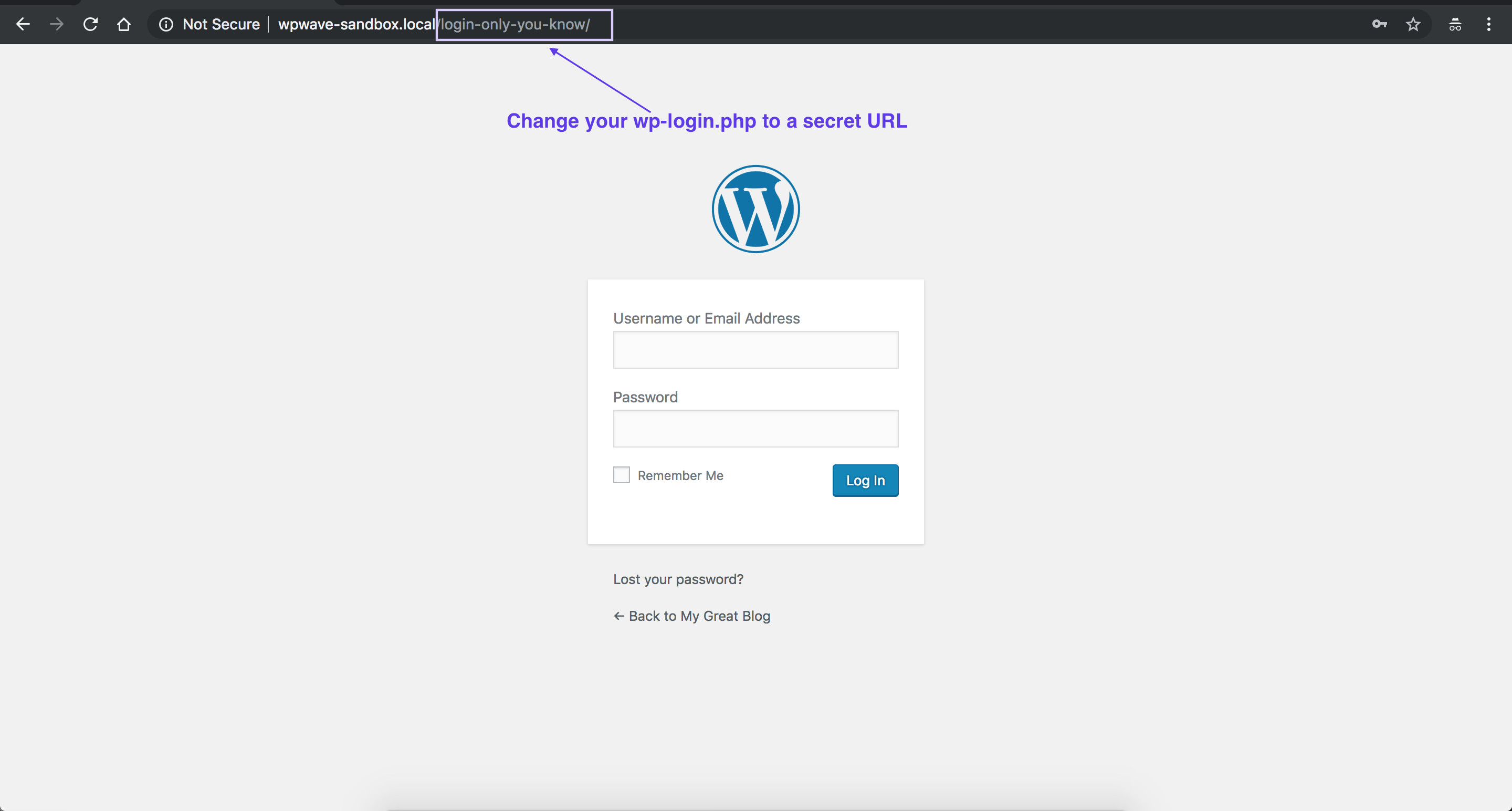
This plugin not only renames wp-login.php but adds a passcode or password to the URL. This makes it impossible for a hacker or an attacker to know the location of login url.
Features
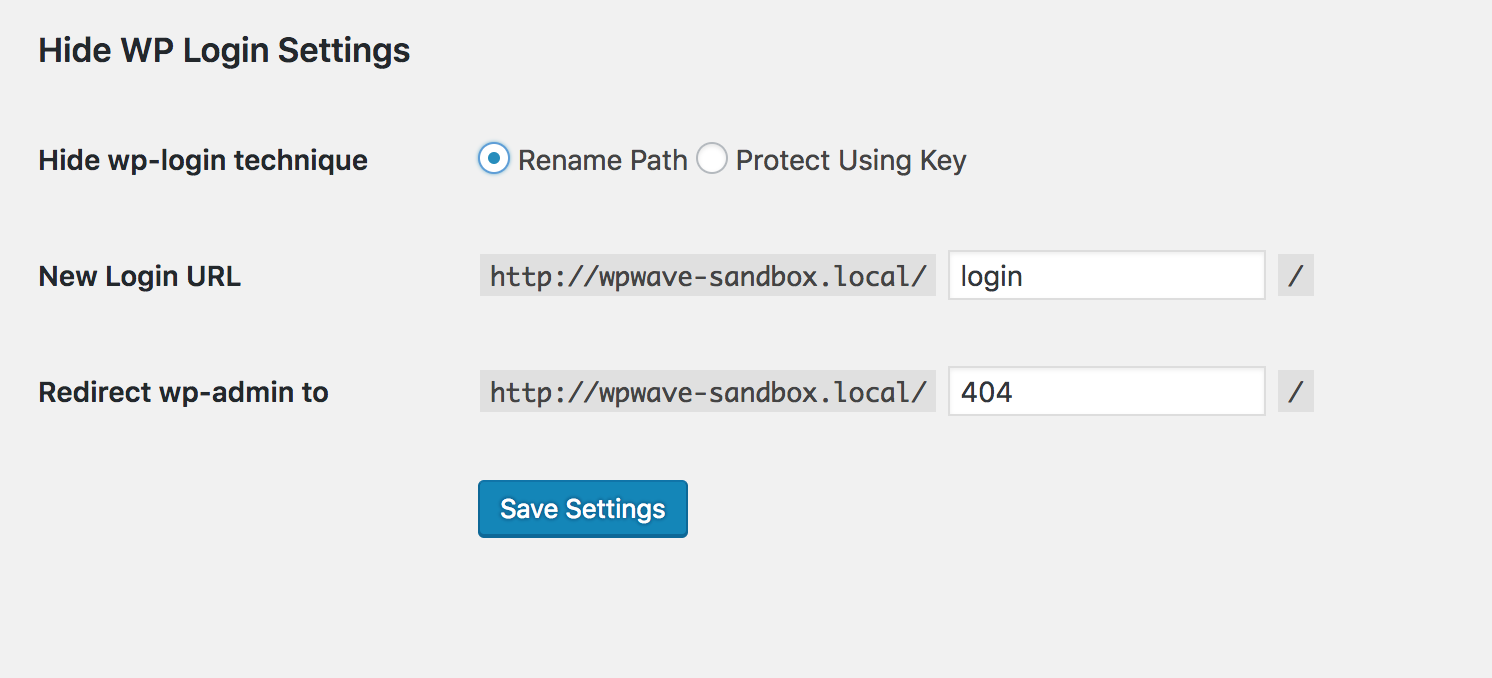
- Rename wp-login.php (thereby hiding it)
- Protect wp-login.php with a passkey
- Redirect /wp-admin for non-logged in users to any url of your choice.
- Bonus: Hide Elementor from popular tools like wappalyzer or builtwith
We at wpWave create the best security plugins for WordPress. You can also checkout our best seller hide my wp.
Installation
- Upload the plugin and Install/Activate.
- Change the URL to anything you want.
Frequently Asked Questions
Review feed
Screenshots

Changelog
v1.2 (30th Dec 2020)
- Compatible with Latest WordPress.
- Enhancement: Added option to hide Elementor.
- Other improvements.
v1.1 (3rd Feb 2020)
- Security fixes
v1.0
- Initial release