

Hippoo Notification
Introducing Hippoo Notification – the ultimate solution for shop owners seeking a seamless way to deliver push notifications and promotions to their c …
Plugin info
Maintenance & Compatibility
Maintenance score
Possibly abandoned • Last updated 775 days ago
Is Hippoo Notification abandoned?
Possibly abandoned (last update 775 days ago).
Compatibility
Similar & Alternatives
Explore plugins with similar tags, and compare key metrics like downloads, ratings, updates, support, and WP/PHP compatibility.
Description
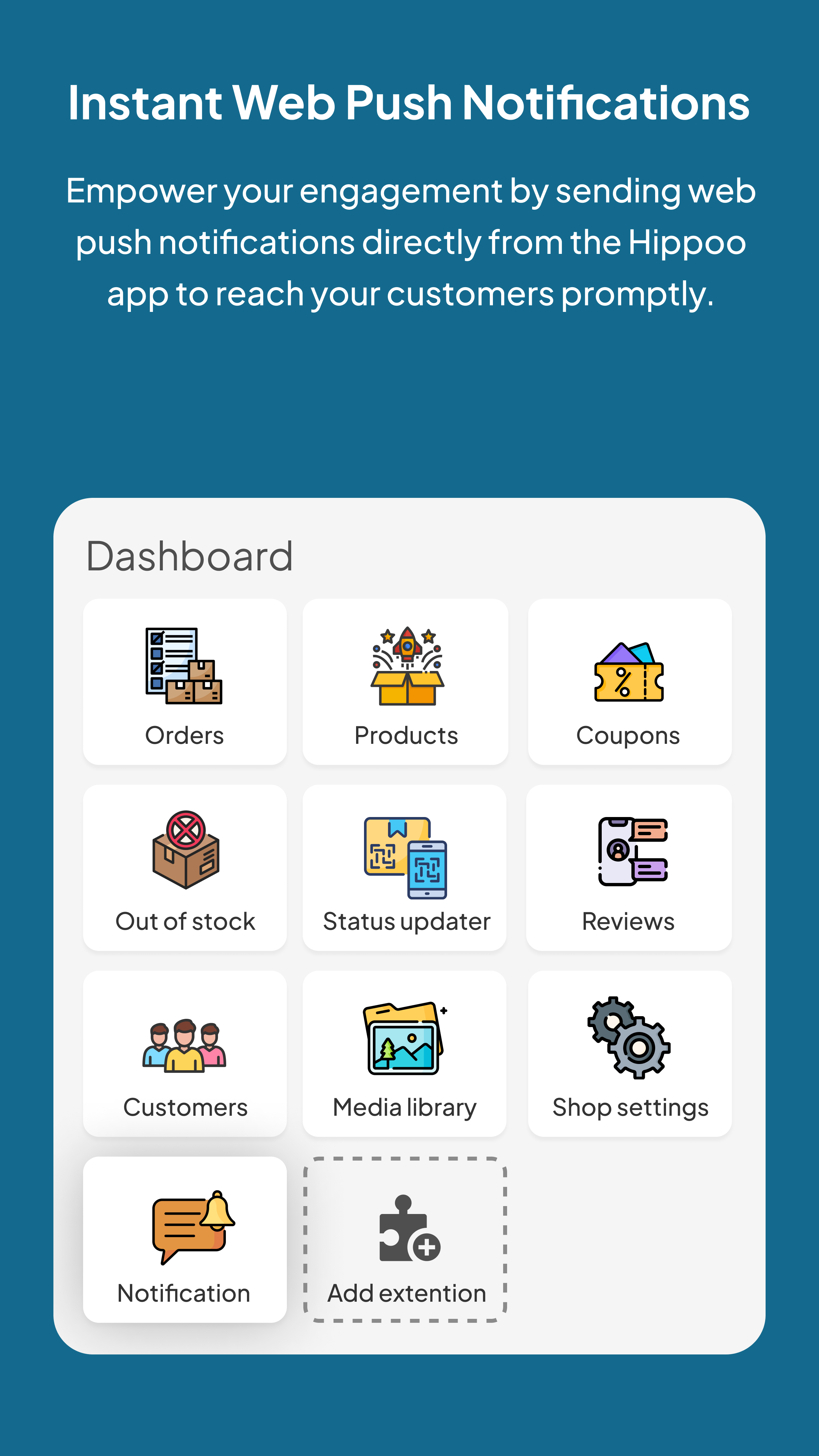
Introducing Hippoo Notification – the ultimate solution for shop owners seeking a seamless way to deliver push notifications and promotions to their customer base. This intuitive plugin is perfectly synced with OneSignal, ensuring effortless interaction with your audience.
To commence your journey with Hippoo Notification, it’s as simple as downloading and installing the Hippoo app.
The Hippoo app, a complimentary mobile application, acts as a robust tool for shop owners aiming to streamline communication channels and deliver promotions directly to their valued customers. Take your marketing endeavors to new heights and foster deeper connections with your audience through Hippoo Notification and the Hippoo app.
Transform the way you engage with your customers and supercharge your promotional endeavors today. Remember, to leverage the full power of Hippoo Notification, create an account on OneSignal and start sending notifications with ease!
Installation
- Upload the
hippoo-notificationfolder to the/wp-content/plugins/directory. - Activate the plugin through the ‘Plugins’ menu in WordPress.
- Go to the Hippoo Notification settings page and configure the plugin.
Frequently Asked Questions
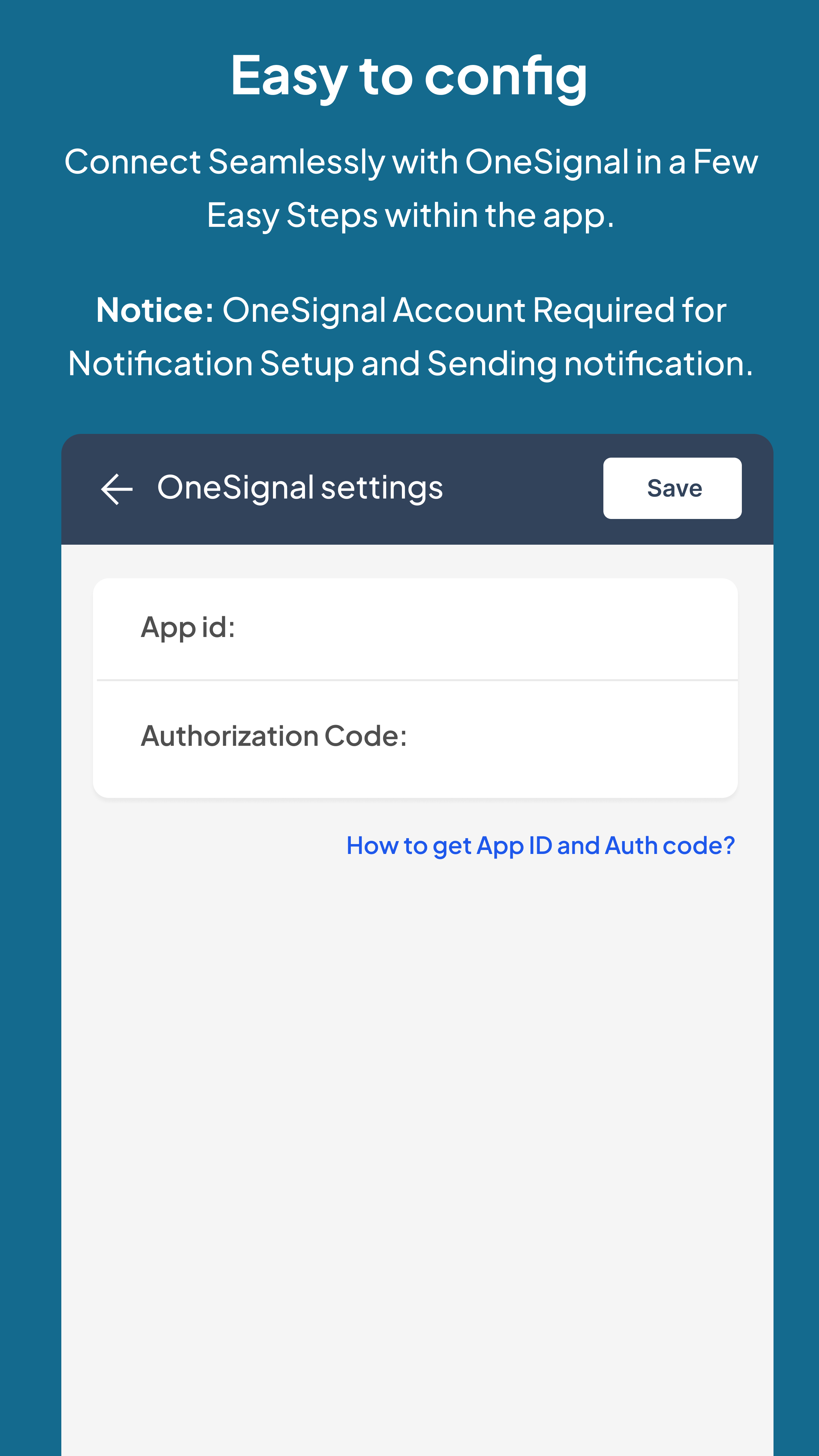
To configure the plugin, go to the Hippoo Notification settings page and enter your OneSignal App ID and API Key.
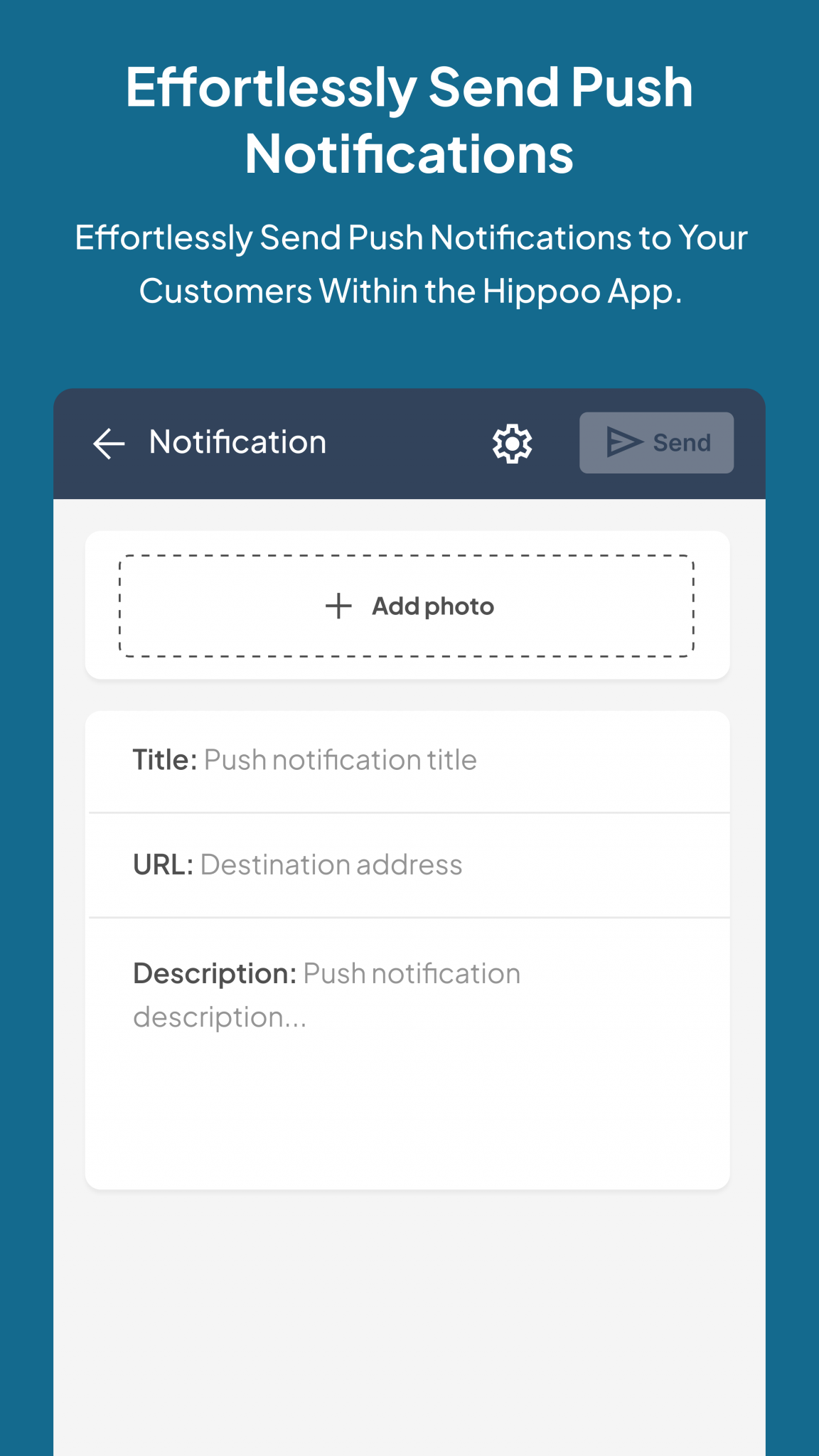
Yes, you can customize the notification message by editing the message template in the Hippo app notification.
Review feed
Screenshots
Changelog
1.0.0
- Initial release.