

Homer – Block Editor Tools
🧰 Block Editor formatting tools to give you more control over your content.
Plugin info
Maintenance & Compatibility
Maintenance score
Possibly abandoned • Last updated 1065 days ago • Support resolved 0% • 6 reviews
Is Homer – Block Editor Tools abandoned?
Possibly abandoned (last update 1065 days ago).
Compatibility
Similar & Alternatives
Explore plugins with similar tags, and compare key metrics like downloads, ratings, updates, support, and WP/PHP compatibility.
Description
🧰 Block Editor formatting tools to give you more control over your content.
Formatting Features
-
Text change animation 🔁
-
Inline icons library (with gradient)
-
Emoji library 😉
-
Tooltip popover
-
Special characters library ❁
-
Screen reader content
-
Language attribute 🌍
-
Hidden text / Spoiler
-
Uppercase text
-
Lowercase text
-
Capitalize text
-
Underline text
How to use
-
Go to post or page where Gutenberg editor is enabled.
-
Select the word you want to format.
-
Open more formats via clicking the “Homer Formats” button.
-
Choose the effect you want to apply.
⚙️ Universal: With this plugin you can add these effects to the text of almost any Gutenberg block, which is not limiting it format options.
⚙️ Animations: You can choose one of the types of animation that best suits your design, and change the settings to achieve the desired effect.
⚙️ Completely Customizable: You can customize the content, speed, etc to make it suitable for your website design
Installation
Frequently Asked Questions
Review feed
Really good.
Screenshots

Inline Icons library

Emoji library

Special characters library

Language attribute

Choose one of many types of text animation

Set text as many text values as you want to switch between

Change text colours
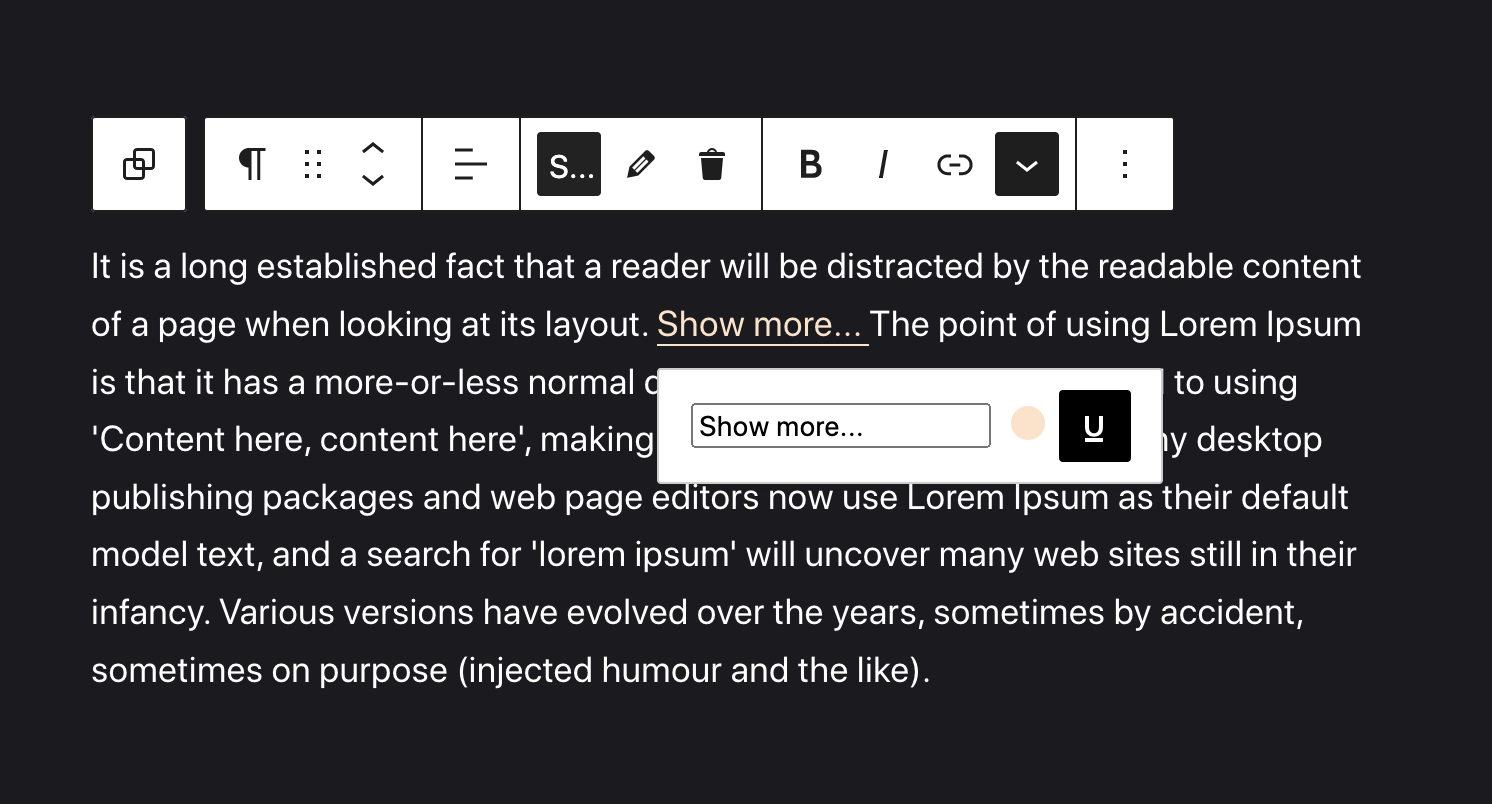
Use timeline option for better UX

Apply new button content on hover

Edit animation options - speed, delays, etc.

Hidden text / Spoiler effect

Hidden text effect on frontend

Adding special characters
Changelog
= 2.3.1=
* Design library
2.1
- Icons library added
- Popover added
- Emoji library added
- Screen reader format added
- Language format added
- Capitalize format added
2.0.2
- Settings page
2.0.1
- Control the buttons and effects appearing on the new settings page
2.0
- Hidden Text / Spoiler format added
- Uppercase format added
- Lowercase format added
- Underline format added
- Special Characters format added
- Dependencies issue fixed
1.0.2
- 8 new animations
- Advanced colors customizing
- Animation timeline
- Advanced cursors customizing
- Fix front-end dependencies bug
1.0.1
- Fix docs
- Start animations when item appear on screen
1.0.0
- Initial Release