

HTML5 chat
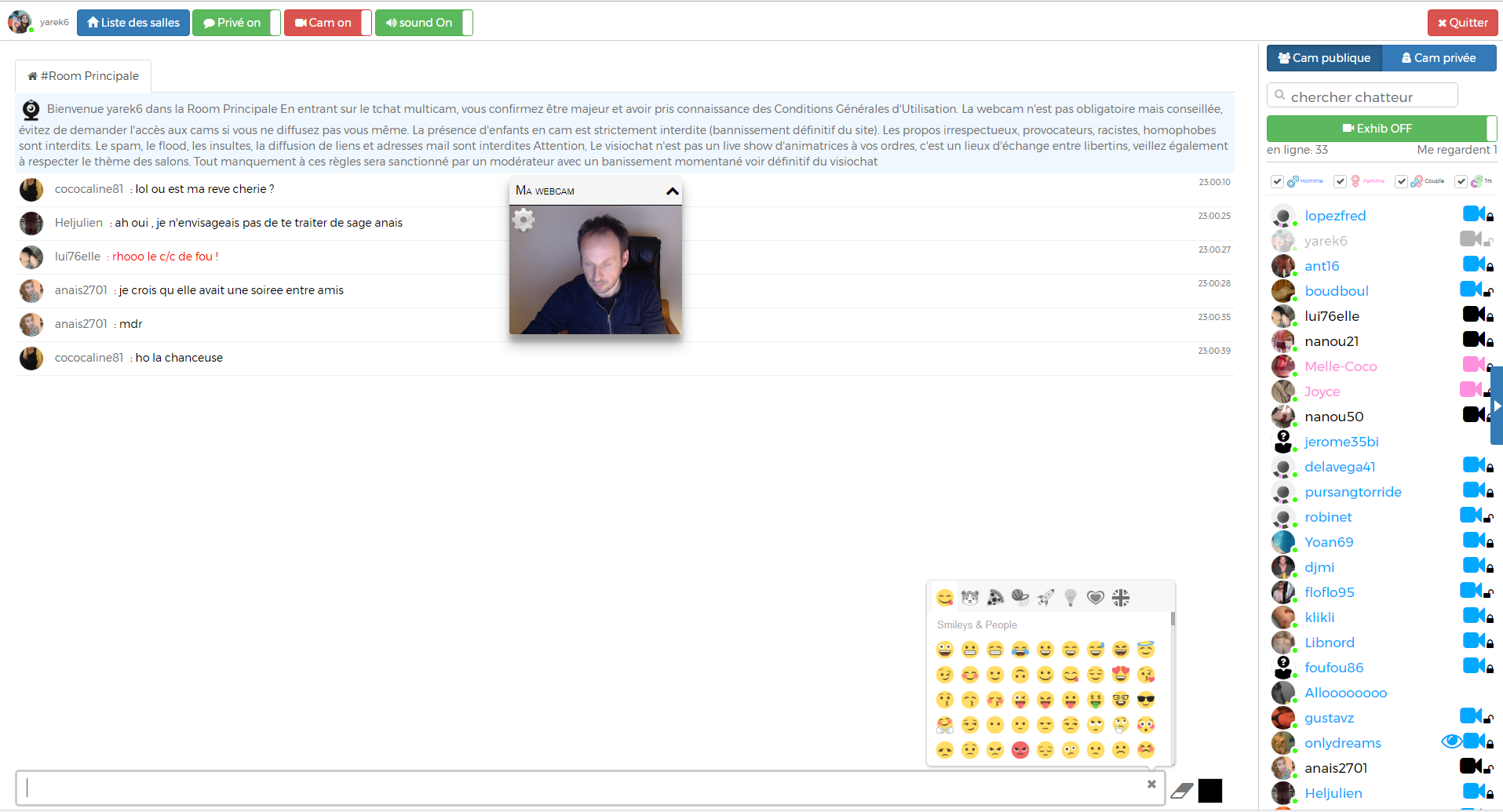
Html5 chat is a WP plugin to quickly add webcam video chat to your wordpress.
Plugin info
Maintenance & Compatibility
Maintenance score
Possibly abandoned • Last updated 680 days ago • 9 reviews
Is HTML5 chat abandoned?
Possibly abandoned (last update 680 days ago).
Compatibility
Similar & Alternatives
Explore plugins with similar tags, and compare key metrics like downloads, ratings, updates, support, and WP/PHP compatibility.
Description
Html5 chat plugin is quick plugin to help you to embed html-chat.com video chat into your wordpress blog.
Activate the plugin: you will automatically receive the password to your email.
Just insert the short code into your page or your post and you have an audio and video chat into your blog.
Questions
Feel free to contact us at [email protected] for further help
Installation
- activate the plugin
- insert the [HTML5CHAT width=100% height=640px] short code into your page or post
- you can configure your chat look&feel through your “configure chat” link
- To make the chat fullscreen; use height=fullscreen. Ex: [HTML5CHAT width=100% height=fullscreen]
Frequently Asked Questions
you can change the size by editing the [HTML5CHAT width=100% height=640px] tag.
you can change the size by editing the [HTML5CHAT width=100% height=fullscreen] tag.
You need to login to your chat through your WP admin. If you are the admin of your WP blog, then you are automatically the admin of the chat.
You can do that inside your config panel: you can inject some css, change the way html5 works
Review feed
Screenshots


Changelog
1.06
- End point fix. Minor fixes.
1.04
- Full screen bug fix
1.03
- Better BuddyPress integration
- automatic roles: administrator = admin, author = moderator, dj = contributor