

Page Speed Optimizer: HTTP/2 Push, Async JavaScript, and Defer CSS
HTTP2 Server push, Async JavaScript, Defer Render Blocking CSS, with fine rule set to control js and css on different page types,
Plugin info
Maintenance & Compatibility
Maintenance score
Maintained • Last updated 143 days ago • Support resolved 0% • 64 reviews
Is Page Speed Optimizer: HTTP/2 Push, Async JavaScript, and Defer CSS abandoned?
Likely maintained (last update 143 days ago).
Compatibility
Languages
Similar & Alternatives
Explore plugins with similar tags, and compare key metrics like downloads, ratings, updates, support, and WP/PHP compatibility.
Description
-
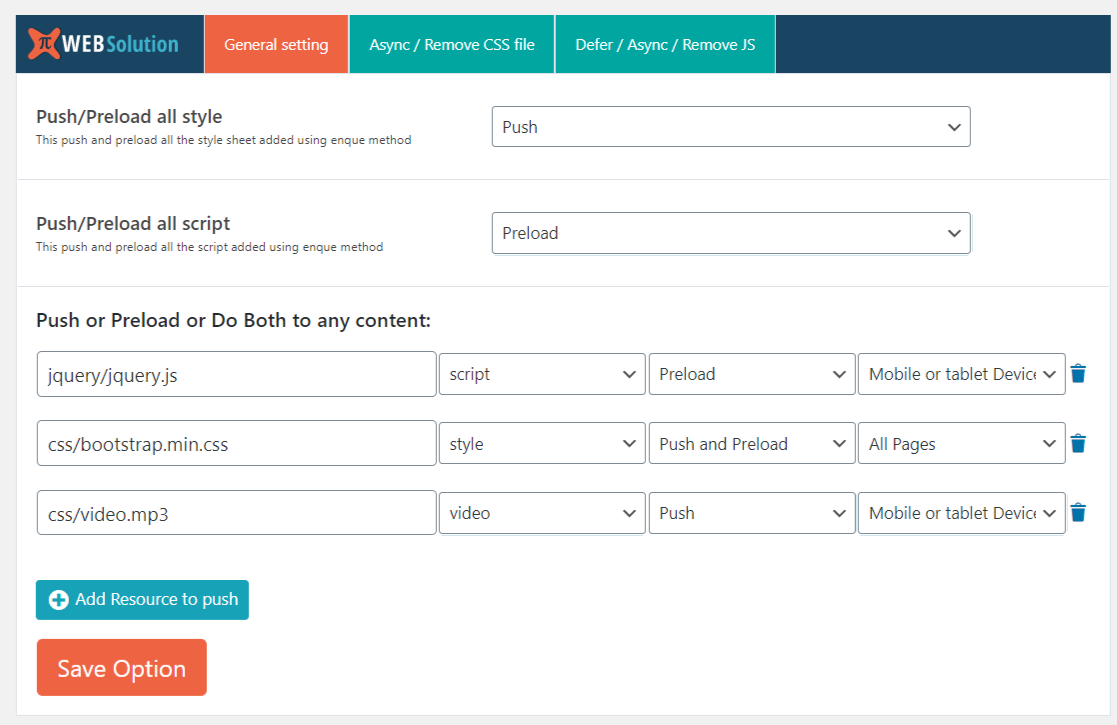
Push / Pre-load all JS files in site with one simple option
-
Push / Pre-load all the CSS files in your website
-
Push / Pre-load other resources throughout the site or based on the page types
-
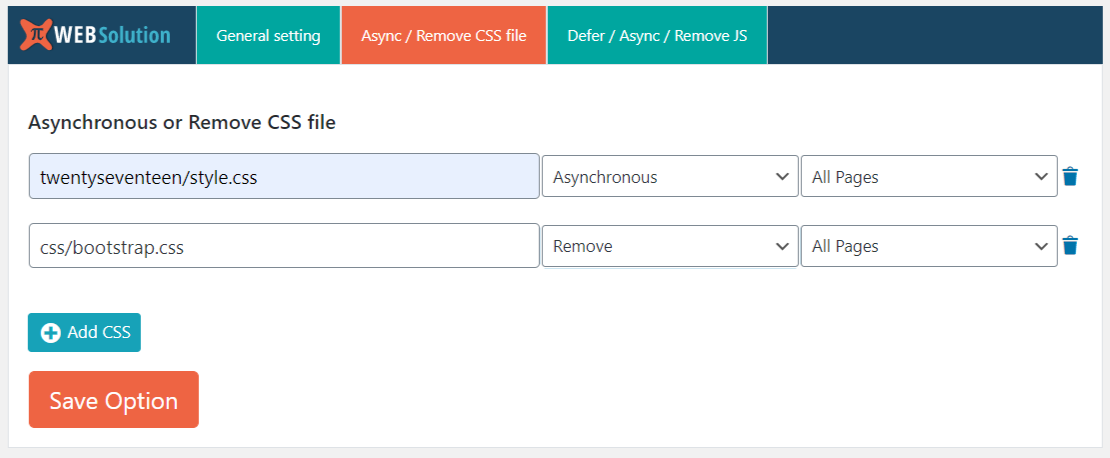
Load CSS Asynchronous or Remove any CSS file throughout the site, or there is a conditional selector that you can apply
-
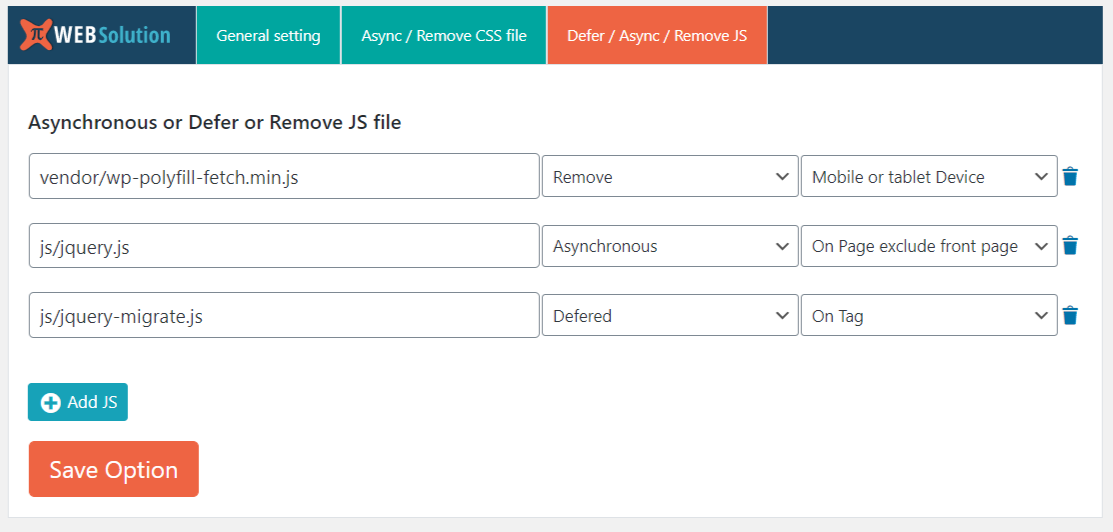
Async / Defer / Remove any JS file throughout the site or based on the WordPress page type
-
You can create mobile device specific rule to push, pre-load, remove, async js or css, this works based on the device user agent detection
-
You can create desktop device specific rule to push, pre-load, remove, async js or css, this works based on the device user agent detection
-
Conditionally remove JS and CSS from various WooCommerce pages like checkout page, cart page, product page, product category page
-
You can push pre-load resource specific on some pages by their ID
-
Remove CSS, JS specific to page or post by their ID
-
Organize rules in group for easy management of the rules
-
Remove CSS, JS on all pages leaving only on the page you specified
-
optimize WooCommerce speed
-
optimize WordPress website speed
Mobile and Desktop detection works based on the wp_is_mobile() function of the WordPress that detect device based on the user agent data send in the request
Apart from this it also offer ability to remove Css and JS file from specific pages based in the selected page tag conditions
Eg: if css path is https://s.w.org/style/wp4.css
then you can match it with wp4.css or style/wp4.css or s.w.org/style/wp4.css
you use 2nd method (style/wp4.css) for more precise selection (this avoid error when there are 2 style with same file name)
Installation
Frequently Asked Questions
Yes you can do that
Yes you can do that using our mobile detect rule, that works based on the browser user agent detection
Yes you can do that using Desktop specific rule
yes there is rules to control resources based on WooCommerce page types like product category, shop, single product, cart, checkout pages
you can do that there is that allows you to specify the Page id for which you want to push the resource
Yes there is rule using that you can remove it for specific page by specifying the page id, e.g: 1,4,66 will select the page with id 1 ,4, and 66
Yes you can do that we have rule to apply rule everywhere excluding the page you specified by id
Yes HTTP3 also support push and pre-load of resources
Yes you can do that by using the Exclude option and the page selection rule, so that way js or css will be removed from all the pages except the one you specified
Review feed
Not compatible with AMP
Simple, handy and must-have :)
Screenshots
Changelog
1.10.40
- Fix: Fixed the issue exact page id field not showing after saving the rule
1.10.31
- Fix: Fixed the issue with the select2 not loading properly when WooCommerce is not installed