

i2 AZON
This plugin allow you to add affiliate links, amazon product box and images from amazon using advertising api or with out api using chrome extention.
Plugin info
Maintenance & Compatibility
Maintenance score
Possibly abandoned • Last updated 1822 days ago • 2 reviews
Is i2 AZON abandoned?
Possibly abandoned (last update 1822 days ago).
Compatibility
Similar & Alternatives
Explore plugins with similar tags, and compare key metrics like downloads, ratings, updates, support, and WP/PHP compatibility.
Description
This plugin allow you to add affiliate links, amazon product box and images from amazon using advertising api or with out api using chrome extention. it also allow to creat shortcode to show them on classic editor.
See in Action
Main Features
- Use with or without amazon advertising api.
- Add amazon product images
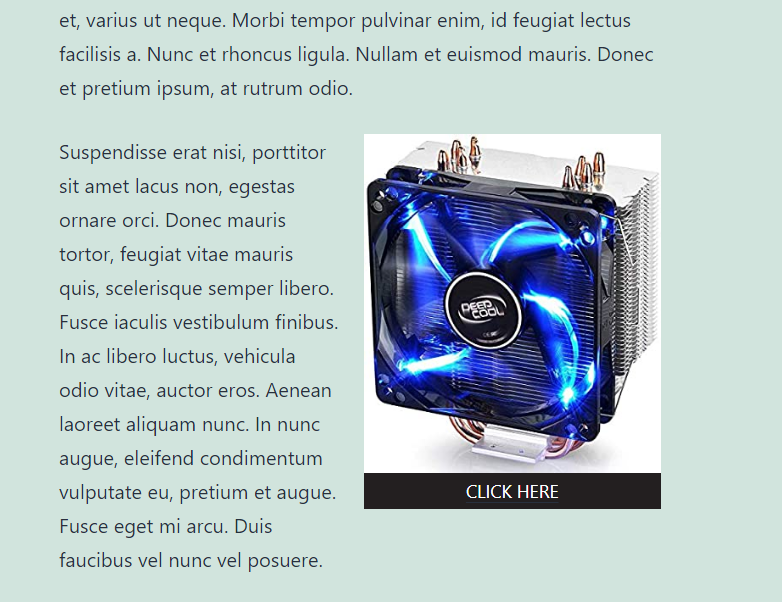
- Add amazon product box
- Add amazon affiliate link in any text blocks
- Add affiliate proxy links
Installation
- Upload the plugin files to the
/wp-content/plugins/i2-azondirectory, or install the plugin through the WordPress plugins screen directly. - Activate the plugin through the ‘Plugins’ screen in WordPress
- Add i2 AZON Gutenberg blocks or prepare shortcode
- Use the “i2 AZON” settings screen to update your affilate information
Frequently Asked Questions
After Activation of this plugin, Use Gutenberg block to add or prepare shortcode.
Yes, Absolutely! We would love to hear your suggestions and feature request.
You can contact me from here
Waiting for your Suggestion, feedback
Review feed
Screenshots


Changelog
v2.5 fixed shortcode issue
v2.4 fixed color clear undefined issue
v2.3 image alignment fixed in small screen
v2.2 link formater bug fixed