

i20 Custom Widgets for WordPress Posts Header, Footer & Sidebar
Customizable Related Posts Sidebar Widgets for WordPress Blogs to display on Posts, Pages & Taxonomies. On-page SEO booster. Works with all Themes.
Plugin info
Maintenance & Compatibility
Maintenance score
Maintained • Last updated 117 days ago
Is i20 Custom Widgets for WordPress Posts Header, Footer & Sidebar abandoned?
Likely maintained (last update 117 days ago).
Compatibility
Similar & Alternatives
Explore plugins with similar tags, and compare key metrics like downloads, ratings, updates, support, and WP/PHP compatibility.
Description
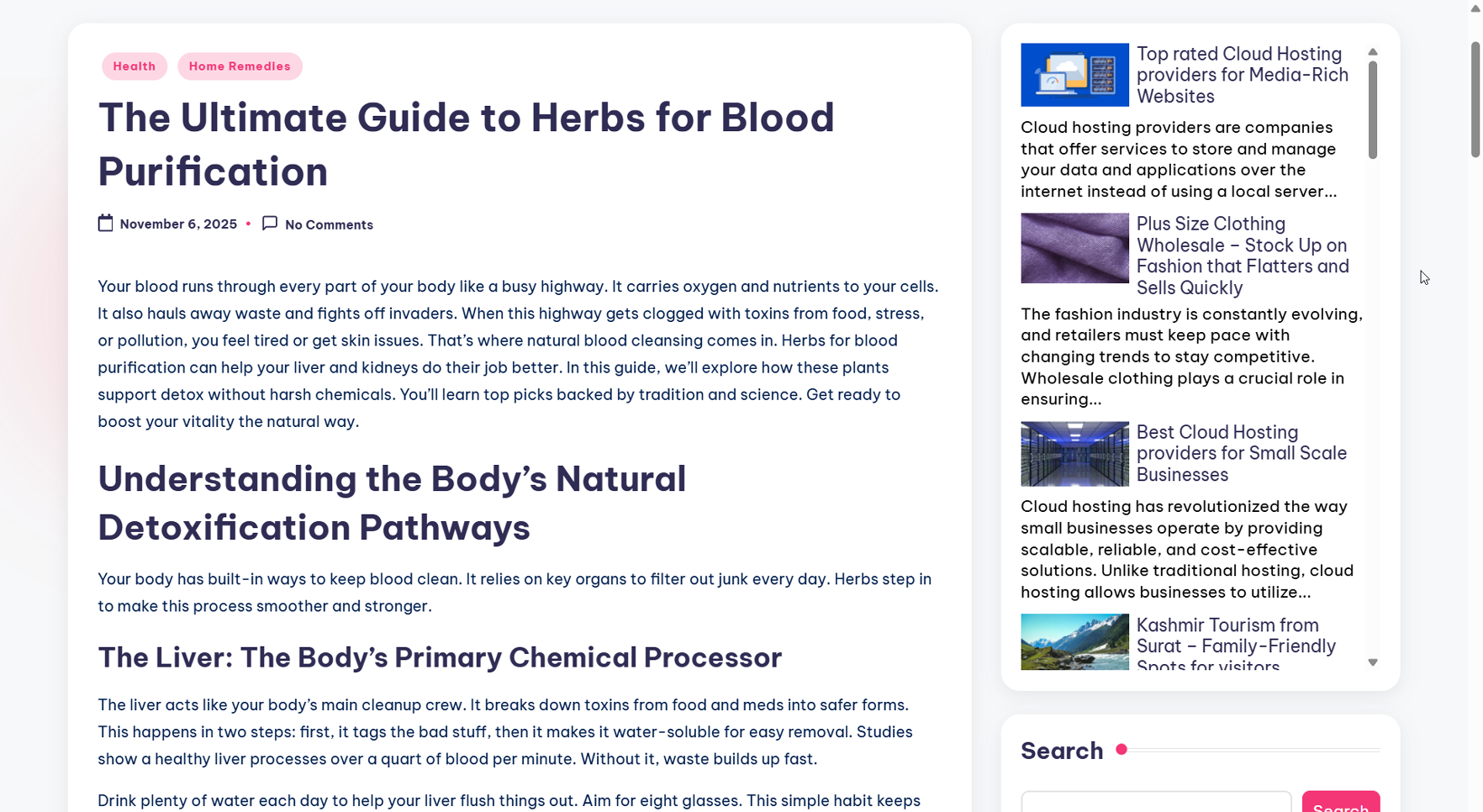
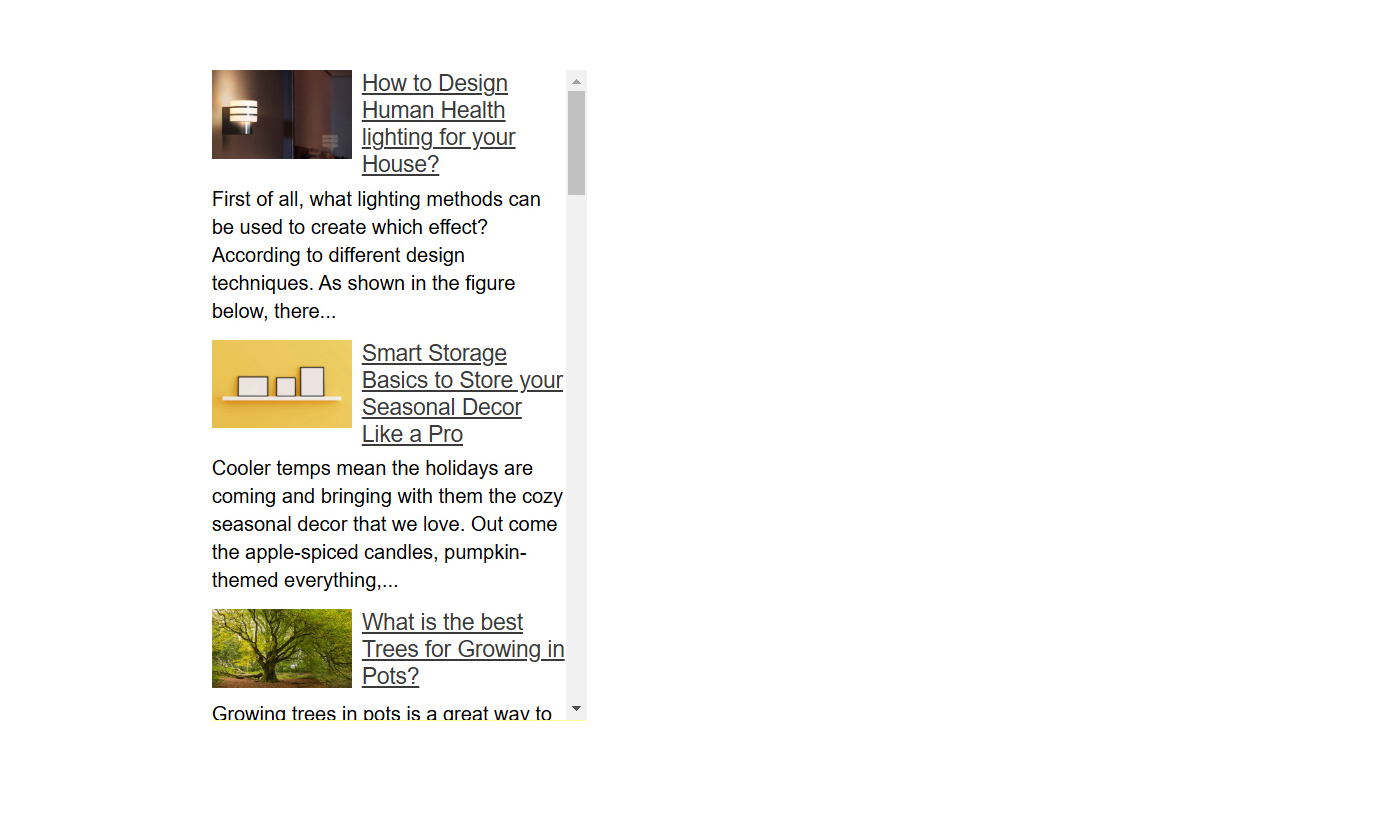
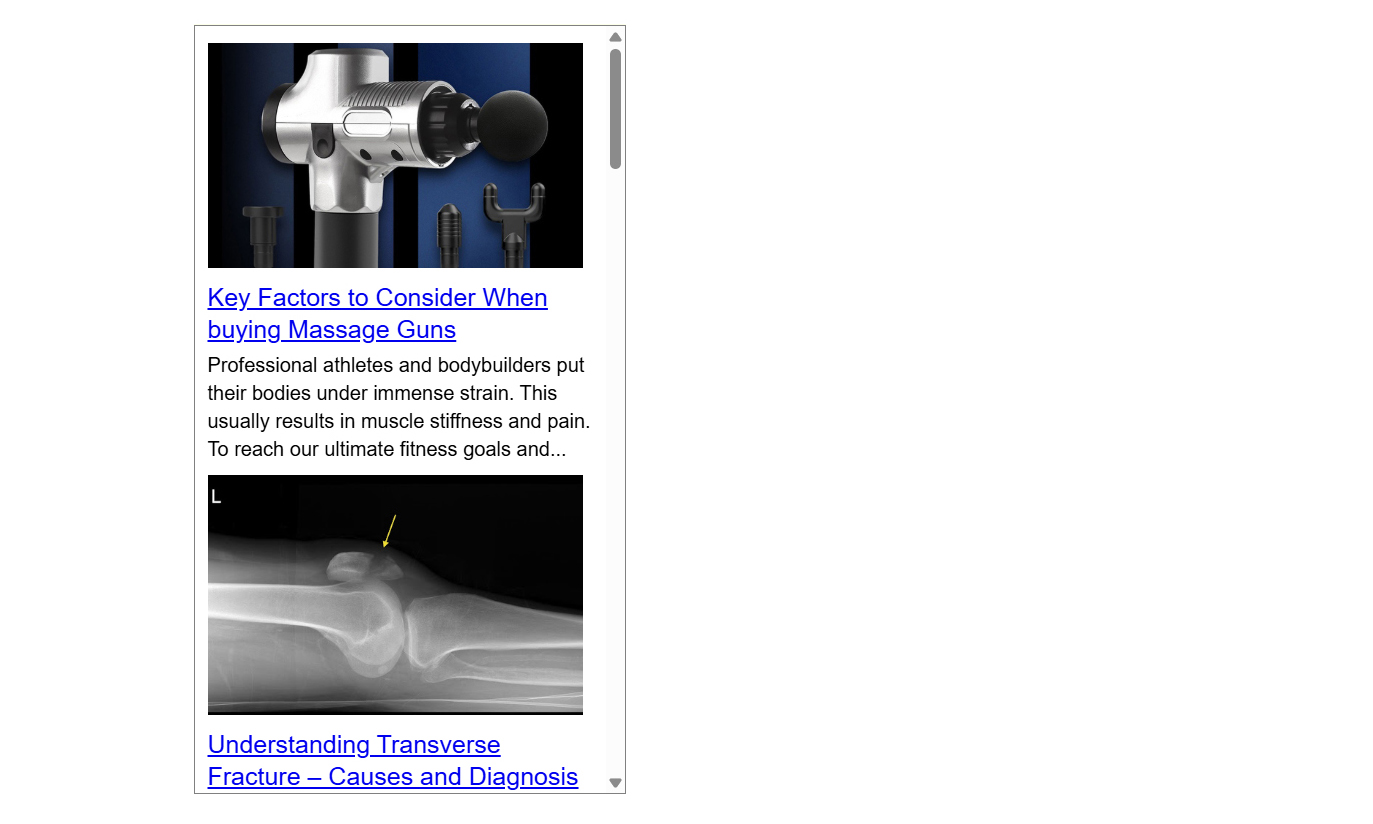
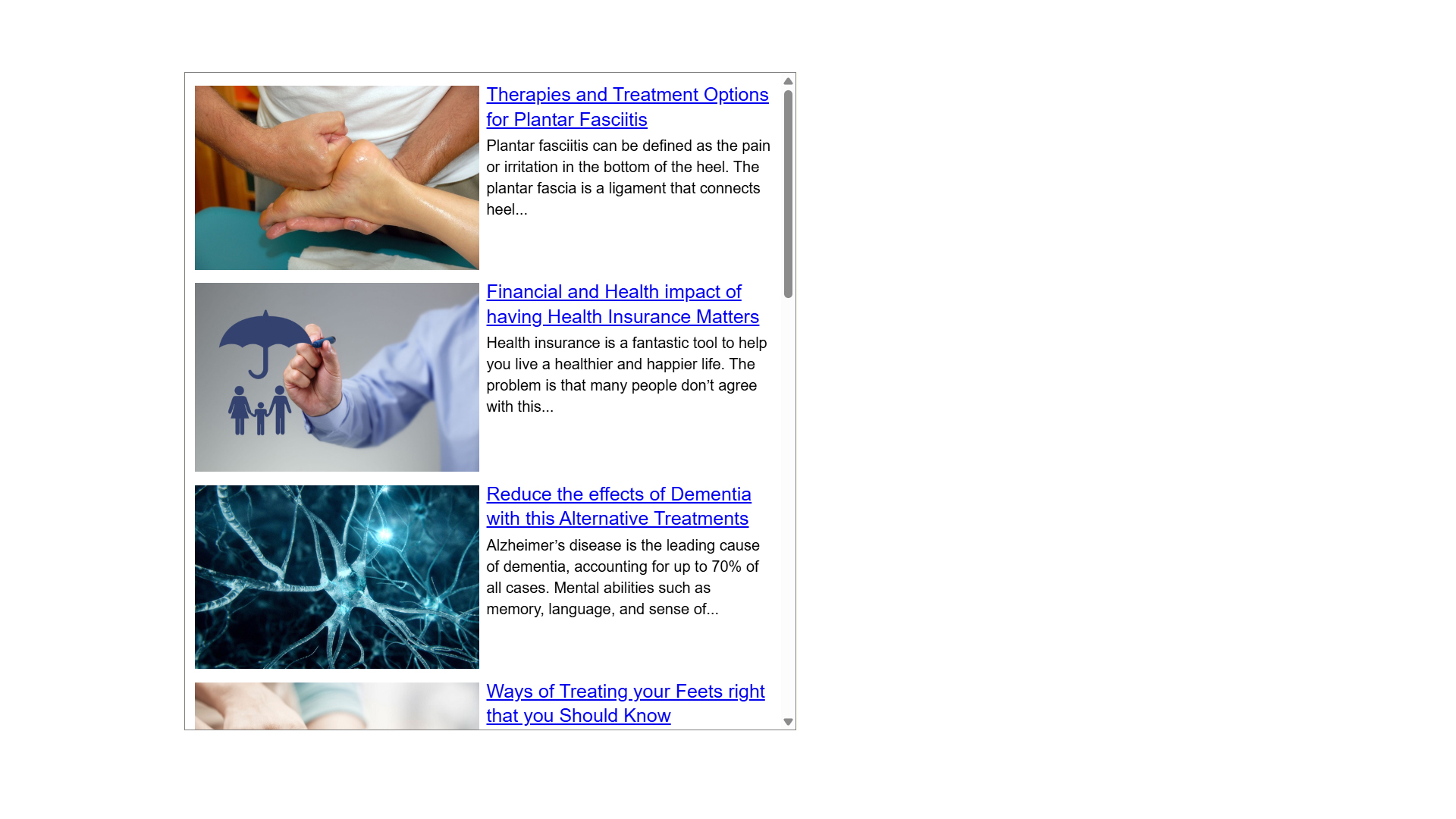
Informative, Easy to Customize (Live DEMO), On-page friendly Sidebar Widgets. A Well-optimized Sidebar not only improves usability but also contributes to higher retention rates & overall Site success. In these Custom Widgets Links Pointing to the Articles are Google friendly. Users can read these Articles using 200+ Global and Regional Languages.
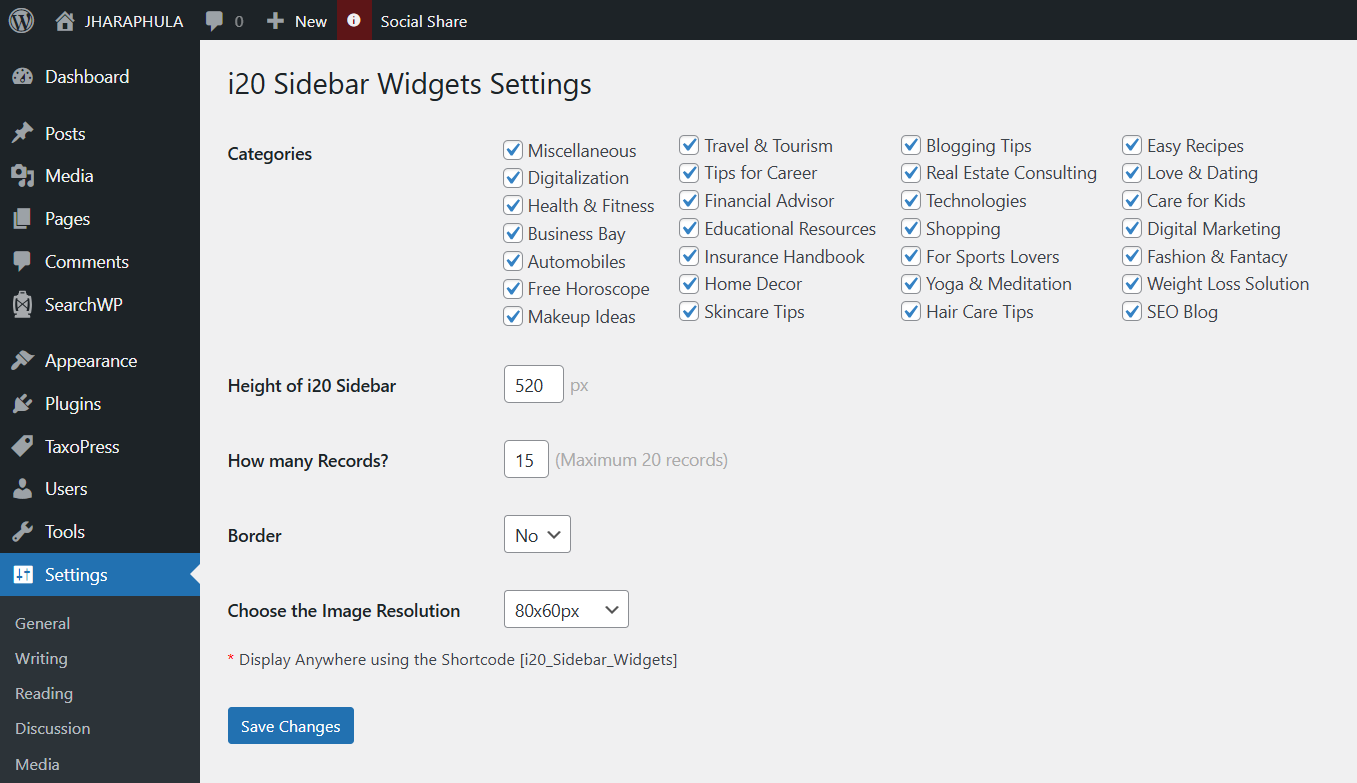
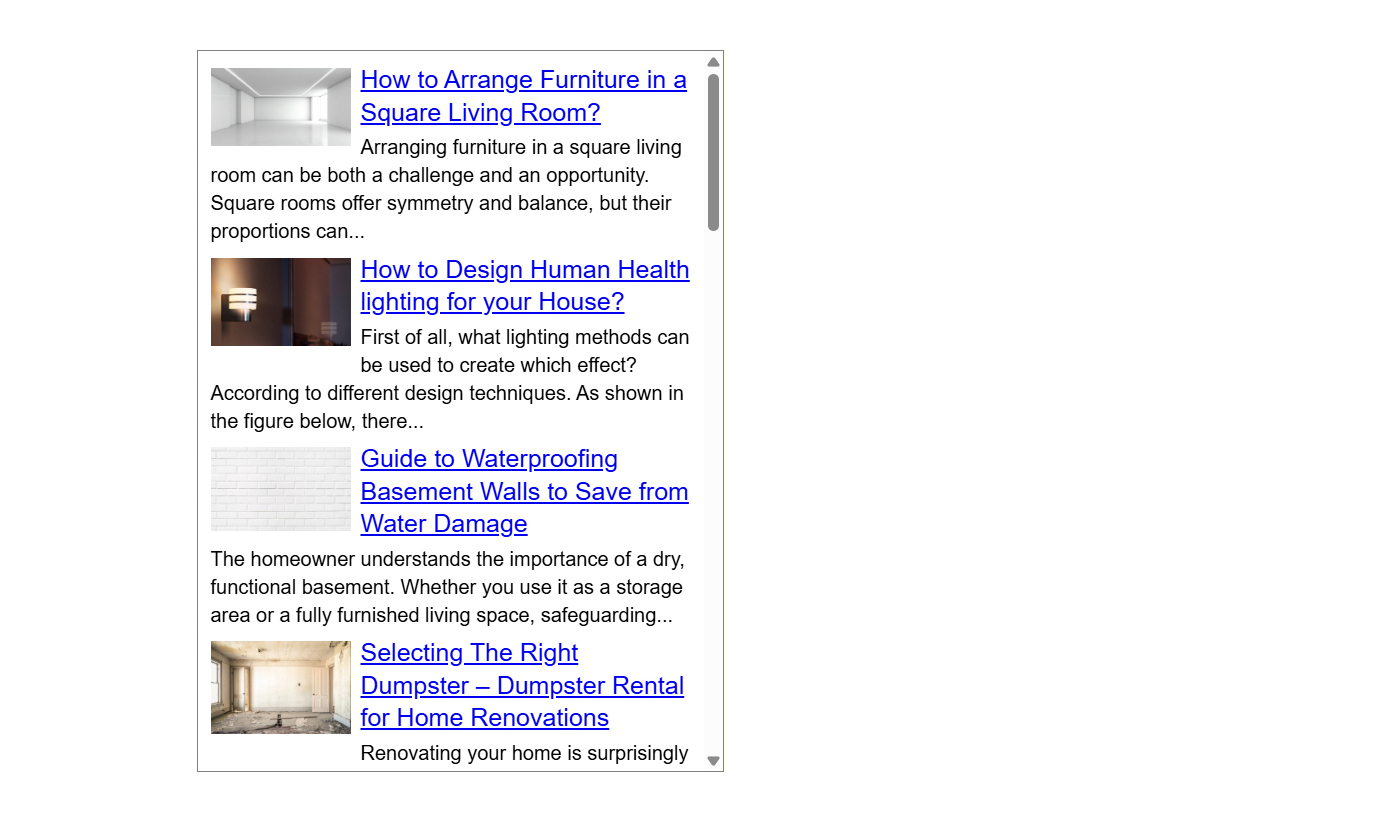
After a Successful Installation you don’t need to do anything, the Plugin “i20 Sidebar Widgets” will automatically fit in your theme. Using Settings > i20 Sidebar Widgets, you can Set the number of records you want to display or border and height of these Custom Sidebar Widgets. By default this plugin Comes with 100% Width. You can use this in Page Header, Left or Right Side Panel or inside Paragraphs. Currently we are supporting 28 popular Categories like Digitalization, Health and Fitness, Business Bay, Automobiles, Free Horoscope, Makeup Ideas, Travel and Tourism, Tips for Career, Financial Advisor or Educational Resources. Each Category comes with 400+ high quality Articles. Depending upon your Site Niche from plugin settings you can choose which Categories Articles you need to show in the Sidebar.
Understanding WordPress Custom Widgets
Widgets are pre-built elements designed to perform specific functions on a WordPress website. They can display text, images, recent posts, calendars, search bars, and more. Widgets are accessible via the Appearance > Widgets section in the WordPress dashboard or through the Customizer, where they can be dragged and dropped into designated widget areas.
Technical Details
Widgets play a pivotal role in modern web design by enhancing interactivity, personalization, and functionality. i20 Sidebar Website Widgets for WordPress are completely Dynamic, No more we are Storing or Retrieving DATA to or from your WP Database. Fetching DATA from SSD/NVMe Storage xml feeds. Each feed Comes with 200+ records. Total 28 feeds (Categories). Using 1 random PHP function we are Choosing 1 feed from 28 feeds then using 2nd random PHP function we are displaying top 20 records. Make Sure in every page refresh for 90% cases these Website Widgets will display unique records to the user.
SEO Features of these i20 Website Widgets
Website Widgets are powerful Tools that enhance user experience while contributing significantly to search engine optimization (SEO). Sidebar widgets, when implemented thoughtfully, can positively impact SERP by improving User engagement, Outbound linking and Content relevance. By following SEO best practices, website owners can leverage Sidebar Widgets as a strategic Tool for organic growth.
This WP Plugin is SEO friendly. By adding this Website Widgets to your Post, Page or Taxonomies pages additional 2900+ Words will add to the page (which will Change for every page refresh). Each row of this Sidebar Widgets comes with 145 Words Description. If you are displaying 20 rows then 2900+ Words will On-page.
Lets take an example you have a blog related to Digital Marketing. Under i20 Sidebar Setting panel if you will choose Digital Marketing Categories feed to Show, in your pages Digital Marketing related posts will appear. Which helps to boost Keyword Density as well as User experience.
Mobile Compatibility of these Widgets
These Sidebar Widgets are designed to be Responsive, adapting to different Screen Sizes. This ensures a seamless experience for Mobile users. This means they can change their size and shape based on the screen they are on. For example, if you look at a website on a big computer screen, the widget might show a lot of information at once. But if you switch to a smaller phone screen, the widget will adjust to fit nicely, making it easy to read and use.
Practices to follow while using these Custom Widgets
When a sidebar is organized and clear, it makes the website more user-friendly, allowing visitors to navigate without getting lost. This good experience keeps people on the site longer, which is important for the success of any website. If users can easily find interesting articles, products, or other content, they are more likely to return.
Prioritize User Experience – Avoid cluttering widget areas with excessive elements. Widgets should make navigation intuitive and content accessible. A clutter-free layout improves usability, keeping visitors engaged longer. Avoid small fonts, excessive text, or overly complex designs. Group related widgets together and place high-priority widgets in prominent positions.
Optimize for Performance – Limit resource-heavy widgets to prevent slow loading times. Widgets that rely on external scripts or heavy media can slow down your site significantly. A faster site improves SEO rankings and lowers bounce rates. Enable lazy loading for image-heavy widgets to defer offscreen content loading.
Mobile Responsiveness – Ensure widgets adapt well to different screen sizes. With most users browsing on mobile devices, widgets must adapt seamlessly to smaller screens. A mobile-friendly design ensures accessibility for all users.
Regular Updates – Keep plugins and widgets updated for security and compatibility. Regularly check for widget and plugin updates to ensure optimal performance. Deactivate and delete widgets that are no longer needed to minimize security risks. Verify that updates don’t disrupt styling or functionality.
Benefits of using Sidebar Widgets for WordPress
Sidebar widgets serve as versatile elements that elevate website performance by improving navigation, enriching user experience, boosting conversions, and organizing content effectively. Their strategic implementation ensures visitors enjoy a seamless browsing journey while businesses achieve their engagement and revenue goals. When designed thoughtfully, sidebar widgets become indispensable tools in creating a polished, user-centric digital space.
1. Improved Navigation
Widgets simplify navigation by providing shortcuts to key sections, reducing the time users spend searching for information. A well-designed sidebar acts as a guide, helping users quickly locate important sections without unnecessary clicks. Common navigation widgets include menus, search bars, and category lists, which allow visitors to jump to relevant content effortlessly.
For content-heavy websites like blogs and news portals, sidebar widgets can display recent posts, popular articles, or archives, ensuring users find what they need without frustration. E-commerce sites benefit from filtering widgets that let shoppers refine product searches by price, brand, or ratings. By minimizing the time users spend searching for information, sidebar widgets enhance efficiency and reduce bounce rates.
2. Enhanced User Experience
Interactive Sidebar widgets, such as social media links or subscription forms, encourage visitors to interact with the website beyond passive browsing. User experience (UX) is a critical factor in retaining visitors and encouraging return traffic. Sidebar widgets contribute to UX by offering intuitive, easily accessible tools. For instance, social media integration widgets enable users to share content seamlessly, while subscription forms allow them to stay updated without navigating away from the page.
Customizable widgets, such as weather updates, language selectors, or currency converters, further personalize the experience for international audiences. Additionally, widgets like “Related Posts” or “Recommended Products” keep users engaged by suggesting relevant content tailored to their interests. These features make websites more interactive and user-friendly, fostering longer visit durations and higher satisfaction.
3. Increased Conversions
Strategically placed CTA widgets guide users toward desired actions, boosting lead generation and sales. Sidebar widgets can directly impact conversion rates by strategically placing calls-to-action within the user’s line of sight. Newsletters, promotional banners, or limited-time discount widgets in the sidebar can capture attention without disrupting the main content. E-commerce sites often leverage sidebar widgets to display shopping cart summaries, wishlist options, or recently viewed items, encouraging shoppers to complete purchases.
For service-based businesses, contact widgets with clickable phone numbers or inquiry forms make it easier for potential clients to reach out. By reducing friction in the conversion process, well-placed widgets drive higher engagement and sales.
4. Better Content Organization
Custom Widgets like categories or tags help structure content logically, improving readability and user satisfaction. A cluttered website overwhelms visitors, while a well-organized one improves readability and engagement. Sidebar Widgets help categorize & prioritize content, ensuring that key information remains accessible. Tag clouds, table of contents, or hierarchical menus assist users in filtering content based on their preferences.
For publishers, widgets like “Most Popular” or “Editor’s Picks” highlight high-value content, while FAQ sections provide quick answers to common queries. By maintaining a structured layout, sidebar widgets prevent information overload and enhance the overall aesthetic appeal of the site.
Custom Sidebar Website Widgets play a vital role in enhancing functionality, engagement, and user experience. By carefully selecting and optimizing widgets, website owners can create a seamless browsing experience that meets their audience’s needs. Whether for navigation, conversions, or content discovery, well-implemented widgets contribute significantly to a website’s success.
Benefits of using XML Feed-Based Website Widgets for WordPress
An XML feed is a way to share information between different websites and applications. Think of it like a special recipe card that tells computers how to read and use data. XML stands for eXtensible Markup Language, which means it uses tags to organize and label the information. For example, a blog might use an XML feed to share its latest posts with other websites or apps, so people can see the updates without visiting the blog directly. This makes it easier for users to find new content and lets different sites work together smoothly. XML feeds are important because they help keep information up to date and make sharing easy for everyone.
Real-Time Updates – One of the most significant advantages of XML feed-based widgets is their ability to display real-time updates. Unlike static content that requires manual editing, these widgets automatically pull the latest data from the source feed.
Cross-Platform Compatibility – XML is platform-agnostic, making it easy to integrate feeds into websites, mobile apps, and desktop software. XML is a universally supported markup language, making XML-based widgets highly compatible across different platforms and devices.
Reduced Server Load – Instead of storing large datasets locally, widgets fetch only necessary data, optimizing performance. Since XML feed-based widgets fetch data from external sources, they help minimize the strain on a website’s hosting server.
Customization – Developers can style widgets to match branding, control update intervals, and filter relevant data. XML feed-based widgets offer extensive customization options, allowing businesses to tailor the display according to their branding and user experience needs.
SEO Advantages – Dynamic content from XML feeds can improve search rankings by keeping websites fresh and engaging. Search engines prioritize websites with fresh, relevant content. XML feed-based widgets contribute to SEO efforts in multiple ways.
WordPress widgets offer immense flexibility but require careful implementation to maximize their benefits. By prioritizing user experience, optimizing for performance, staying updated, and ensuring Mobile Responsiveness, you can create an efficient and engaging Website. Thoughtful Widgets usage enhances functionality without compromising speed or usability. Consistently reviewing and refining widget placement will contribute to a smoother, more professional site experience for all visitors.
You can display these Sidebar Widgets using Shortcode [i20_Sidebar_Widgets].
Installation
- To Install these Website Widgets for WordPress Go to
Pluginsin the Admin menu. - Click on the button
Add new. - Search for
i20 Sidebar Widgetsand click ‘Install Now’ or click on theuploadlink to uploadi20-sidebar-widgets.zip - Click on
Activate plugin. - Go to Settings > i20 Sidebar Widgets. Copy the Shortcode.
- Under Widgets drag a Text Control to your Sidebar panel. Paste the Shortcode. Save.
- Clear Site Cache and refresh the Page using CTRL + F5 in browser.
Frequently Asked Questions
Use standard Plugin overview page in WordPress admin section and deactivate it or rename plugin folder /wp-content/plugins/i20-sidebar-widgets over FTP access.
Yes.
No, it won’t. It’s only loaded on the pages where Shortcode added.
Yes, by selecting each checkbox you are saying our algorithm to fetch its related Category xml feed. While selecting multiple feeds for each page refresh randomly 1 category feed will select from the array of xml feeds.
By not selecting any Category Widgets will fetch general feed.
[i20_Sidebar_Widgets]
No. These Widgets fetching Data from NVMe/SSD Storage third-party xml Feeds.
Yes using the Shortcode you can use these website widgets multiple times in a Single page but it was recommended not to use multiple times. Because the Setting panel will work Same for all Widgets. For multiple use width is not an issue as it set to 100% but height and record count will same for all widgets. Make Sure during page load multiple widgets will not show Similar records.
GPLv2 or later.
Review feed
SEO friendly, I love this plugin
Screenshots


Changelog
2.1.6: February 17, 2025
- Under Widgets Setting panel Image Resolution (Larger or Smaller) Option added.
2.1.6: February 17, 2025
- In place of 120 records now our each xml feed Comes with 200 records.
2.1.3: January 30, 2025
- Updated feed Image Size from 80x60px to 300x185px.
2.1.3: November 28, 2024
- Initially our xml feeds are with 60 records each from Database for any specific category. Updated to 120 records.
2.1.3: November 27, 2024
- Fetching all User selected feeds url using random function from PHP. Then storing all the records from each feed to an array. Applying random function to the Array elements before displaying to the widgets.
2.1.3: October 30, 2024
- WordPress 6.5 and PHP 8.2 compatibility.
1.0.0: October 10, 2024
- Birthday of i20 Sidebar Website Widgets for WordPress.