

IECST Highlighter
Display beautiful code snippets using the Phio Highlighter for the IEC 61131-3 Structured Text language
Plugin info
Maintenance & Compatibility
Maintenance score
Maintained • Last updated 165 days ago
Is IECST Highlighter abandoned?
Likely maintained (last update 165 days ago).
Compatibility
Similar & Alternatives
Explore plugins with similar tags, and compare key metrics like downloads, ratings, updates, support, and WP/PHP compatibility.
Description
This plugin adds a Gutenberg block called IECST Highlighter. After entering a code snippet in the editor,
the output will be rendered with a syntax highlighting style selected in the IECST Highlighter Settings.
This plugin uses the Phio Highlighter which is distributed
with an MIT License, https://highlighter.phioautomation.com/LICENSE.txt.
Development of this plugin is on Github.
Installation
- Upload the plugin files to the
/wp-content/plugins/iecst-highlighterdirectory, or install the plugin through the WordPress plugins screen directly. - Activate the plugin through the ‘Plugins’ screen in WordPress
Frequently Asked Questions
Review feed
Screenshots

Select a Highlighter theme Settings -> General -> IECST Highlighter CSS Theme
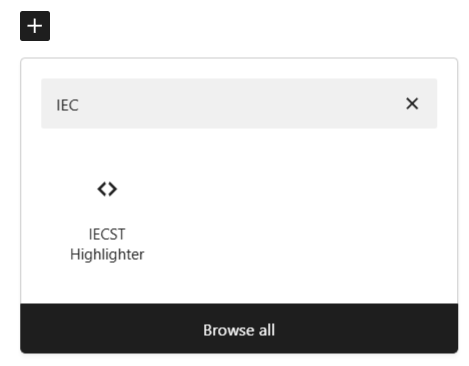
Add an IECST Highlighter block to a page
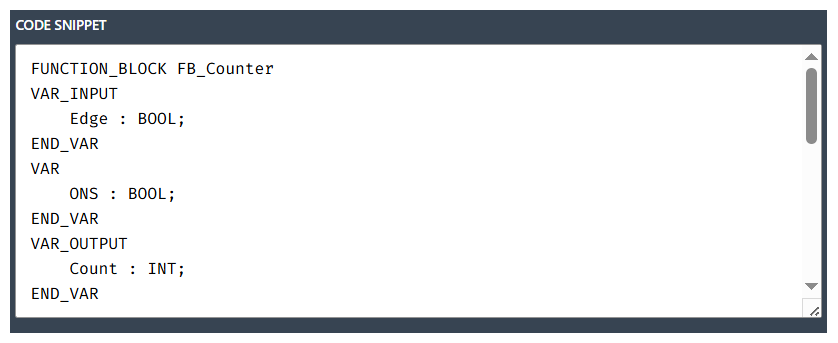
Enter your code in the editor
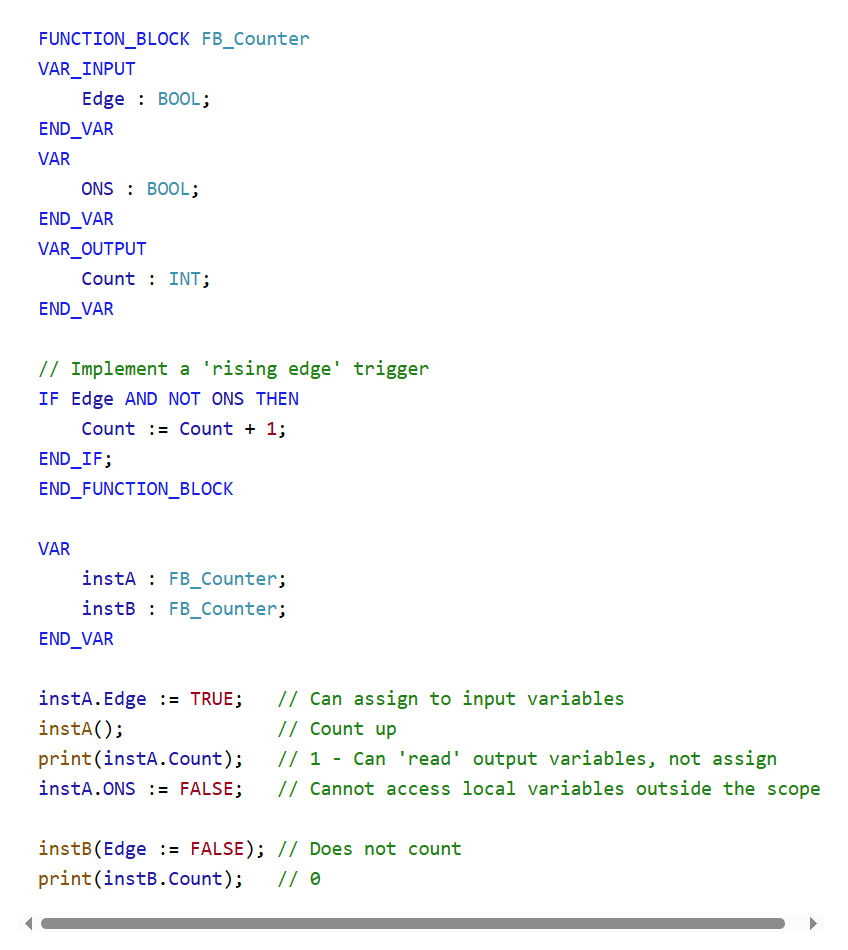
Light (default) theme

Dark theme
Changelog
0.1.0
- Release