

Image Hover Effects – WordPress Plugin
Create stunning image hover effects with animated captions and overlays. Fully responsive, lightweight, and easy to use.
Plugin info
Maintenance & Compatibility
Maintenance score
Stale • Last updated 269 days ago • 42 reviews
Is Image Hover Effects – WordPress Plugin abandoned?
Likely maintained (last update 269 days ago).
Compatibility
Similar & Alternatives
Explore plugins with similar tags, and compare key metrics like downloads, ratings, updates, support, and WP/PHP compatibility.
Description
Image Hover Effects – WordPress Plugin helps you display beautiful hover animations on your images with stylish captions and overlays. Perfect for portfolios, galleries, team sections, and product showcases.
Simply upload your image, choose an effect, and you’re ready to go. The plugin is fully responsive, mobile-friendly, and built using fast-loading CSS animations.
No bloated code. No complex setup. Just clean visuals that make your images interactive and professional.
Features
- 30+ built-in image hover animation styles
- Add captions, overlays, and links to your images
- Fully responsive and mobile-ready design
- Lightweight and fast performance (CSS-only)
- Works with all modern themes
- No coding knowledge required
Main DEMO Here | Image Over Image Demo | Circle Style | Square Style
Usage
Once activated, you can begin adding images with hover effects using the visual interface provided in your WordPress editor. Choose from multiple hover styles, set your caption text, and publish.
Installation
- Upload the plugin folder to the
/wp-content/plugins/directory or install it via the WordPress plugin dashboard. - Activate the plugin through the “Plugins” menu in WordPress.
- Start adding image hover effects from your content editor.
Frequently Asked Questions
Yes, the plugin works with all standard WordPress themes.
Absolutely. All hover effects are responsive and work well on phones and tablets.
Not at all. The plugin is designed for ease of use—just upload your image, choose a style, and you’re done.
Review feed
Loved it and awesome Features
Screenshots
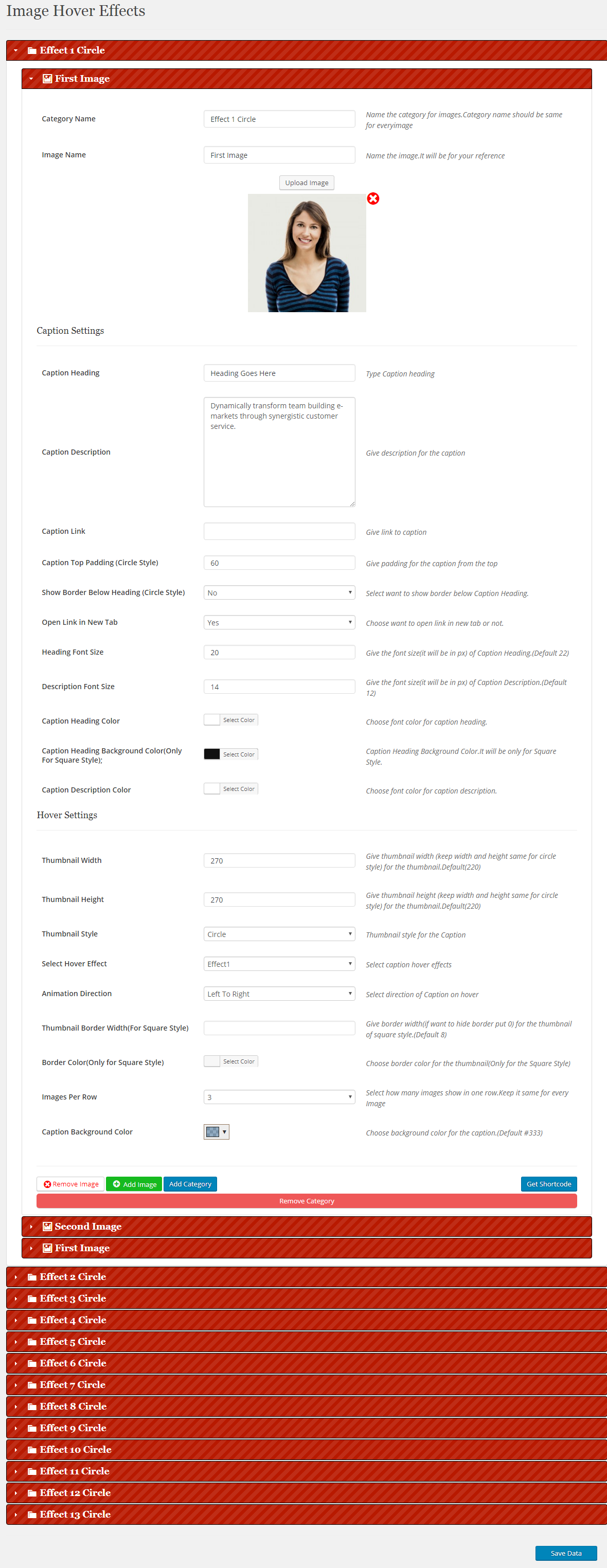
Admin Settings
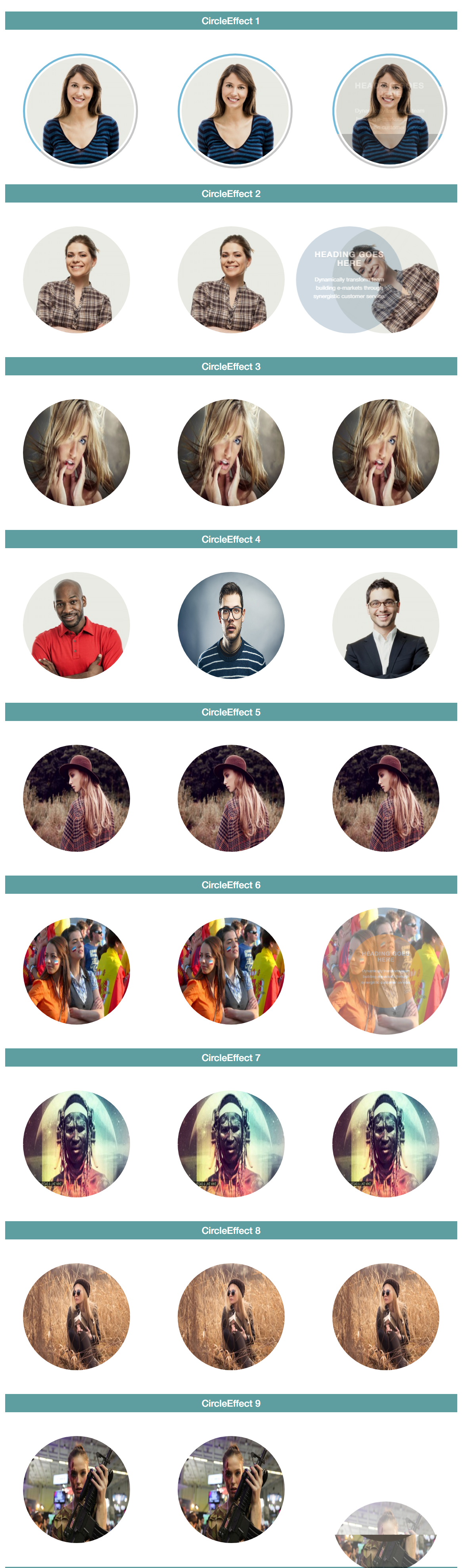
Plugin in Action
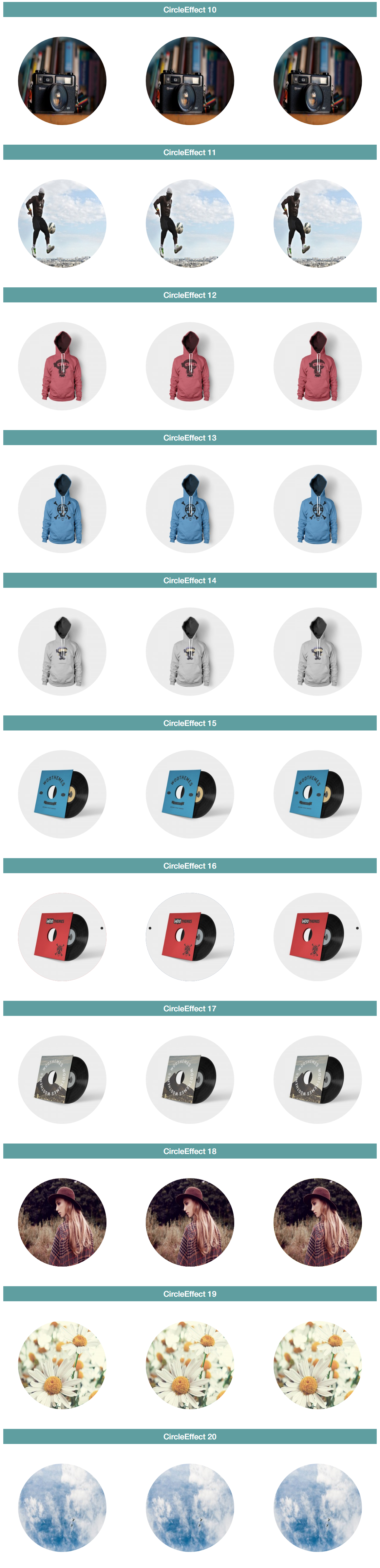
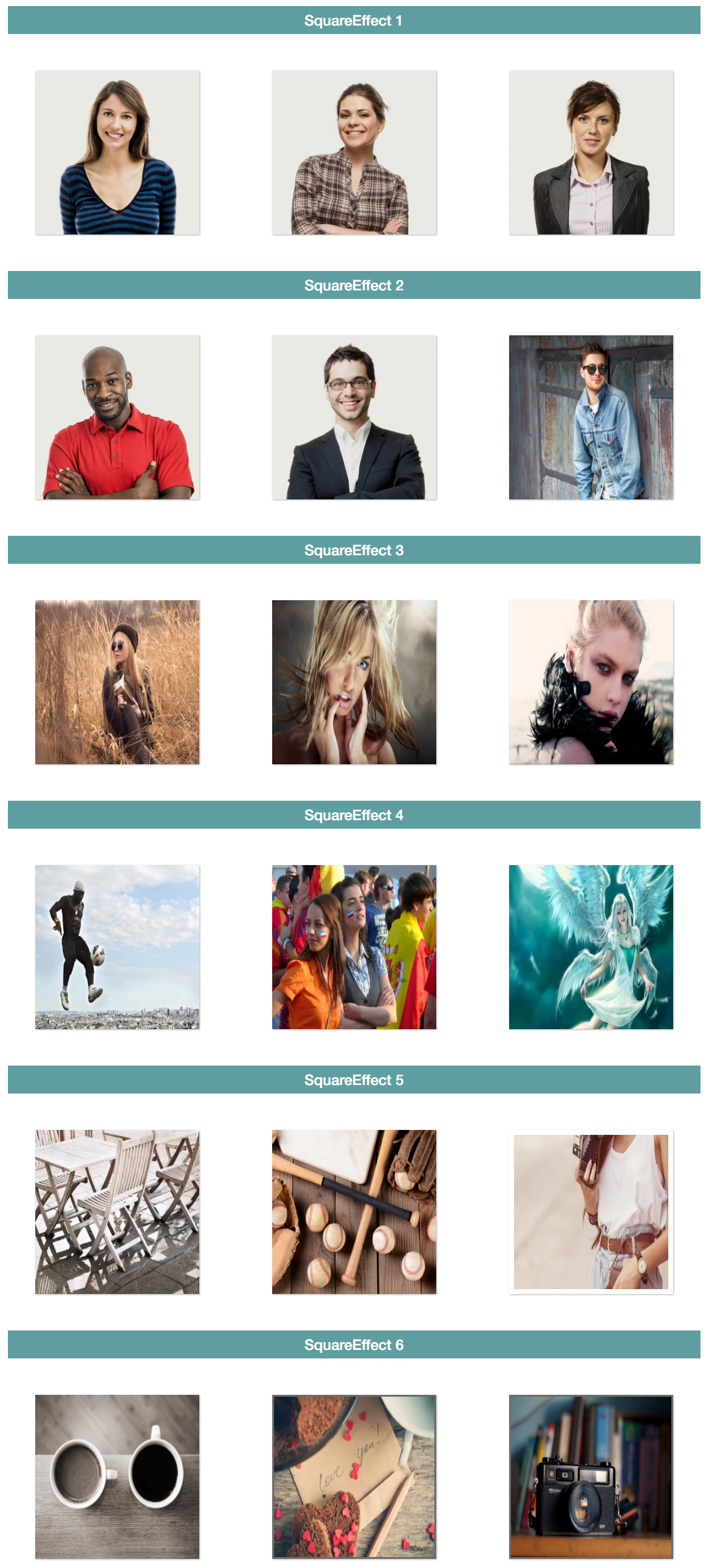
Changelog
5.0
- Improved admin settings
- Responsive typography option added
- Slider option added
4.8
- Scrollable content added
- Responsive sizes option added
4.7.2
- On Scroll animation option added
4.7.1
- On Scroll animation option added
4.6
- Added Import/Export via json file
4.5
- Import/Export Option
4.2
- Issue of newly added Image Resolved
4.1
- Color picker issue resolved
- Some user interface related issues resolved
4.0
- Bugs in css removed
3.0
- Multiple categories shortcode issue resolved
2.0
- CSS issue resolved
3.0
- Multiple categories shortcode issue resolved