

Image Hover Effects For WPBakery Page Builder
Add stylish CSS3 hover effects with captions to images in WPBakery Page Builder. Create engaging animations that enhance your site’s visual appeal.
Plugin info
Maintenance & Compatibility
Maintenance score
Stale • Last updated 197 days ago • 14 reviews
Is Image Hover Effects For WPBakery Page Builder abandoned?
Likely maintained (last update 197 days ago).
Compatibility
Similar & Alternatives
Explore plugins with similar tags, and compare key metrics like downloads, ratings, updates, support, and WP/PHP compatibility.
Description
The Image Hover Effects for WPBakery Page Builder is an essential extension that enhances the capabilities of WPBakery Page Builder by allowing users to effortlessly add captivating CSS3 hover effects to images with accompanying captions. With a wide range of hover effects available, including animations triggered on hover, users can create visually stunning image displays that engage and captivate visitors. This plugin provides a seamless integration with WPBakery Page Builder, making it easy for users to add and customize hover effects directly within the familiar WPBakery interface. Whether you’re showcasing products, portfolios, testimonials, or team members, the Image Hover Effects plugin adds an extra layer of visual appeal to your website, elevating the overall user experience.
Note: This plugin requires WPBakery Page Builder.
Features
- Pure CSS3 Effects
- Fully Responsive
- 40+ Hover Effects
- Image Upload from media
- Fast performance
- Easy to Use
- Change Caption Heading and Description Color
- Both transition support left_to_right, right_to_left, top_to_bottom and bottom_to_top.
PRO Features
- 100% Responsive
- Custom Width
- Custom Height
- Custom Font Sizes
- Custom Caption Colors
- Heading Background Colors
- Caption Background Colour
- Caption Background Image
- Custom Border Width
- Custom Border Color
- Title Over Image
- Support with in 12 hours
Installation
Note: You require WPBakery Page Builder Installed to use this add-on.
- Go to plugins in your dashboard and select ‘add new’
- Search for ‘Image Hover Effects – Visual Composer Extension’ and install it
- Go to Pages or Posts and add “Image Hover Effects” in content section in your pages.
Frequently Asked Questions
Image hover effect element is present in the “by labibahmed” tab. If you can’t see the “by labibahmed” tab click over the dot’s present at the corner of visual composer element section.
This option is available in pro version. You can set second image by setting “Background Type” option to background image and use background image as second image which would show when you hover over first image.
Review feed
Awesome Effects
Best Plugin
Awesome Feature and Support
Screenshots
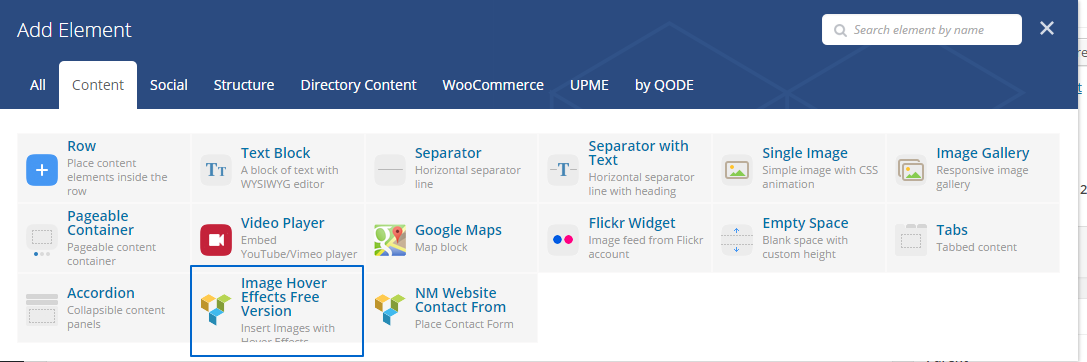
You can find "Image Hover Effects" in content tab of VC.
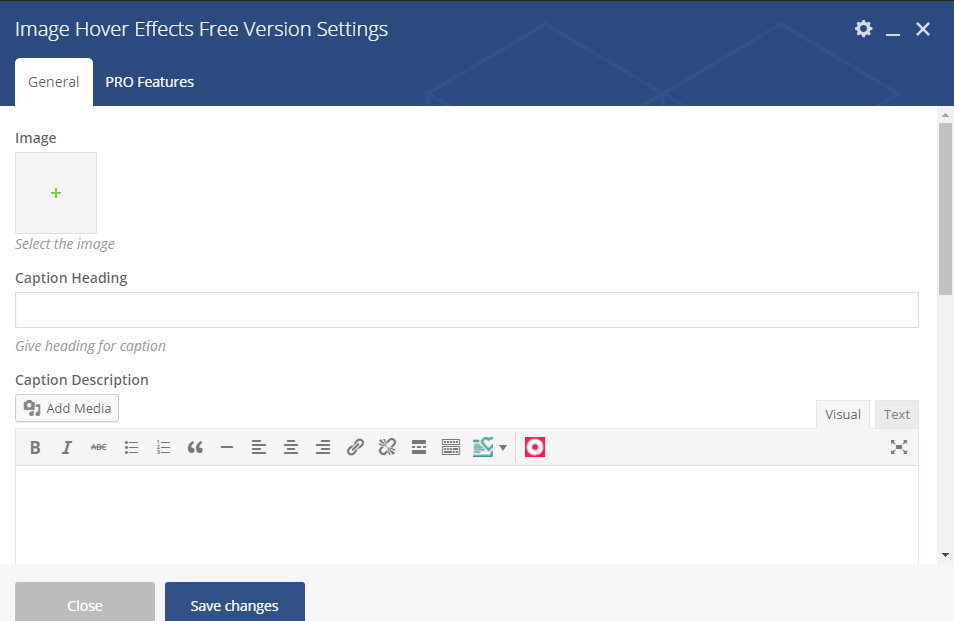
Settings Area
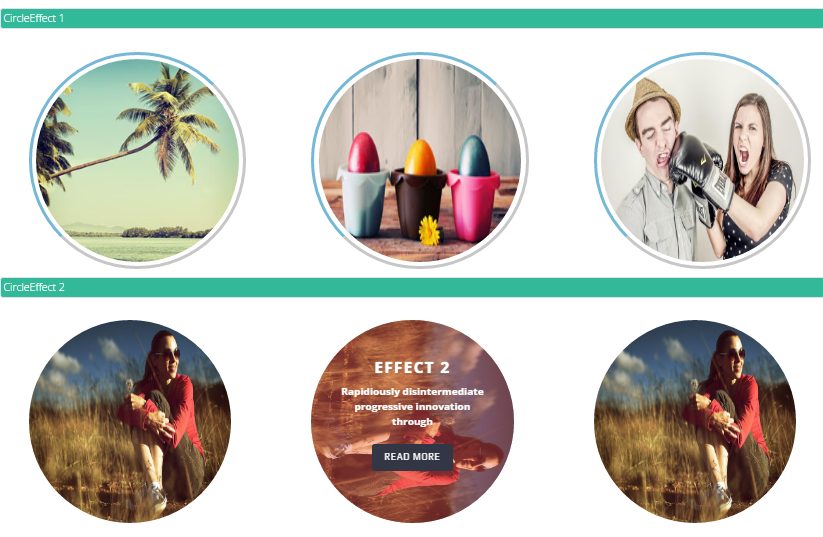
Circle Style

Circle Style
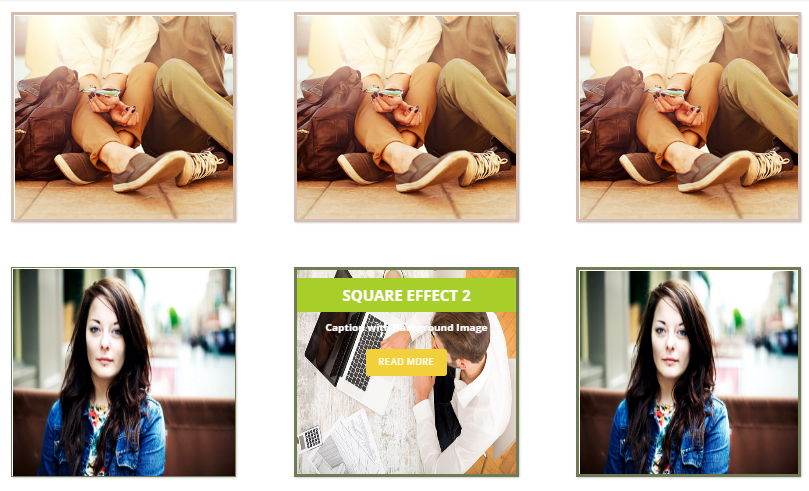
Square Style
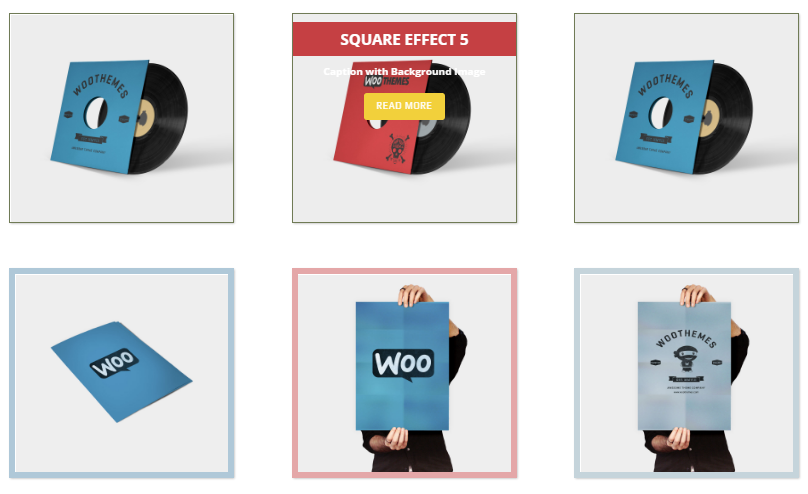
Square Style
Changelog
4.0
- Fixed css issues
- Improve backend options
3.0
- Updated options
1.4
- Added lightbox option
1.0
- Initial Release