

LottieFiles – JSON Based Animation Lottie & Bodymovin for Elementor
Creative layout to your site with smaller json file using Lottie animations.
Plugin info
Maintenance & Compatibility
Maintenance score
Maintained • Last updated 179 days ago • 8 reviews
Is LottieFiles – JSON Based Animation Lottie & Bodymovin for Elementor abandoned?
Likely maintained (last update 179 days ago).
Compatibility
Similar & Alternatives
Explore plugins with similar tags, and compare key metrics like downloads, ratings, updates, support, and WP/PHP compatibility.
Description
JSON Based Animation Try Testing Environment
Supercharge your website with Highly customizable Free Essential Classy Addons For Elementor
Check below demo pages.
Main Demo Page
On Scroll Lottie Animation
Documentation
Features
- Easy to customize options.
- 5+ animation options.
- Scroll based animation
JSON Based Animation
- Autoplay
- On Hover
- On Click
- Mouse Over-Out Effect
- Scroll Based
- Inline
- Body
Installation
- Upload the plugin and activate it
- Edit any page/post using edit with elementor option
- On elementor widget menu, search/scroll and find the JSON Animation
- Drag and drop this addon, where you have to add the section
- Customize the options
- in a minute you have added the JSON Based Animation, Keep on crafting creative layout using Elementor Page Builder and JSON Based Animation for Elementor.
Frequently Asked Questions
No. It does not work without Elementor
Absolutely. It will work with any theme where Elementor works.
Review feed
Screenshots

Custom Animation Options
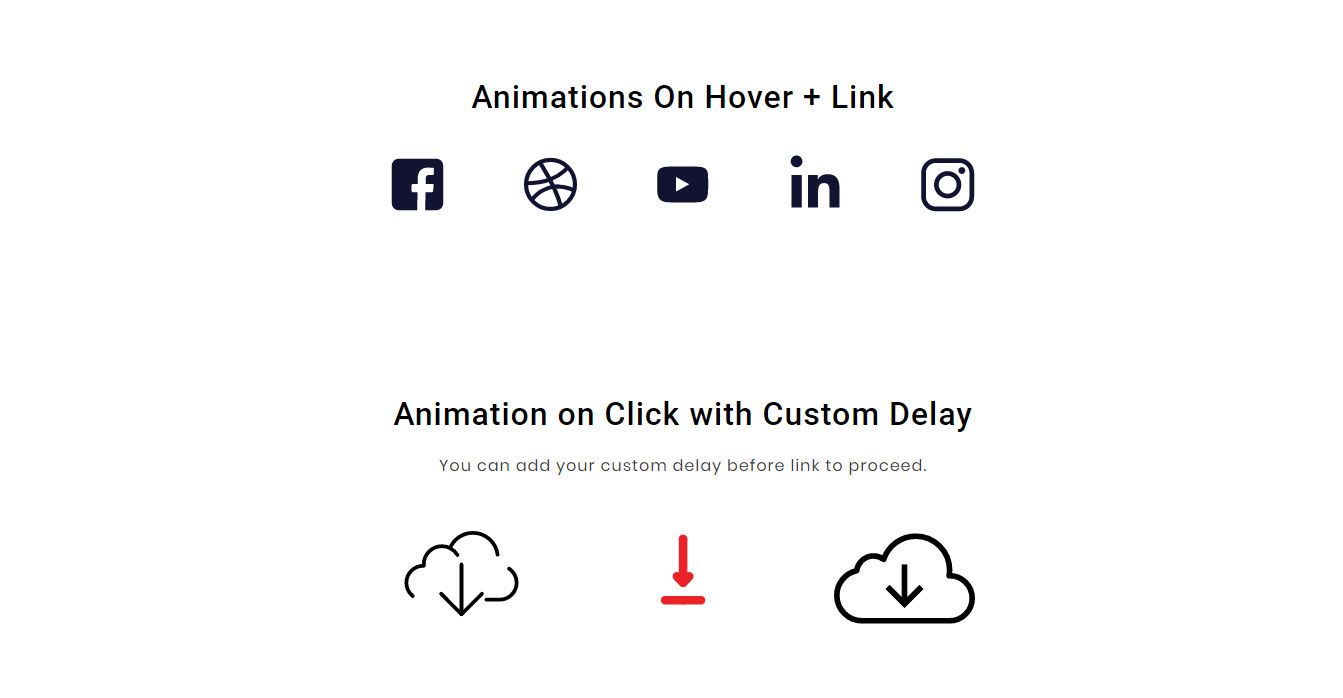
Animation on Hover and Click with Link
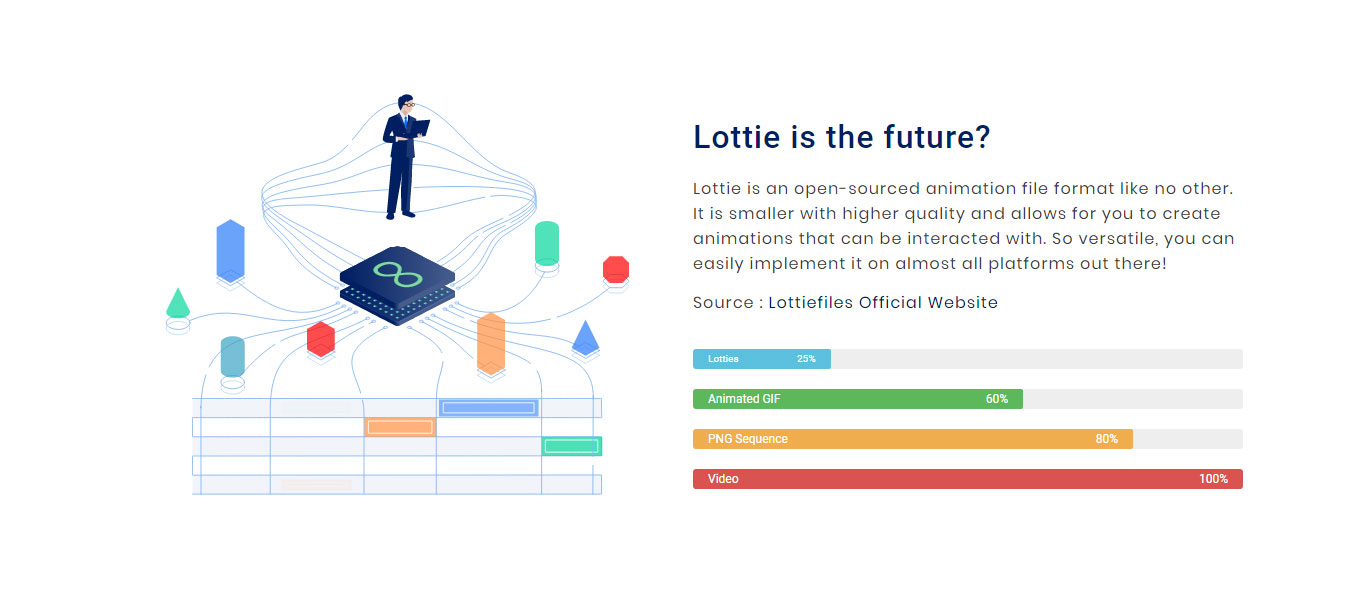
Lottie is the future?

On Scroll Parallax

JSON Animation widget icon in Elementor
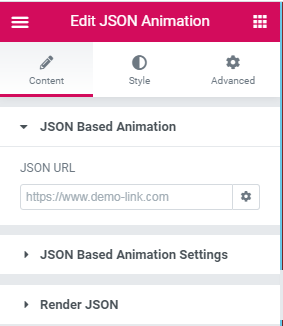
JSON Animation URL

JSON Animation Play Options
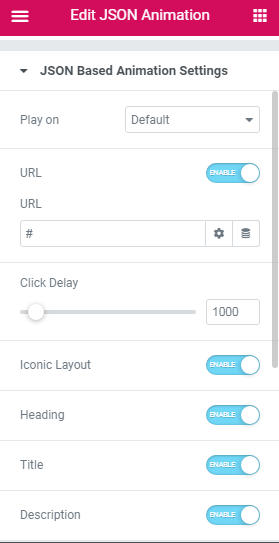
JSON Animation Iconic Layout options
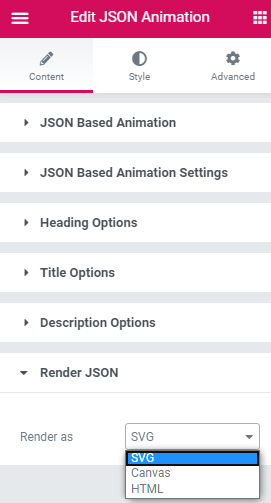
Render Options

JSON Animation Style options
Changelog
1.10.22
- Compatibility : Elementor 3.32
- Fix : Few minor bugfix and improvements
1.10.21
- Compatibility : Elementor 3.30
1.10.20
- Compatibility : Elementor 3.29
- Update : Optimized Widget DOM Improvement in Widgets
- Fix : Few minor bugfix and improvements
1.10.18
- Compatibility : WordPress 6.8
- JS Console error fix
- Few minor bugfix and improvements
1.10.16
- Compatibility : Elementor 3.28
1.10.15
- Compatibility : WordPress 6.7
- Compatibility : Elementor 3.26
- Lottie : Parallax Effect – Inline Duration responsive option
- Lottie : Parallax Effect – Inline Offset responsive option
- Few minor bugfix and improvements
1.10.12
- Compatibility : WordPress 6.6.2
- Compatibility : Elementor 3.24
- Few minor bugfix and improvements
1.10.11
- Compatibility : WordPress 6.6
- Compatibility : Elementor 3.23
- Few minor bugfix and improvements