

Info Cards – Add Text and Media in Card Layouts
Simple and easy way to create and display information cards anywhere.
Plugin info
Maintenance & Compatibility
Maintenance score
Maintained • Last updated 138 days ago • Support resolved 100% • 2 reviews
Is Info Cards – Add Text and Media in Card Layouts abandoned?
Likely maintained (last update 138 days ago).
Compatibility
Languages
Similar & Alternatives
Explore plugins with similar tags, and compare key metrics like downloads, ratings, updates, support, and WP/PHP compatibility.
Description
👉 Plugin Demo | Documentation 👈
The Info Cards Block Plugin for WordPress allows you to create beautifully designed and informative cards within your content . With this plugin, you can present your content interactively and engagingly, making it easier for your audience to consume and understand your message.
The plugin is a Gutenberg block, which means you can easily add it to your content using the Gutenberg editor. Once you’ve added the Info Card block, you can customize it with a variety of content types, including images, text, and links. You can also choose from a range of pre-designed templates or create your own custom layout to fit your unique branding.
The Info Cards Block Plugin is designed to be user-friendly, even for those with limited technical knowledge. You don’t need to write any code or install any additional software to use it. Additionally, the plugin is fully responsive, ensuring that your Info Cards look great and function perfectly across all devices and screen sizes.
With the Info Cards Block Plugin, you can create engaging and visually appealing content that will help you stand out in a crowded digital landscape. Whether you’re creating product cards, team member profiles, or informational cards, this plugin is an essential tool for your WordPress site.
In conclusion, the Info Cards Block Plugin is an excellent choice for anyone looking to create beautiful, informative cards within their WordPress content. Download the plugin today and start creating engaging content that will captivate your audience!
Free Features
- Fully customizable.
- Set custom color.
- Build-in templates.
- Set Columns, column gap and row gap .
- Use an image in the card.
- Support links.
- Typography .
- Responsive layout.
- Easy to use.
Pro Features
- Universal Shortcodes: Compatible with all page builders.
- All Free features.
- 12+ ready-made themes.
- Advanced templates & layouts.
- More typography controls (font family, weight, spacing).
- Hover & animation effects.
- Gradient & advanced color options.
- Border, padding, margin full control.
- Card shadows & depth effects.
- Priority updates & support.
How to use info cards
- Install the info cards plugin.
- Go to the page/posts where you want to embed the info cards.
- Search Info Cards by clicking on the + button on the Gutenberg block editor.
- Select Info Cards block
- Create and customize the cards.
-
Enjoy!
-
For installation help click on Installation Tab
Feedback
- Liked that plugin? Hate it? Want a new feature? Send me some feedback
⭐ Check out the Parent Plugin of this plugin-
🔥 b Blocks – Best gutenberg blocks collections for WordPress.
⭐ Check out our other WordPress Plugins-
🔥 Html5 Audio Player – Best audio player plugin for WordPress.
🔥 Html5 Video Player – Best video player plugin for WordPress.
🔥 PDF Poster – A fully-featured PDF Viewer Plugin for WordPress.
🔥 StreamCast – A fully-featured Radio Player Plugin for WordPress.
🔥 3D Viewer – Display interactive 3D models on the webs.
Installation
From Gutenberg Editor:
- Go to the page/posts where you want to embed the review.
- Search ‘Info Cards’ by clicking on the + button on the Gutenberg block editor.
- Gutenberg will suggest some of the related blocks from the block directory.
- Click on the Info Cards Block by bPlugins to install and add the block.
- Enjoy!
Through Plugins Manager
- Go to Plugins > Add New from the WordPress admin dashboard.
- Search “Info Cards” In the search field.
- Install the Info Cards plugin
- Activate the plugin and Enjoy!
Manually:
- Download the plugin zip file from wordpress.org website and upload the business-review.zip to the
/wp-content/plugins/directory - Activate the plugin through the Plugins menu in WordPress
Frequently Asked Questions
Block plugin add additonal gutenberg block into the Block editor.
Yes, If you need any service from us please email at support[https://bplugins.com]
Yes, Its a fully customizable.
Yes, it will work with any standard WordPress theme.
Yes, you can change block settings from the Gutenberg block editor’s right sidebar.
You can use unlimited times as you want.
You can post your questions on the support forum here
Review feed
Screenshots
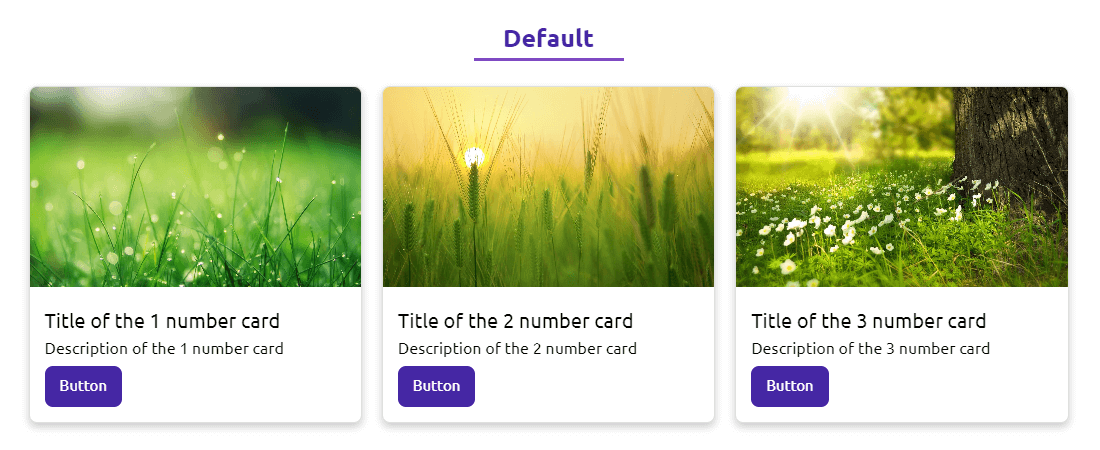
Theme 1

Theme 2

Theme 3

Theme 4

Theme 5
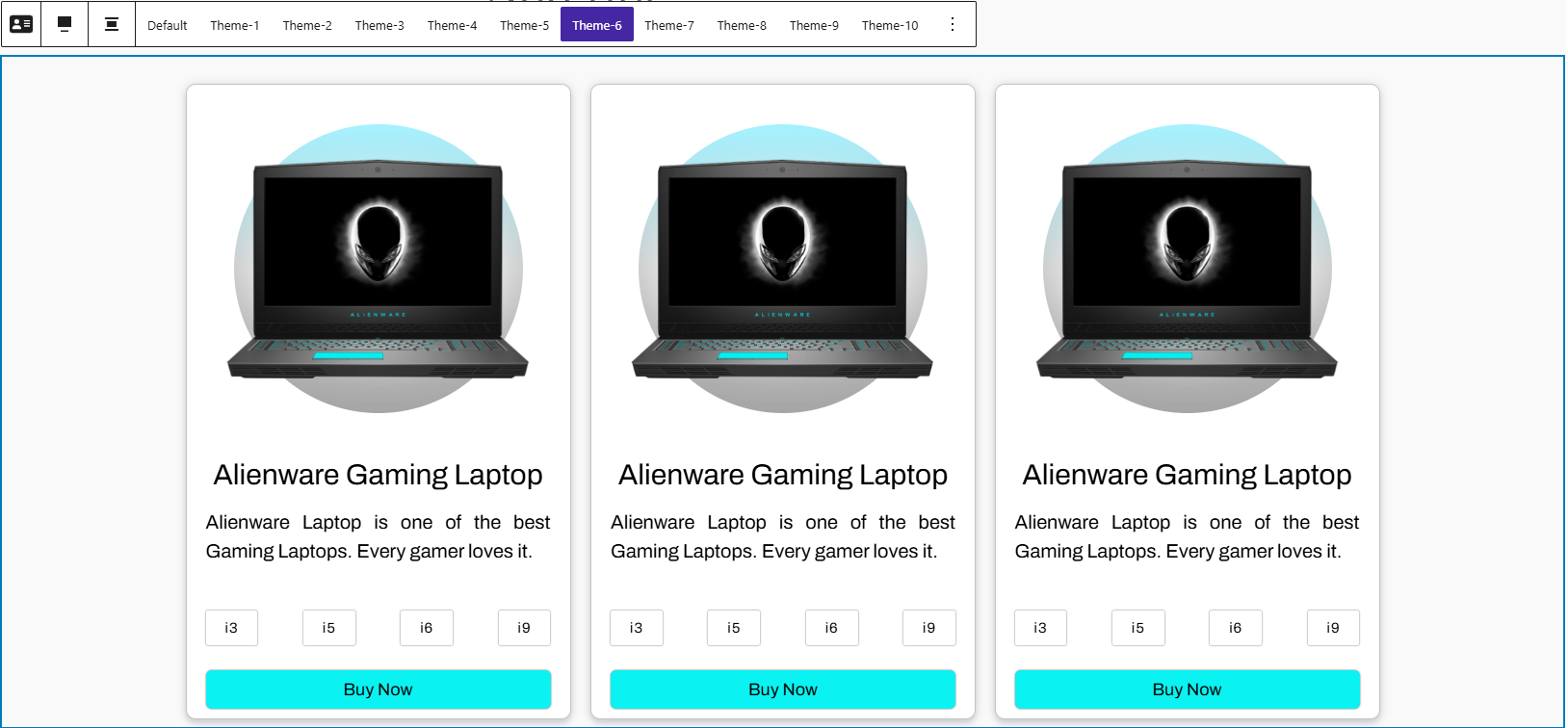
Theme 6
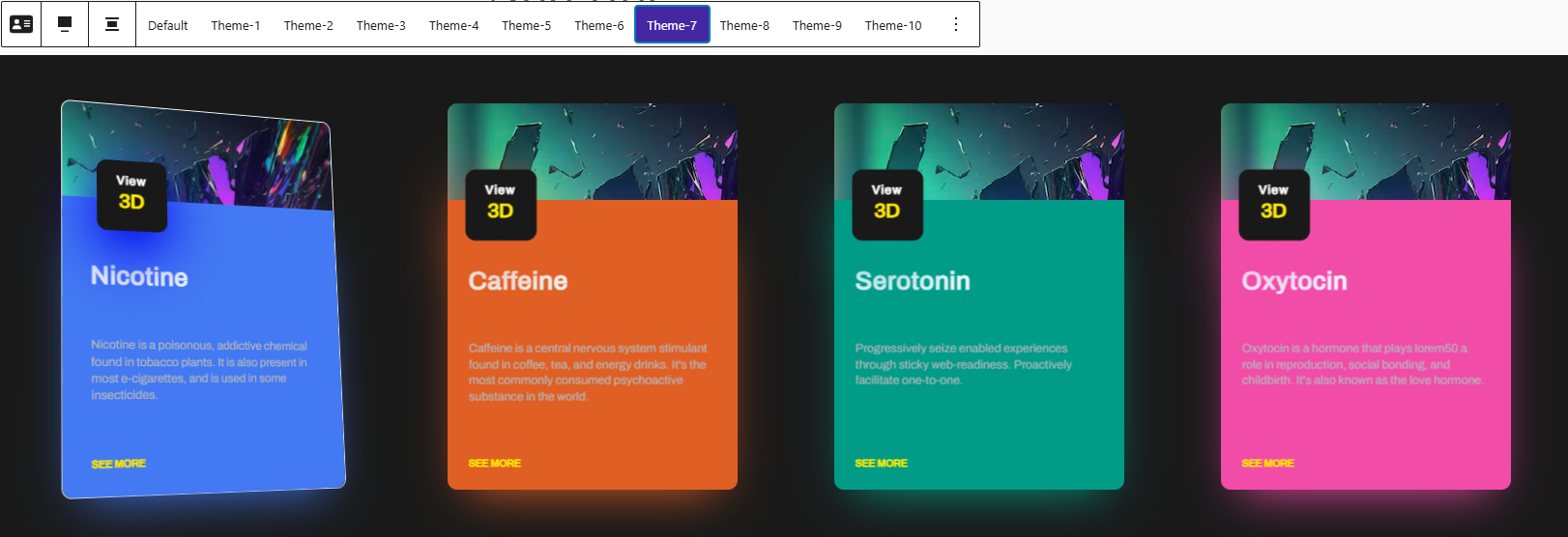
Theme 7
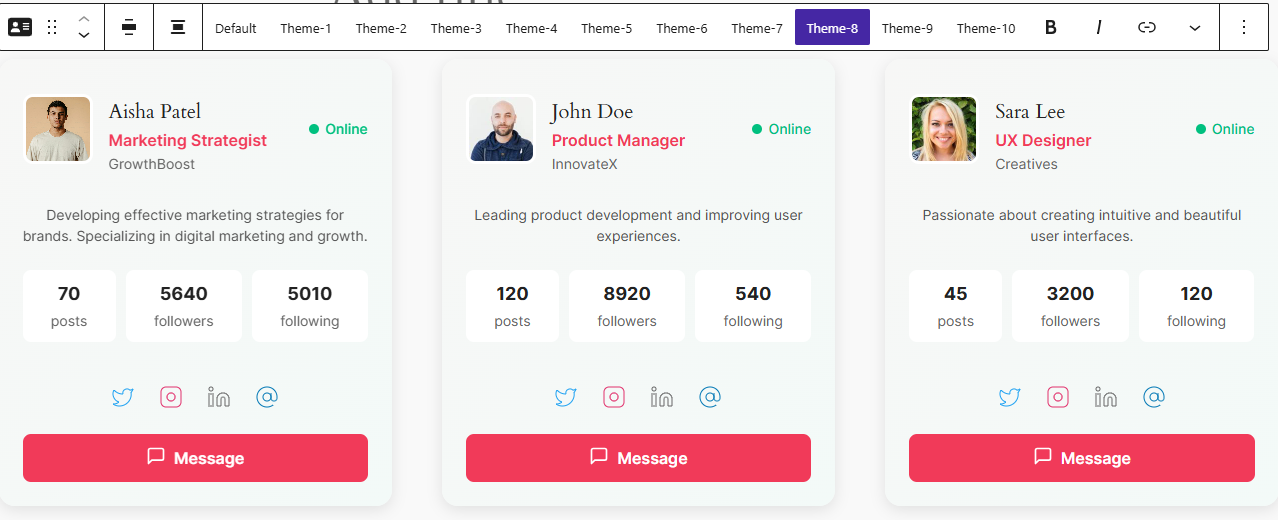
Theme 8
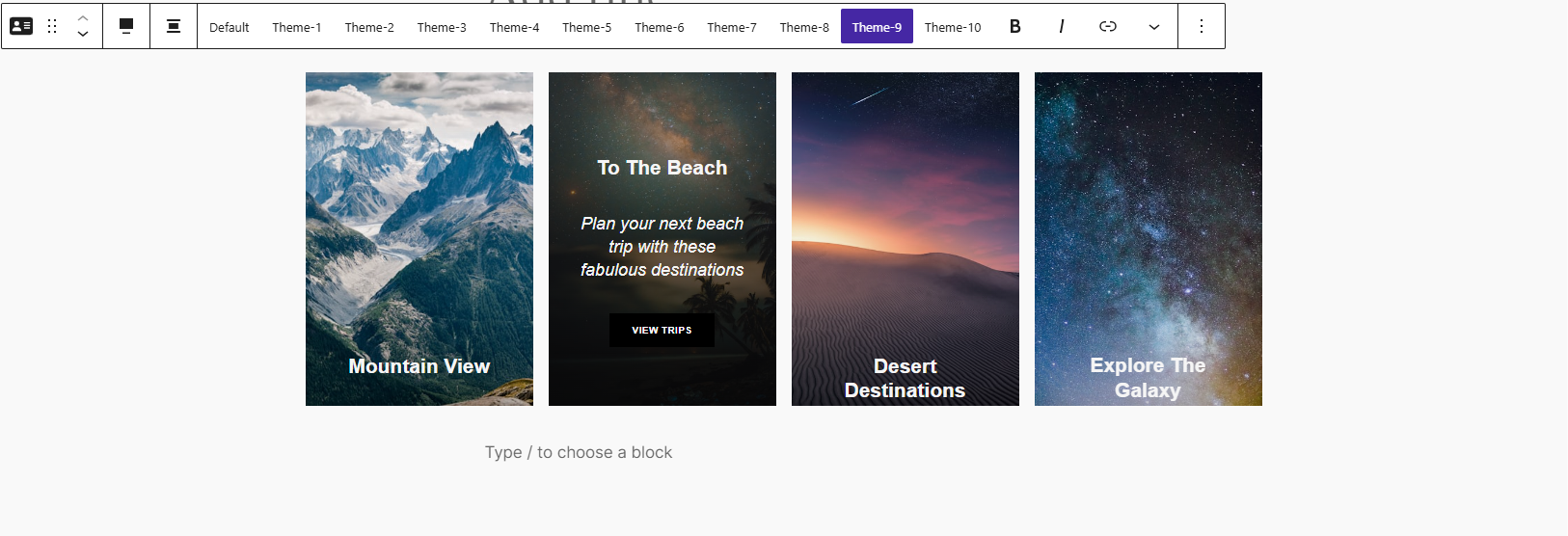
Theme 9
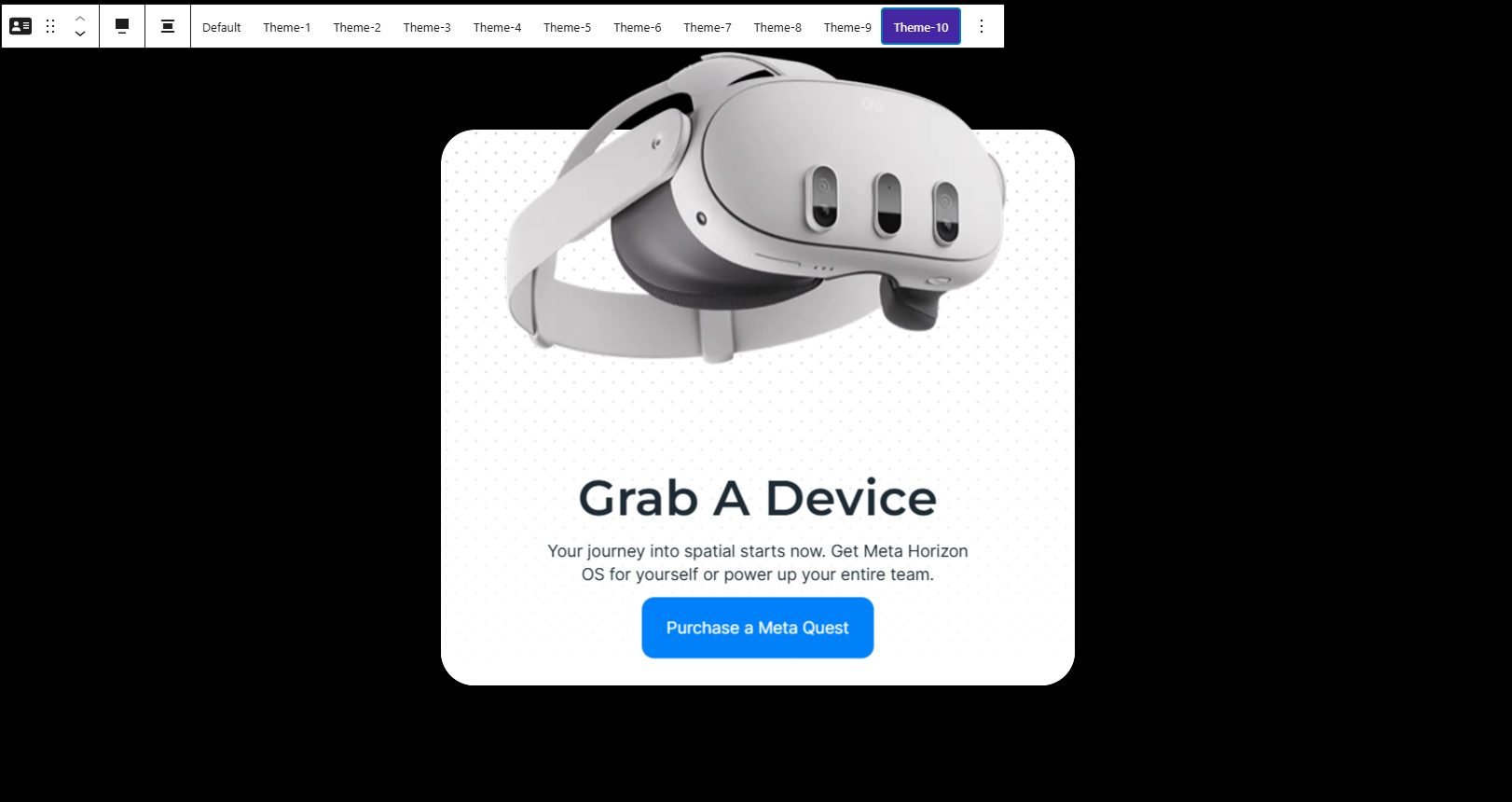
Theme 10
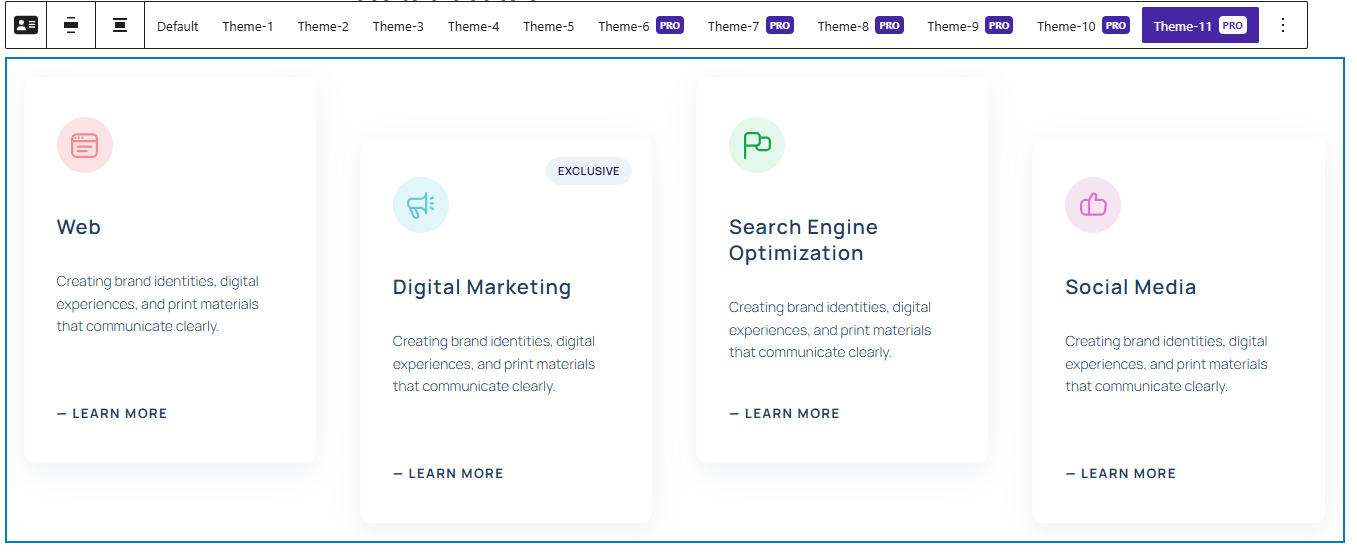
Theme 11

Theme 12
Changelog
2.0.4- 29 Aug, 2025
- Added a help page to this plugin.;
2.0.2- 18 Aug, 2025
- added new prefix;
2.0.1- 17 Aug, 2025
- Fatal error resolved;
2.0.0 – 14 Aug, 2025
- Resolved the button hide issue and added five new themes;
1.0.10 – 18 June, 2025
- Resolved breakpoint issues for desktop, tablet, and mobile devices;
1.0.9 – 15 June, 2025
- The “Undefined array key ‘HTTP_HOST'” issue has been resolved;
1.0.8 – 27 May, 2025
- Card text decoration problem fixed.
1.0.7 – 25 April, 2025
- Compatible with WordPress 6.8;
1.0.6 – 15 Feb, 2025
- I have fixed the vulnerability related to Cross-Site Scripting (XSS).
1.0.5 – 15 Nov 2024
- Fixed background issue in default theme
1.0.4 – 13 Nov 2024
- New feature added.
1.0.3 – 20 Oct 2024
- Fix the issue.
16 Jan 2024 – 1.0.2
- Fixed: Plugin Name
- Fixed: Layout change
1.0.1
- Add a New Theme
1.0.0
- Initial Release