

File Manager for Dropbox – Manage Dropbox Files with Embed, Gallery, Slider, Media Player, and Media Library Support
Secure Dropbox integration for WordPress. Manage, share, and embed files via blocks, shortcodes, and Elementor widgets.
Plugin info
Maintenance & Compatibility
Maintenance score
Maintained • Last updated 118 days ago • 7 reviews
Is File Manager for Dropbox – Manage Dropbox Files with Embed, Gallery, Slider, Media Player, and Media Library Support abandoned?
Likely maintained (last update 118 days ago).
Compatibility
Languages
Similar & Alternatives
Explore plugins with similar tags, and compare key metrics like downloads, ratings, updates, support, and WP/PHP compatibility.
Description
Manage your Dropbox files directly from WordPress with ease. File Manager for Dropbox lets you connect your Dropbox to your site so you can upload, embed, and share files without touching your server space. Use it to build galleries, play videos, manage WooCommerce products, or add course materials with LMS plugins. It’s designed to save you time, reduce hosting costs, and keep everything in one place, right from your WordPress dashboard.
👁️ More Features | 👑 Get Pro | 📄 Docs | ▶️ Video Tutorial | 🎧 Support
Key Features
✅ Team Folder Supported
✅ WordPress Multisite Supported
✅ User-Specific Folders: Create folders dedicated to individual users.
✅ Auto Sync/Update: Automatically sync and update new images on web pages every 1–3 minutes.
✅ Media Library Integration: Easily integrates with the WordPress media library.
✅ Widgets for Elementor: Ready-to-use widgets for Elementor.
✅ Folder & File Management: Create, upload, rename, delete, share, download, preview, and sync files with ease.
✅ Shortcode Builder: Generate shortcode modules for maximum flexibility.
✅ Slider & Carousel: Create sliders and carousels from your Dropbox files.
✅ File Browser: Navigate folders and files easily.
✅ Image Gallery: Build stunning image galleries using Dropbox images.
✅ Media Player: Create a fully customizable media player for Dropbox videos.
✅ Embed Documents: Embed Dropbox files in WordPress with just a few clicks.
✅ Download Links: Generate direct download links for Dropbox files.
✅ View Links: Create view-only links for Dropbox files in one click.
✅ File Search: Quickly search through files and folders.
Connect to Account
Authorize using your app. It’s simple and secure.
✅ Free Features ✅
⚙️ Easy Setup – Connect your Dropbox account by adding your App and Secret Key. View Documentation
🔎 Search Module – Search files and folders by name and use them in shortcodes, featured images, or across posts and pages
🗂️ Upload & Create Files/Folders – Upload files and create folders directly from your WordPress dashboard
👷♀️ Shortcode Builder – Build and customize modules like Media Player, Slider, File Browser, Gallery, Download, and Embed links
🌆 Gallery – Showcase images and videos in a clean, interactive gallery
🛠️ Shortcode Module – Select and insert built-in shortcodes from a dropdown menu
📄 Embed Documents – Display documents directly on WordPress pages
🔗 Download Links – Share files for download, perfect for digital products
👁️ View Links – Share files in view-only mode to protect downloads
🛟 Preloader – Choose from predefined preloaders to enhance your site’s loading experience
🌈 Customize Backend Colors – Change dashboard colors with predefined options
📱 Responsive Design – Works on desktop and mobile
📲 Use Own App – Connect with your own Dropbox app for a personalized setup Watch Video
⚙️ Reset Settings – Reset plugin settings back to default
🚀 Pro Features 🚀
⏯️ **Dropbox Integration For Media Library ** – Access Dropbox files directly from the WordPress Media Library
💰 Sell Downloadable Products – Manage WooCommerce downloadable products from Dropbox
️ Upload & Download – Sync uploads and downloads with Dropbox automatically
🔎 Advanced File Search – Add live search with thumbnail previews for users
🖥️ File Browser – Browse and manage files from a web interface
🎵 Media Player – Play audio and video files with a customizable player
🛝 Slider Carousel – Create image and video sliders from Dropbox files
♾️ Unlimited Shortcodes – Create and name your own shortcodes for any theme or builder
🛟 Custom Preloader – Add unique preloaders for site loading
🎨 Color Customization – Fully customize backend colors
🧩 Integration with Popular Plugins
▶️ Dropbox Integration For Media Library – Add Dropbox images to posts, pages, featured images, and galleries
🅱️ Dropbox Integration For Gutenberg Editor – Includes 7 Gutenberg blocks (File Browser, Gallery, Media Player, Slider, View, and Download links)
⚡ Dropbox Integration For Elementor – Comes with 7+ Elementor widgets for all modules
🏫 Dropbox Integration For MasterStudy LMS – Use Dropbox for course videos and thumbnails
🏫 Dropbox Integration For Tutor LMS – Add course assets from Dropbox for enrolled students
🛒 Dropbox Integration For WooCommerce – Manage downloadable products from Dropbox
🧩 Dropbox Integration For Advanced Custom Fields (ACF) – Attach Dropbox files to custom fields
✉️ Dropbox Integration For Contact Form 7 – Let users upload files directly from Dropbox via forms
🌿 Dropbox Integration For Envira Gallery – You can use any image from Dropbox to make a gallery.
📦 Dropbox Integration For Easy Digital Downloads – Easily store and deliver your digital products from Dropbox using secure, automatic file access.
🔥 COMING NEXT 🔥
🔀 Dropbox Integration For LearnPress
Using this plugin will allow you to add course assets from the Cloud to share with paid students.
🎯 Basic Usage
👉 Link your Account
After activating the plugin, you’ll need to link your account. This allows the plugin to integrate with your WordPress site.
👉 Shortcode Builder
You can create various types of modules with different configurations with the shortcode builder and can use them anywhere using the shortcode.
👉 Embed Documents
You can embed images, documents, and videos to your page or post using the shortcode builder or the editor button.
👉 Insert Download/ View Links
You can insert direct links in any page/ post to download and view from Dropbox.
Data Privacy
This Application uses the user’s App & Secret Key information when you authenticate and link the Application with your Account.
This plugin is an independent third-party software and is not affiliated with, endorsed, or sponsored by Dropbox Inc. It securely uses the official Dropbox API and is a trusted solution for integrating Dropbox with WordPress.
ℹ️ IMPORTANT: All communications between your server and the cloud storage service servers are strictly encrypted and do not pass through our servers.
📚DOCUMENTATION & SUPPORT
🔥 WHAT’S NEXT 🔥
Consider checking out our other products:
📂 Integration Google Drive – Easily use any Google Drive files to WordPress with awesome gallery, slider carousel, file browser, and embed documents.
🌙 Dusky Dark Mode – A beautifully designed dark mode plugin for WordPress that enhances user experience day and night.
🧑🦯 CodeConfig Accessibility – Easy One-Click Accessibility Toolbar.
🛒 Essential Addons for WooCommerce – Packed with 14+ must-have features to supercharge your WooCommerce store.
External Libraries and Links Used
We use the following external libraries and links in this plugin
– Dropbox PHP SDK – To browse and upload files from Dropbox
-
https://docs.google.com/viewerng/viewer?embedded=true&url=
To view PDF files in the popup preview.
Privacy Policy: https://www.google.com/drive/terms-of-service/ -
https://view.officeapps.live.com/op/embed.aspx?src=
To view Office files in the popup preview.
Privacy Policy: https://www.microsoft.com/en-us/privacy/
Contribute
File Manager for Dropbox is an open source project. You can view the full sources (unminified JS) and contribute to the project on GitLab: https://gitlab.com/jakirul/integrate-dropbox
Installation
- Install the plugin through the WordPress admin or manually upload the integrate-dropbox folder to the /wp-content/plugins/ directory.
- Activate the plugin through the ‘Plugins’ menu in WordPress.
- Go to the Developers app console
- Press the blue button Create app.
- Choose ‘Dropbox API’ for Step 1.
- Choose ‘Full Dropbox’ for Step 2.
- Set a unique app-name (e.g., [site-prefix]-codeconfig) for Step 3.
- Copy and paste your APP key and App secret into the login screen, then submit credentials.
- Add the auto-regenerated redirect URL from the login screen to App > Settings > OAuth 2 > Redirect URLs, then click on the add button.
- Add the necessary permissions from the Permissions tab.
- Finally, click on the sign-in button to authorize your account.
Check out the website for the File Manager for Dropbox, Install and Configure. Documentation | Video
Frequently Asked Questions
Yes, you need a Dropbox account. The plugin connects your WordPress site with your Dropbox storage.
Yes. You connect using your own Dropbox App with an App Key and Secret Key. All communication is encrypted and goes directly between your server and Dropbox. We do not store or access your files.
Yes. You can connect with your own app for better security and control. We recommend this setup.
No. All files stay in your Dropbox. The plugin only displays, embeds, or links them in WordPress. This saves hosting space and bandwidth.
Yes. With the Pro version, you can manage and sell downloadable WooCommerce products directly from Dropbox.
Yes. The plugin comes with ready-to-use widgets for Elementor and multiple Gutenberg blocks so you can easily embed galleries, file browsers, sliders, and media players.
Yes. You can allow logged-in users or form submissions (CF7, Elementor, etc.) to upload files directly to your Dropbox. You can even assign each user a personal folder.
Yes. You can embed images, videos, PDFs, Word, Excel, and other supported file formats directly into your posts and pages.
No. Files are served directly from Dropbox. The plugin is optimized to minimize API calls, and caching is used to keep your site fast.
Your Dropbox files remain safe in your account. The plugin only disconnects the link between your site and Dropbox.
Dropbox allows up to 350MB per file if you upload via their desktop app or API. The plugin follows Dropbox’s limits, but your WordPress server settings (PHP upload size, execution time) may also affect uploads.
Yes. You can create user-specific folders so only assigned users can view or upload files.
Review feed
Amazing Plugin for Dropbox Integration!
Screenshots
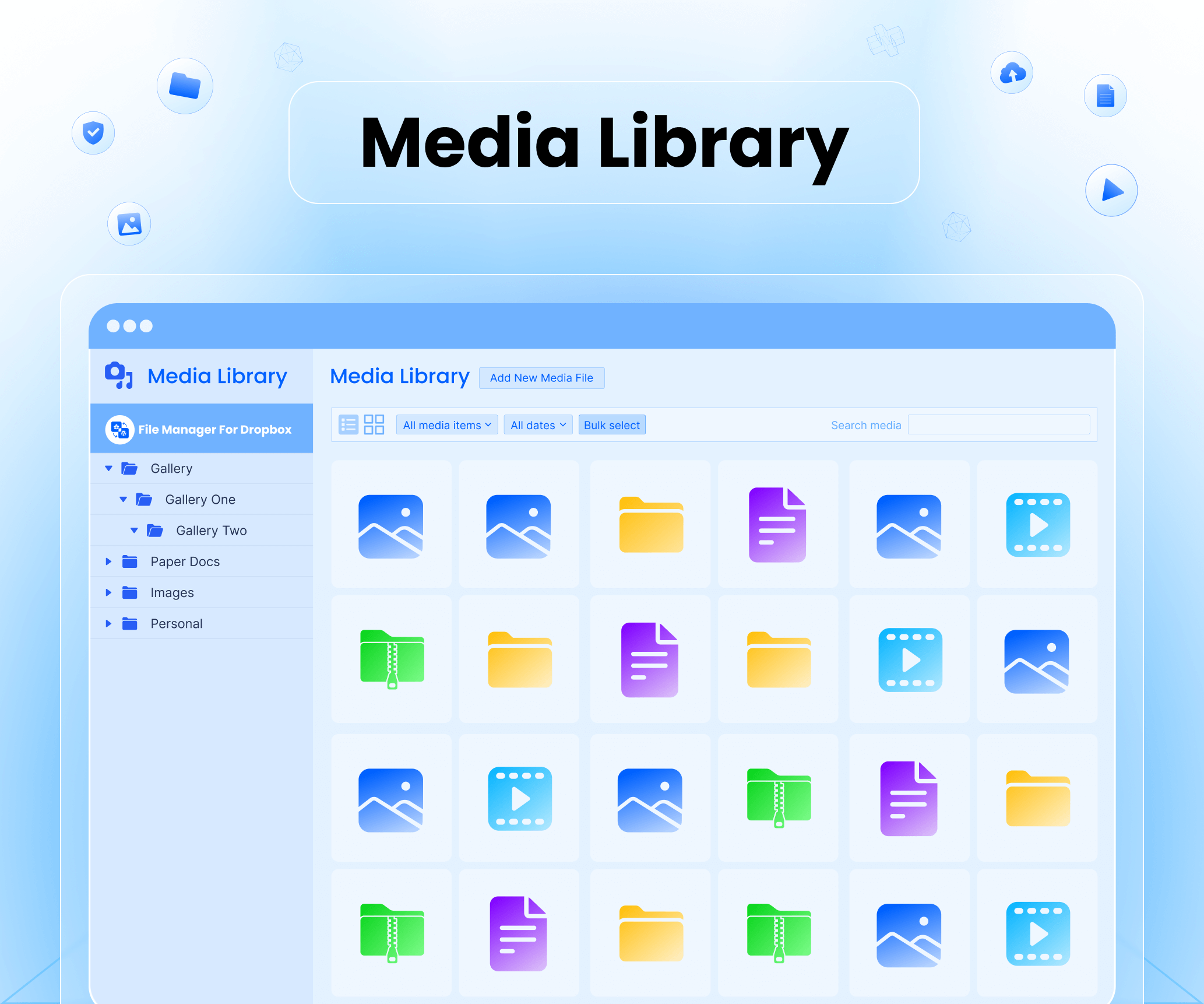
Media Library Use Dropbox files directly inside your WordPress media library with ease
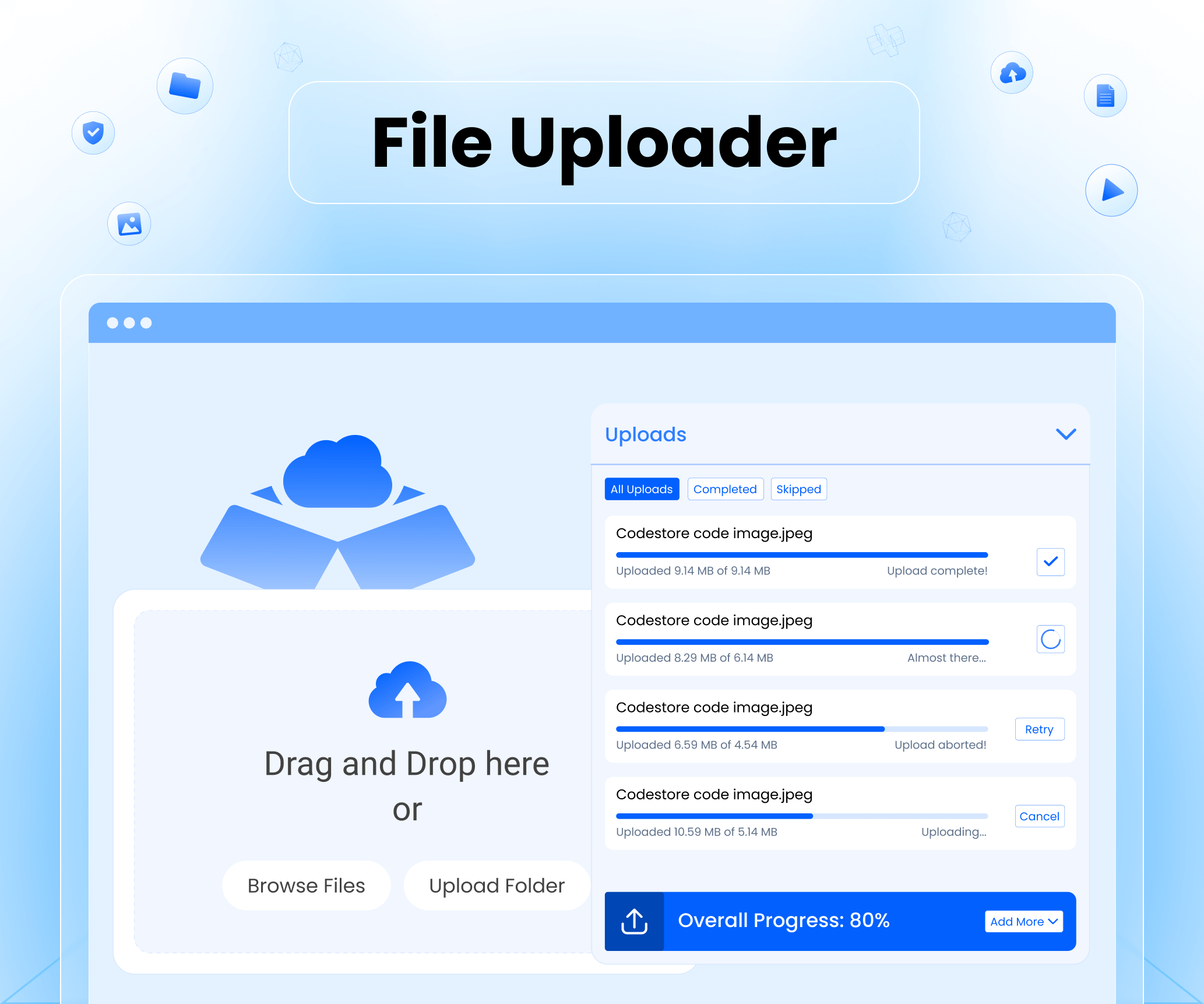
File Uploader Upload files from WordPress to your connected Dropbox account

Slider Carousel Showcase Dropbox images in a beautiful responsive slider
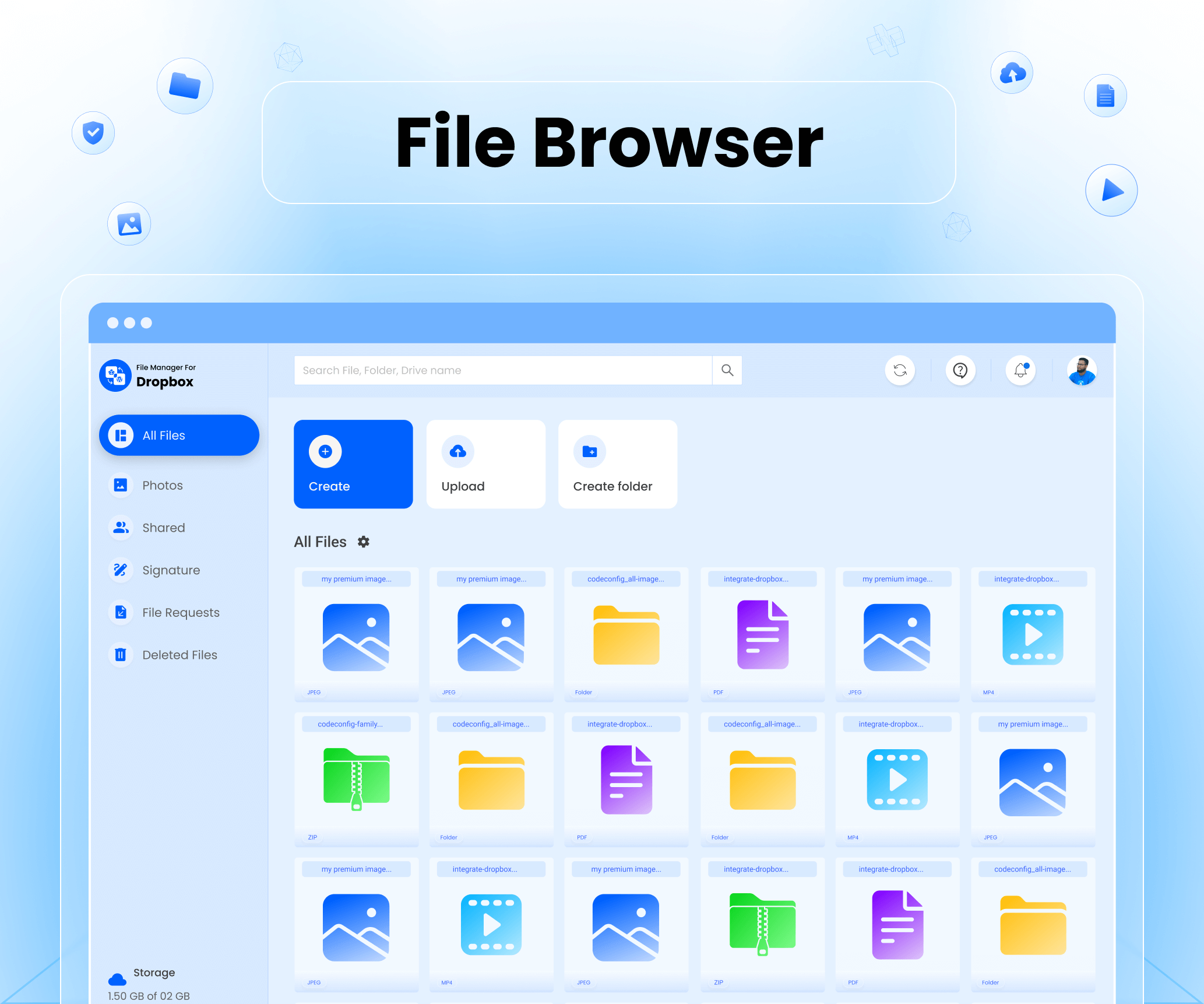
File Browser Browse and manage your Dropbox files right from WordPress
Gallery Create image galleries from your Dropbox folders instantly

Media Player Play audio and video files stored in Dropbox on your site
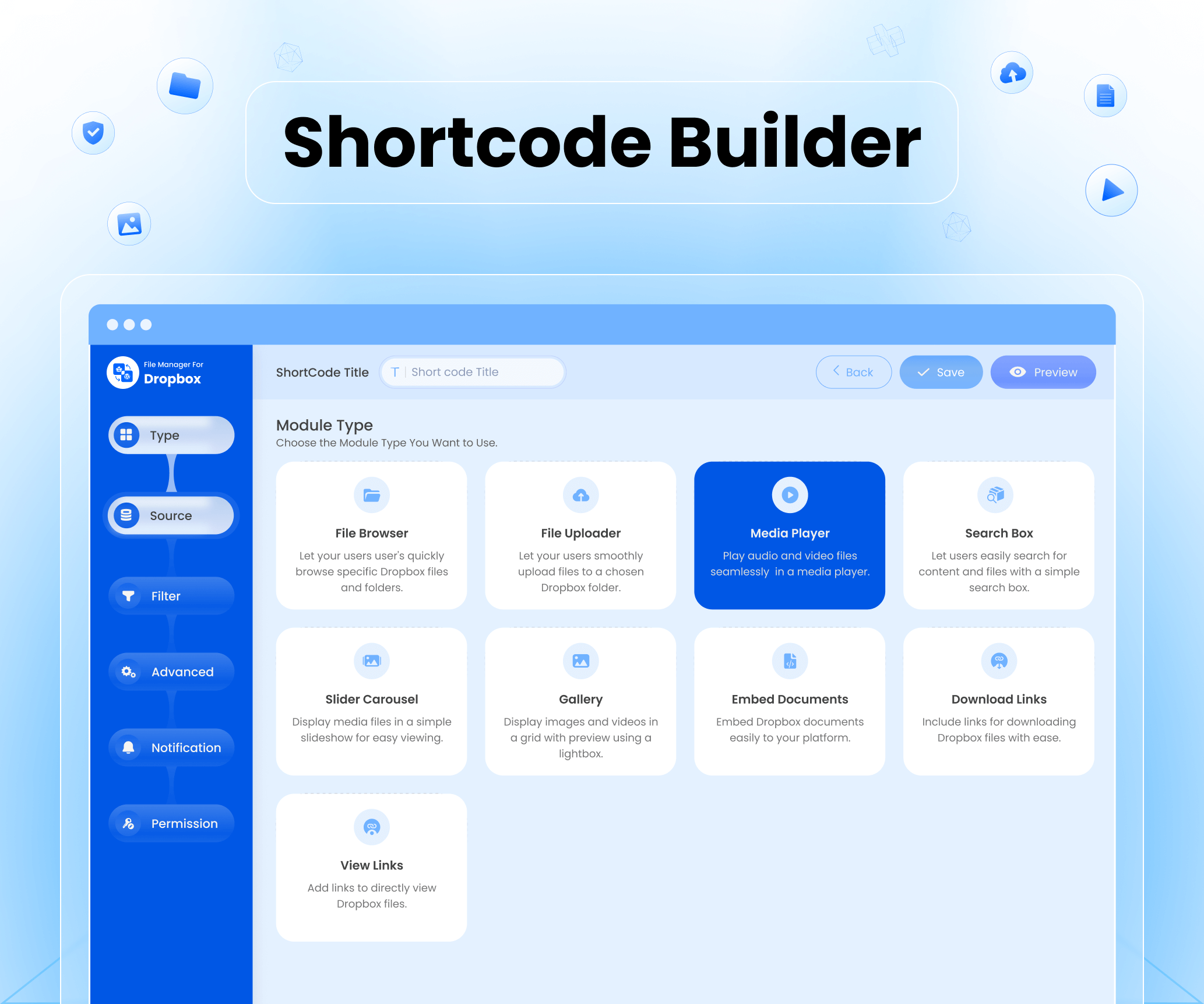
Shortcode Builder Generate custom shortcodes to embed Dropbox content anywhere

Page Builders Seamlessly integrate Dropbox files with Elementor, Gutenberg, and more

Dropbox Integration for WooCommerce Attach and deliver Dropbox files with WooCommerce products
Changelog
1.2.18 (26/10/2025)
- Improvement: Removed
load_plugin_textdomain()call since WordPress 4.6+ automatically loads translations from WordPress.org. - Fix: Replaced dynamic gettext parameters with static strings to ensure full internationalization compatibility.
- Fix: Updated Freemius integration to enable WordPress.org compliance mode (
is_org_compliantenabled). - Fix: Renamed image file
dropbox_logo_small copy.pngto remove space and ensure filesystem compatibility. - Improvement: Added
if ( ! defined( 'ABSPATH' ) ) exit;to PHP files to prevent direct access vulnerabilities. - Improvement: Added checks (
class_exists,function_exists) before loading external libraries to prevent conflicts. - Fix: Downgraded SweetAlert2 version to 11.4.8 to comply with WordPress.org privacy and security guidelines.
- Optimization: General code cleanup and translation consistency updates across plugin files.
1.2.17 (12/07/2025)
- Fix: Resolved file downloading issue.
- Fix: Fixed issue where full-size image previews were not visible to logged-out users.
1.2.16 (14/06/2025)
- New: Added ACF Dropbox file selector.
- New: Introduced CF7 Uploader with editable integration.
- New: Implemented naming templates for uploaded files.
- Fix: Resolved Elementor gallery popup issue.
- Fix: Resolved audio player issue.
- Fix: Addressed masonry layout issue.
- Update: Enhanced media player issue.
- Update: Added support for ACF Gallery with dynamic content integration.
- Update: Improved Media Library with custom folder selection and better file selection handling.
- Update: Cleaned up Shortcode Builder and improved flexibility.
1.2.15 (30/04/2025)
- New: Added option to use audio player with thumbnail, similar to video (media player).
- Fix: Resolved the TXT file background display issue.
- Fix: Improved smoothness of the “Load More” feature in the Gallery Module to prevent jumping.
- Fix: Addressed frontend loading issues in the Gallery Module (Grid & Masonry view).
- Fix: Optimized AJAX calls in File Browser search (previously fired on every character input).
- Fix: Enabled assigned folder access in the Upload Module.
1.2.14 (10/04/2025)
- New: Added file browser in the Upload module.
- New: Added “Create New File” option in the Upload module.
- Fix: Resolved global change issue between List View and Grid View.
- Fix: Fixed the selected file issue in the View Link module.
- Fix: Fixed search functionality issue.
- Update: Improved overall plugin performance.
1.2.13 (21/03/2025)
- New: Added support for Dropbox Team features.
- New: Enabled file upload and folder creation in the frontend File Uploader module.
- Fix: PDF preview issue resolved on mobile devices.
- Update: Improved UI for View Link, File Browser, and File Uploader modules.
- Update: Gallery View module now supports PDF, video, XLSX, DOCX, and other file types.
- Update: Security enhancements and optimizations.
1.2.12 (13/03/2025)
- Fix: Resolved mobile screen responsive issue with the audio player.
1.2.11 (13/03/2025)
- New: Added Elementor Form integration for the Upload module.
- Fix: Resolved responsive issue with the audio player.
1.2.10 (04/03/2025)
- New: Added Audio Player for audio files.
- Update: Added an option to change text labels (Name, Type, UpdatedAt, Actions).
- Fix: Resolved initial file loading issue in File Browser.
- Fix: WooCommerce downloadable file in variation product.
1.2.9 (25/02/2025)
- Fix: Added compatibility with the Envira Gallery plugin.
- New: Introduced ZIP folder download functionality.
- New: Added support for custom CSS.
1.2.8 (29/01/2025)
- Fix: Resolved the issue with displaying all files.
- Fix: Resolved initial file loading issues.
- Fix: Resolved scrollbar display issue in frontend.
1.2.7 (23/01/2025)
- Fix: Resolved module builder filter tab issues for Gutenberg and Elementor.
- Fix: Fixed auto-sync issue in the Module Builder.
- Fix: Enabled auto-sync for selection in the Shortcode Builder.
- Fix: Resolved broken image issue.
- Update: Enhanced UI elements for a more consistent and refined experience.
- New: Added drag-select functionality in the file browser for improved usability.
1.2.6 (14/01/2025)
- New: Added the capability to customize the “Download” button.
- Deprecation: Disabled the old format for the authorization URL.
- Update: Improved and updated various plugin UI elements for a better user experience.
1.2.5 (20/12/2024)
- New: Added support for WordPress Multi-site installations.
- New: Enabled copying of Share Links and Direct Dropbox Links directly from the plugin interface.
- New: Added user-specific permission functionality for the Shortcode module.
- Fix: Resolved an issue where the “Add Dropbox Button” was not initially visible in WooCommerce product settings.
- Fix: Addressed a bug causing the incorrect display of selected files and folders from the backend on the frontend.
- Update: Introduced an option to set default file and folder selections, streamlining workflow efficiency.
- Update: Improved overall plugin performance.
1.2.4 (14/12/2024)
- Fix: Improved the file uploader module for a better user experience.
- Update: update security issue.
- Update: “Enhanced Slider Carousel, Media Player, Download Links, and View Links modules to support folder selection.”,
1.2.3 (02/12/2024)
- Update: Reduced the default auto-fetch interval for new files in the shortcode gallery.
1.2.2 (02/12/2024)
New Features:
- Auto Sync/Update: Automatically sync and update new gallery images to web pages.
- Video Thumbnails: Added support for video thumbnails in the Media Player module.
- File Browser Enhancements:
- Remembers the last opened folder.
- Added download link options for files.
- Advanced Settings Tabs: Introduced advanced settings for better customization.
- Dropbox App Credentials: Added support for updating Dropbox app credentials directly from the plugin settings.
Fixes:
- Media Library: Resolved loading issues affecting the Media Library.
- Auto-Sync: Fixed issues with the auto-sync functionality.
Updates:
- Media Library Enhancements: Added options to delete/trash or remove Media attachments.
- Video Format Support: Added support for MKV, MOV, and WebM video formats.
- Performance: Improved overall plugin performance for better stability and speed.
- Cleanup: Enhanced cleanup functions when the plugin is uninstalled.
1.2.1 (23/11/2024)
- Fix: Resolved WooCommerce downloadable product issue.
- Fix: Resolved User Access issue.
1.2.0 (21/11/2024)
- New: Private User Access for specific folders.
- New: Simplified and secured authorization process.
- New: Import and upload files between WordPress Media Library and Dropbox.
- Fix: Resolved zip file download issue.
- Fix: Resolved video expiration issues.
- Update: Refined download module and plugin UI for a cleaner look.
- Update: Enhanced overall plugin styling for a cleaner and more consistent look.