

Maintenance 22/1002885d since update
Active installs
90
Downloads
5,408
Reviews
1
Age
8.0y
Plugin info
Total downloads: 5,408
Active installs: 90
Total reviews: 1
Average rating: 5
Support threads opened: 0
Support threads resolved: 0 (0%)
Available in: 1 language(s)
Contributors: 1
Last updated: 5/10/2018 (2885 days ago)
Added to WordPress: 3/30/2018 (8 years old)
Minimum WordPress version: 4.0
Tested up to WordPress version: 4.8.27
Minimum PHP version: f
Maintenance & Compatibility
Maintenance score
Possibly abandoned • Last updated 2885 days ago • 1 reviews
22/100
Is Excel tables abandoned?
Possibly abandoned (last update 2885 days ago).
Compatibility
Requires WordPress: 4.0
Tested up to: 4.8.27
Requires PHP: f
Similar & Alternatives
Explore plugins with similar tags, and compare key metrics like downloads, ratings, updates, support, and WP/PHP compatibility.
TablePress – Tables in WordPress made easy
Rating 5.0/5 (4,616 reviews) • Active installs 700,000
ULTIMATE TABLES
Rating 3.6/5 (27 reviews) • Active installs 6,000
Table Editor
Rating 0.0/5 (0 reviews) • Active installs 100
xsDataTables – DataTables for WordPress
Rating 5.0/5 (2 reviews) • Active installs 10
Admin Columns
Rating 4.9/5 (1,641 reviews) • Active installs 100,000
Ninja Tables – Easy Data Table Builder
Rating 4.6/5 (468 reviews) • Active installs 80,000
Description
This plugin allows you to import excel file into wordpress.
Documentation
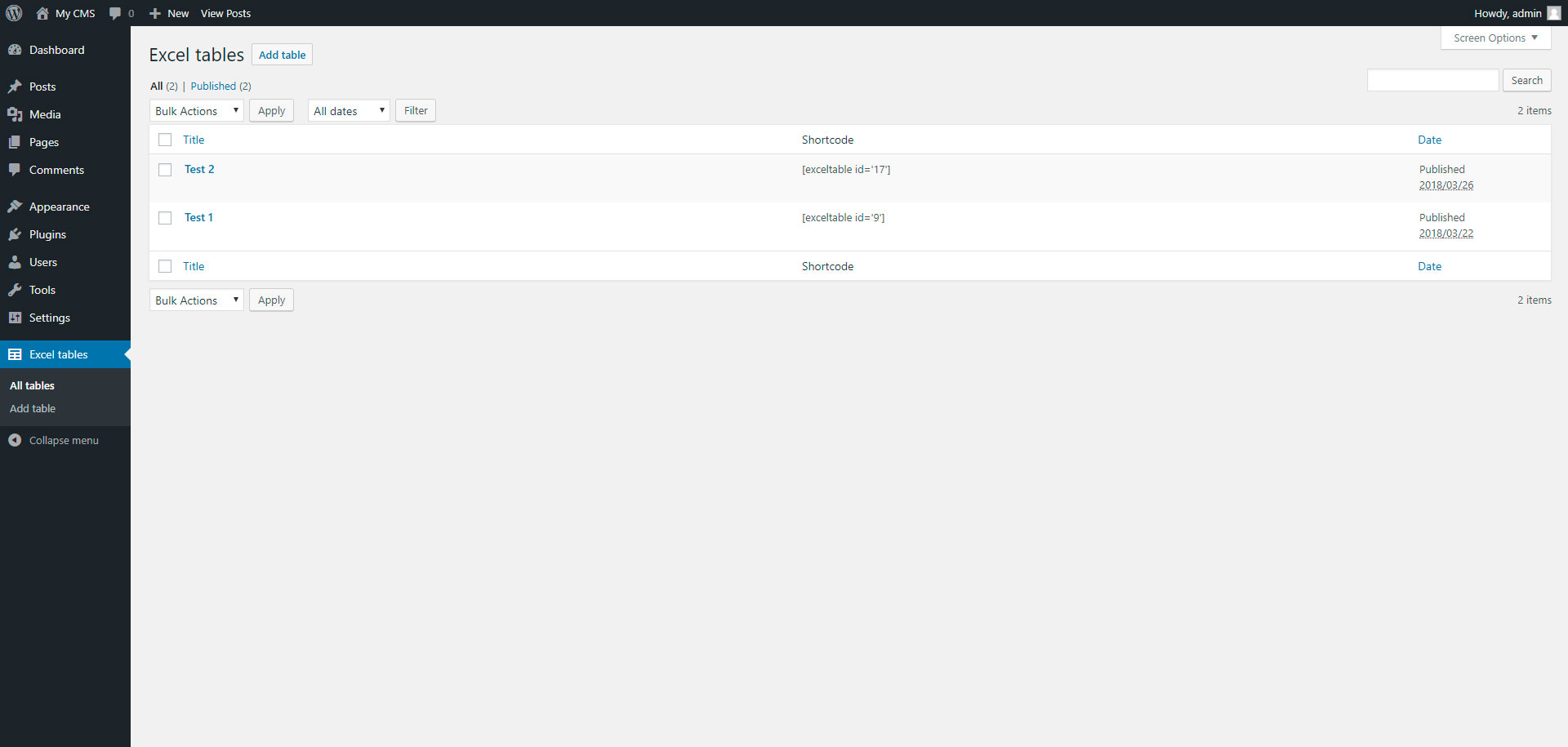
To add table, go to page “Excel tables” in admin panel.
Installation
Installing “Excel tables” can be done either by searching for “Excel tables” via the “Plugins > Add New” screen in your WordPress dashboard, or by using the following steps:
- Download the plugin via WordPress.org
- Upload the ZIP file through the ‘Plugins > Add New > Upload’ screen in your WordPress dashboard
- Activate the plugin through the ‘Plugins’ menu in WordPress
Frequently Asked Questions
Installation Instructions
Installing “Excel tables” can be done either by searching for “Excel tables” via the “Plugins > Add New” screen in your WordPress dashboard, or by using the following steps:
- Download the plugin via WordPress.org
- Upload the ZIP file through the ‘Plugins > Add New > Upload’ screen in your WordPress dashboard
- Activate the plugin through the ‘Plugins’ menu in WordPress
Review feed
veradeveloper
All what you need
This plugin is very simple, but do all what you need
Screenshots


Changelog
1.0
- Excel tables.
1.1
- Add xlsx file format