

Google Invisible reCaptcha by ThreatPress
A simple plugin to integrate the new Invisible reCAPTCHA into your WordPress site.
Plugin info
Maintenance & Compatibility
Maintenance score
Possibly abandoned • Last updated 2560 days ago • 1 reviews
Is Google Invisible reCaptcha by ThreatPress abandoned?
Possibly abandoned (last update 2560 days ago).
Compatibility
Similar & Alternatives
Explore plugins with similar tags, and compare key metrics like downloads, ratings, updates, support, and WP/PHP compatibility.
Description
Google reCAPTCHA is designed to protect your WordPress site from spam bots. This plugin integrates the new Invisible reCAPTCHA into your WordPress site.
What is protected with Invisible reCaptcha?
WordPress
* Login form
* Registration form
* Comments form
* Forgot password form
WooCommerce
* Login form
* Registration form
* Lost password form
* Reset password form
* Product review form
Installation
- Upload
invisible-recaptcha-by-threatpressto the/wp-content/plugins/directory - Activate the plugin through the ‘Plugins’ menu in WordPress
- Add the API keys
Frequently Asked Questions
How to get Google Invisible reCAPTCHA API keys?
- Log in to Google reCAPTCHA web site
- Register a new site
- Choose the type of reCAPTCHA to Invisible reCAPTCHA
- Copy the site and secret key
- Add the new keys to the plugin
Support
For FAQ and more information, please go to ThreatPress
Review feed
Screenshots
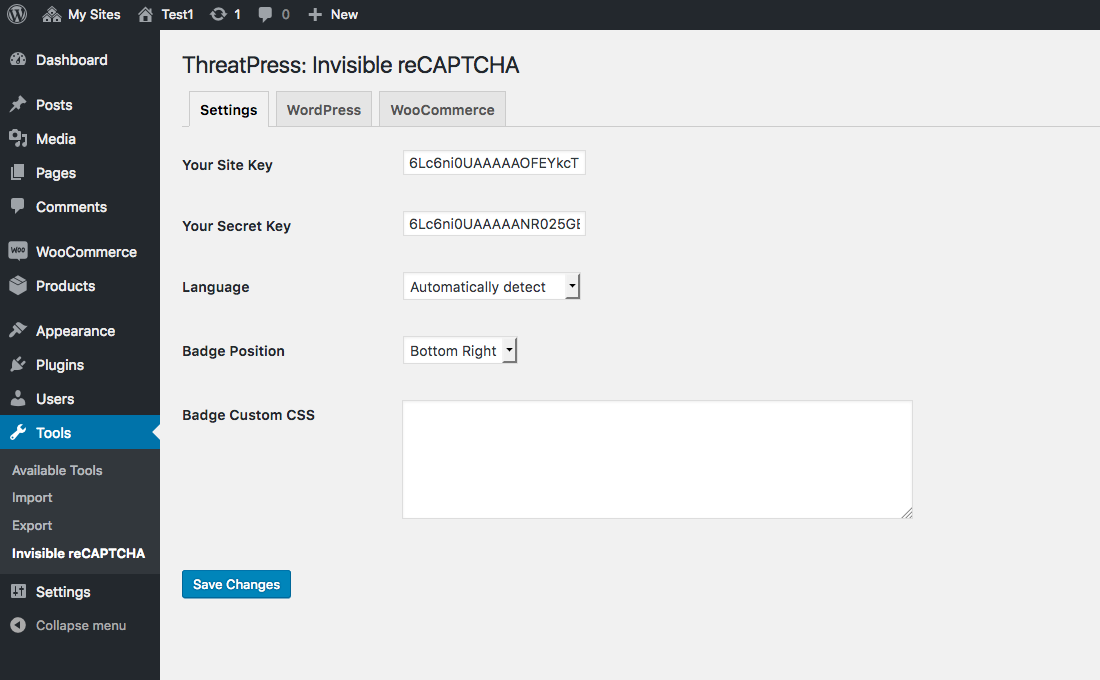
Invisible reCAPTCHA general settings page
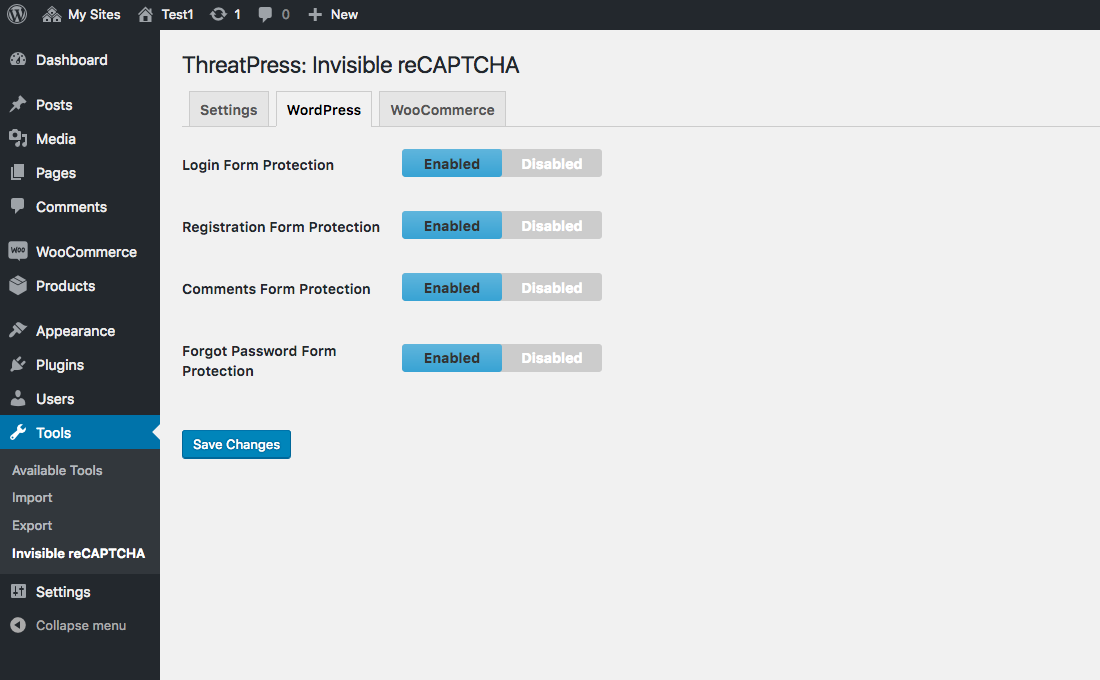
Invisible reCAPTCHA WordPress settings
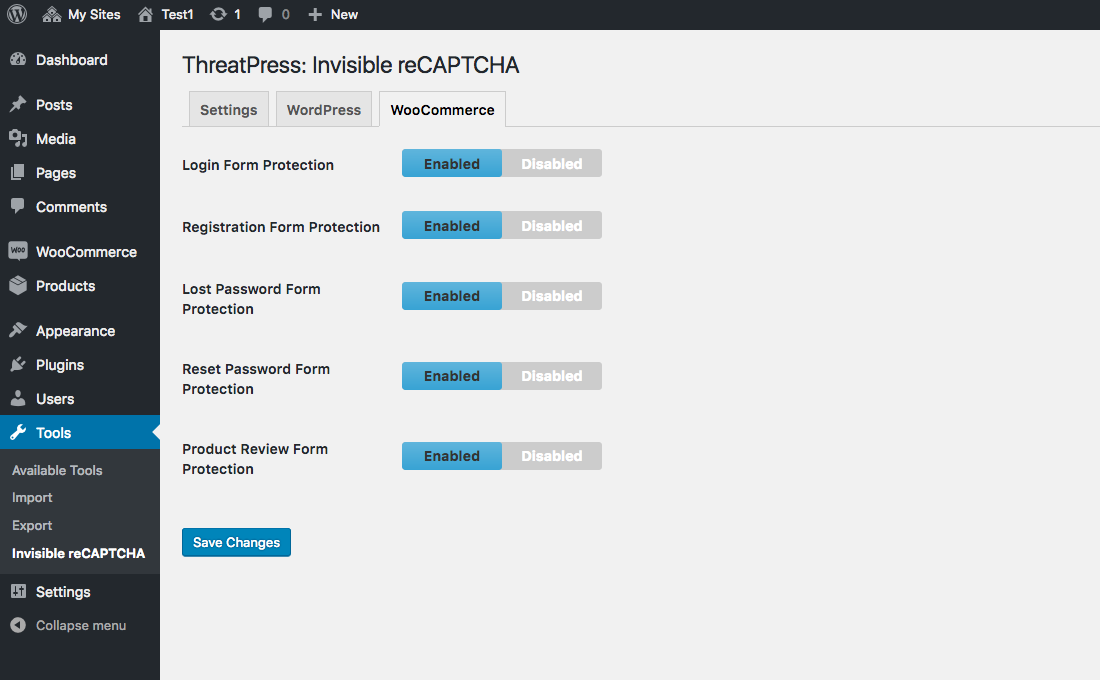
Invisible reCAPTCHA WooCommerce settings

Invisible reCAPTCHA
Changelog
0.9.2
- Fixed an issue with approving & replying to a comment in WordPress admin.
0.9.1
- Fixed an issue with WooCommerce Reset Password form.
0.9
- Initial release.