

Maintenance 26/100705d since update
Active installs
10
Downloads
1,379
Reviews
0
Age
2.2y
Plugin info
Total downloads: 1,379
Active installs: 10
Total reviews: 0
Average rating: 0
Support threads opened: 0
Support threads resolved: 0 (0%)
Available in: 1 language(s)
Contributors: 1
Last updated: 4/28/2024 (705 days ago)
Added to WordPress: 1/19/2024 (2 years old)
Minimum WordPress version: 4.7
Tested up to WordPress version: 6.5.5
Minimum PHP version: 7.0
Maintenance & Compatibility
Maintenance score
Possibly abandoned • Last updated 705 days ago
26/100
Is Invoice Payment Method And Invoice PDF abandoned?
Possibly abandoned (last update 705 days ago).
Compatibility
Requires WordPress: 4.7
Tested up to: 6.5.5
Requires PHP: 7.0
Similar & Alternatives
Explore plugins with similar tags, and compare key metrics like downloads, ratings, updates, support, and WP/PHP compatibility.
No similar plugins found yet.
Description
Short Description
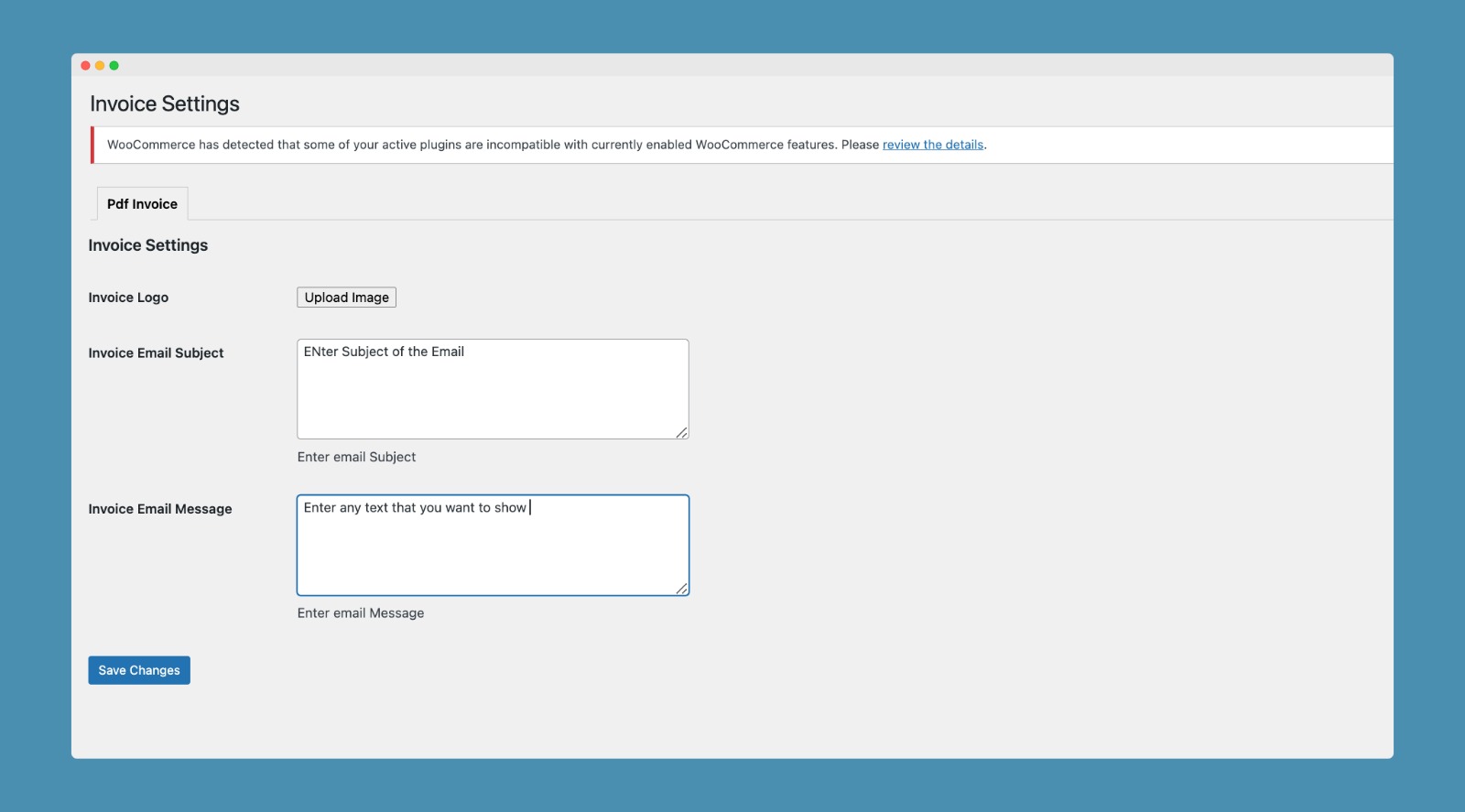
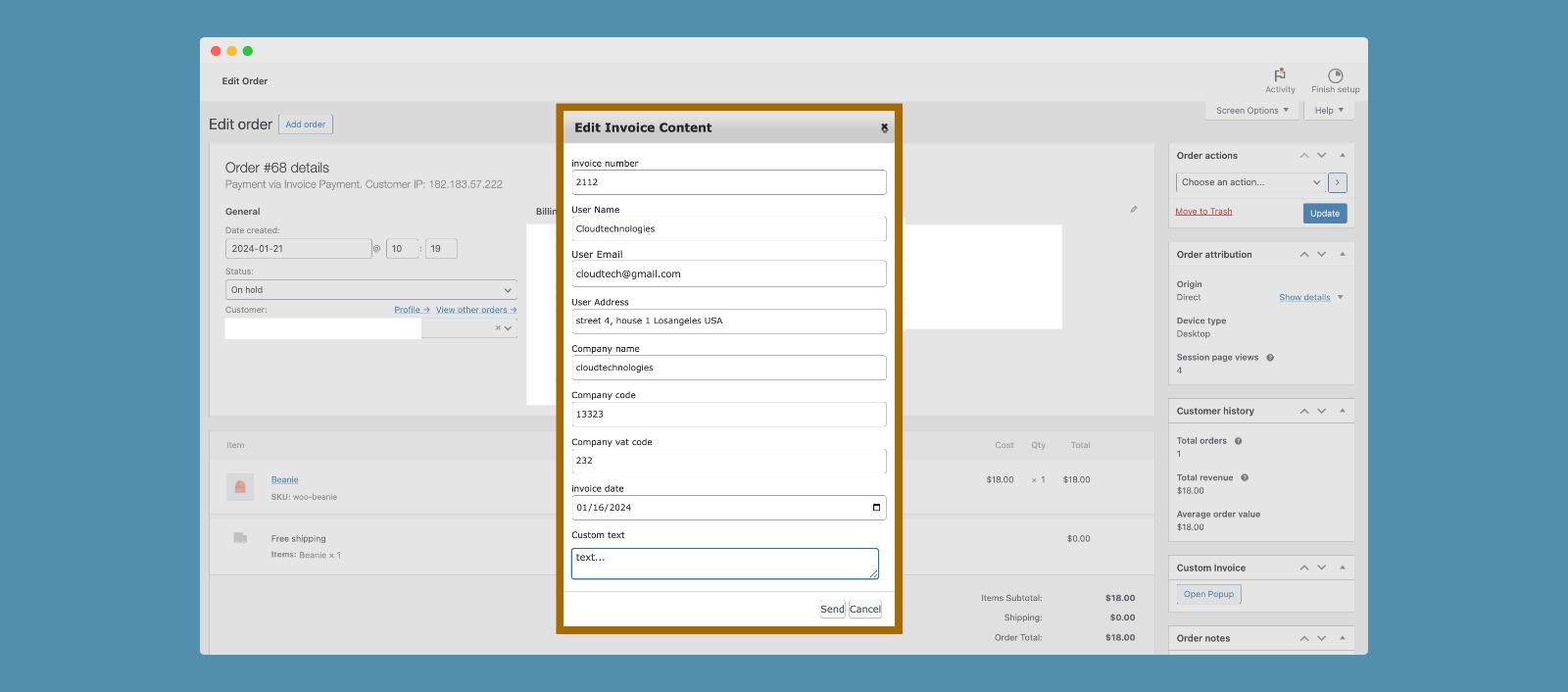
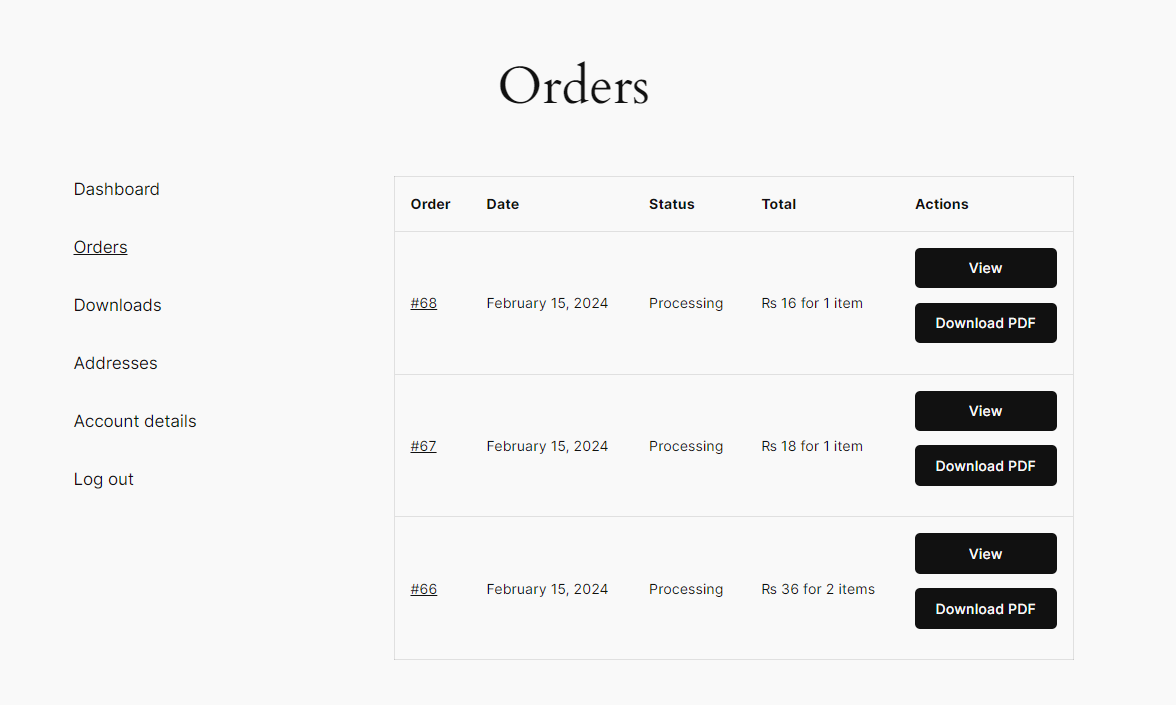
Allow your customers to select invoice payment method during checkout.Get invoice PDF during checkout with invoice payment option.
Features
*Create Invoice Payment Method Option Bases on
*Rule Base
*User Role.
*Country Base.
*Customer Base.
*Min and Max Quantity.
*Specific Product.
*Specific Category.
*Specific Tag.
Video Tutorial OF Stepup
Try Our Premium Plugin
- WooCommerce Chained Product Pro – make you chain with products.
- WooCommerce Added To Cart Popup Pro – 5 Template also you can make you on template.
- AI Image Generator – Make you logo and image with AI.
- WooCommerce Auto Repeat Order – Auto Repeat order through which you can set frquency to ready audo on selected days.
- WooCommerce Chat Stream – .
- WooCommerce Ethisalat Payment Gateway – Ethisalat Payment gateway for Arab Countries.
- WooCommerce Product Adds on Pro – pro version with extra features.
- WooCommerce Smart Clear Cart – One Click Clear Cart.
- WooCommerce Cart Discount – Give Discount and to your customer and get sale.
- WooCommerce Local Deliver – .
Contact US
- Feel free to contact us on for installation and customization
Installation
Download the .zip file.
Go to: WordPress Admin > Plugins > Add New and Upload Plugin with the file you downloaded with Choose File.
Install Now and Activate the extension.
You can also visit cloudtechnologiess.store
Frequently Asked Questions
No FAQ available
Review feed
No reviews available
Screenshots





Changelog
1.0.0
- New release