

Iron gForce Lite
Integrate Greenhouse ATS into WordPress, streamlining recruitment. Display job listings from your Greenhouse job board.
Plugin info
Maintenance & Compatibility
Maintenance score
Possibly abandoned • Last updated 656 days ago • 3 reviews
Is Iron gForce Lite abandoned?
Possibly abandoned (last update 656 days ago).
Compatibility
Similar & Alternatives
Explore plugins with similar tags, and compare key metrics like downloads, ratings, updates, support, and WP/PHP compatibility.
Description
Iron gForce Lite plugin quickly integrates your Greenhouse ATS platform directly into your WordPress website, effectively streamlining your recruitment process. This user-friendly plugin displays job listings directly from your specific Greenhouse job board. The free version of our plugin seamlessly integrates into your WordPress site via an iFrame, displaying vital job information including the department, job title, and location. See our advanced Iron gForce Professional for full API-driven Greenhouse integration.
With the Iron gForce Lite plug-in, you can efficiently manage your job postings without ever leaving the WordPress platform. It’s perfect for businesses of all sizes that want to provide a professional and organized job board for potential applicants.
While the free version of the Iron gForce plug-in offers substantial functionality, we also offer a premium version for those seeking additional features. The paid version provides a variety of upgrades like, customizable design elements, and SEO opportunities among others. This ensures that as your company grows, your job board can grow with it.
Download the Iron gForce Lite plug-in today and revolutionize your recruitment process. For more information about our premium version, please visit https://ironplugins.com/iron-gforce/.
Features
- Streamlined integration with Greenhouse ATS.
- Display job listings through an iFrame.
- Show essential job information: department, job title, and location.
Requirements
- Greenhouse account.
- Greenhouse Job Board URL.
- Job Board Token obtained from Greenhouse account settings. Instructions here.
Undocumented use of a 3rd Party or external service
Iron gForce Lite plugin relies on the Greenhouse ATS platform as a service to display job listings directly from your Greenhouse job board. When using this plugin, data may be transmitted to Greenhouse in order to retrieve and display job information.
For more information about Greenhouse and its terms of use and privacy policies, please visit:
– Greenhouse
– Greenhouse Terms of Service
– Greenhouse Privacy Policy
Development
For plugin development or bug reporting, please contact the plugin authors.
Private Bitbucket Repository: Iron GForce Lite on Bitbucket
Contact Email: [email protected]
Credits
- Developed by ironplugins.com.
License
Iron gForce Lite is licensed under the GPL-2.0-or-later. See LICENSE.txt for details.
Icon
The plugin icon is a modified version of Dashicons, the official WordPress admin icon font.
Installation
- Upload the entire
iron-gforce-litefolder to the/wp-content/plugins/directory. - Activate the plugin through the ‘Plugins’ menu in WordPress.
- Configure the plugin settings via the ‘Plugin Settings’ link in the WordPress admin menu.
Frequently Asked Questions
-
Navigate to the ‘Plugin Settings’ link in the WordPress admin menu.
-
Obtain the Job Board Token from your Greenhouse account settings. Instructions here.
-
Return to the plugin settings, locate the “Job Board Token” field, and enter the token.
-
Save your changes.
The plugin uses a default iFrame to display job listings. Advanced customization is available in the Iron gForce Professional version.
Review feed
Simple and works well
Screenshots
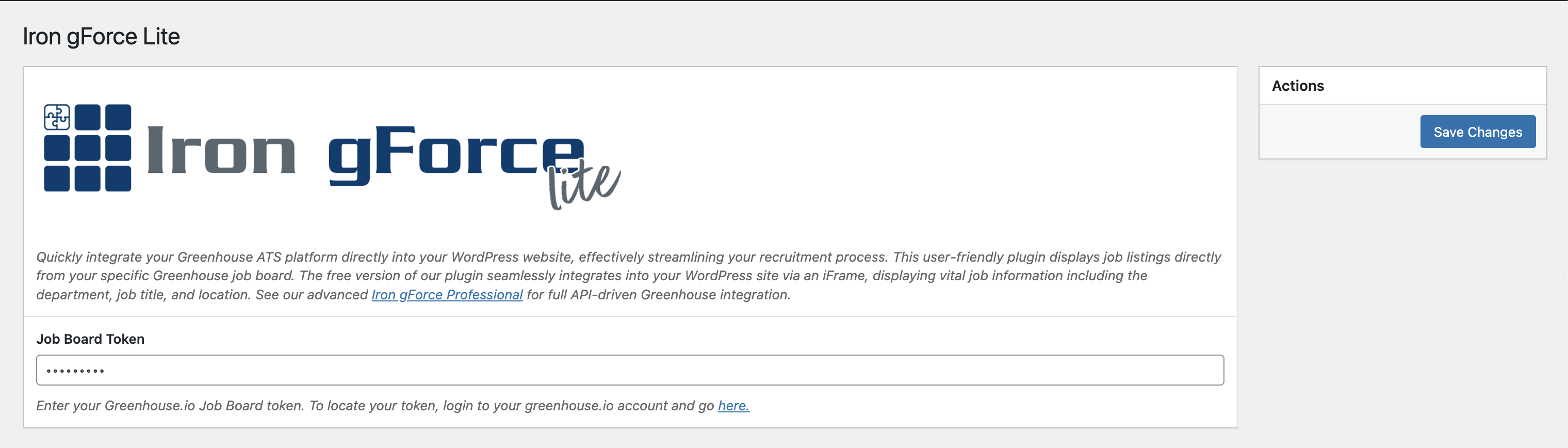
Plugin Interface and Job Board Token Setup:
This screenshot showcases the plugin interface and provides an example of where to add the Job Board Token in the settings.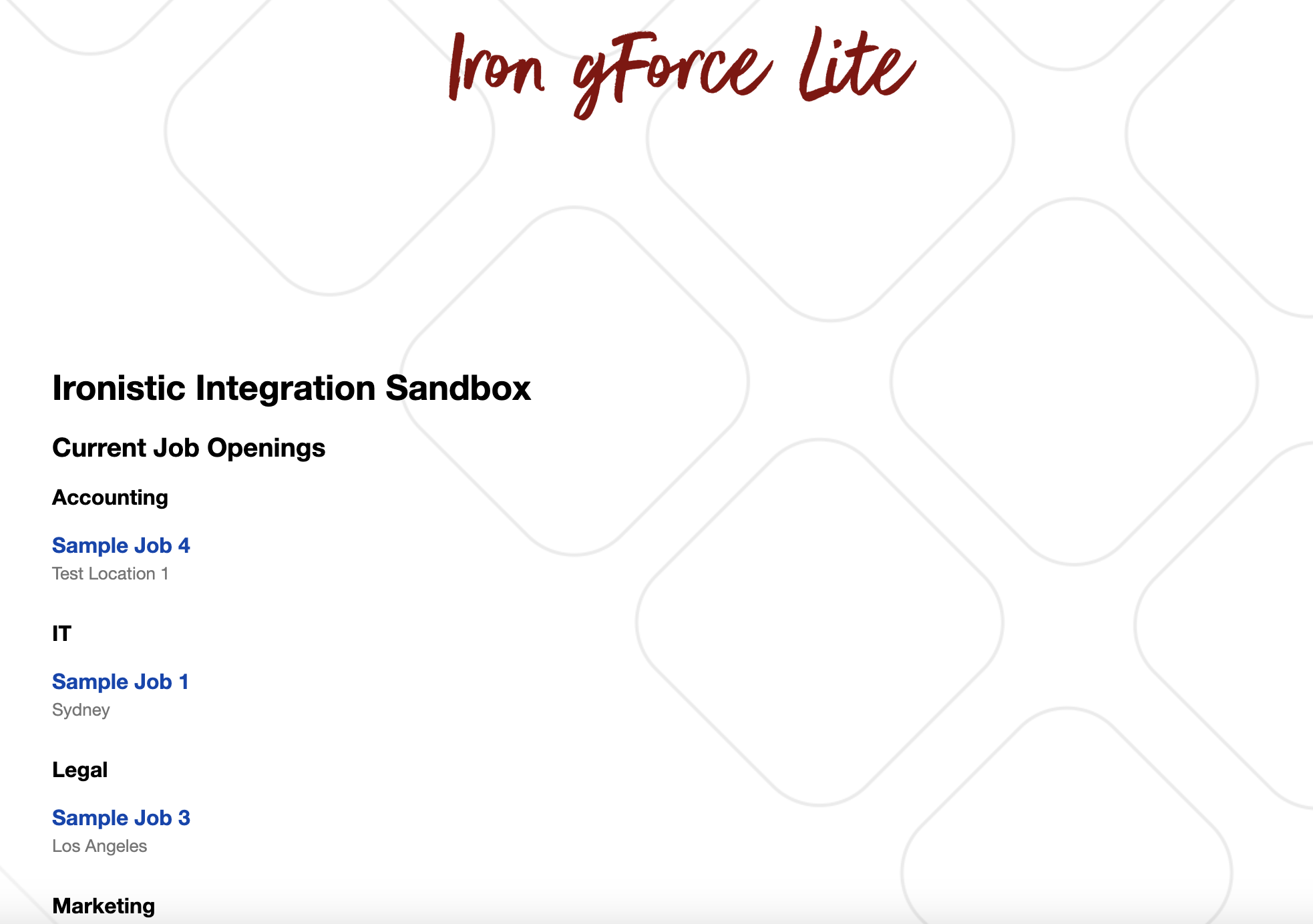
Basic Job Board Display:
This screenshot illustrates the basic setup for displaying job listings. Note that this display may be customized on the Greenhouse platform.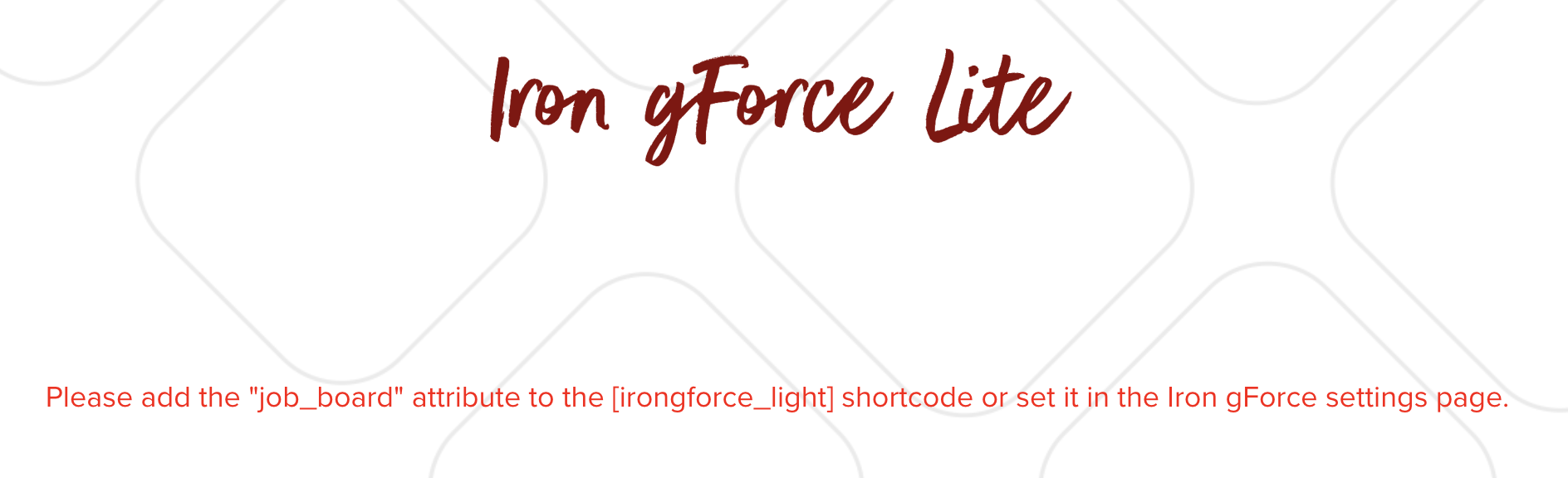
Warning Message for Missing Job Board Token:
This screenshot displays a warning message in case no Job Board Token is set up in the plugin settings or shortcode itself.
Changelog
1.0
- Initial release.
1.1
- Fixed small README typo.
1.2
- Improved README.
1.3
- This version corrects a small README typo.
1.4
- This version corrects a small README typo.