
ImageSnippets Gallery Block
Dynamic block to create an ImageSnippets gallery
Plugin info
Maintenance & Compatibility
Maintenance score
Stale • Last updated 358 days ago • 1 reviews
Is ImageSnippets Gallery Block abandoned?
Likely maintained (last update 358 days ago).
Compatibility
Similar & Alternatives
Explore plugins with similar tags, and compare key metrics like downloads, ratings, updates, support, and WP/PHP compatibility.
Description
This is a plugin for the Block Editor.
It creates a gallery block with images from https://imagesnippets.com.
Images will be evenly distributed in the space available.
Changes to the set of images at imagesnippets are automatically shown in the gallery.
Images tagged with “this image isin GALLERY” will be displayed.
– GALLERY is the name of an image snippets entity.
Optional Controls
– Display image captions.
– Display the gallery name as a title.
– Filter images by an imagesnippets userid.
– Sort the images by title or date.
– Limit the number of images displayed
– Styles change the thumbnail size.
Acknowledgments
d3-sparql https://www.npmjs.com/package/d3-sparql/v/1.0.0
imagesnippets https://imagesnippets.com/learn-more/
What is Imagesnippetts?
ImageSnippets is an archival and curation tool. The goal of ImageSnippets is to build a persistent resource that establishes provenance and preserves the historical content and context of images. The application uses RDF syntax to ensure that the data entered will be readable in the future. RDF has become a standard, like HTML, and will likely be read by semantically aware devices for years to come. Additionally, the application saves data in a way that cannot be easily manipulated.
Installation
- Upload the plugin files to the
/wp-content/plugins/is-gallerydirectory, or install the plugin through the WordPress plugins screen directly. - Activate the plugin through the ‘Plugins’ screen in WordPress
Frequently Asked Questions
Group the galleries and then adjust the spacing attribute of the group.
Group the galleries and then adjust the color attributes of the group.
Review feed
Screenshots
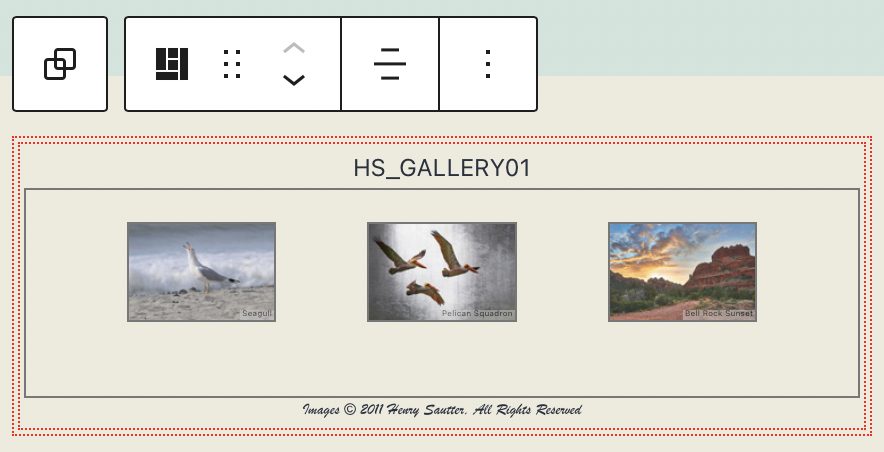
Gallery edit
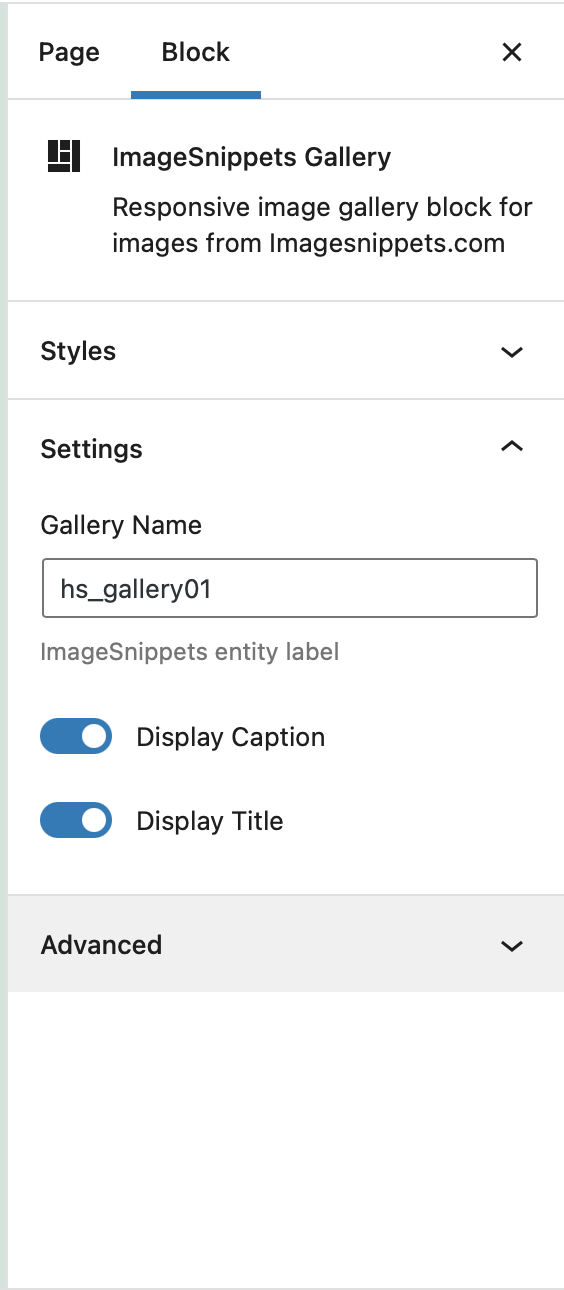
Basic options

Advanced options

Styles
Changelog
1.0.0
- Initial Release
1.0.1
- Updates for Block Directory submission
- Update title
1.0.2
- Fix frontend styles
1.0.3
- Add Schema.org properties for licenses
1.0.4
- Updates to the styles for the image sizes
1.0.5
- Updates to the styles for the thumbnail image resizing