

JavaScript Notifier
JavaScript Notifier allows you to inform visitors that your website requires JavaScript.
Plugin info
Maintenance & Compatibility
Maintenance score
Maintained • Last updated 120 days ago • 2 reviews
Is JavaScript Notifier abandoned?
Likely maintained (last update 120 days ago).
Compatibility
Similar & Alternatives
Explore plugins with similar tags, and compare key metrics like downloads, ratings, updates, support, and WP/PHP compatibility.
Description
A simple, lightweight WordPress plugin for displaying a notification bar at the top of the webpage if 1st-party JavaScript is disabled. If appropriate, the entire website may as well be blocked by a full-page overlay instead of just a small bar.
The plugin offers configuration of background and foreground color, opacity, notification message text and font size. Individual customization by means of CSS snippets is also supported.
Installation
- Upload the plugin files to the
/wp-content/plugins/javascript-notifierdirectory, or install the plugin through the WordPress plugins screen directly. - Activate the plugin through the ‘Plugins’ screen in WordPress
- Use the Settings->JavaScript Notifier screen to configure the plugin
Frequently Asked Questions
Yes, it does. A corresponding wpml-config.xml language configuration file can be found in the plugin’s home directory.
Sure. Just enter the following CSS code into the Custom CSS input field: top:inherit;bottom:0
In order to work flicker-free, JavaScript Notifier requires one short piece of inline JavaScript code to remain in its exact place. Therefore, it should be excluded from all kind of optimization. Since the code piece is labelled hide-javascript-notifier-js, the easiest way would be to add that label to the optimization plugin’s JavaScript exclusion list, or the like.
Review feed
Screenshots
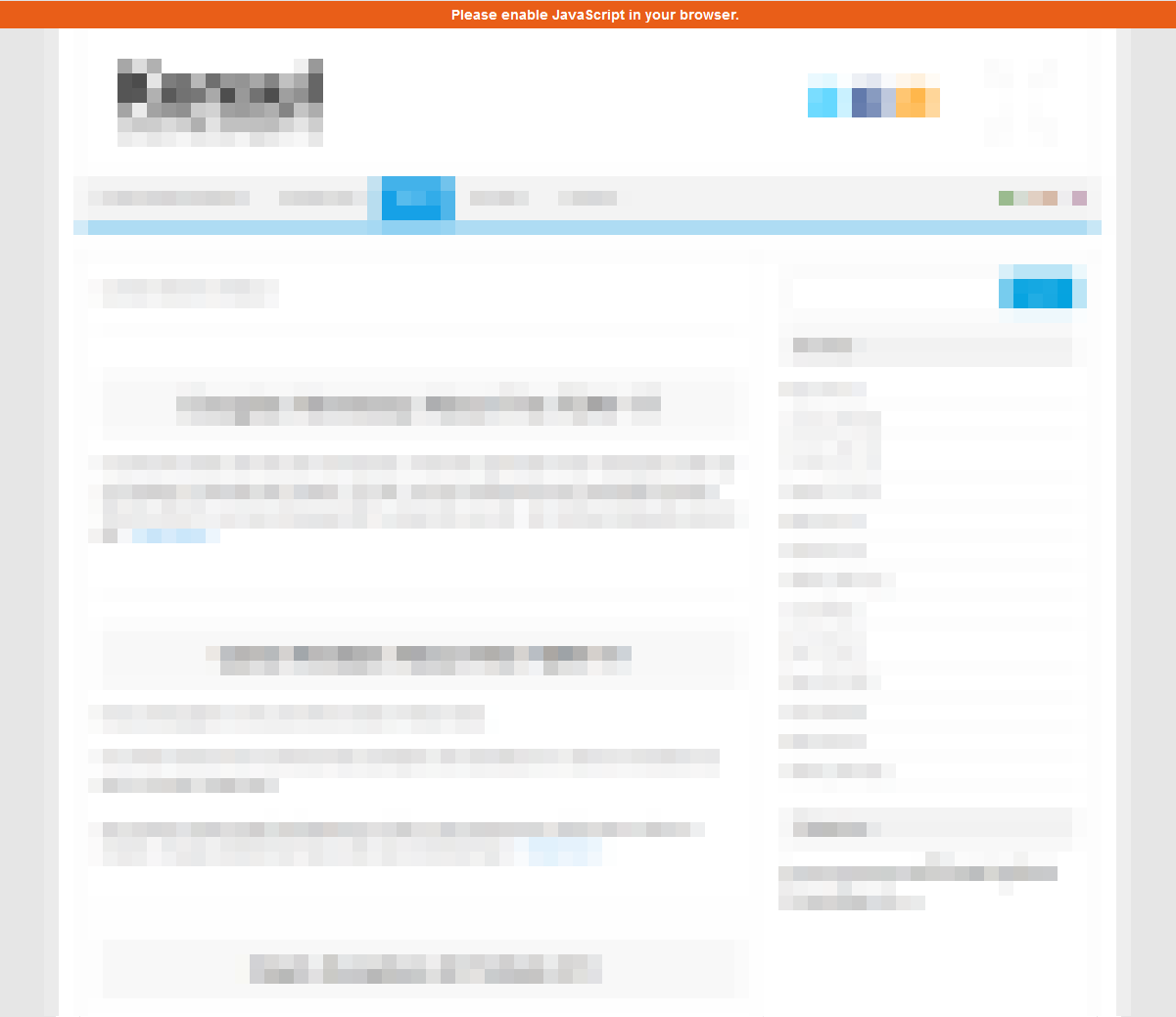
Notification Bar
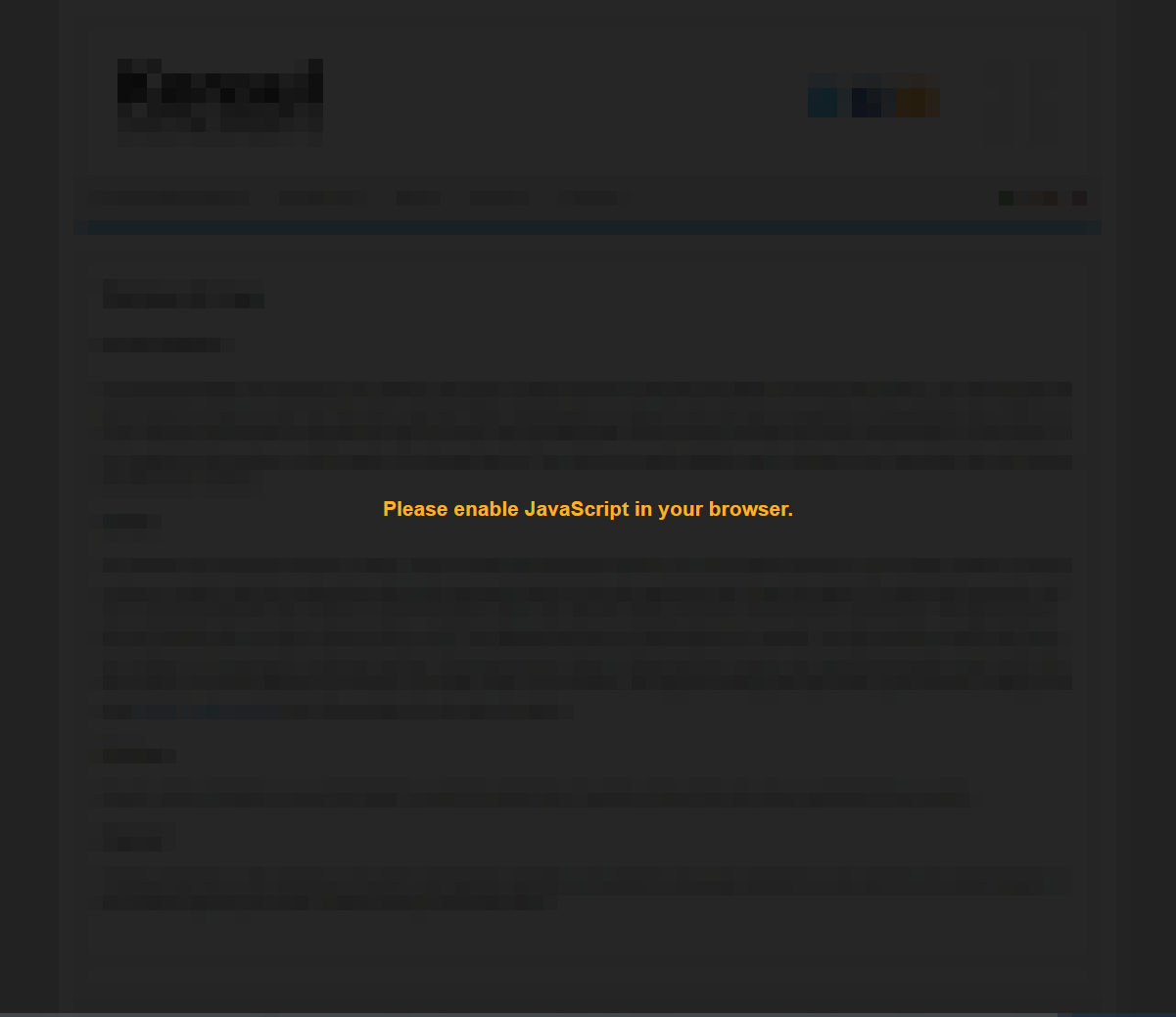
Blocking Mode Enabled
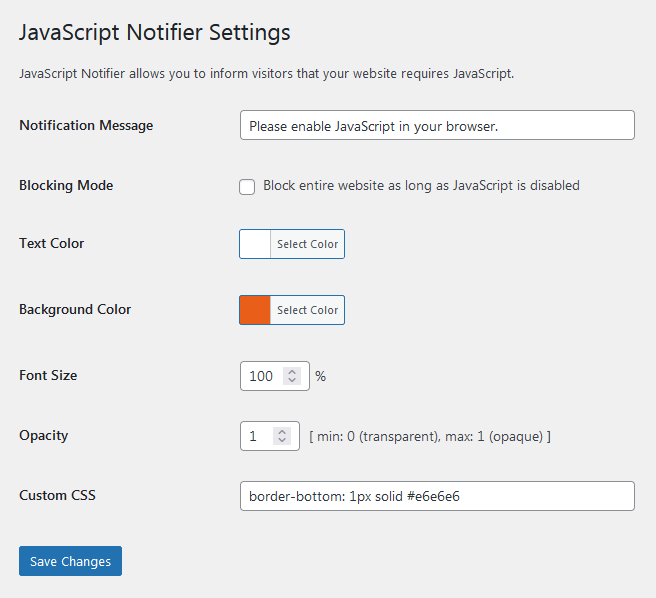
Plugin Settings
Changelog
1.2.8
- Fixed undefined array key warning. Suggested by @hoeczek. Thanks!
- Adapted admin script enqueue handle for actual file name.
1.2.7
- Minor optimization.
- Adapted screenshots for latest version.
1.2.6
- Increased callback priority.
- Resorted plugin settings.
1.2.5
- Opened plugin for translations.
- Removed translations from plugin directory.
1.2.4
- Updated translations.
1.2.3
- Replaced outdated JavaScript mime type.
1.2.2
- Fixed WPML translations configuration.
- Optimized options conversion.
1.2.1
- Fixed options conversion failure after upgrading.
1.2.0
- Detached admin code from main plugin functionality.
- Moved settings into single option array entry.
- Changed font size unit from ’em’ to percent.
1.1.1
- Moved JavaScript and CSS into page footer.
1.1.0
- Added input field for custom CSS.
1.0.1
- Added translation for initial notification message.
- Added ID for inline JavaScript, e.g. if required for excluding from optimization.
1.0.0
- Initial release