

Job Board by ejobsitesoftware
A comprehensive job board plugin with features like job posting, job search, applications, employer/jobseeker dashboards, and more.
Plugin info
Maintenance & Compatibility
Maintenance score
Stale • Last updated 196 days ago
Is Job Board by ejobsitesoftware abandoned?
Likely maintained (last update 196 days ago).
Compatibility
Similar & Alternatives
Explore plugins with similar tags, and compare key metrics like downloads, ratings, updates, support, and WP/PHP compatibility.
Description
Job Board by ejobsitesoftware is a powerful and flexible job board solution for WordPress. It allows you to create a full-featured job portal with:
- Custom Post Types for Jobs – Effortlessly create, manage, and showcase job listings with a dedicated job post type.
- Advanced Job Categorization – Organize jobs by categories, countries, and currencies for precise filtering and global reach.
- Seamless Login & Registration – Separate Employer and Job Seeker accounts ensure a smooth and secure experience.
- Save & Apply for Jobs – Job seekers can save favorite jobs, apply with resumes and cover letters, and track applications in real-time.
- Status Tracking for Applications – Stay updated with the status of applied jobs directly from the user dashboard.
- Unlimited Job Posting & ATS Support – Employers can post unlimited jobs and manage candidates efficiently with an integrated Applicant Tracking System.
- Dedicated Dashboards – Intuitive dashboards for employers and job seekers to manage jobs, applications, and profiles with ease.
- AJAX-Powered Job Search – Enjoy fast, dynamic, and filterable job searches without page reloads.
- Custom Taxonomies & Easy Integration – Flexible taxonomies for job types and categories, plus shortcodes for seamless embedding anywhere on your site.
- All-in-One Job Board Solution – A feature-packed, fully responsive, and easy-to-use solution to run a professional job portal.
License
This plugin is licensed under the GPLv2 or later.
Support
For support, please visit https://ejobsitesoftware.com/contact/ or use the WordPress.org support forums.
Installation
- Upload the plugin files to the
/wp-content/plugins/job-board-by-ejobsitesoftwaredirectory, or install via the WordPress Plugins screen. - Activate the plugin from the ‘Plugins’ menu in WordPress.
- Go to the “AYN Job Board” menu in the WordPress admin panel to configure the plugin settings.
Frequently Asked Questions
[jobboard_jobs]– Display job listings.[jobboard_post_job]– Show the post job form (for employers).[jobboard_dashboard]– Show the user dashboard.[jobboard_login]– Show the login form.[jobboard_register]– Show the registration form.[employer_dashboard]– Show the employer dashboard.[jobseeker_dashboard]– Show the jobseeker dashboard.[jobboard_apply_form]– Show the job application form.
Yes, you can override the plugin’s template files in your theme for full customization.
Yes, it works with most modern WordPress themes and page builders (Elementor, Gutenberg, WPBakery, etc.).
Yes, employers get their own dashboard where they can create, edit, and manage job listings.
Yes, job seekers can upload their resumes while applying for the job.
Yes, employers can view and track all job applications submitted by job seekers.
No, you can post unlimited jobs depending on your website hosting capacity.
Yes, the plugin is translation-ready and compatible with WPML, Polylang, and other translation plugins.
Yes, you can create custom taxonomies for job categories, countires and job types.
Yes, only registered employers can post jobs using the job posting form.
Yes, the plugin uses the native WordPress user system and creates roles for employers and job seekers.
No, the plugin is lightweight, optimized, and follows WordPress coding standards for speed and performance.
Yes, you can create multiple job boards using categories or different pages with shortcodes.
Yes, you can get support via the WordPress.org support forum or our website.
Review feed
Screenshots
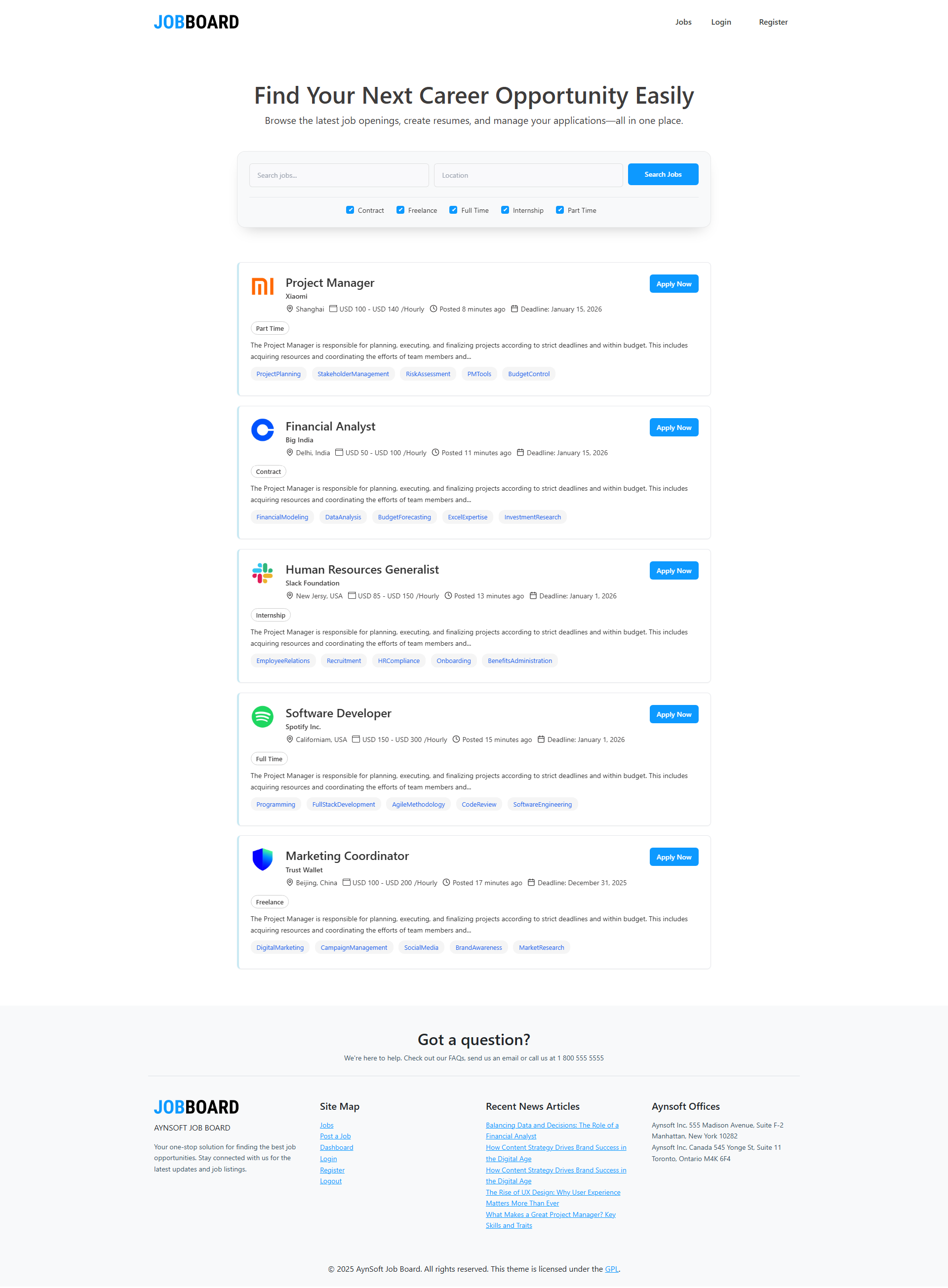
Job listings page
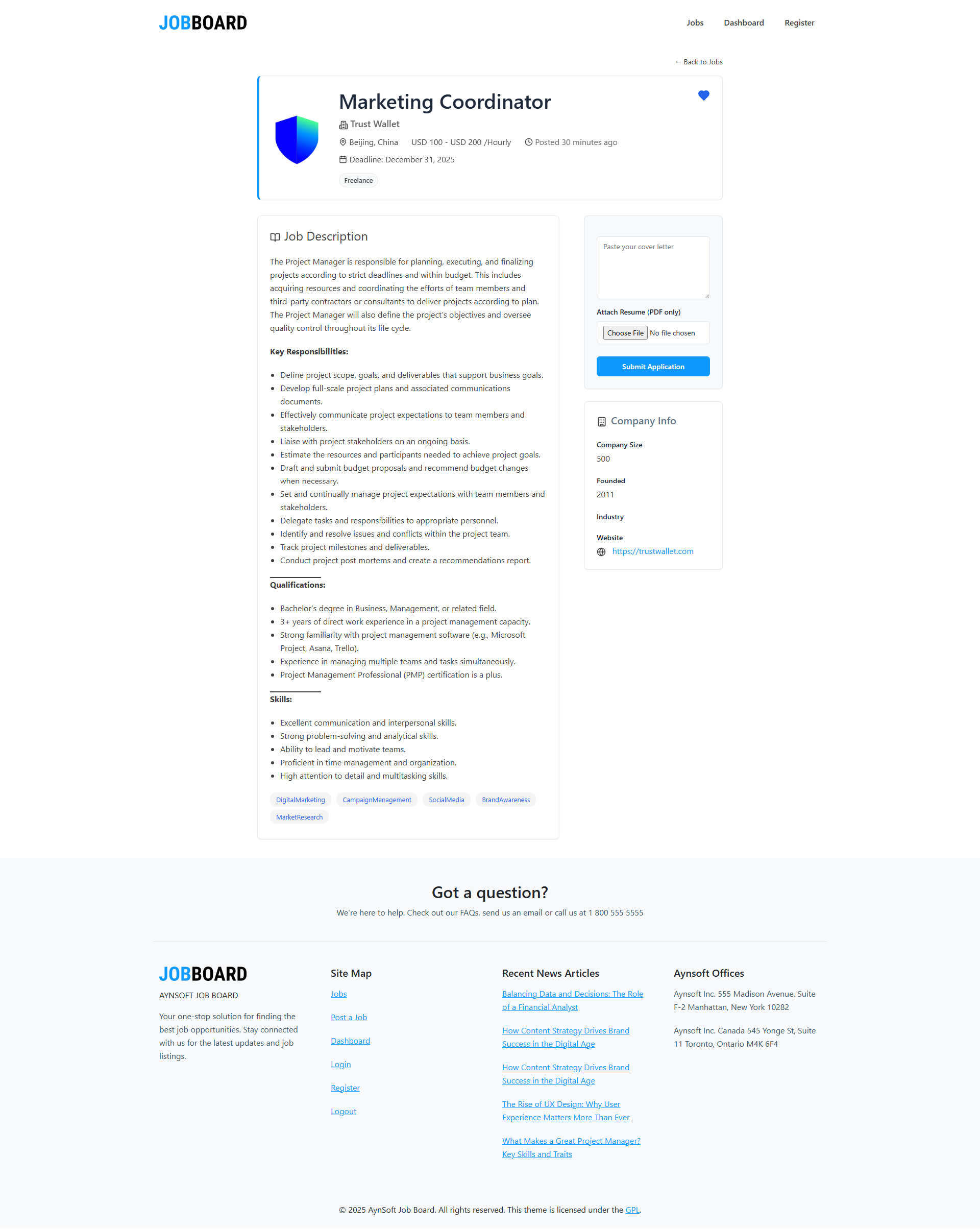
Job detail page
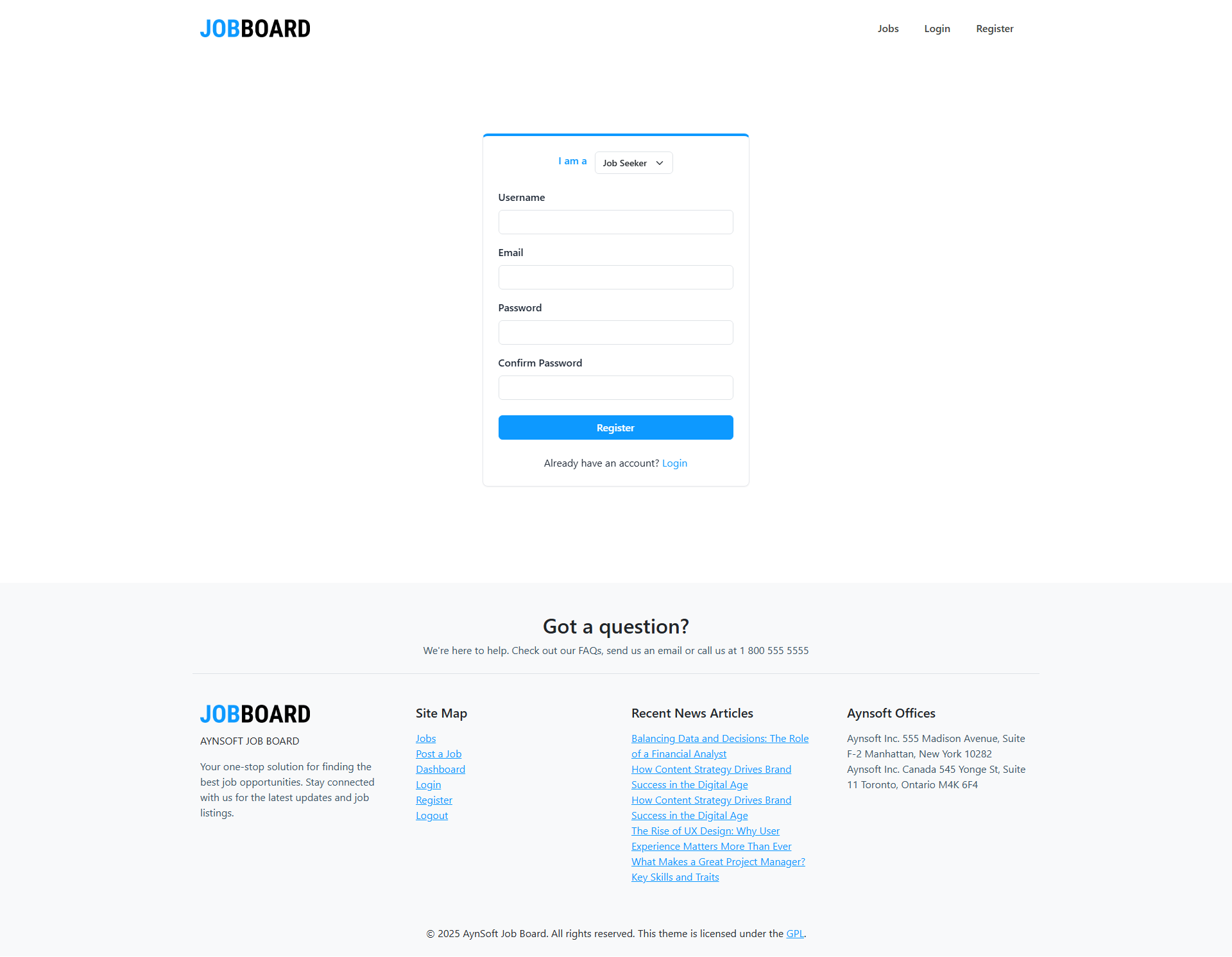
Jobseeker registration page
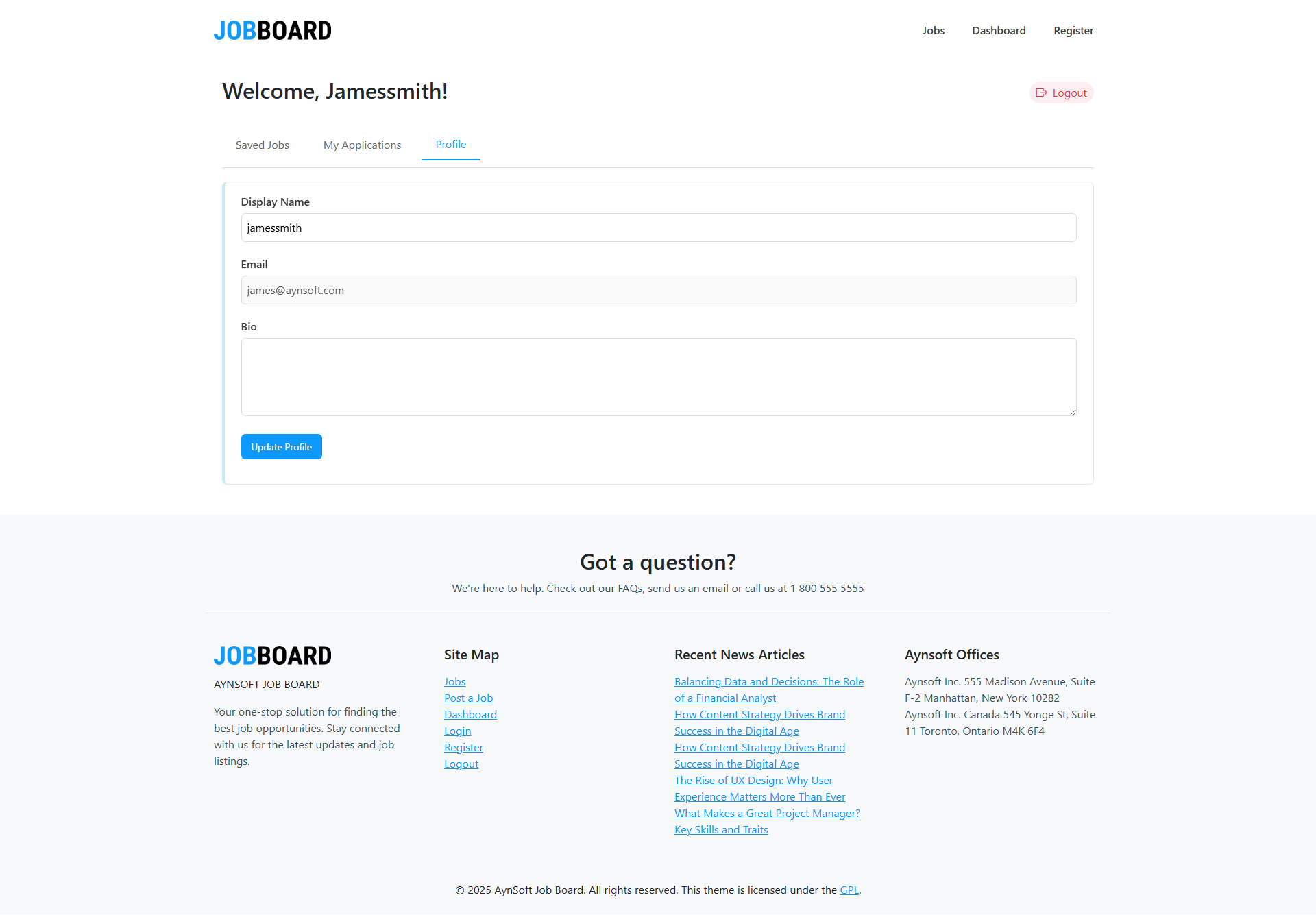
Jobseeker profile
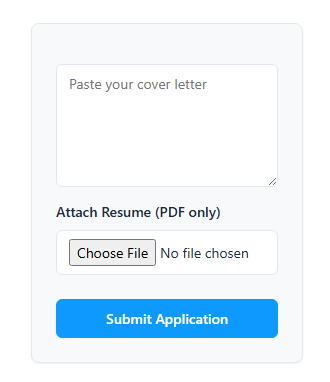
Job application form
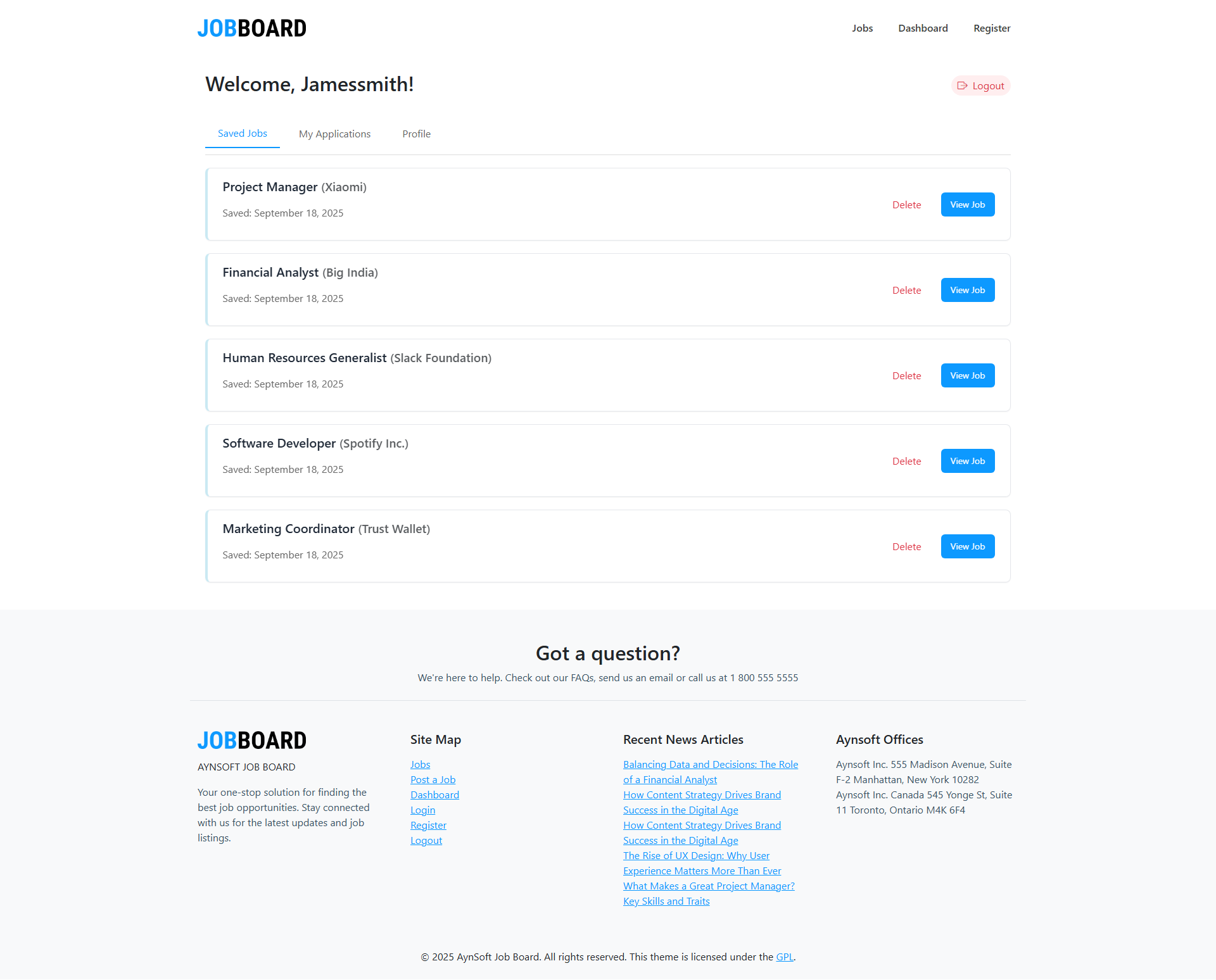
My saved jobs page
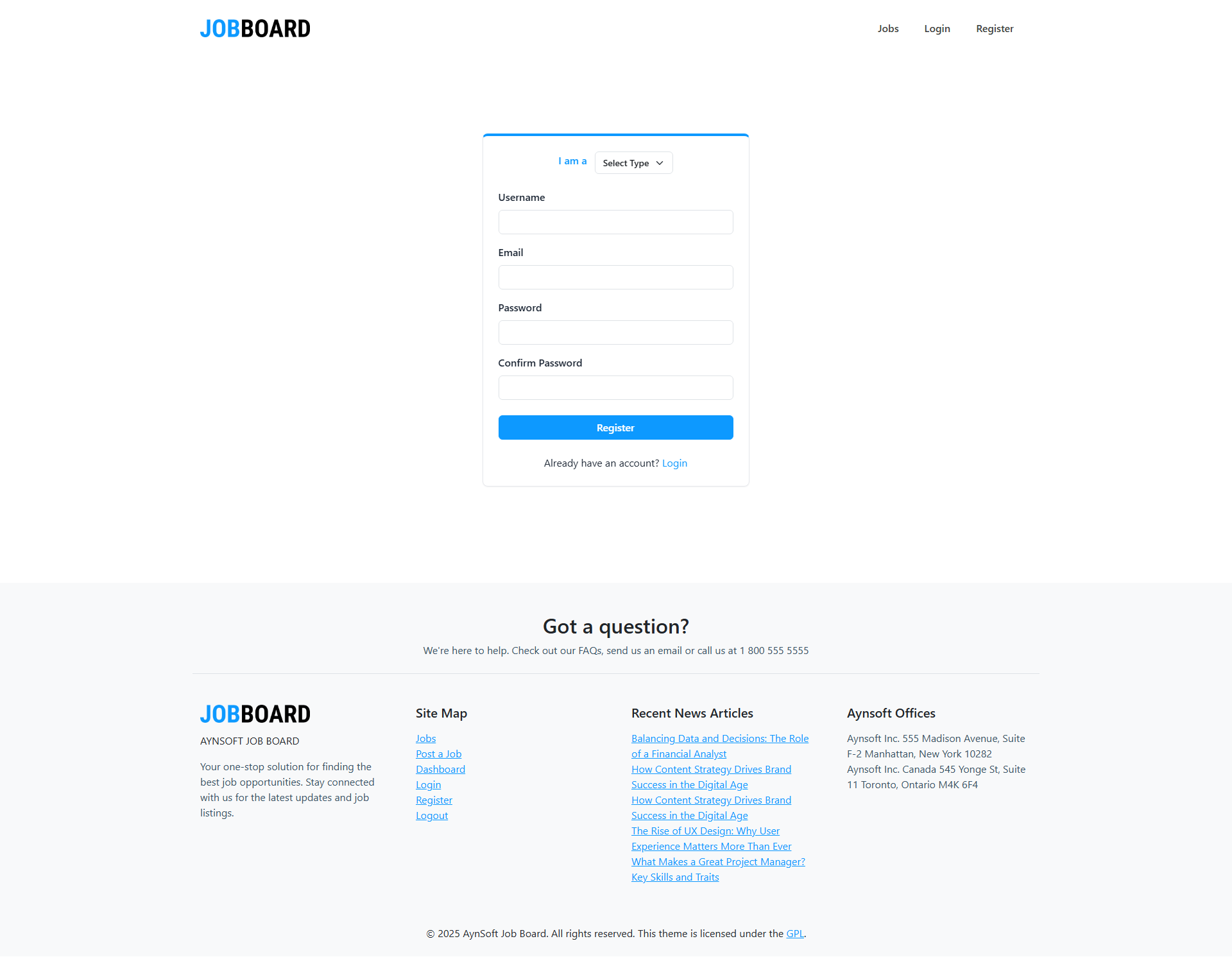
Employer registration page
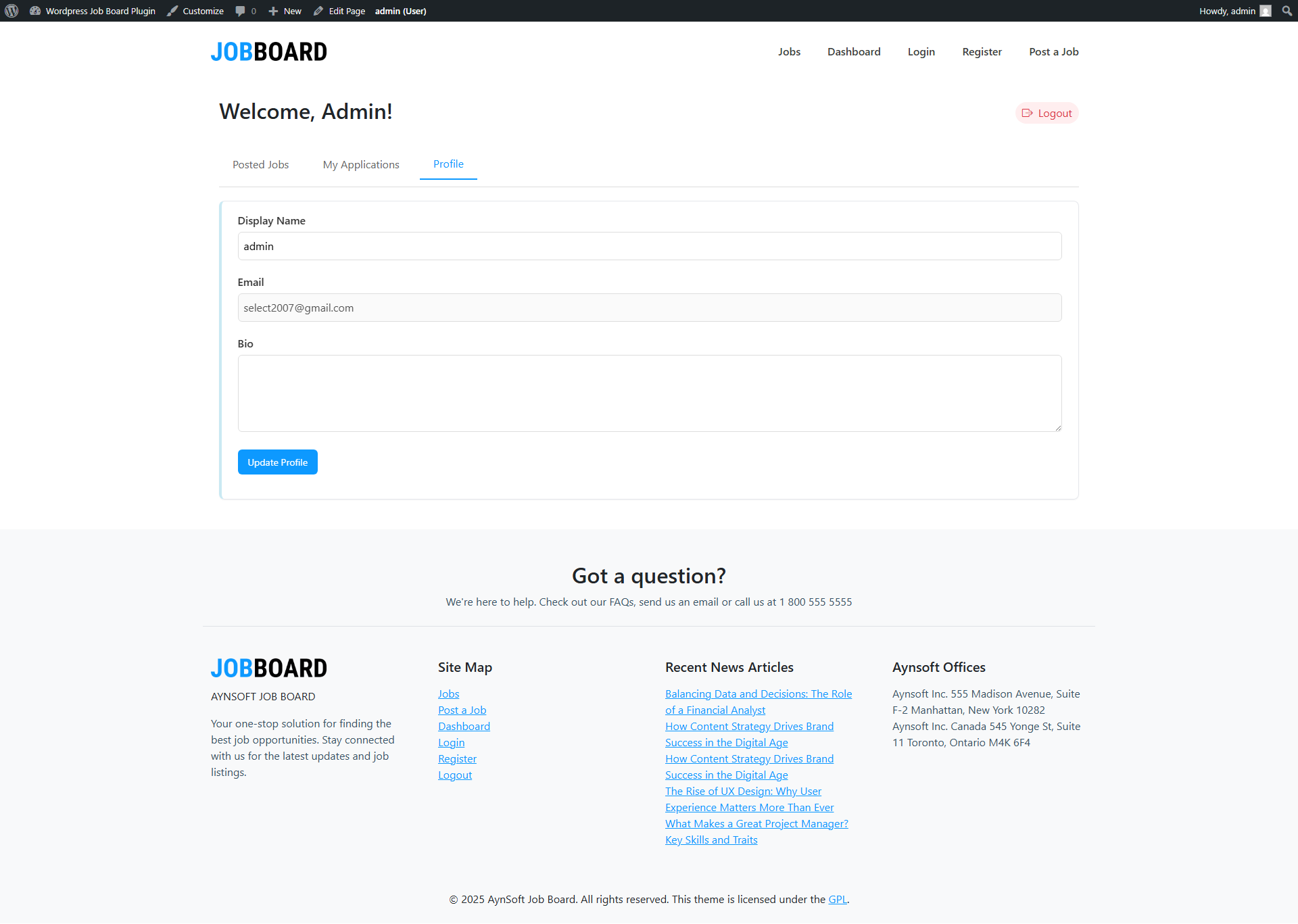
Employer profile
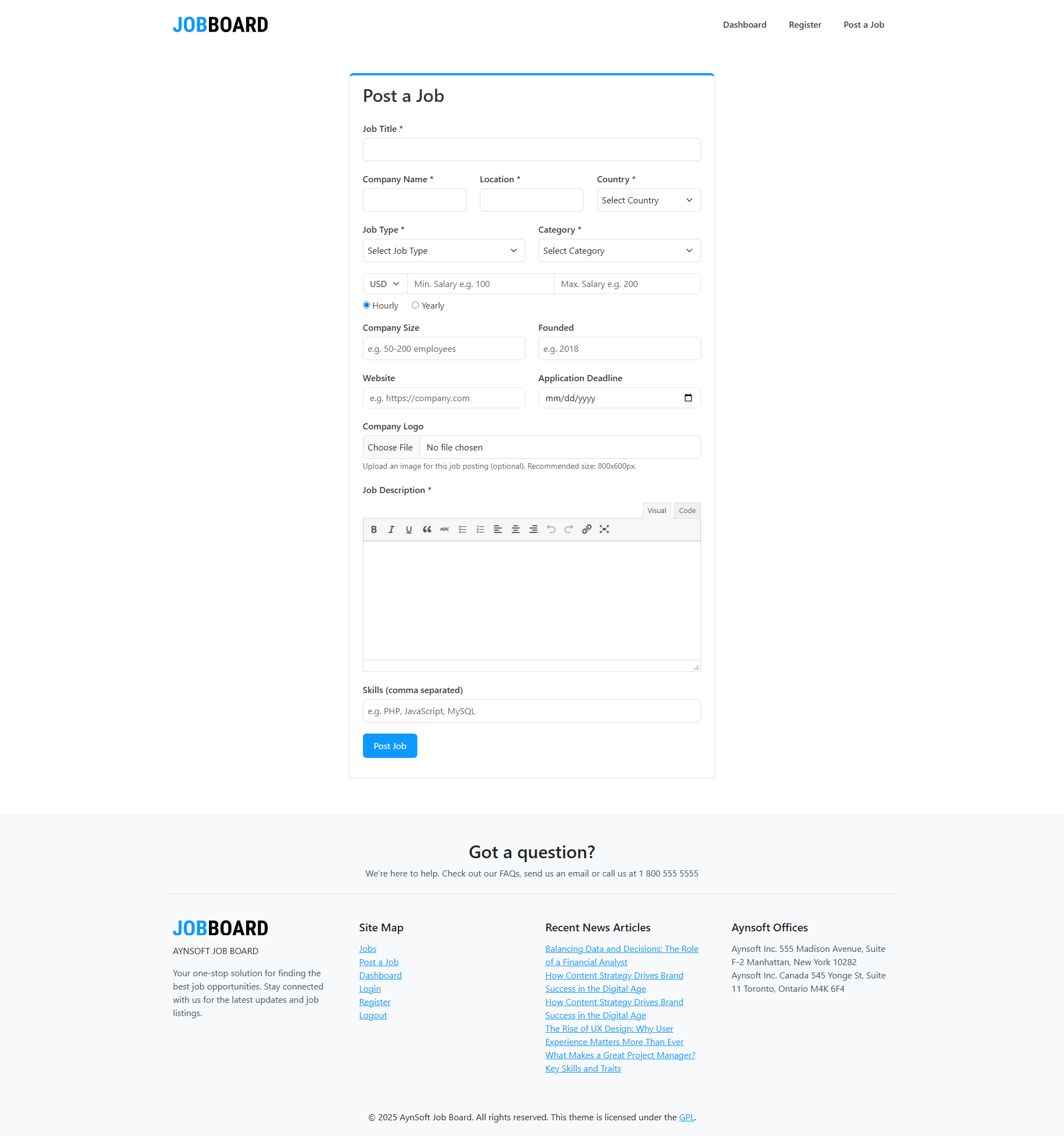
Post a job page
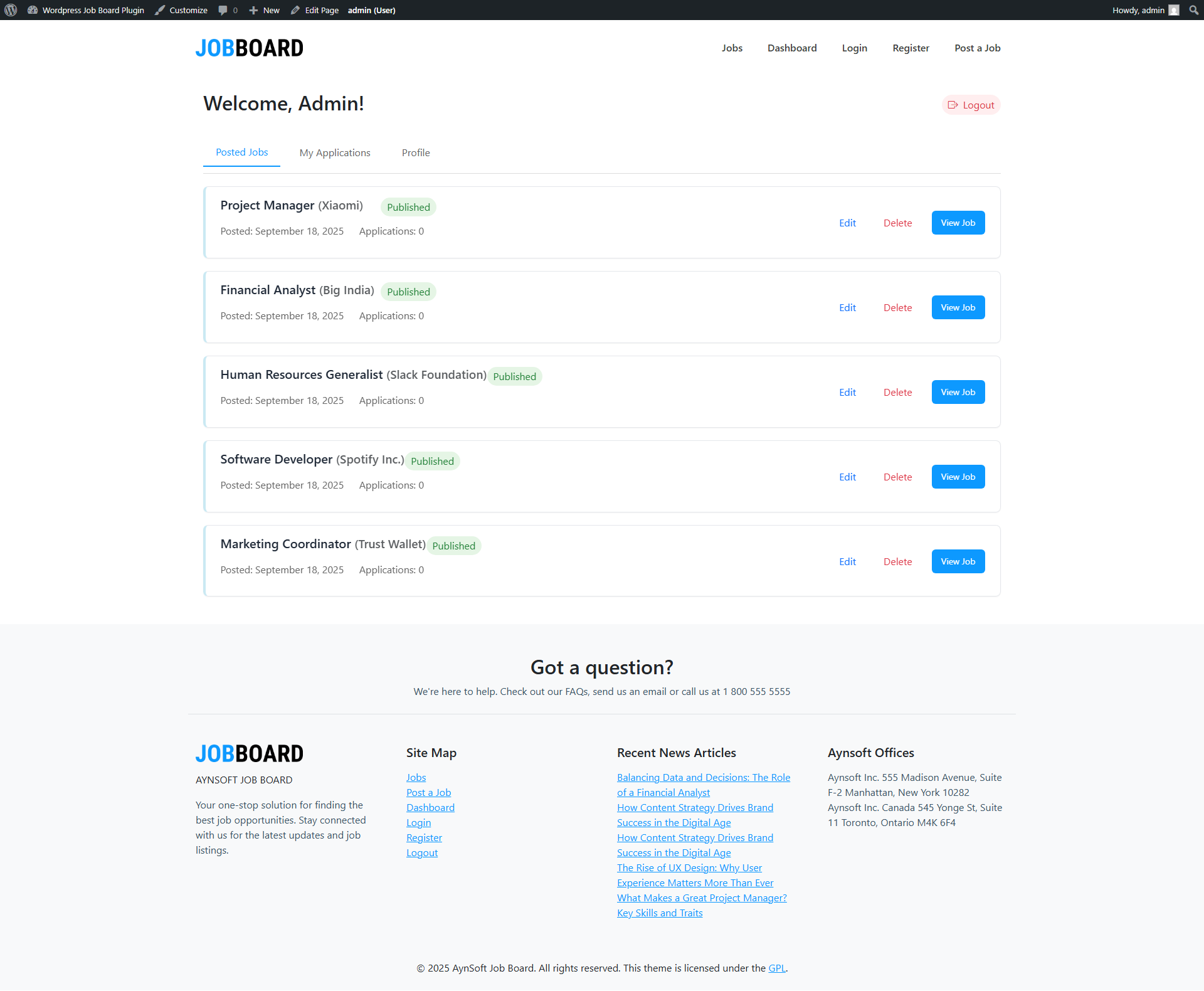
Employer dashboard
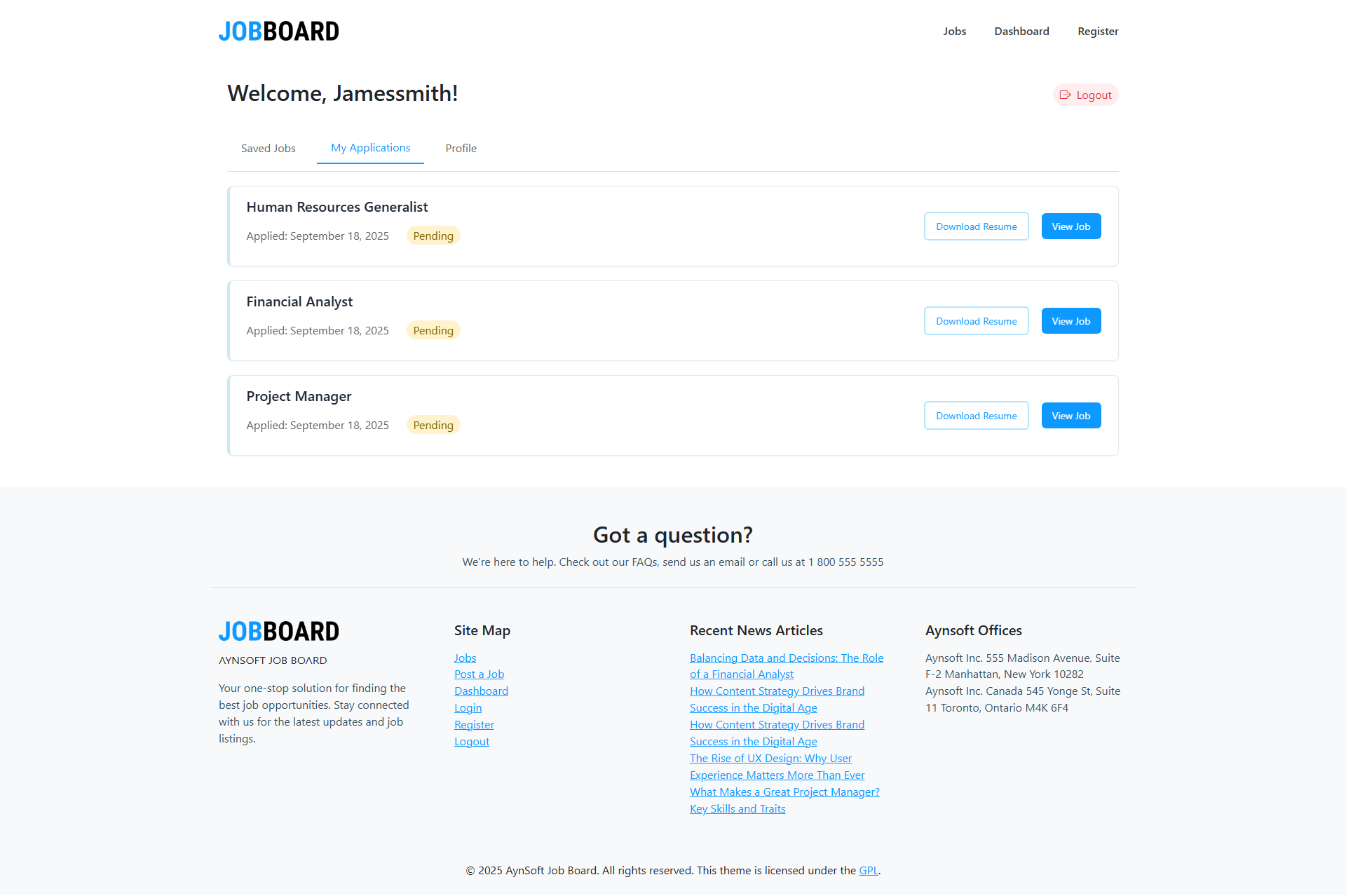
Applications page
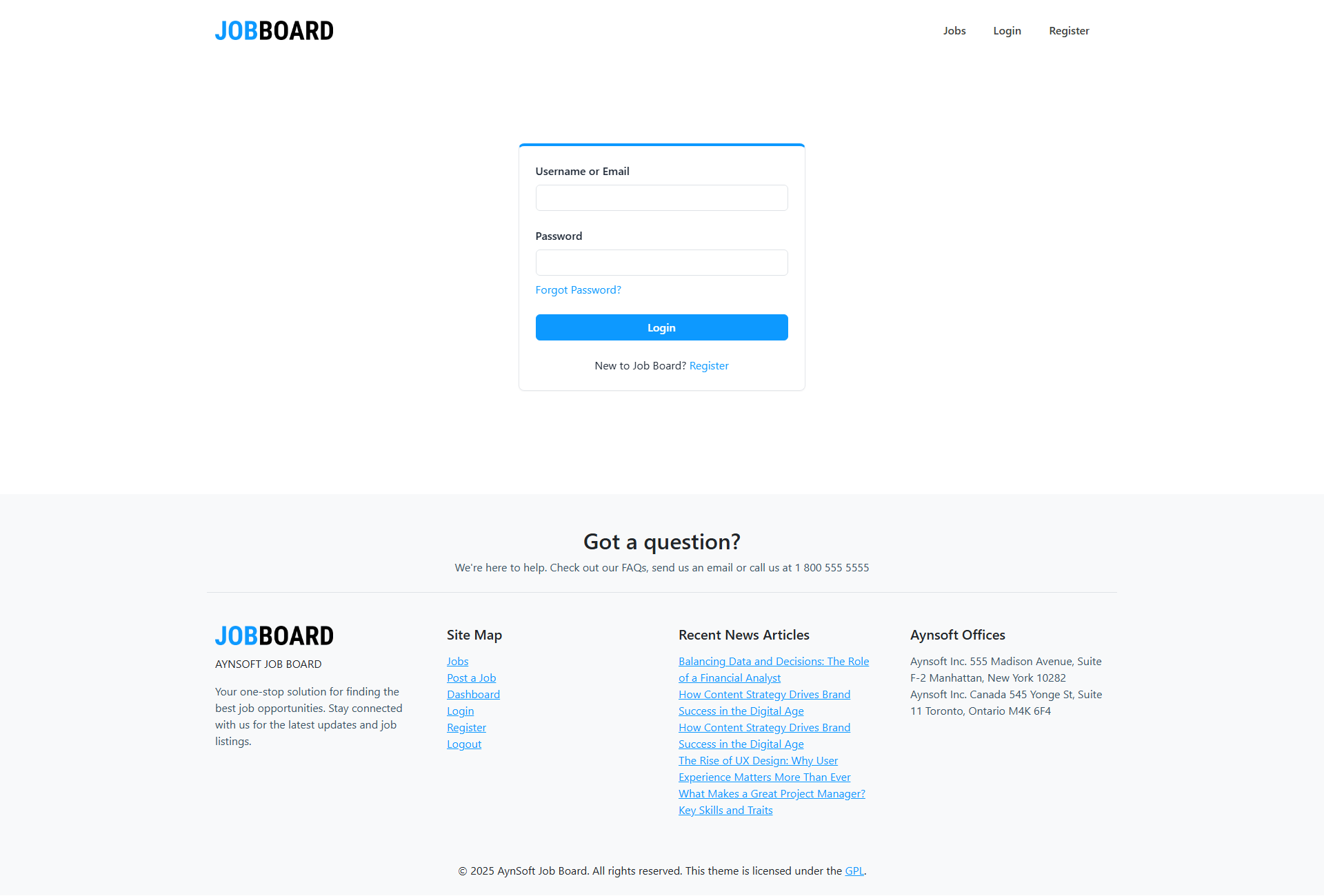
Login page
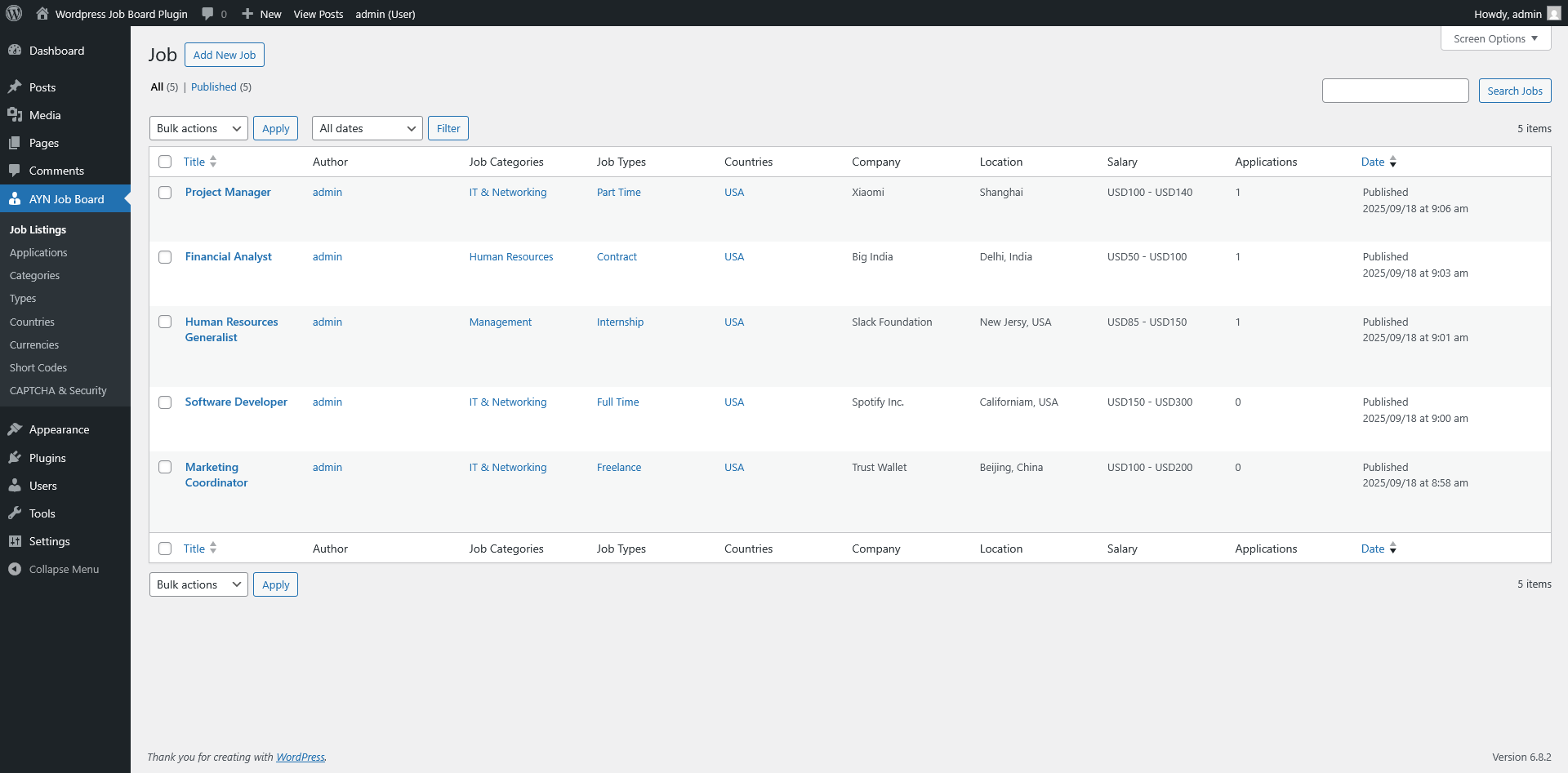
Admin job listing
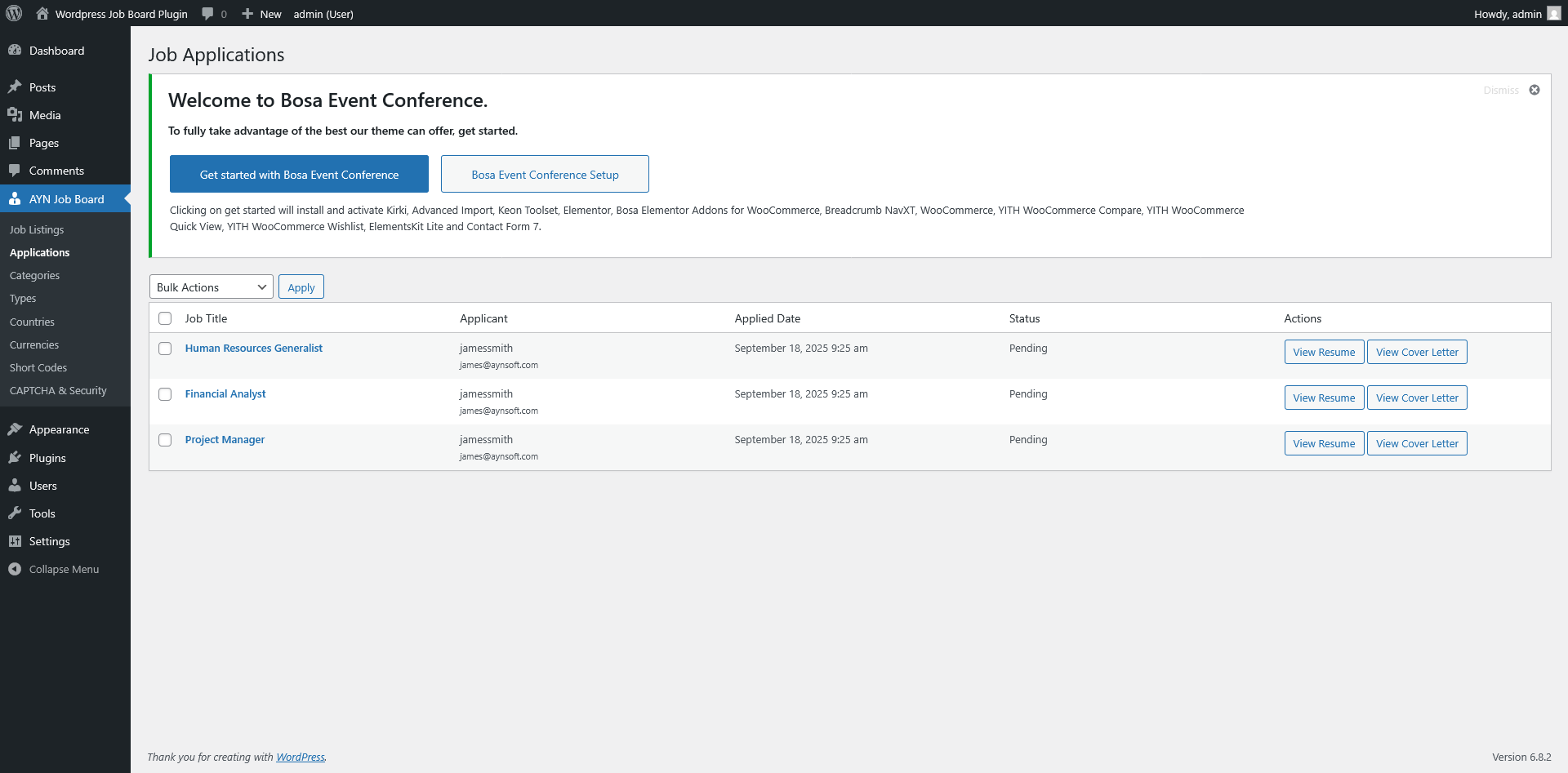
Admin application tracking page
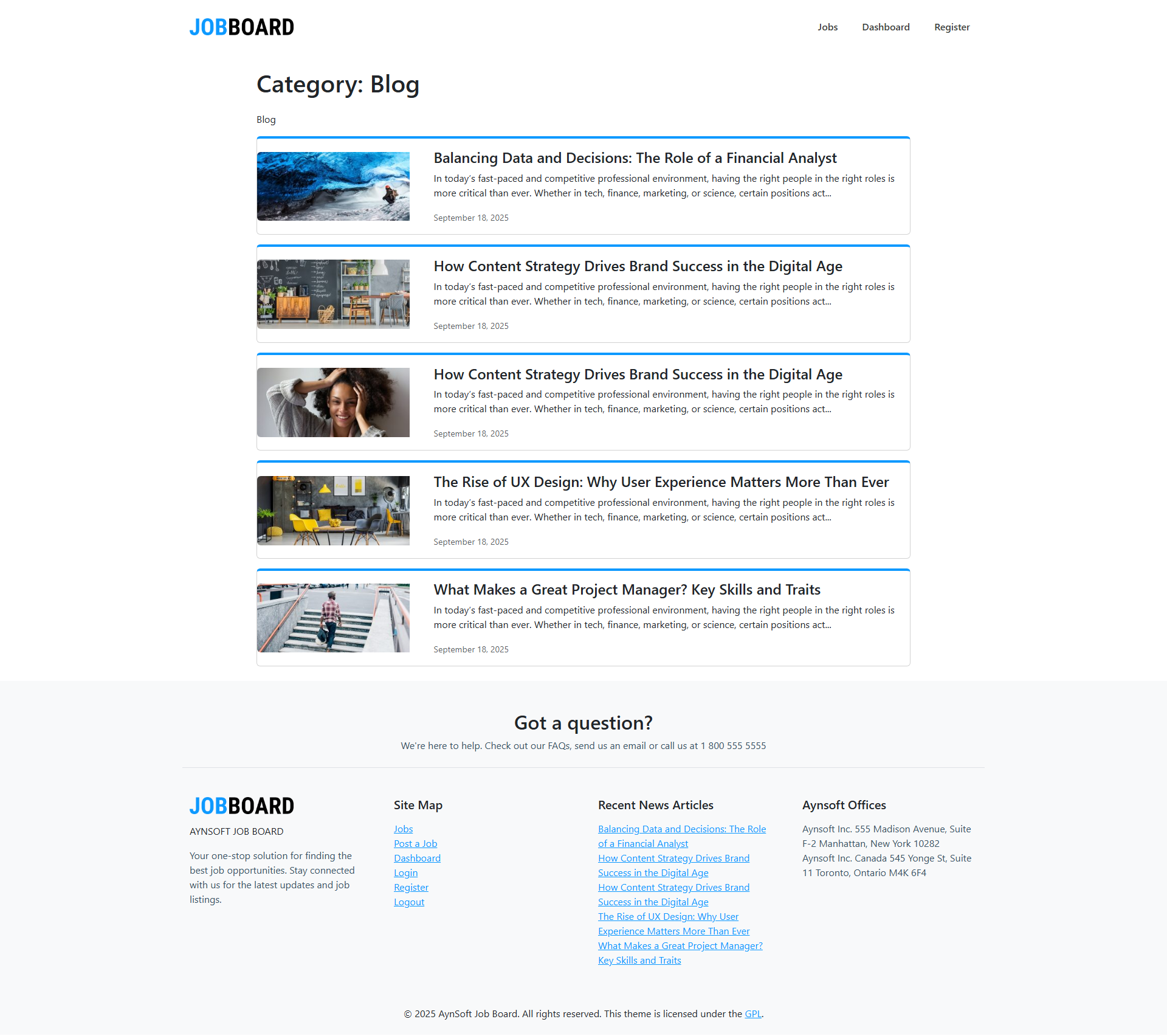
Blog page
Changelog
1.0.0
- Initial release.