

Journey Timeline Block
Showcase your company history, project phases, or brand milestones with beautiful, responsive timeline blocks built for the WordPress Block Editor.
Plugin info
Maintenance & Compatibility
Maintenance score
Stale • Last updated 212 days ago
Is Journey Timeline Block abandoned?
Likely maintained (last update 212 days ago).
Compatibility
Similar & Alternatives
Explore plugins with similar tags, and compare key metrics like downloads, ratings, updates, support, and WP/PHP compatibility.
Description
Journey Timeline Block is a modern, fully customizable block plugin for the WordPress Block Editor. It helps you build vertical timeline sections to highlight key events like business growth, product launches, or personal milestones — all with an intuitive, responsive, and animation-ready UI.
Whether you’re a business owner, freelancer, or agency, you can create professional-looking visual stories using two unique layouts:
– Minimal Milestone Timeline: Clean, dotted path with alternating items
– Modern Card Timeline: Stylish vertical cards on a solid path
Easily manage your timeline using a simple backend interface with controls for content, styles, responsiveness, and animations. No coding required.
Key Features
🧩 Flexible Content Fields
– Section Heading
– Milestone Title
– Year Label
– Description
– Image or Icon
🎛️ Customizable Settings
– Show/hide each field individually
– Typography control for heading, title, year, description
– Font size units: px, em, rem, vw
– Custom width, margin, and padding per breakpoint
– Media controls for image sizing
– Add custom CSS classes per block
🖼️ Pre-Built Layouts
– Minimal Milestone Timeline – Lightweight, alternating layout with dotted line
– Modern Card Timeline – Bold, centralized layout with colored cards and shadows
📱 Responsive Design
– Controls for desktop, tablet, and mobile
– Per-device spacing and font sizes
– Built with performance in mind
✨ Smooth Animations
– Built-in Motion One animation support
– AOS (Animate on Scroll) integration for reveal effects
🧠 User-Friendly Editing
– Organized tabbed interface (General, Style, Advanced)
– Add or remove timeline items with ease
– Default starter item auto-added on block insert
Credits
Plugin developed and maintained by Aims Infosoft
Website: https://aimsinfosoft.com
Built using:
– WordPress Block Editor
– React
– Motion One
– AOS (Animate on Scroll Library)
License
This plugin is licensed under the GNU General Public License v2.0 or later.
Installation
- Upload the plugin folder to
/wp-content/plugins/or install via the Plugins screen in WordPress. - Activate the plugin through the “Plugins” screen.
- Edit any page or post using the WordPress Block Editor.
- Search for “Journey Timeline Block” in the block inserter.
- Insert and start customizing your timeline.
Frequently Asked Questions
Yes. All settings and elements are fully responsive with per-device controls.
Yes. You can assign custom CSS classes to each block via the Advanced tab.
Yes. The plugin includes Motion One and AOS animation options that can be customized per layout.
Two layouts are currently available, with more planned in future updates.
Yes. It works with all major WordPress themes that support the block editor.
Review feed
Screenshots
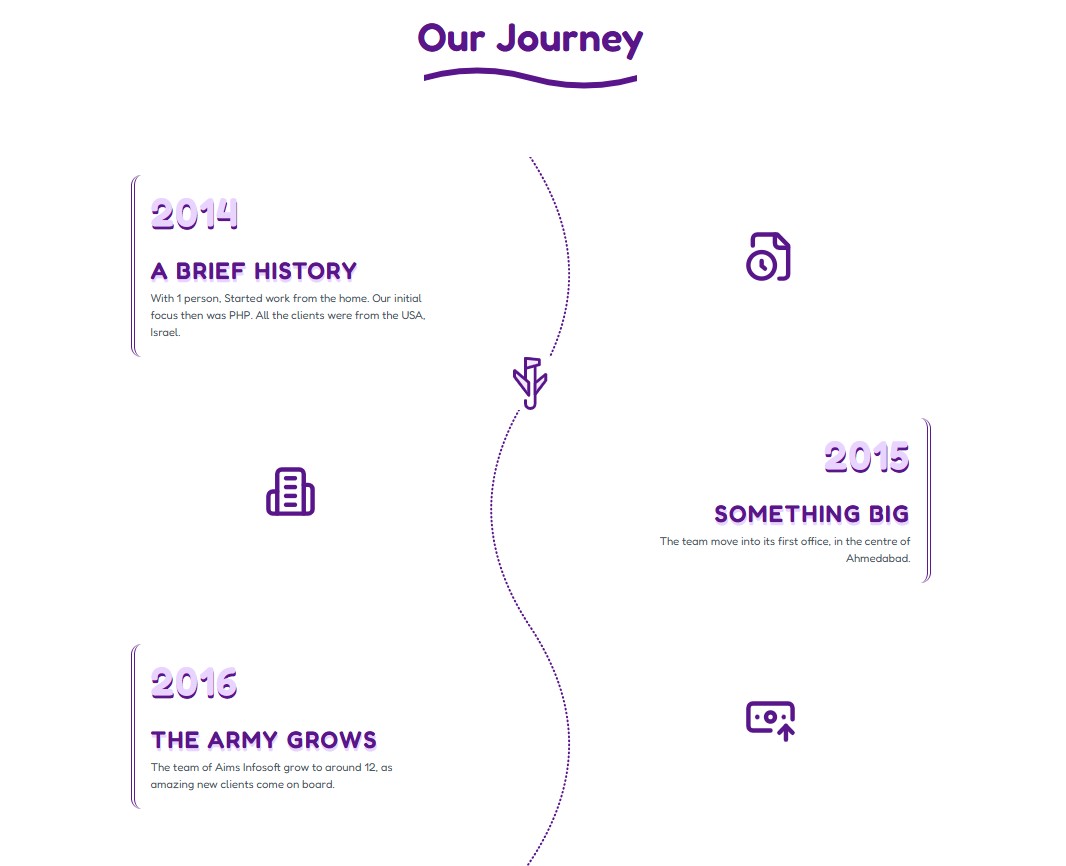
Minimal Milestone Timeline Layout
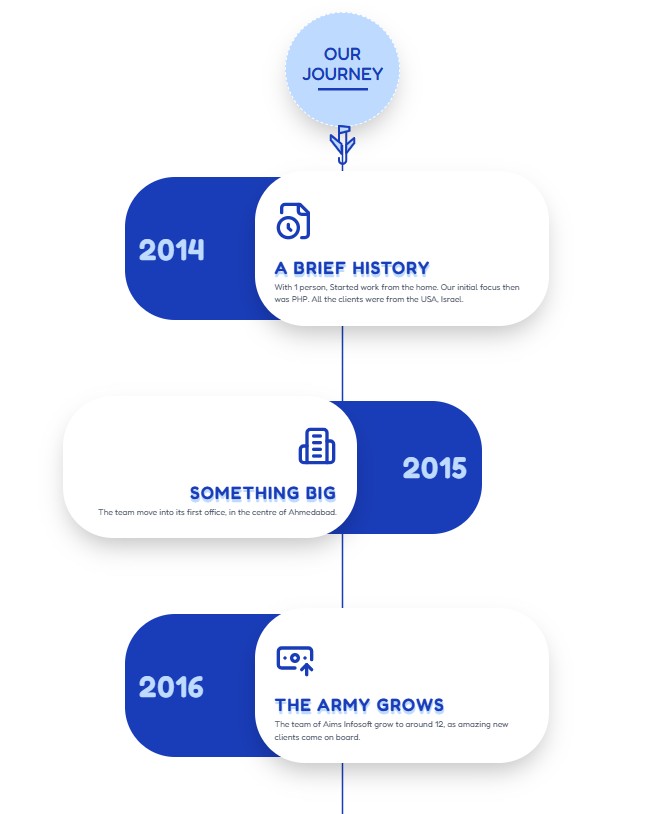
Modern Card Timeline Layout
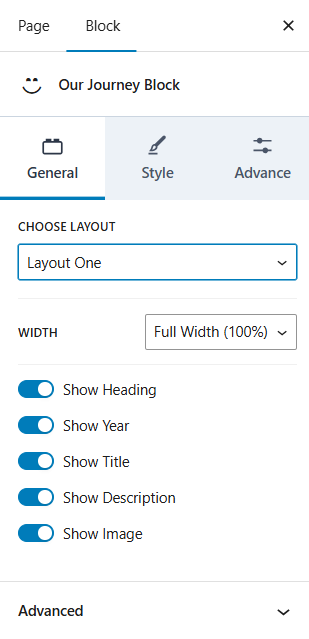
General Settings – Toggle Fields
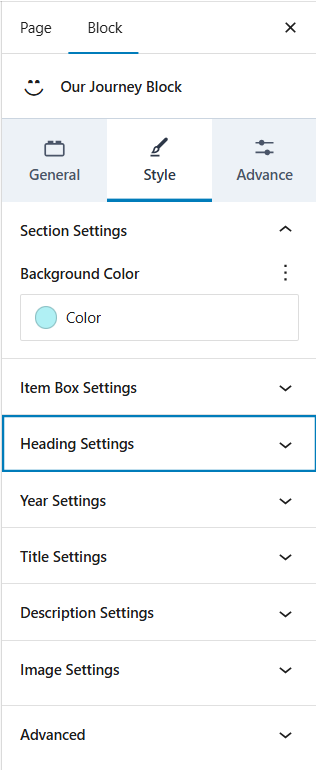
Style Settings – Typography Controls
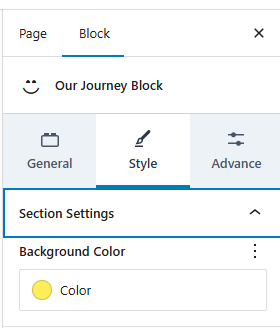
Style Settings – Section Setting
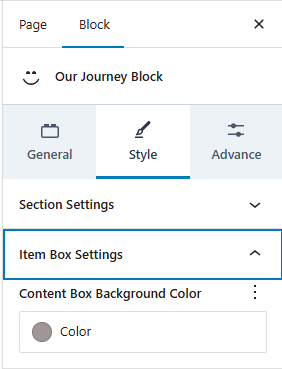
Style Settings – Item Box Setting
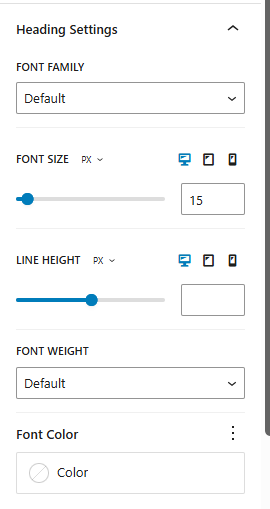
Style Settings – Heading Setting
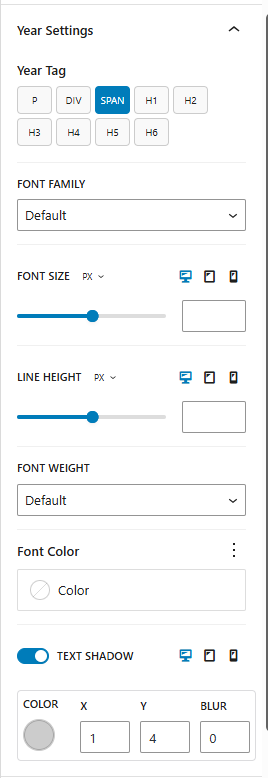
Style Settings – Year Setting
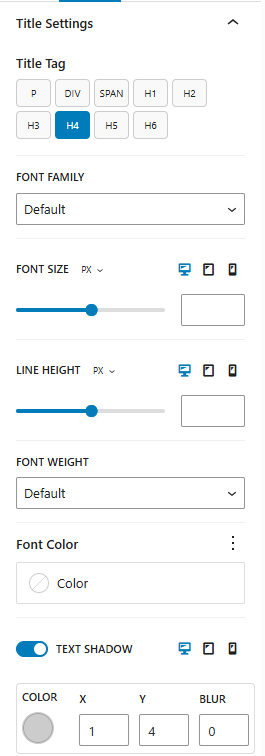
Style Settings – Title Setting
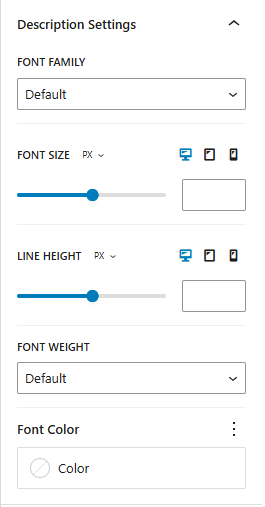
Style Settings – Description Setting
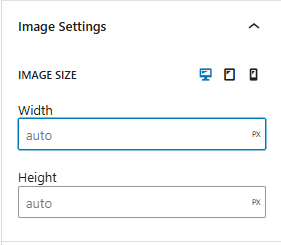
Style Settings – Image Setting
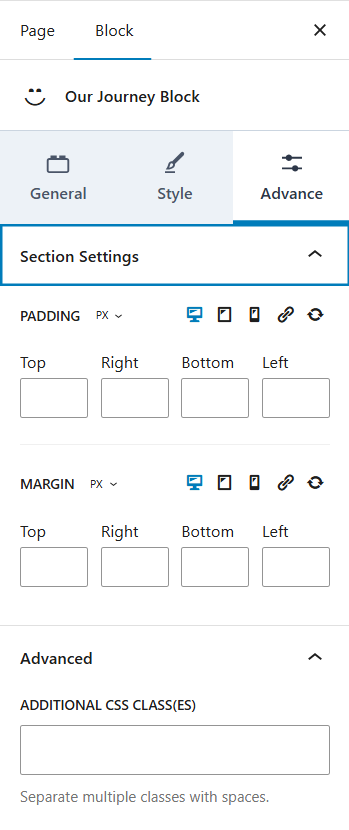
Advanced Settings – Responsive Spacing
Changelog
1.0.0
- Initial release
- Includes Minimal and Card timeline layouts
- Full style customization via block settings
- Responsive typography and layout controls
- Motion One and AOS scroll animations
- Default milestone item on block insert