

Koalendar – Events & Appointments Booking Calendar
[ FREE ] Appointments & Events Booking Calendar. Get appointments & event payments 24/7. Perfect for clinics, gyms, spas & beauty salons.
Plugin info
Maintenance & Compatibility
Maintenance score
Possibly abandoned • Last updated 474 days ago • 9 reviews
Is Koalendar – Events & Appointments Booking Calendar abandoned?
Possibly abandoned (last update 474 days ago).
Compatibility
Similar & Alternatives
Explore plugins with similar tags, and compare key metrics like downloads, ratings, updates, support, and WP/PHP compatibility.
Description
Koalendar is an all-in-one appointment scheduling & online booking system with a free & easy-to-use WordPress plugin.
Koalendar will help you run your business more efficiently by allowing your clients to book and manage their own appointments without interrupting you with phone calls. Rid your business of wasted time spent on admin.
Reduce no-shows by up to 90% with automated appointment reminders sent via email. Remind clients and staff alike of their upcoming appointments, eliminate confusion and provide better customer experience.
Use the [Koalendar] short tag on any page with the options described in the documentation to embed your customized booking flow.
Create your free account in just minutes: Koalendar.com
Documentation
This creates the [koalendar] tag to embed Koalendar into the page. Usage:
[koalendar link=”YOUR-BOOKING-PAGE-LINK”]
- Create a free account at Koalendar.com
- Create a booking page.
- Get your booking page link to paste into the [koalendar] tag by clicking “Share” next to the booking page, and “Copy link”.
Options:
link: your booking page (required)
width: defaults to 100% (optional)
height: defaults to 660px (optional)
We recommend adding the tag in text mode instead of visual to prevent other formatting of the URL being
inadvertently added. Support is available at https://help.koalendar.com/
Installation
The plugin is simple to install from wordpress.org:
- Visit https://wordpress.org/plugins/ and search for ‘Koalendar’
- Install the plugin
- Go to the plugin management page and enable it
Frequently Asked Questions
Review feed
Screenshots
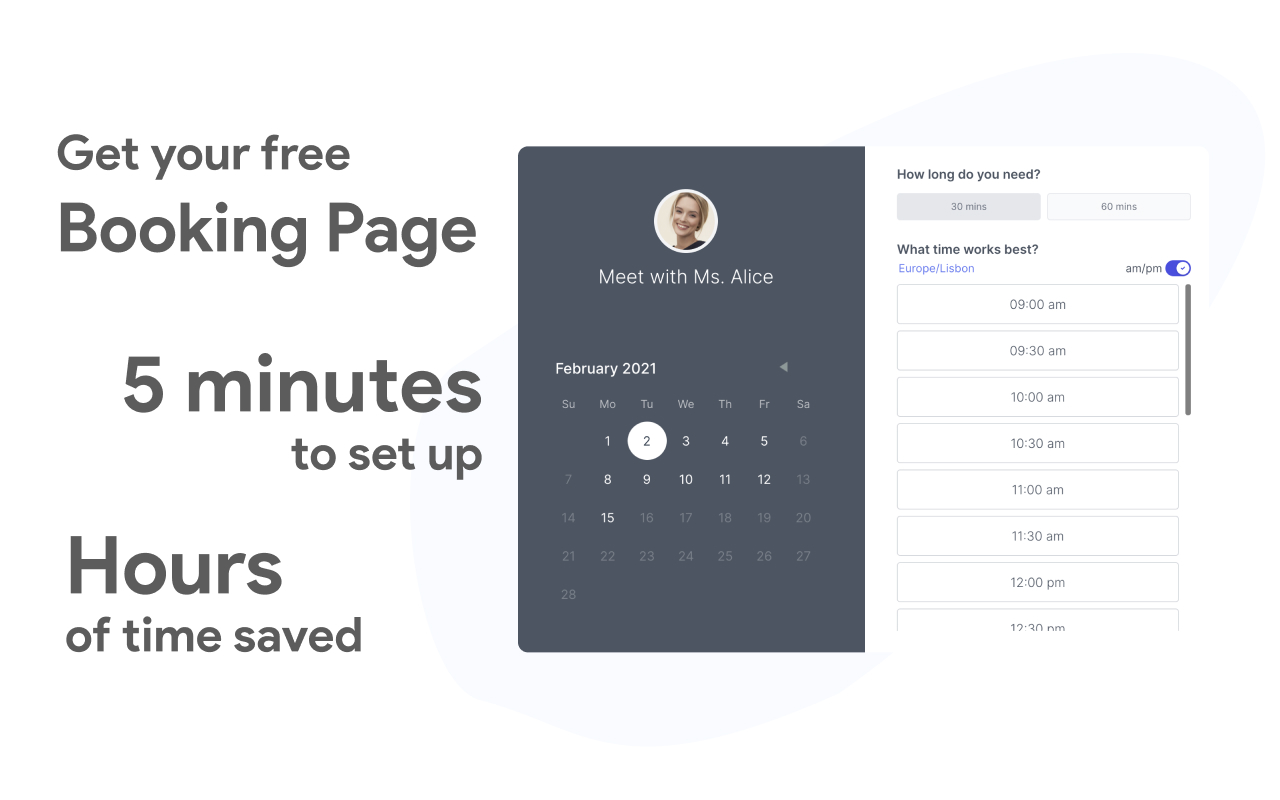
Save hours every week with your new Koalendar booking pages

Reduce no-shows by up to 90% with email reminders

Connect Koalendar to your existing tools: Zoom, Google Calendar, Google Meet, Zapier, Stripe

Koalendar is loved by thousands of business owners, non profit organizations, and schools
Changelog
1.0.0
- Initial release