

Plugin info
Maintenance & Compatibility
Maintenance score
Stale • Last updated 219 days ago • Support resolved 0% • 7 reviews
Is LA-Studio Element Kit for Elementor abandoned?
Likely maintained (last update 219 days ago).
Compatibility
Developers
Languages
Similar & Alternatives
Explore plugins with similar tags, and compare key metrics like downloads, ratings, updates, support, and WP/PHP compatibility.
Description
LA-Studio Kit is an ultimate All in one addons for Elementor Page Builder, it will help you create a perfect website using Elementor.
KEY FEATURES
- Header Footer Builder
- Theme Builder
- Archive Page Builder
- Search Result Page Builder
- 50+ Free Widgets
- 35+ Ready Pages
- 50+ Ready Sections
- WooCommerce Widgets
- Cross-Browser Compatible
- Fully Responsive
- Expert Support Team
- Build with Elementor
- and more …
SUPPORT
Found issue or new features? Contact our team from here.
Installation
- Upload the plugin files to the
/wp-content/plugins/directory, or install the plugin through the WordPress plugins screen directly. - Activate the plugin through the ‘Plugins’ screen in WordPress
Frequently Asked Questions
Yes, it will work with any WordPress theme as long as you are using Elementor as a page builder.
LA-Studio Element Kit for Elementor is light weight and we also gave you the control to enable only the elements you actually use on your website for faster performance.
It’s due to your server PHP settings. Increase your server PHP memory limit from the wp-config.php file or php.ini file. If you don’t have an idea about it. Please contact your hosting provider and ask to increase
* PHP memory_limit = 256MB
* max_execution_time = 60
Please report security bugs found in the source code of the “LA-Studio Element Kit for Elementor” plugin through the Patchstack Vulnerability Disclosure Program. The Patchstack team will assist you with verification, CVE assignment, and notify the developers of this plugin.
Review feed
Screenshots
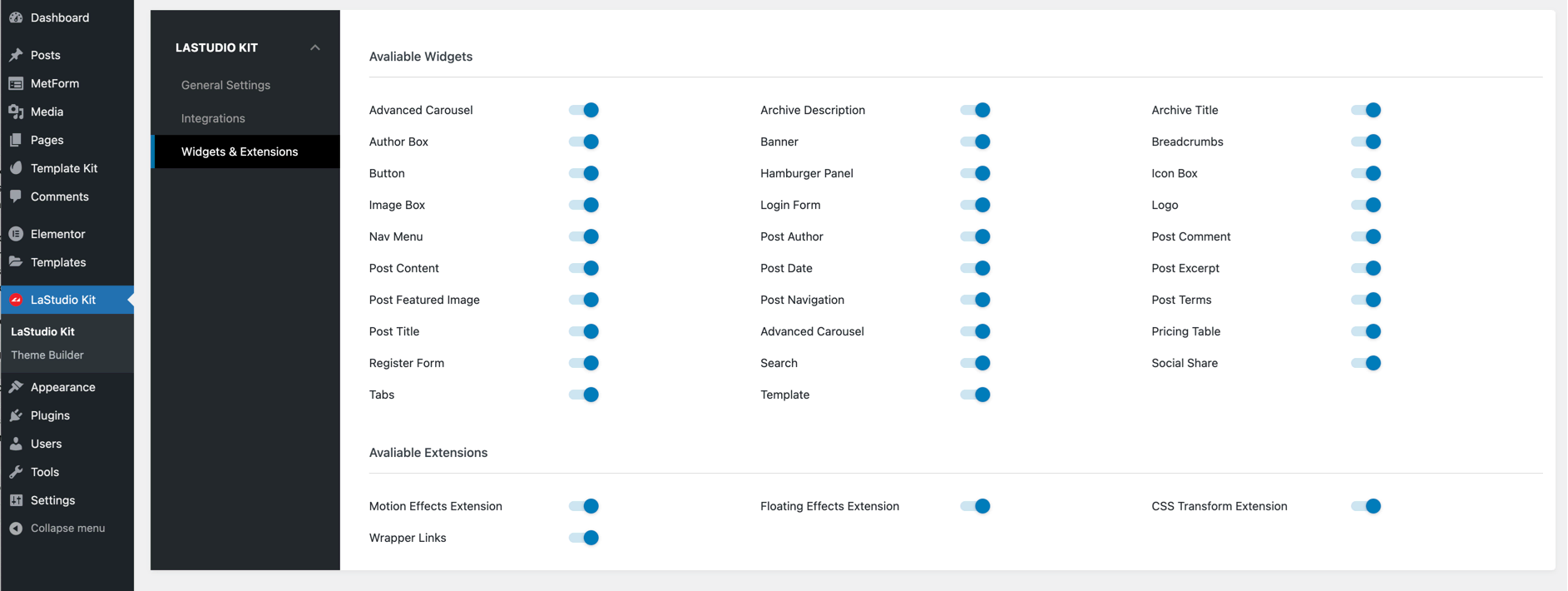
Plugin Settings
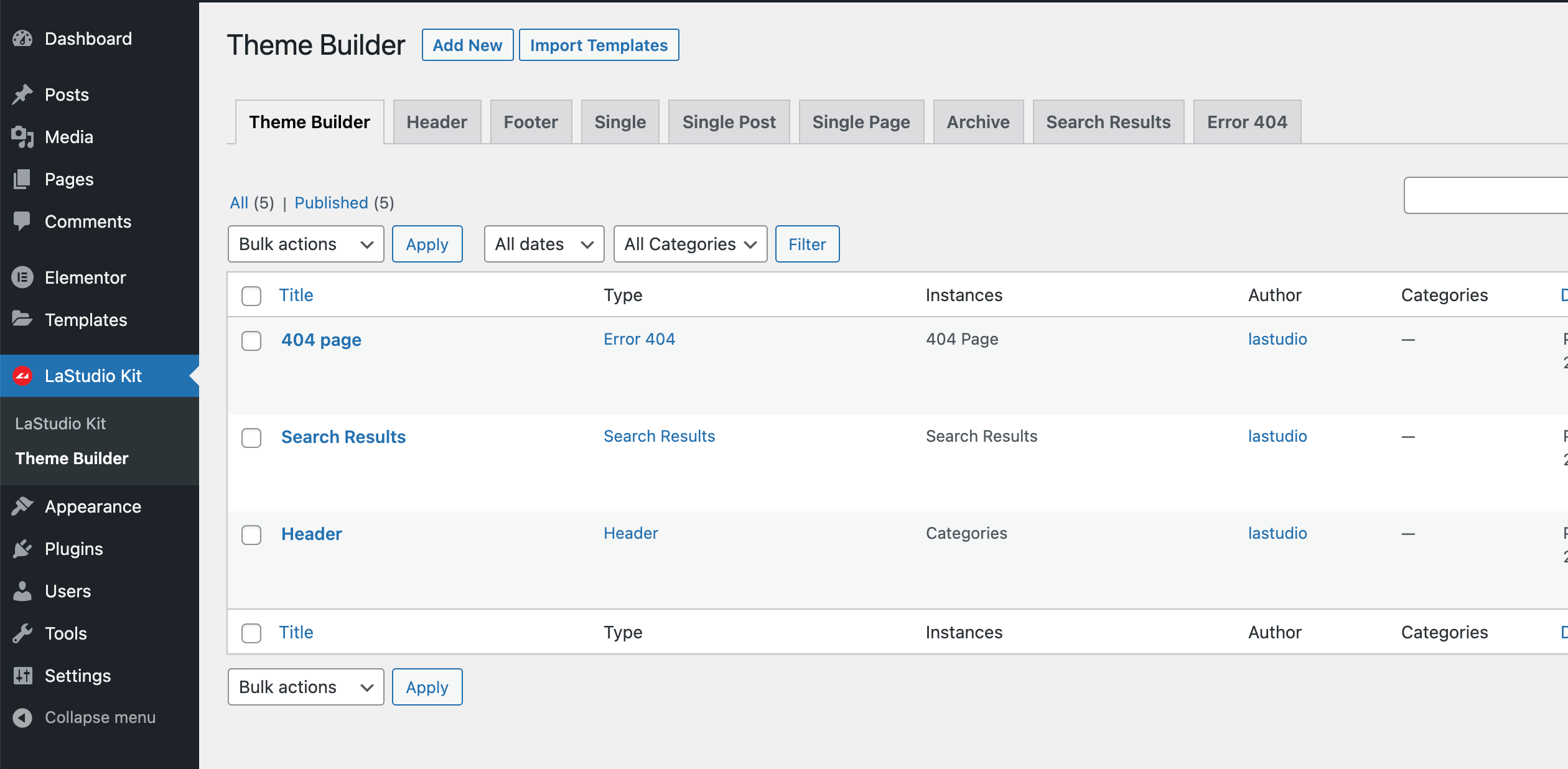
Plugin Settings
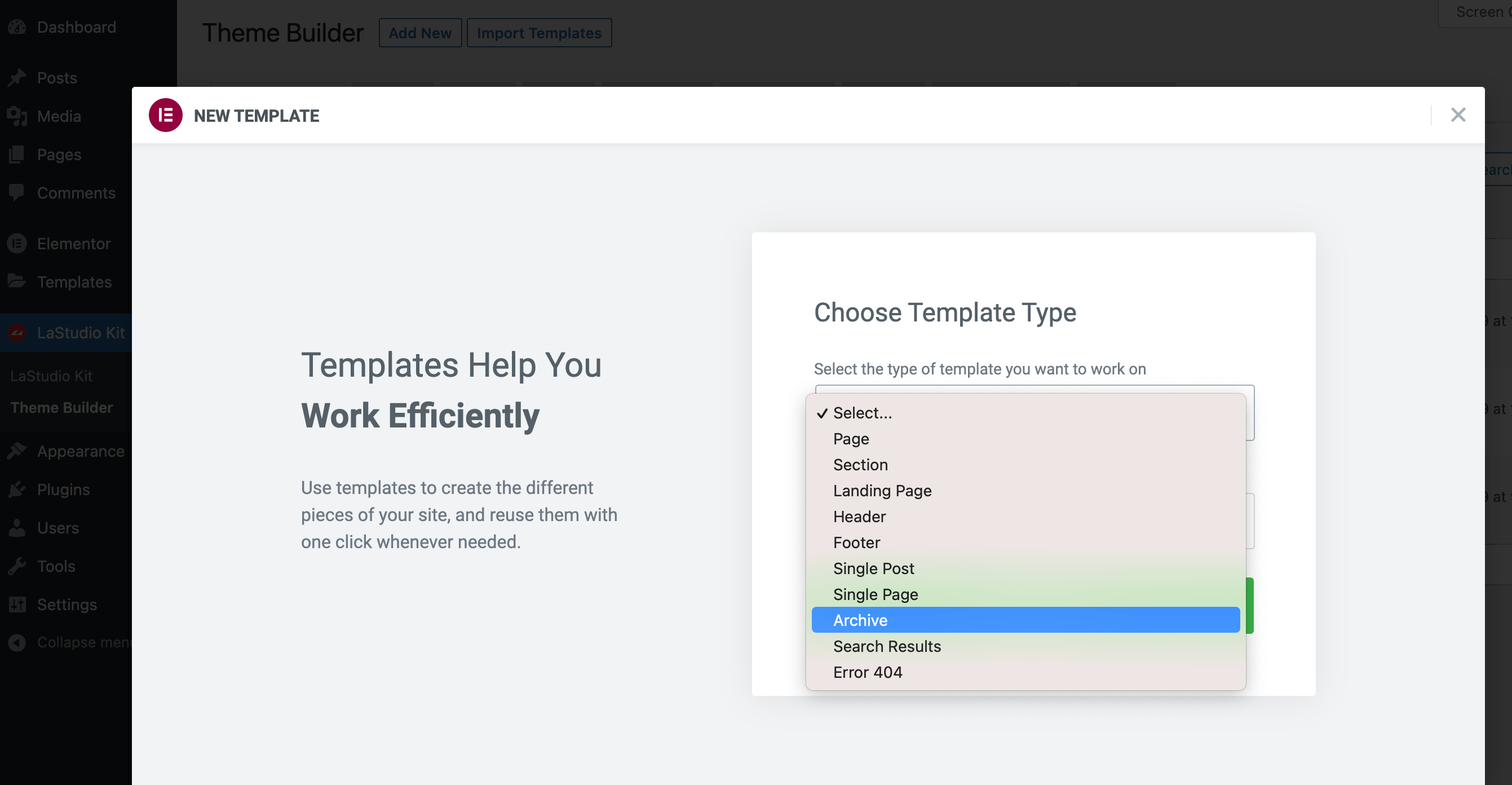
Add New Template
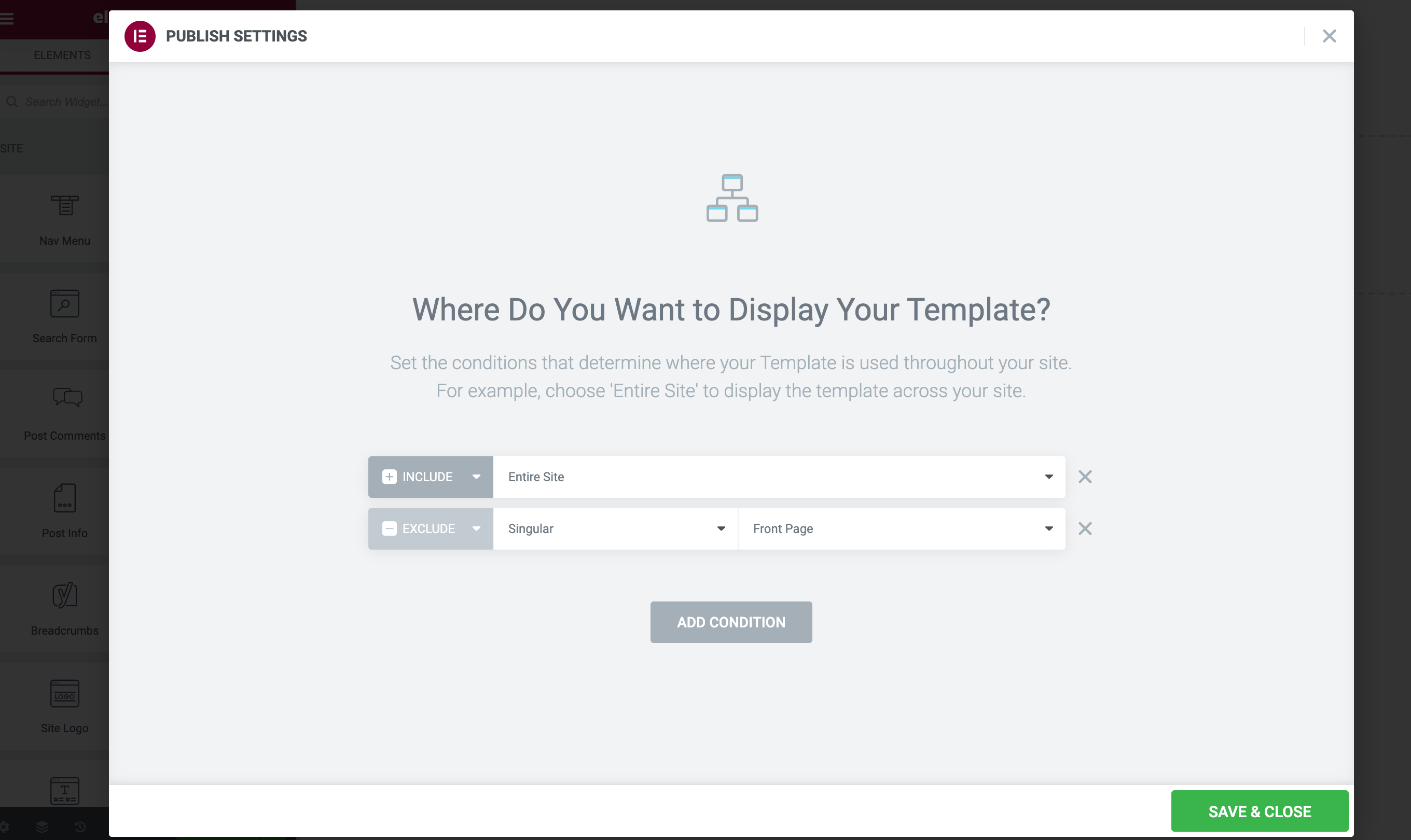
Add New Conditions
Changelog
1.5.5.4
- Fix Advanced carousel displaying issue
1.5.5.2
- Fixed security issue
1.5.5.1
- Fixed security issue
1.5.5
- Fig bug
1.5.4
- Compatible with GiveWP
1.5.3
- Fixed caching issue
- Fix instagram feed issue
- Improving TTFB
1.5.2
- Fixed security issue
1.5.1
- Support buy now button
1.5.0
- Fix TOC issue
- Fix product gallery FOUC issue
- Add nested carousel
- Improve performance
- Compatible with WordPress 6.8
1.4.9
- Compatible with Elementor 3.28.x
1.4.8
- Fix animation issue.
1.4.7
- Compatible with Elementor 3.27.x
1.4.6
- Compatible with Elementor 3.26.3
1.4.4
- Compatible with LaStudio Core
1.4.3
- Fixed security issue
- Compatible with Elementor 3.26.x
1.4.2
- Fix motion & sticky issue
- Fixed security issue
1.4.1
- Fix assets loading issue
1.3.9.9
- Fix icons issue
- Fix motion & header sticky issue
1.3.9.8
- Fixed Mobile menu issue
1.3.9.7
- Fixed security issue
1.3.9.3
- Fixed security issue
1.3.9.2
- Fixed template loader issue.
- Fixed custom code issue
- Fixed Elementor Control Stack issue.
1.3.9
- Fixed security issue
1.3.8.1
- Fixed box-shadow issue
1.3.8
- Fixed security issue
1.3.7.6
- Fixed security issue
1.3.7.5
- Fixed Header Transparency issue
- Fixed security issue
- Fixed dynamic tag issue
- Compatible With Elementor 3.20.*
- Compatible With Elementor Pro 3.20.*
- Compatible With PHP 8.3
1.3.6.2
- Added hash change event for nested tabs
- Added DLMenu effect
1.3.6
- Fully compatible with WordPress 6.3, WooCommerce 8.2, Elementor 3.17.x
- Added Custom CSS / Custom HTML code options
- Added Portfolio CPT
- Added Events CPT
- Added Albums CPT
- Added Image Compare widget
- Added Music Player widget
- Added many features
1.1.6
- Fixed PHP error issue #20568
- Added Ajax Login/Register
- Added WooCommerce Filters
1.1.5
- Fixed flex container issue
1.1.4.4
- Allows to manage the number of posts displayed for each context ( Tags, Category, Post Type Archive )
1.1.4.3
- Fix add cart issue
1.1.4.2.1
- Compatible With Elementor 3.7.*
- Compatible With Elementor Pro 3.7.*
- Backwards compatible with PHP 7.4 or lower
1.1.4.1
- Compatible With Elementor 3.7.1
- Added popup builder
- Added theme builder v2
- Added many features
1.1.3.6
- Compatible With Elementor 3.6.4
- Fix Elementor Pro issue
- Added new interface for manager location
- Added dynamic content tag
1.0.3.2
- Fix Image Box issue
- Fix floatting effect issue
- Added twitter feed
1.0.3.1
- Fix theme builder condition issue
1.0.3
- Fully support edit website via Elementor
- Fully compatible with Elementor Pro
1.0.2
1.0.0
- Initial release