

Plugin info
Maintenance & Compatibility
Maintenance score
Possibly abandoned • Last updated 2646 days ago
Is Lastweets abandoned?
Possibly abandoned (last update 2646 days ago).
Compatibility
Similar & Alternatives
Explore plugins with similar tags, and compare key metrics like downloads, ratings, updates, support, and WP/PHP compatibility.
Description
This is a simple plugin that will not load a sh*t-load of CSS. Instead, the bare minimum stylings are done for the custom theme so that anyone can customize it with their site design.
It is very developer friendly and offers a couple of smart filters and actions to modify default logic (see HOOKS.md file).
You can override the custom default theme template to display a tweet by copying the /templates/single_tweet.php file and pasting it in your theme /templates/lastweets-single_tweet.php folder.
This file will be used to display a tweet; customize it the way you want.
Available hooks
…to be continued…
Built with
- Carbon Fields library for managing the plugin admin settings page.
- Twitter API PHP to interrogate Twitter API to fetch tweets.
Authors
- Pierre Saïkali – Initial work – Mosaika / Saika.li
See also the list of contributors who participated in this project.
Installation
After installing and activating the plugin, heads to the Settings > Lastweets options page.
From there, you can define your Twitter app API keys.
Go to https://developer.twitter.com/en/apps to create a Twitter application and retrieve your API keys.
Frequently Asked Questions
Review feed
Screenshots

The plugin options page: it's necessary to define your Twitter app API keys in there!
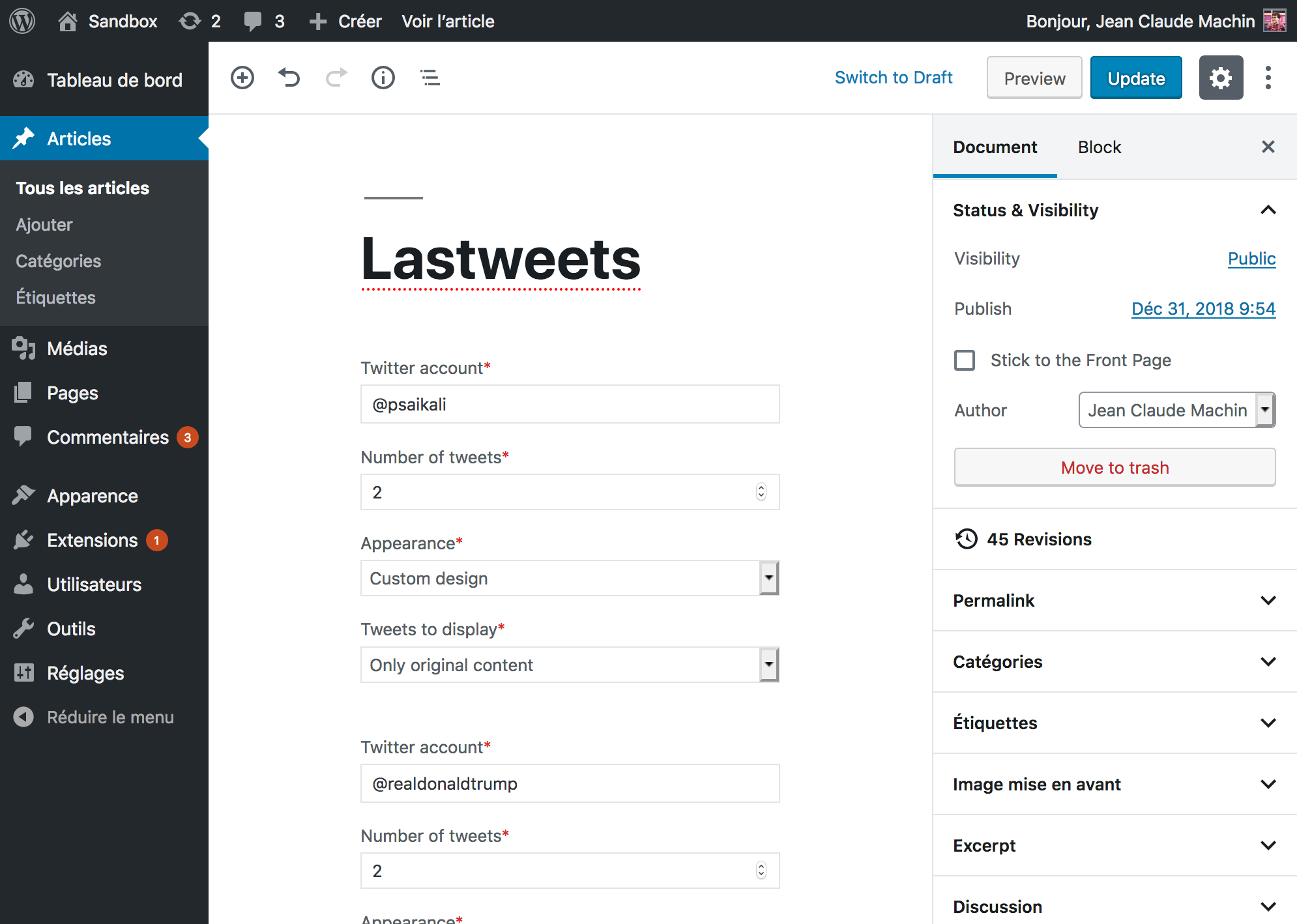
The Gutenberg block lets you display tweets on any page.
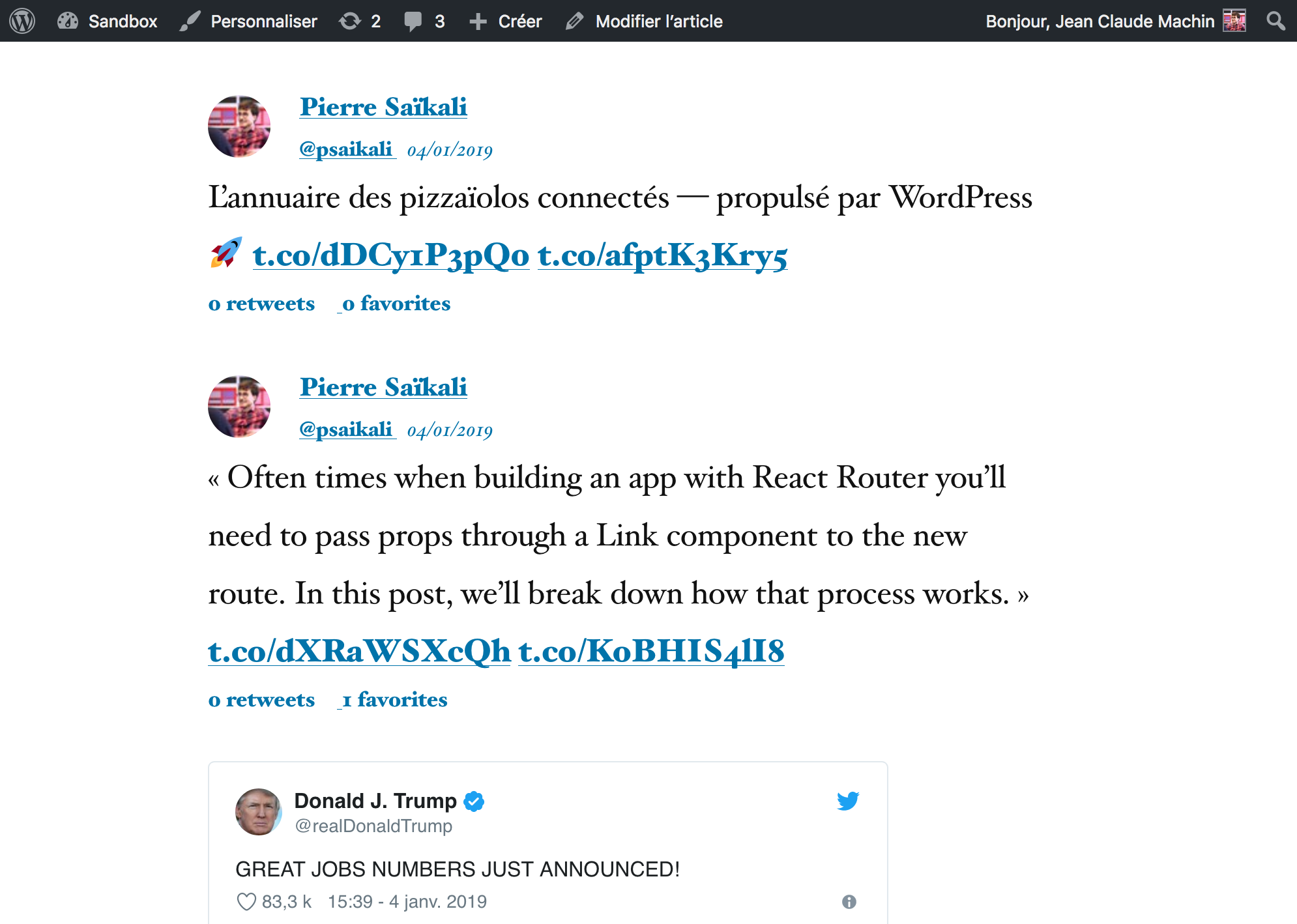
Tweets displayed on the front-end with custom theme or oEmbed display setting.
Changelog
1.0.0 – 2019-01-04
- First version of the plugin \o/