

LatePoint – Calendar Booking Plugin for Appointments and Events
Optimize your appointment scheduling with our plugin. Sync calendars, automate reminders, and keep your bookings organized.
Plugin info
Maintenance & Compatibility
Maintenance score
Maintained • Last updated 120 days ago • Support resolved 100% • 62 reviews
Is LatePoint – Calendar Booking Plugin for Appointments and Events abandoned?
Likely maintained (last update 120 days ago).
Compatibility
Developers
Similar & Alternatives
Explore plugins with similar tags, and compare key metrics like downloads, ratings, updates, support, and WP/PHP compatibility.
Description
LatePoint – The Best Appointment Scheduling Plugin for WordPress
LatePoint is a powerful and user-friendly appointment scheduling plugin for WordPress that simplifies booking management for businesses of all sizes.
It offers a variety of features, including an intuitive admin dashboard, responsive design for mobile devices, and seamless integration with Stripe to accept payments. The plugin supports multiple booking methods, such as using shortcodes, block elements, or triggers attached to existing elements, allowing you to customize how bookings are made on your site.
The plugin is highly flexible, making it suitable for developers to create custom add-ons and extend its capabilities.
Need Expert Support?
Ask your questions on our Discord server or contact support.
Third Party Services
LatePoint offers optional payment processing through Stripe. More information about stripe: homepage, terms of service
LatePoint generates calendar links to add event to customer’s calendar on: Google Calendar, Microsoft Outlook and Microsoft Office
Installation
- Upload
latepoint.zipto the/wp-content/plugins/directory - Activate the plugin through the ‘Plugins’ menu in WordPress
- Make sure to disable caching on your customer cabinet page
Frequently Asked Questions
Review feed
Amazing Craftsmanship With Every Detail
Screenshots
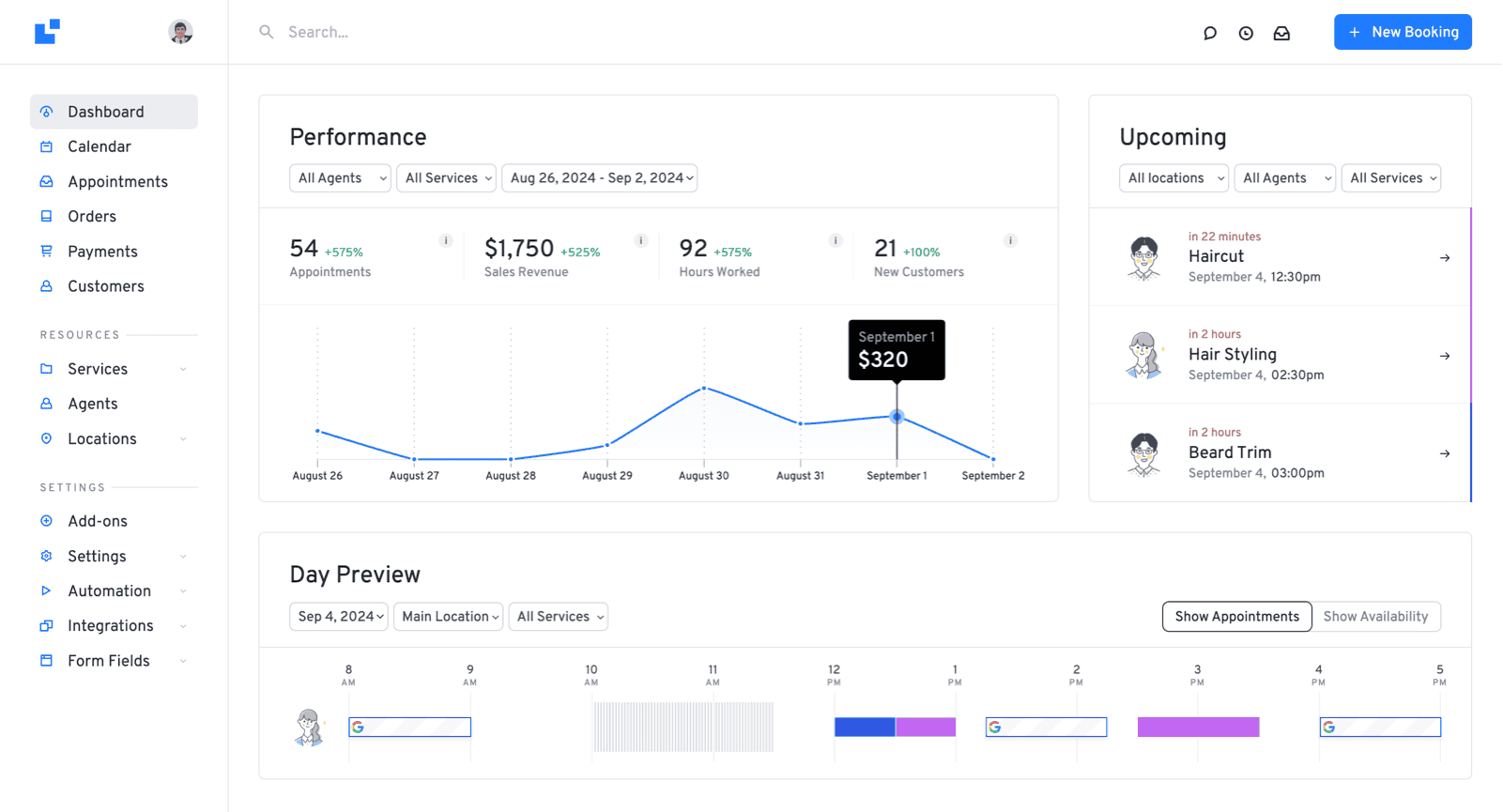
Take control of your business with our helpful dashboard. Accessible anytime, anywhere - no matter if you're on the go or on your computer.
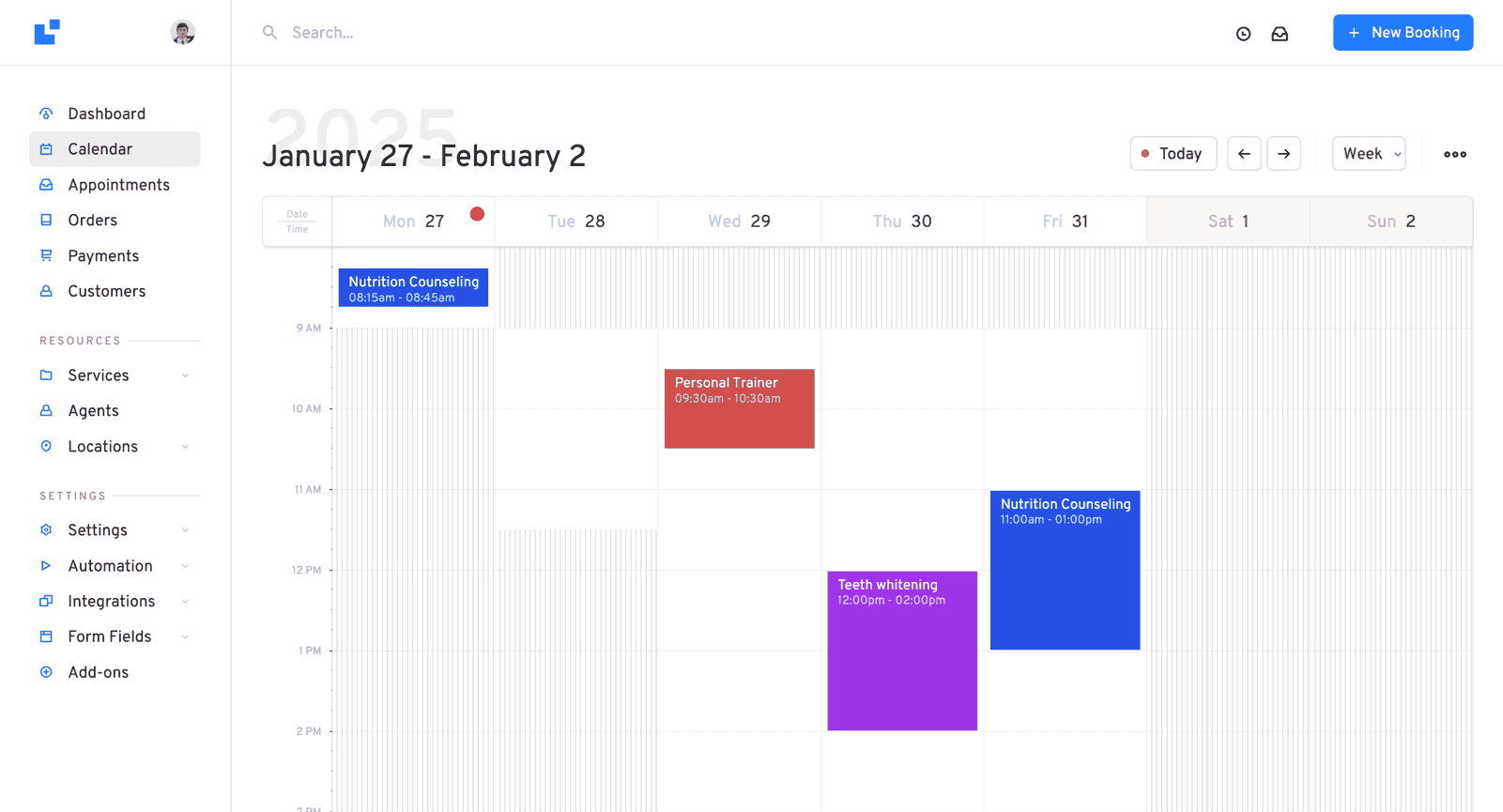
Manage your appointments and schedules using our beautifully designed daily, weekly and monthly calendars.
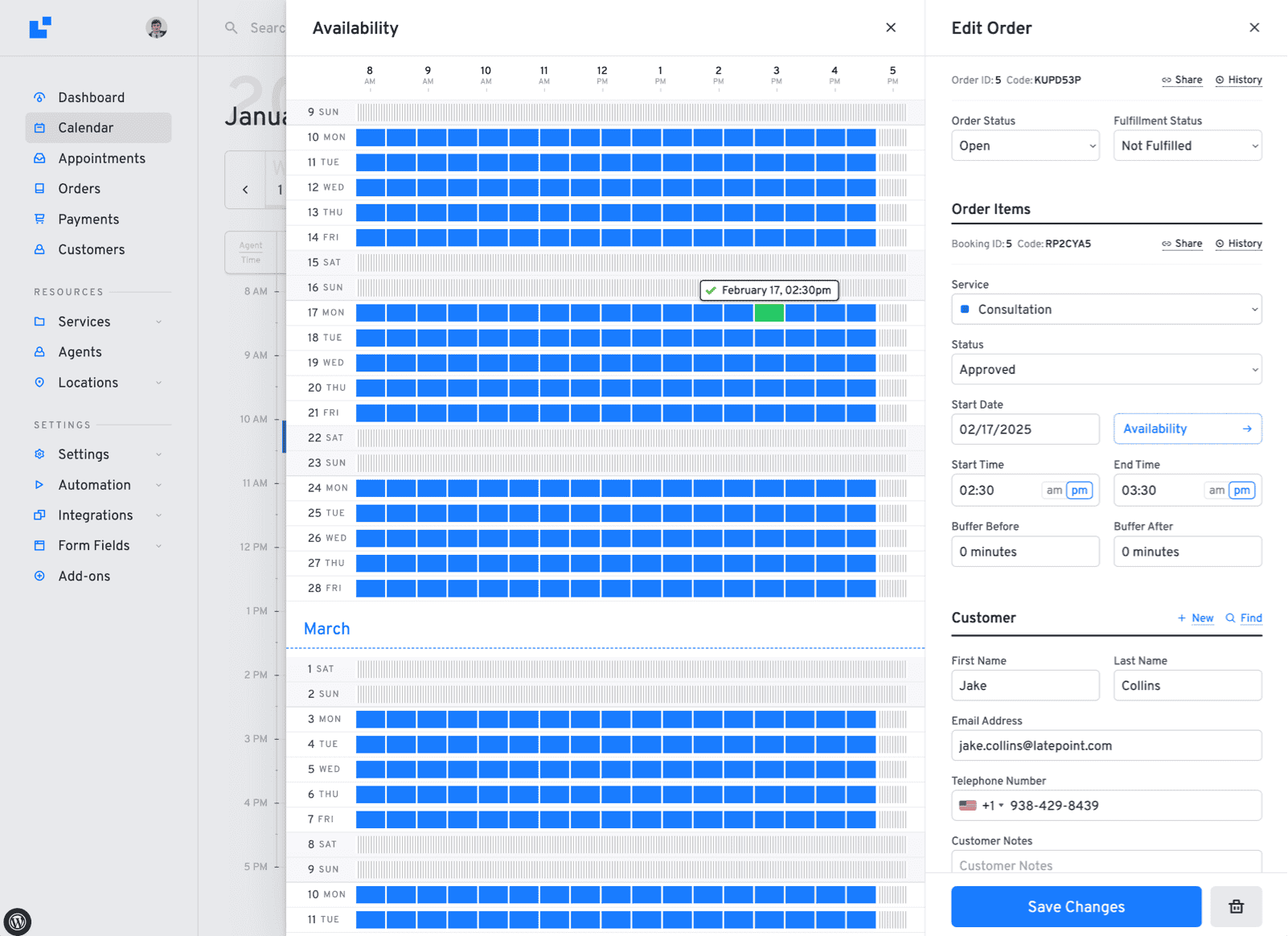
Find available slots quickly with a unique availability preview.
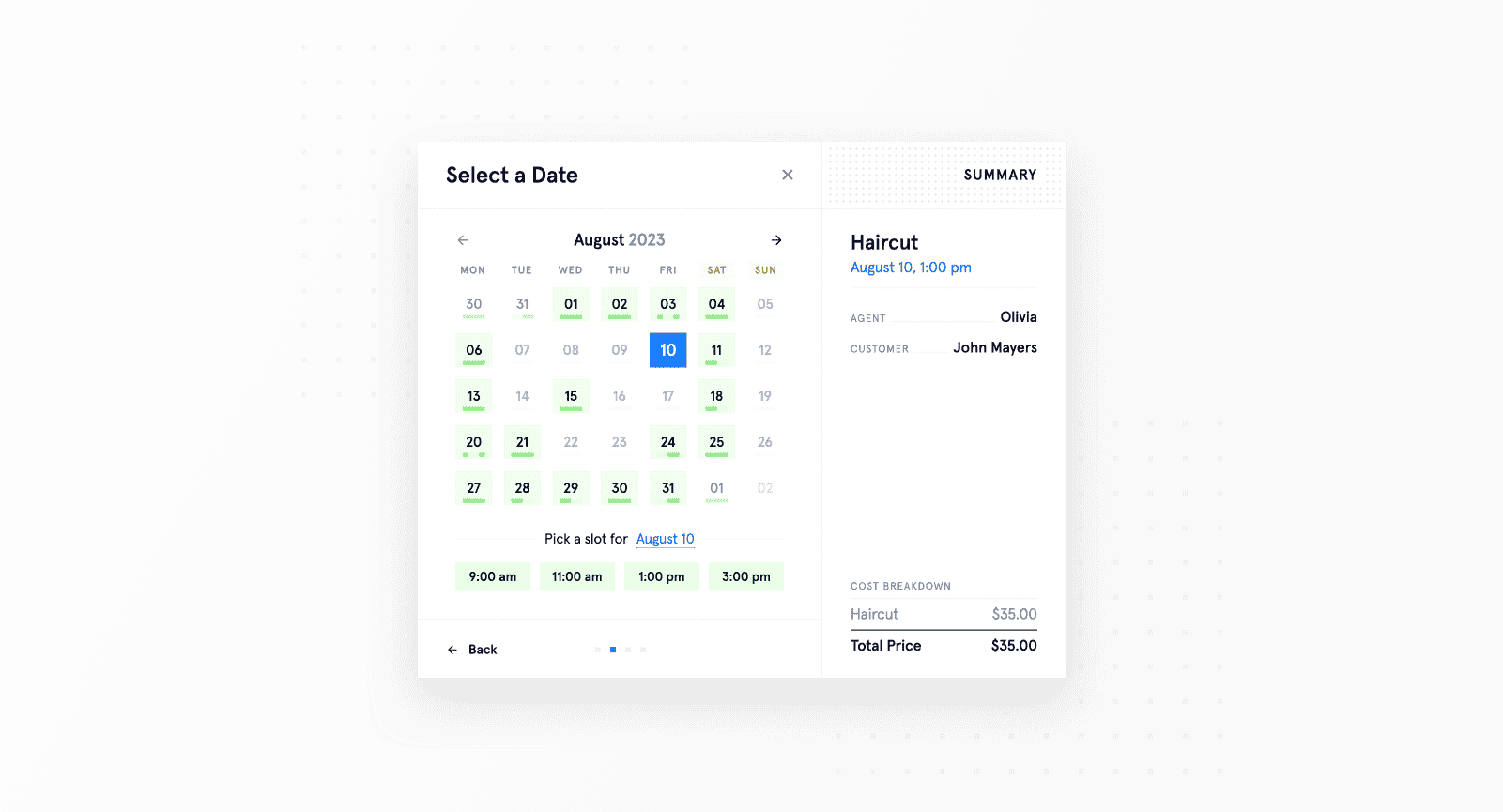
Customers will enjoy scheduling appointments using our beautiful booking form.

Various shortcodes and block elements available to output your services with a quick "Book Now" button.
Changelog
5.2.4 – October 2, 2025
- Fix: Fixes for customer login shortcode issues + OTP via sms
5.2.3 – September 28, 2025
- New: Compact side menu
- Fix: Fixes for customer authentication
5.2.2 – September 27, 2025
- Fix: Fixes for calendar output of blocked periods
5.2.1 – September 25, 2025
- Fix: Fixed stripe connect issue when customer authentication is disabled in settings
5.2.0 – September 23, 2025
- New: Improved UI for admin dashboard
- New: Customers can log in using their phone number instead of email
- New: Import customers via CSV
- New: Ability for customers login with one-time code via SMS or email
- New: Support for short urls in SMS
- New: You can now disable email as a required field
- New: Guest booking, ability for customers to make a booking without creating an account
- New: Ability to attach files in emails through workflows
- New: Ability to attach an .isc calendar file for an appointment in workflows
- Improvement: Improvements to how social login buttons look
- Improvement: Added link to customer information edit on summary panel
- Improvement: Out of the box support for multiple languages (French, German, Spanish, Italian, Russian)
Full changelog can be found on our website: Full Changelog