

LegalPrompt – Terms and Conditions Popup with User Consent Tracking
Display a customizable popup requiring users to accept your site’s Terms and Conditions. Track and log user consent for legal compliance.
Plugin info
Maintenance & Compatibility
Maintenance score
Stale • Last updated 331 days ago
Is LegalPrompt – Terms and Conditions Popup with User Consent Tracking abandoned?
Likely maintained (last update 331 days ago).
Compatibility
Similar & Alternatives
Explore plugins with similar tags, and compare key metrics like downloads, ratings, updates, support, and WP/PHP compatibility.
Description
LegalPrompt is a lightweight WordPress plugin that helps you comply with legal requirements by displaying a customizable popup that asks users to accept your Terms and Conditions before continuing to use the site.
Ideal for websites needing a GDPR, CCPA, or general compliance consent popup, LegalPrompt tracks which registered users have accepted the terms, and logs their response with a timestamp and version. It provides an intuitive admin interface to review consent logs and configure terms display.
Perfect for: membership sites, e-commerce stores, forums, online courses, and any site requiring terms acceptance.
🔑 Key Features:
- Show Terms & Conditions popup to logged-in users
- Require acceptance before access to the website
- Track user consent with timestamp and terms version
- Admin interface to view and manage consent history
- Easy setup and configuration via WordPress dashboard
✅ How It Works:
- When you update your terms and conditions, the plugin generates a new version automatically.
- Logged-in users are prompted with a popup to accept the new terms.
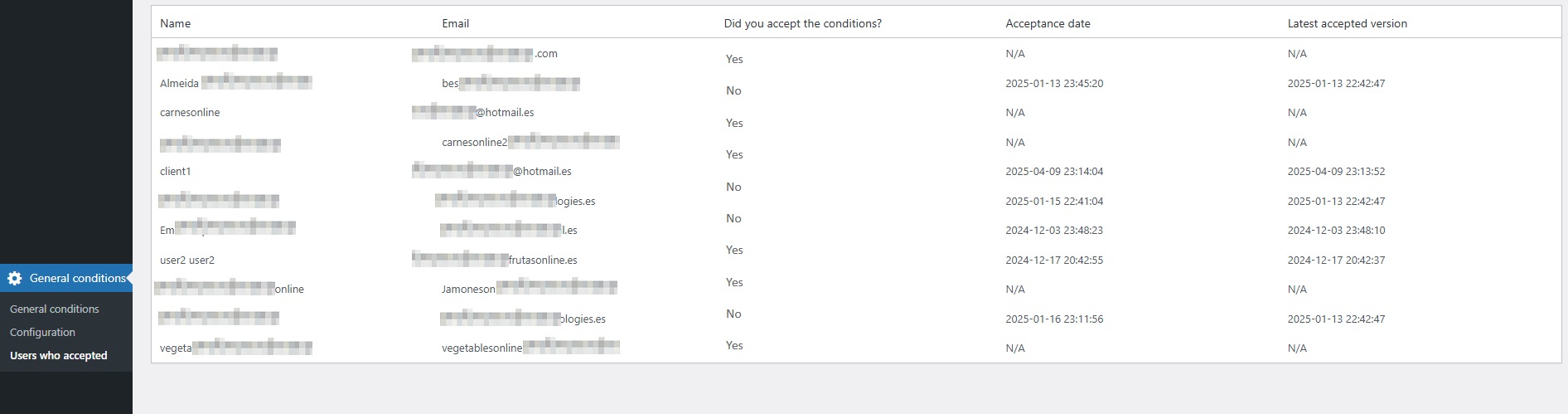
- User acceptance is logged with their username, date, time, and version accepted.
Support
Need help? Visit Newgate Technologies or use the WordPress support forums.
Installation
- Upload the
legalpromptfolder to the/wp-content/plugins/directory. - Activate the plugin via the “Plugins” menu in WordPress.
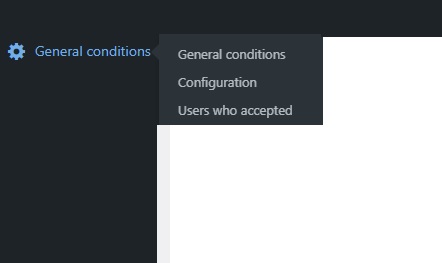
- Go to the “Terms and Conditions” menu in the dashboard.
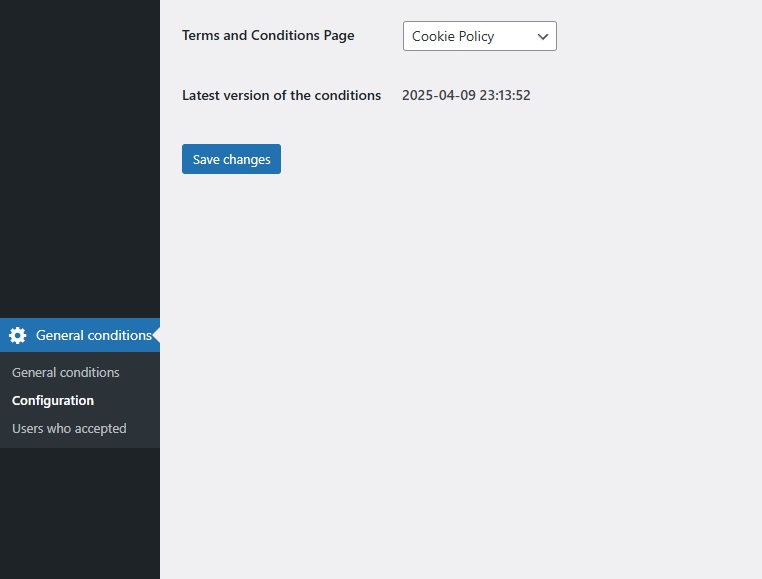
- Select or create the page with your Terms and configure the settings.
Frequently Asked Questions
Yes, LegalPrompt is fully compatible with any WordPress theme.
Not yet. This version only tracks acceptance for logged-in users.
You can apply custom CSS to the popup or override plugin templates if you’re comfortable editing plugin files.
In your dashboard, go to “Terms and Conditions” > “Users who accepted” to see a list with timestamps and version numbers.
The plugin automatically detects the change and prompts all users to accept the updated terms.
LegalPrompt is a tool to help you collect and track consent, but legal compliance depends on your site’s full legal setup. Always consult a legal expert.
Review feed
Screenshots
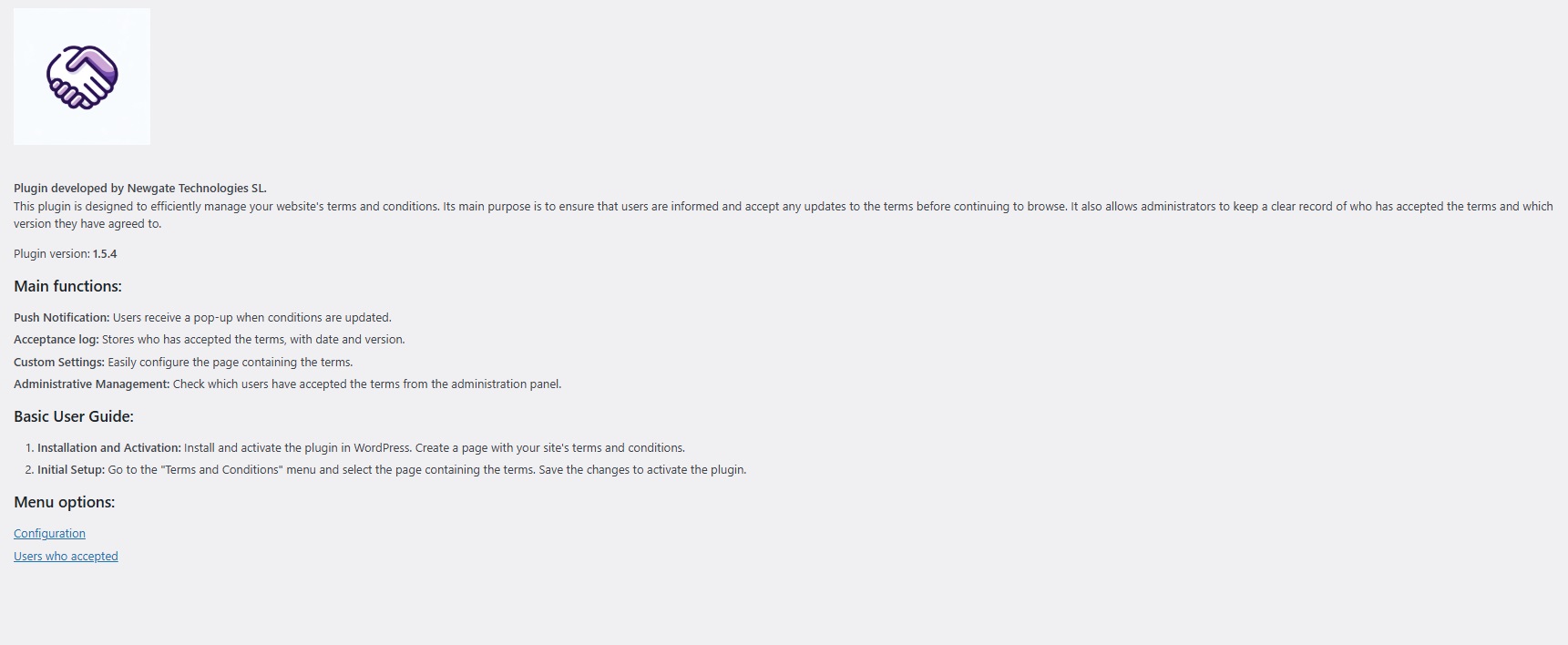
Plugin Dashboard – Manage terms and view plugin status.
Configuration Panel – Select the page used for your terms and conditions.
User Consent Log – View who accepted which version and when.
Popup Example – How the terms acceptance prompt appears to users.
Changelog
1.5.5
- Improved compatibility with WordPress 6.8
- Enhanced admin UI
- Fixed minor bugs in consent tracking
1.5.4
- Updated compatibility with WordPress 6.3
- UI enhancements
- Minor bug fixes
1.5.0
- Initial release with all core features