

Leira Letter Avatar
Automatically generate beautiful user avatars based on their initials.
Plugin info
Maintenance & Compatibility
Maintenance score
Stale • Last updated 185 days ago • Support resolved 0% • 26 reviews
Is Leira Letter Avatar abandoned?
Likely maintained (last update 185 days ago).
Compatibility
Similar & Alternatives
Explore plugins with similar tags, and compare key metrics like downloads, ratings, updates, support, and WP/PHP compatibility.
Description
Leira Letter Avatar allows you to automatically generate user avatars using the initial letters of their first and last names.
The plugin is fully customizable from the admin area. You can configure avatar settings such as shape, background color, font color, and image format (.svg, .png, .jpg).
Compatibility
Leira Letter Avatar works with any properly coded WordPress theme. Some plugins may conflict; if you encounter issues, please report them in the community forum.
Known compatible plugins:
- BuddyPress
- Ultimate Member
- wpDiscuz
- BuddyPress Profile Completion
- YITH WooCommerce Advanced Reviews
- Flyzoo Chat
- BuddyBoss
Contributors
Special thanks to:
- Jose Luis Chavez – Icons, banners, and design
- ivankuraev – Support for Russian characters
Development
You can contribute to the plugin development on GitHub.
Installation
- Upload the plugin files to
/wp-content/plugins/leira-letter-avataror install directly via the WordPress plugin screen. - Activate the plugin through the ‘Plugins’ menu in WordPress.
- Navigate to Settings Letter Avatar to configure your options.
- Enjoy automatically generated avatars for your users!
Frequently Asked Questions
You can choose between .svg, .png, and .jpg.
– .svg is recommended for the best quality and performance.
– .png or .jpg may be necessary when sending avatars in emails, since some email clients (like Gmail) do not fully support .svg.
Avatars are created automatically from the user’s initials using your settings. Each avatar is generated once, but if a different size is requested by a theme or plugin, a new avatar file is generated to match that size.
Avatars are stored in your WordPress uploads directory.
No. The plugin automatically uses the initials of the user’s first and last name.
Yes. There is an option in the plugin settings to use the user’s Gravatar if available, instead of generating a letter avatar.
This usually happens when using .jpg for round avatars, which does not support transparency. Use .png for transparent backgrounds.
Review feed
Great plugin!
Thanks for the plugin
Screenshots
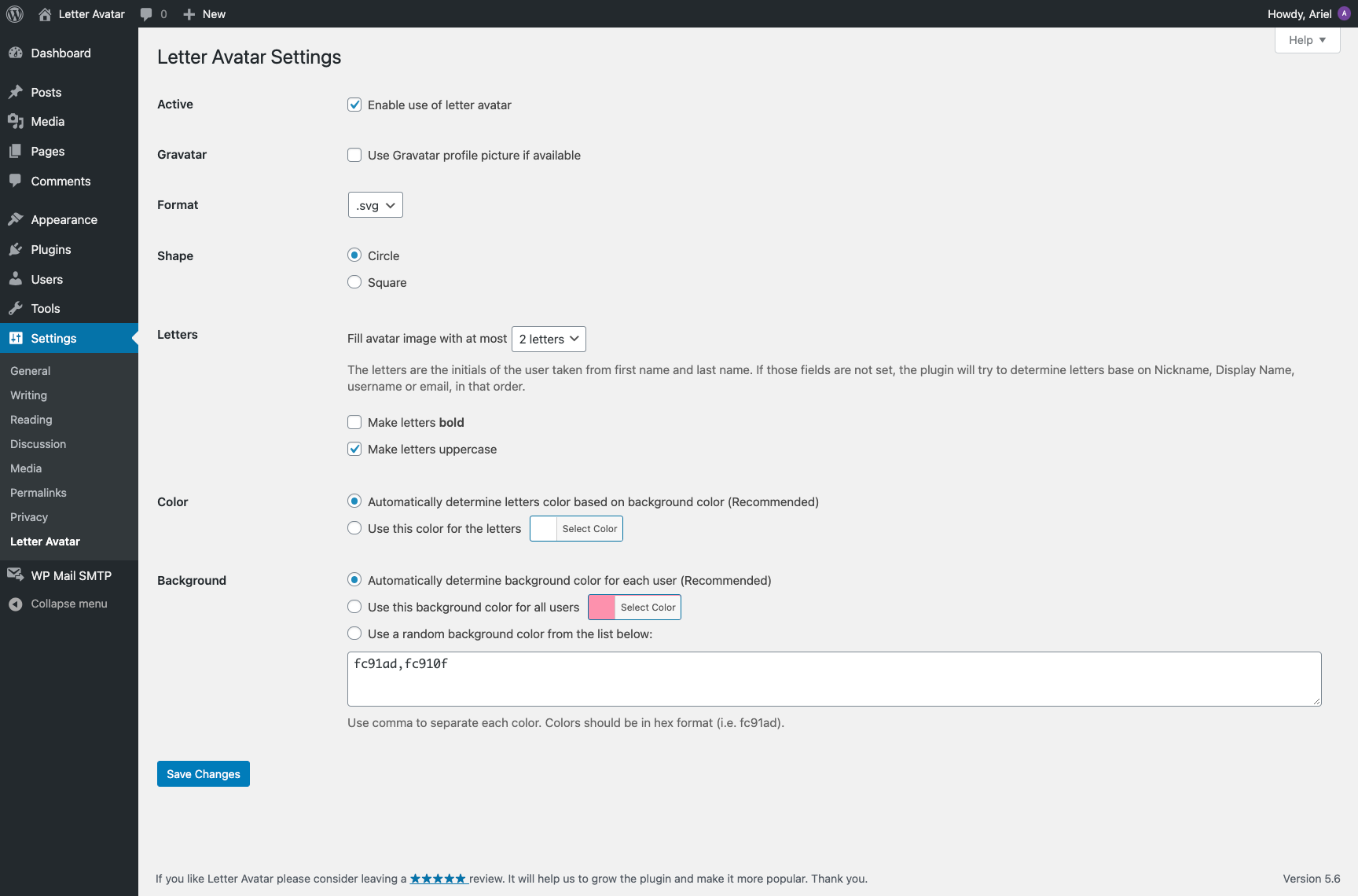
Letter Avatar settings page under Settings → Letter Avatar.
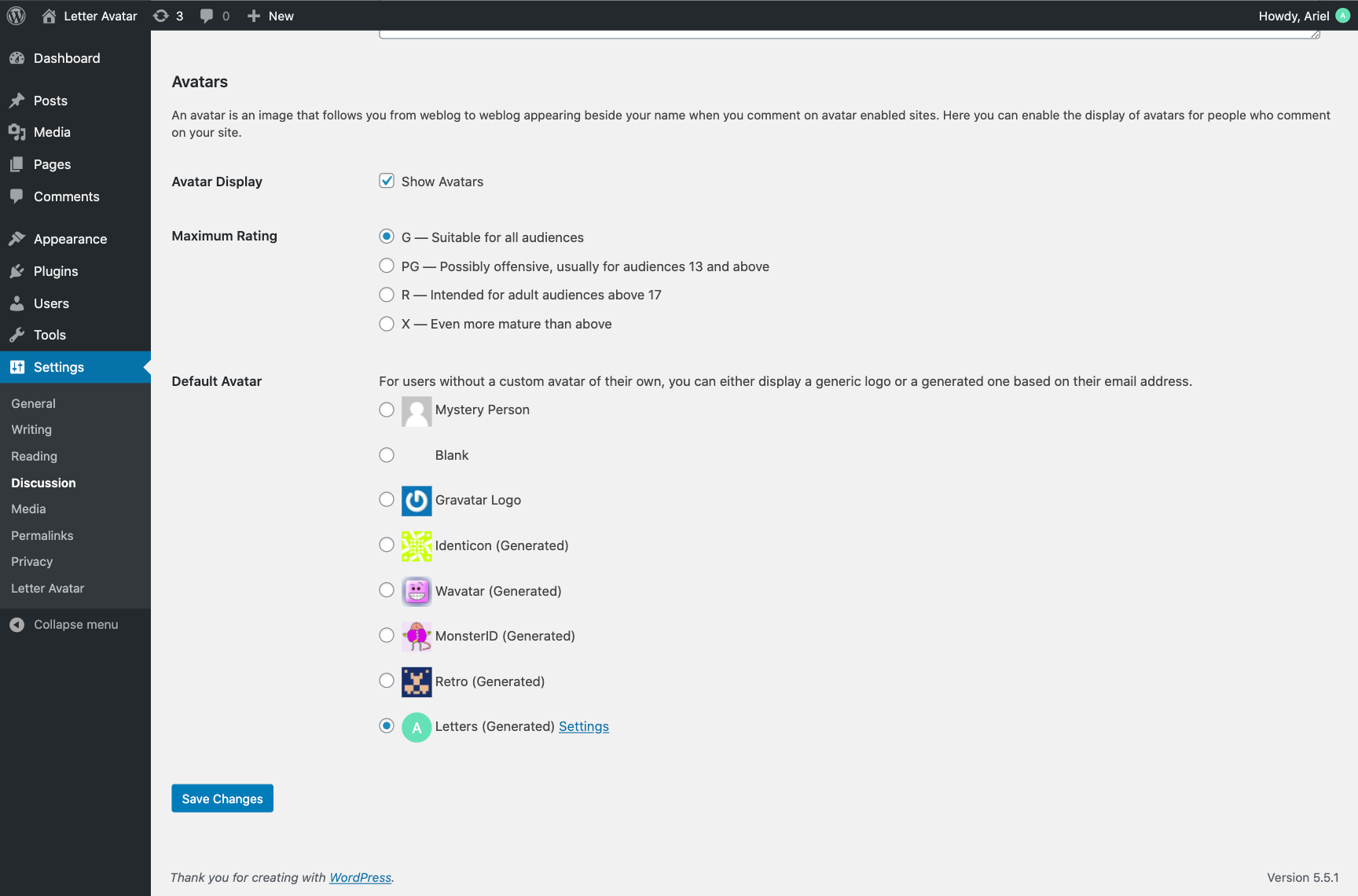
Default avatar option set to "Letter".
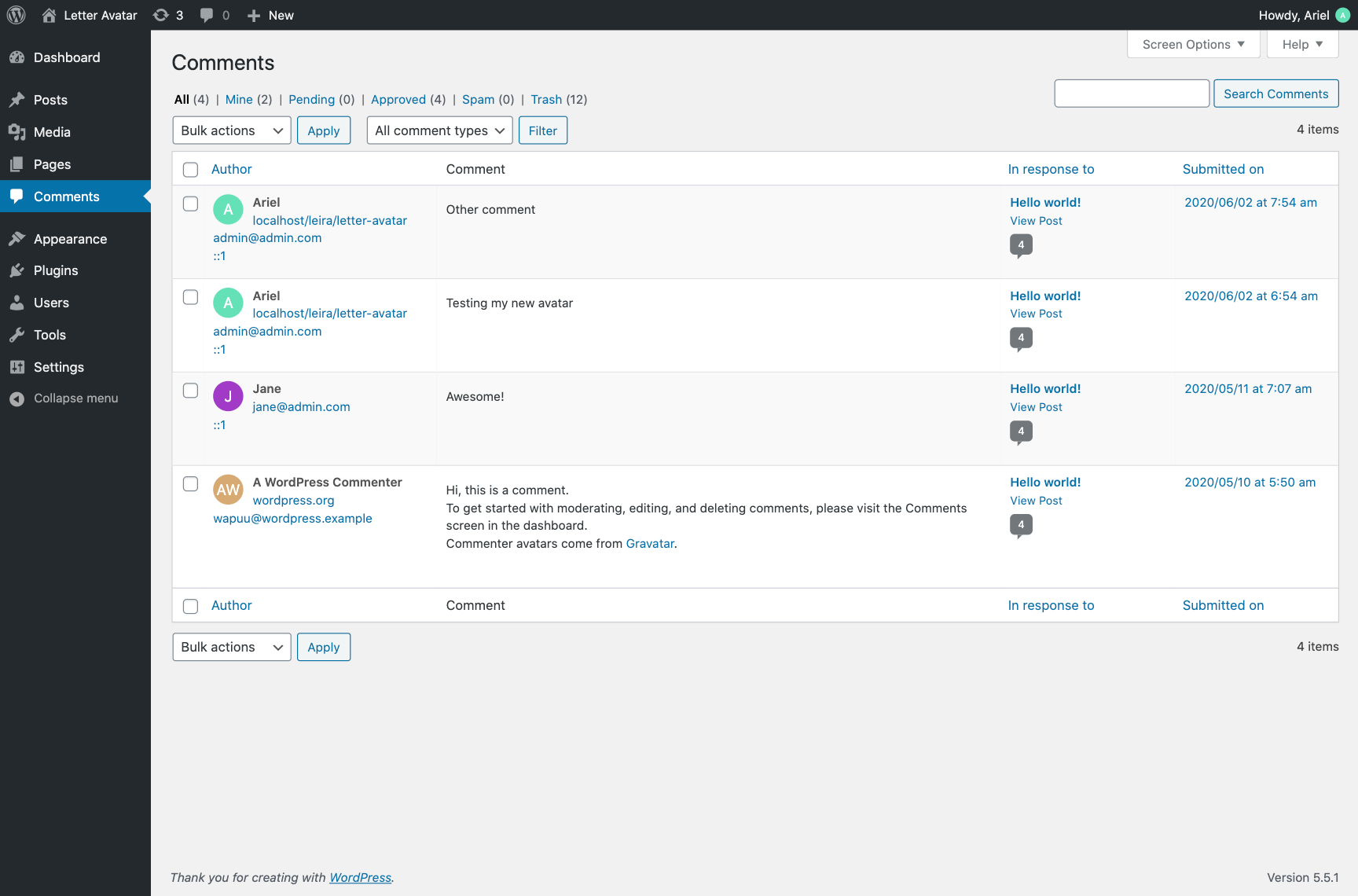
Comments list displaying generated user letter avatars.
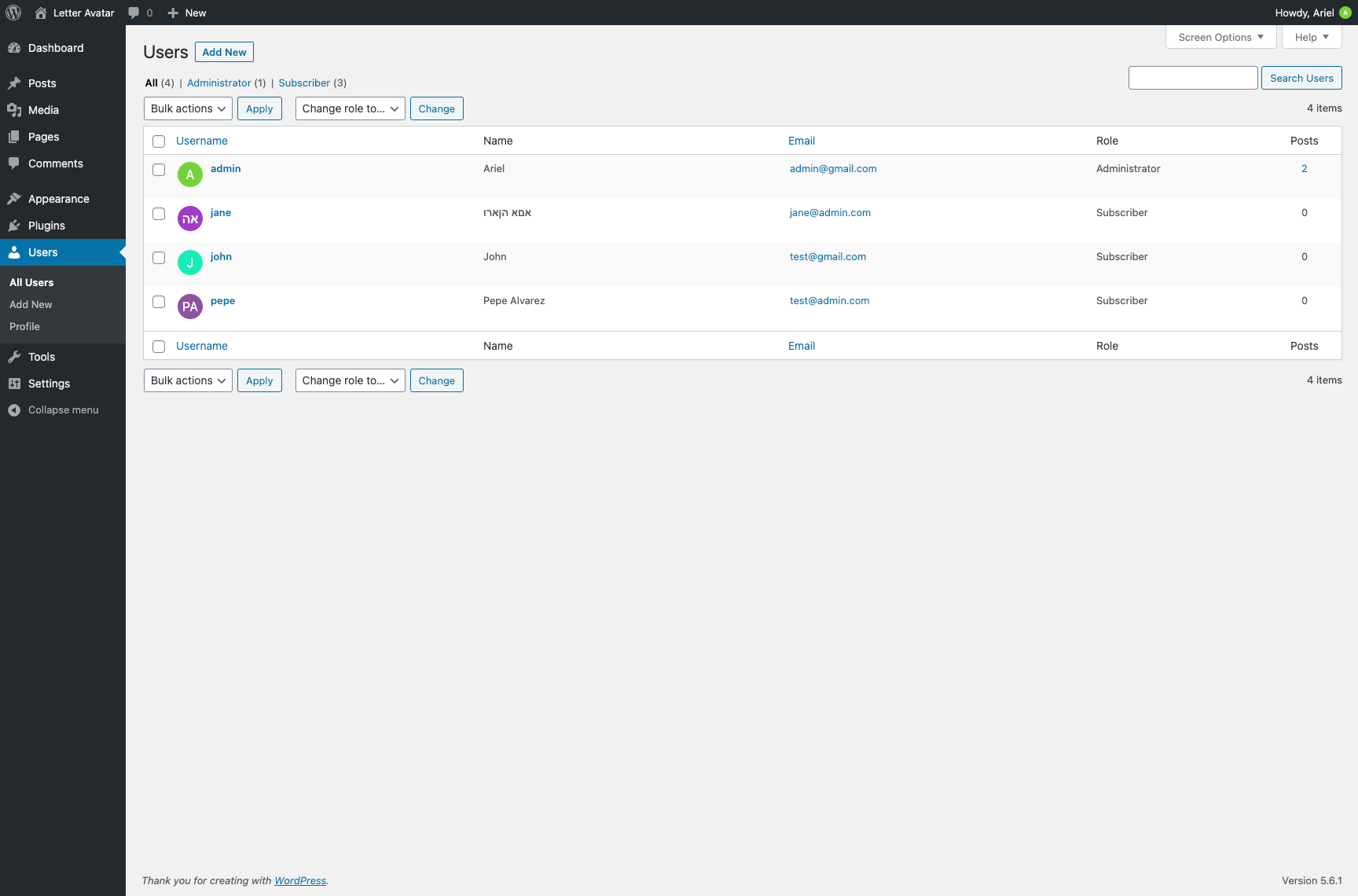
Users list with letter avatars.
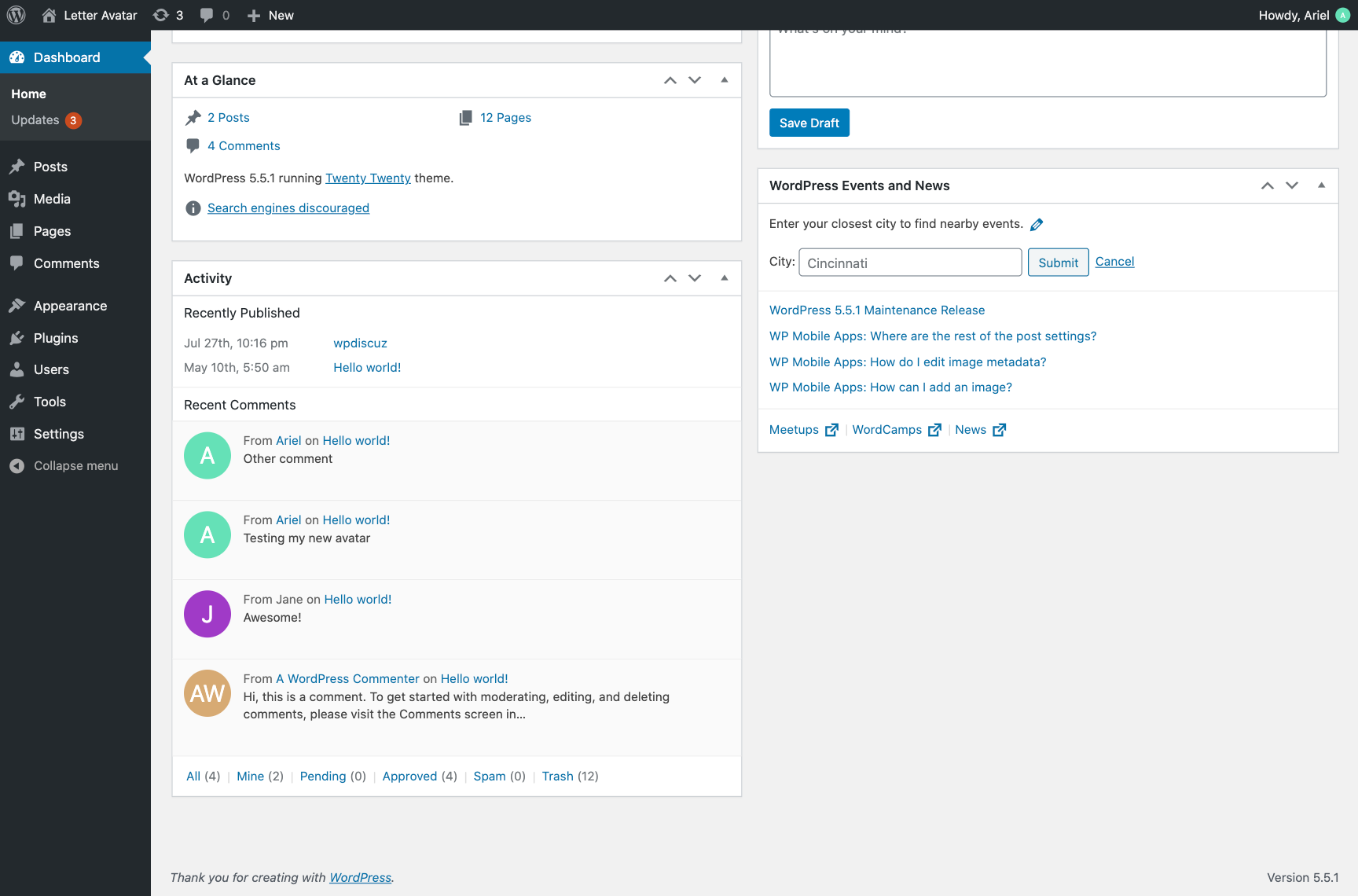
Dashboard comments view with letter avatars.
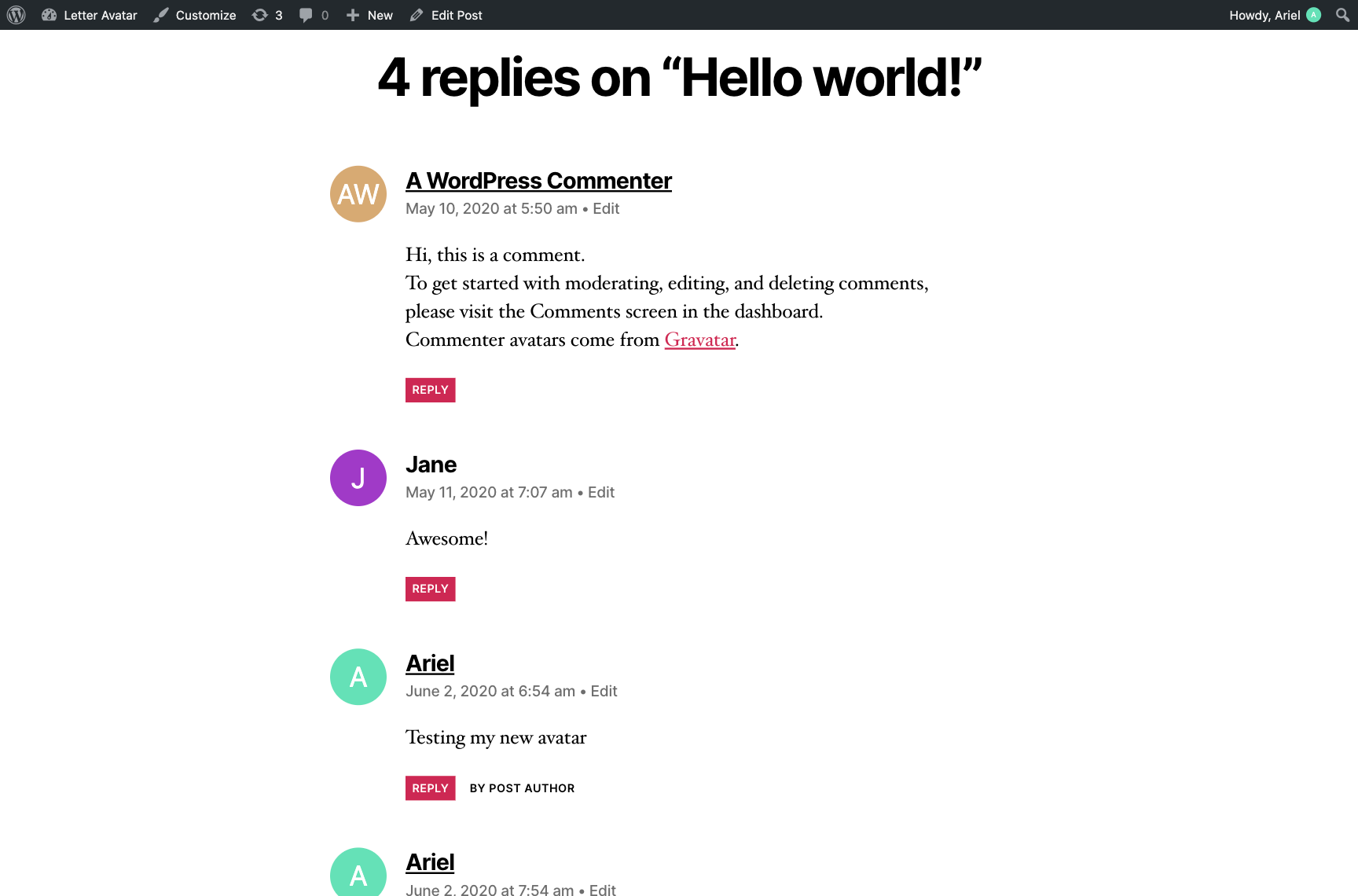
Frontend comments with letter avatars.
Changelog
1.3.11
- Fixed admin toolbar avatar menu CSS issue
- Refactored and improved overall code quality
- Optimized avatar image generation to reduce server storage usage
1.3.10
- WordPress 6.8 compatibility check
- Development environment, deployment process, and code quality improvements
- Updated readme file
- Added support for BuddyBoss platform
1.3.9
- WordPress 6.6 compatibility check
- Improved text escaping
- Use
wp_rand()instead of PHPrand() - Improved file handling using WordPress functions
1.3.8
- Use secure Gravatar HTTPS URL
1.3.7
- Fixed PHP 8 bug with
$sizevariable (intval)
1.3.6
- WordPress 5.7 compatibility check
- Fixed deprecated BuddyPress filter
bp_core_avatar_default - Improved Gravatar image check
1.3.5
- Fixed wpDiscuz issue with social avatars
1.3.4
- WordPress 5.7 compatibility check
- Added filter
leira_letter_avatar_image_content
1.3.3
- Fixed variable typo
- Updated screenshot 4
1.3.2
- Support for WP 4.9
1.3.1
- Replaced deprecated
get_user_by_emailwithget_user_by - Fixed avatar default reset on plugin deactivation
1.3.0
- Added support for .png and .jpg formats
- Fixed HTTPS avatar URL issue
1.2.6
- WordPress 5.6 compatibility check
- Fixed incorrect usage of
um_user_avatar_url_filterby other plugins
1.2.5
- Fixed the random background color generation issue
1.2.4
- Synced plugin version with readme.txt version
1.2.3
- Added GitHub Actions automatic deployment
- Automatic updates for assets and readme
1.2.2
- Added support for custom letter colors
- Added YITH WooCommerce Advanced Reviews compatibility
1.2.1
- Fixed an incorrect avatar size issue
- Improved BuddyPress compatibility
1.2.0
- Added compatibility with Ultimate Member and wpDiscuz
- Support for Russian characters
- Option to use Gravatar if available
- Added “Rate us” link in the admin footer
- Code refactoring and bug fixes
1.1.0
- BuddyPress integration
- Admin CSS improvements
- Updated support link
- Refactored source code
- Updated screenshot descriptions
1.0.0
- Initial plugin release