

Plugin info
Maintenance & Compatibility
Maintenance score
Stale • Last updated 291 days ago • 2 reviews
Is Like Post Block abandoned?
Likely maintained (last update 291 days ago).
Compatibility
Similar & Alternatives
Explore plugins with similar tags, and compare key metrics like downloads, ratings, updates, support, and WP/PHP compatibility.
Description
The Like Post Block plugin registers a WordPress block that allows you to add a like button to your WordPress block editor.
You can insert this block in a single post, page, custom post type, and you can also insert it in any Gutenberg template.
Key Features
- Add a like button to any post, page or custom post type
- Limit the number of likes per user
- Save user’s IP address to prevent multiple likes
- Supports any Gutenberg template
Development
Installation
This section describes how to install the plugin and get it working.
- Upload the plugin files to the
/wp-content/plugins/like-post-blockdirectory, or install the plugin through the WordPress plugins screen directly. - Activate the plugin through the “Plugins” screen in WordPress.
- Inside the Block Editor, search the “Like Post” block and insert it.
Frequently Asked Questions
Yes, you can insert the block in any Gutenberg template.
Yes, you can limit the number of likes per user. The default value is 10 and the minimum value is 1. This setting is per block, so you can have different values for each block.
Yes, you can save the user’s IP address to prevent multiple likes. This action happens automatically.
No, the user can only like posts, pages and custom post types.
Review feed
Screenshots
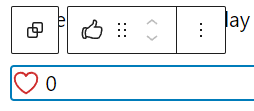
Like Post block
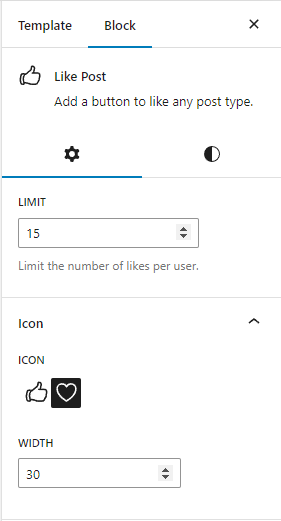
Like Post block settings
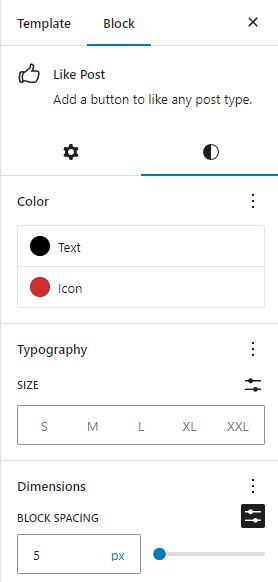
Like Post block style settings
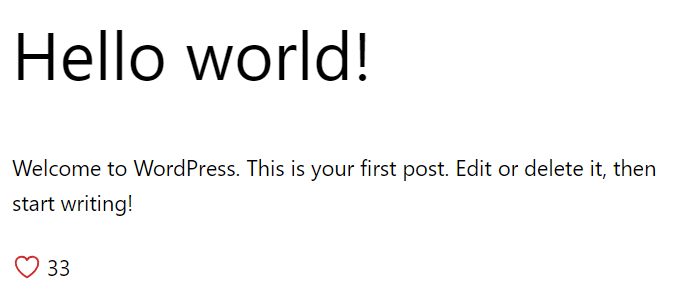
Inactive like button on the front-end
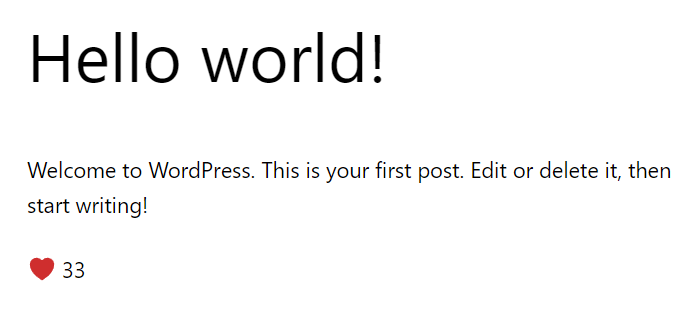
Active like button on the front-end
Changelog
1.5.0
- Feature: Option to Track Likes by User Account Only (Ignore IP Address) (#15)
1.4.0
- New setting: Unlike when click the button again (#10)
- New setting: Add unlimited setting (#12)
1.3.0
- Like counter functionality uses last post inside query loop (#8).
1.2.0
- Restore the
index.asset.phpfile because it’s needed by WordPress.
1.1.0
- Render the like button with AJAX to avoid caching systems.
- The
rolpb_likesmeta key can be found in each REST API for posts, pages and custom post types. - New
Likescolumn in the posts, pages and custom post types list tables.
1.0.0
- Initial release