

Link Preview Cards
A Gutenberg block that displays link preview cards for any URL, replacing traditional embeds with rich social media previews.
Plugin info
Maintenance & Compatibility
Maintenance score
Stale • Last updated 248 days ago
Is Link Preview Cards abandoned?
Likely maintained (last update 248 days ago).
Compatibility
Similar & Alternatives
Explore plugins with similar tags, and compare key metrics like downloads, ratings, updates, support, and WP/PHP compatibility.
Description
Link Preview Cards is a Gutenberg block that fetches and displays link preview
data from any URL, creating beautiful social media-style cards instead of
traditional embeds.
Features:
- Automatically fetches link preview metadata (title, description, image)
- Displays cards in a social media style format
- Supports alignment options (left, center, right, wide, full)
- Works with any URL that has link preview metadata
- Lightweight and fast
Perfect for:
* Blog posts linking to external articles
* Social media previews
* Rich link previews
* Content curation
Simply add the “Link Preview Cards” block, paste a URL, and the plugin will
automatically fetch and display the link preview data in a beautiful card format.
Installation
- Upload the plugin files to the
/wp-content/plugins/link-preview-cardsdirectory, or install the plugin through the WordPress admin interface. - Activate the plugin through the ‘Plugins’ menu in WordPress
- Use the “Link Preview Cards” block in the Gutenberg editor
Frequently Asked Questions
Link preview data includes metadata like title, description, and image that
websites provide to create rich previews when shared on social media platforms.
The URL must have link preview metadata for the plugin to
display rich data. If no link preview data is available, the block will show
basic link information.
Yes, this plugin works with any theme that supports Gutenberg blocks.
The card styling is designed to work well with most themes. Future versions may
include customization options.
Review feed
Screenshots
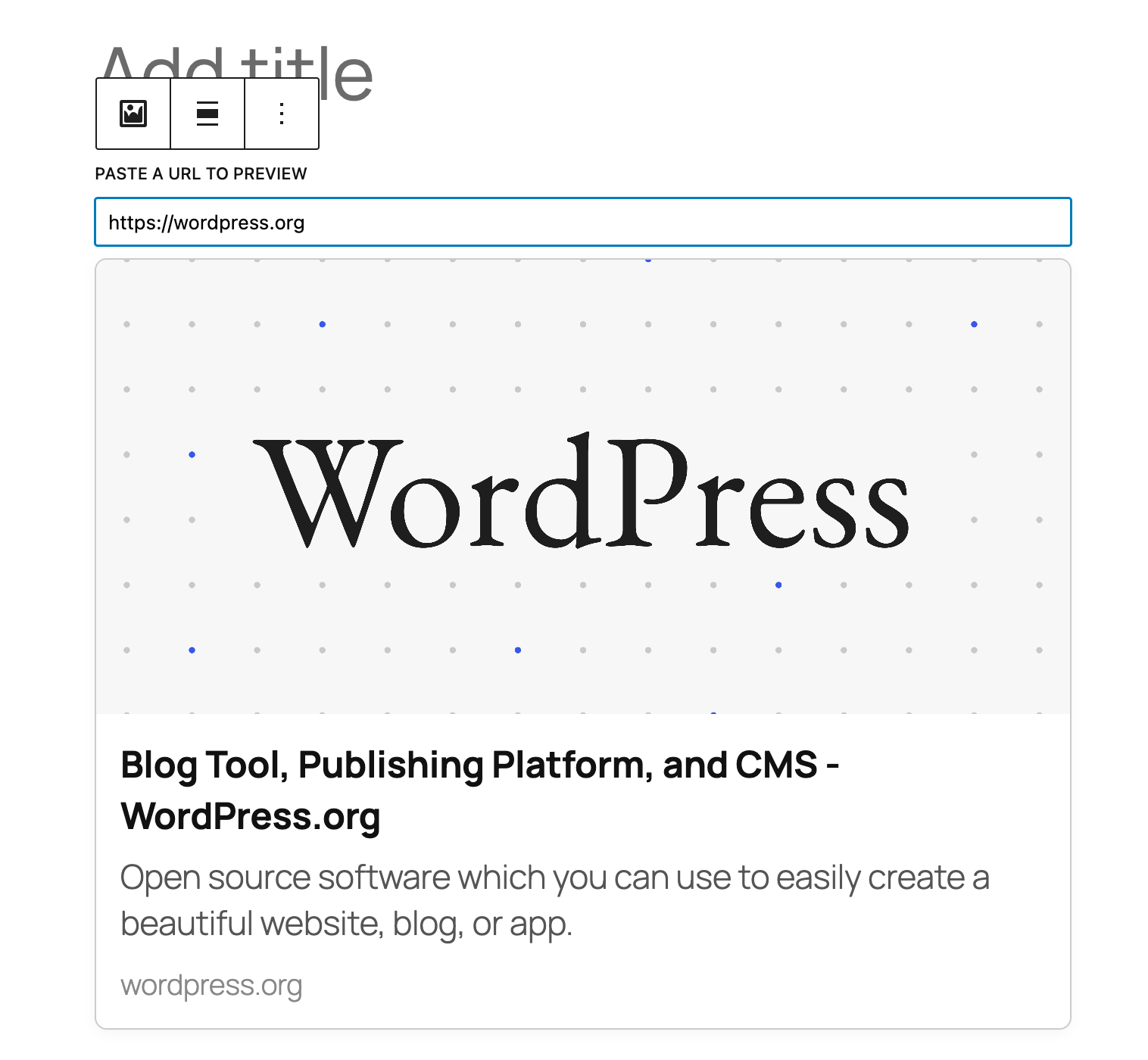
Link Preview Cards block in the editor
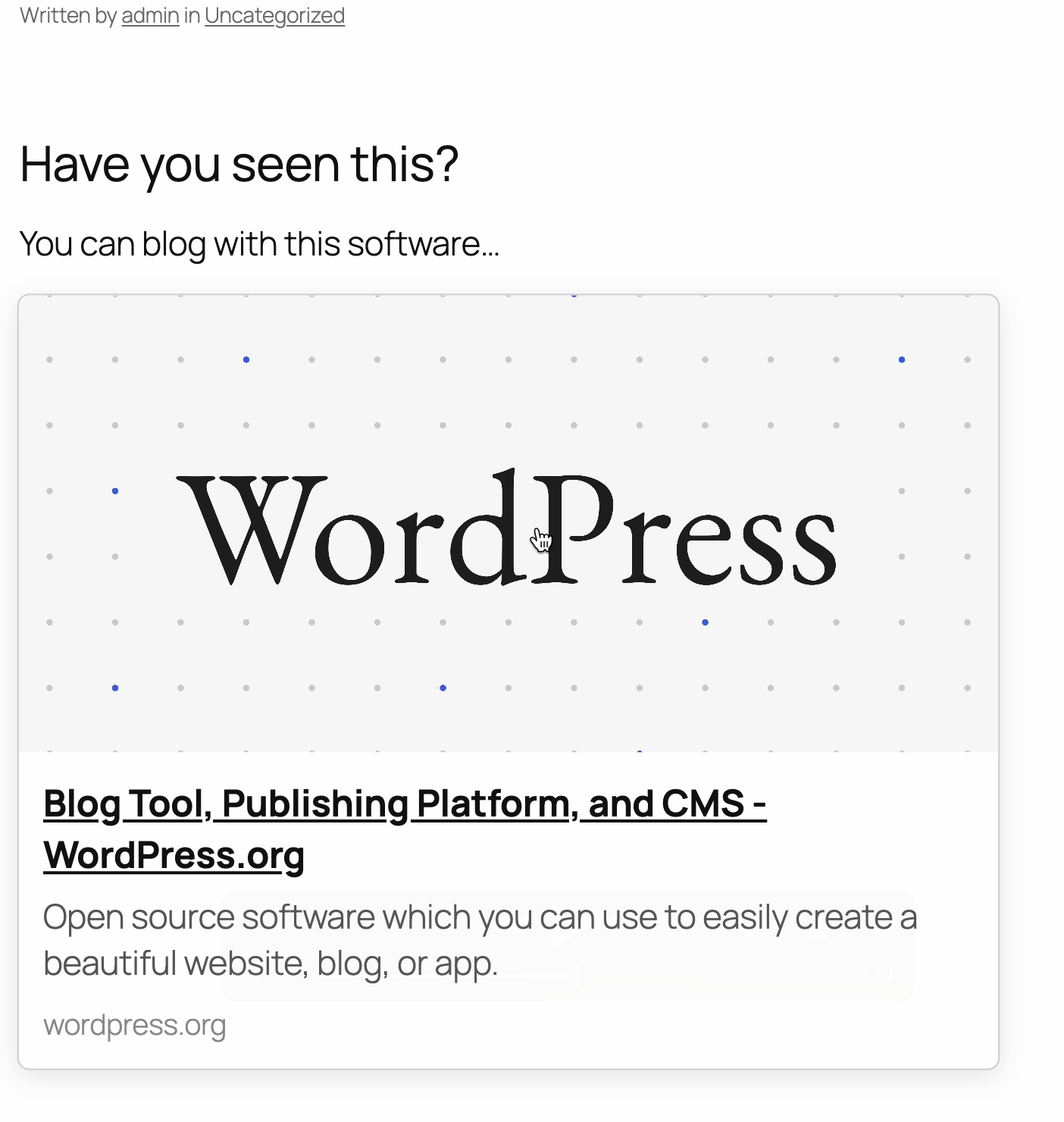
Example of a rendered link preview card
Changelog
0.1.2
- Changed class and CSS structure for cards to avoid conflicts with “card”.
0.1
- Initial release
- Basic link preview card functionality
- Gutenberg block integration