

Linked Open Profiles
Display public data from multiple ORCID profiles on pages, posts, and sites.
Plugin info
Maintenance & Compatibility
Maintenance score
Actively maintained • Last updated 81 days ago • 1 reviews
Is Linked Open Profiles abandoned?
Likely maintained (last update 81 days ago).
Compatibility
Similar & Alternatives
Explore plugins with similar tags, and compare key metrics like downloads, ratings, updates, support, and WP/PHP compatibility.
Description
This is a WordPress plugin for displaying public data from multiple ORCID records on pages, posts, and sites. It’s a successor to ORCID Data Block.
This plugin is developed and maintained by Mesh Research Lab.
This work is funded by the ORCID Global Participation Fund.
Features
- Provides a Gutenberg block in the WordPress block editor that allows users to
- specify which sections are shown from specified ORCID records
- specify which items are shown within sections
- Allows different ORCID records to be used in multiple blocks on the same post/page/site
- Allows the numbers of items within sections to be limited to a specified amount
- Info will remain automatically up-to-date with ORCID
- Accessible to those with disabilities
- All languages currently supported by ORCID will be supported (subject to translator availability)
- Arabic: 72%
- Chinese (Simplified): 72%
- Chinese (Traditional): 72%
- Czech: 72%
- French: 72%
- German: 72%
- Italian: 72%
- Japanese: 72%
- Korean: 72%
- Polish: 72%
- Portuguese: 68%
- Russian: 72%
- Spanish: 72%
- Turkish: 0%
Usage
- Make sure the plugin is activated on your WordPress installation.
- This can be done on the Plugins screen.
- In a Gutenberg block editor, add a new block.
- There are multiple ways to add blocks.
- Search “Linked Open Profiles” in the block browser and select it.
- With the new block selected, provide an ORCID iD in the ORCID iD text input.
- This text input can be found in the sidebar (also known as the inspector controls).
- An ORCID iD can be found on a user’s ORCID record page.
- Click the “Apply” button.
- Make customizations as you see fit.
- Customize which sections are shown.
- Customize which items within sections are shown.
- Save as a draft or publish.
Functionality
This WordPress plugin uses the third party public REST API on https://orcid.org to query publicly available information for any ORCID record hosted on https://orcid.org and display this on a WordPress page, post, or site. Only publicly available data is retrieved from ORCID. You may provide multiple, different ORCID iDs for use with multiple, different blocks of this plugin within a Gutenberg editor. Registration and authentication with ORCID are not necessary to do this. The only necessity is to provide a valid 16-digit ORCID iD.
Disclosure of Data Sent
- What: ORCID iDs users provide
- Where: https://orcid.org
- Why: to query the public data of an ORCID record users wish to use with this plugin
- Under What Circumstances:
- whenever a user provides an ORCID iD to a block instance of this plugin
- whenever a post, page, or site that includes a block instance of this plugin is loaded
User-provided ORCID iDs are sent to the public third party REST API on https://orcid.org. This plugin uses the REST API located at https://orcid.org/####-####-####-####. It is necessary to provide an ORCID iD to identify an ORCID record you wish to use when displaying ORCID record information on a WordPress post, page, or site.
Support
Send an email for general support: [email protected]
Submit tech issues on GitHub:
https://github.com/MESH-Research/linked-open-profiles/issues
Development
To contribute to the development of this plugin, visit the GitHub repository:
https://github.com/MESH-Research/linked-open-profiles
Installation
Frequently Asked Questions
Review feed
Screenshots
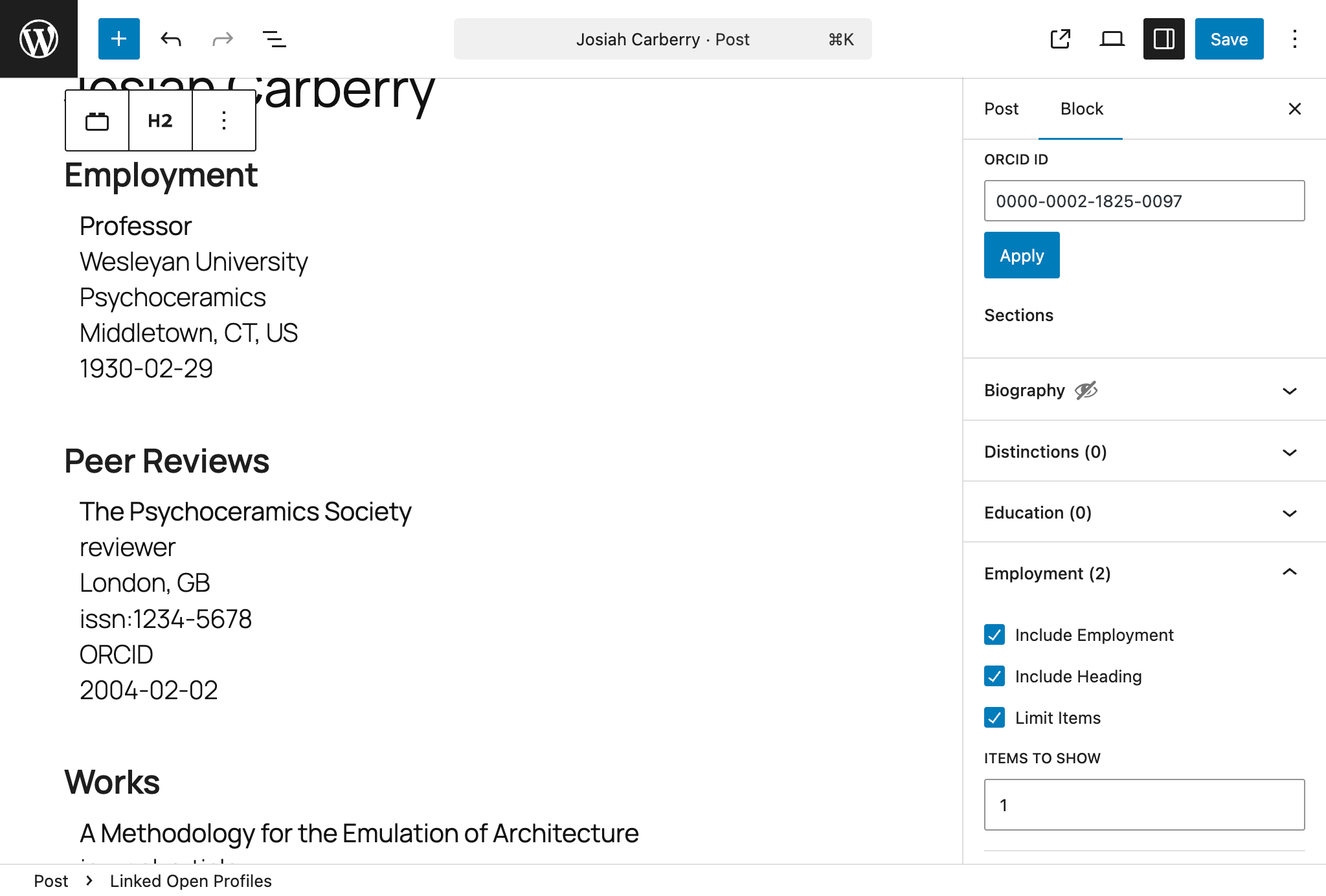
Screenshot of the plugin in use in a Gutenberg editor, featuring the Biography sections excluded, the Employment section partially included, and the Works section fully included
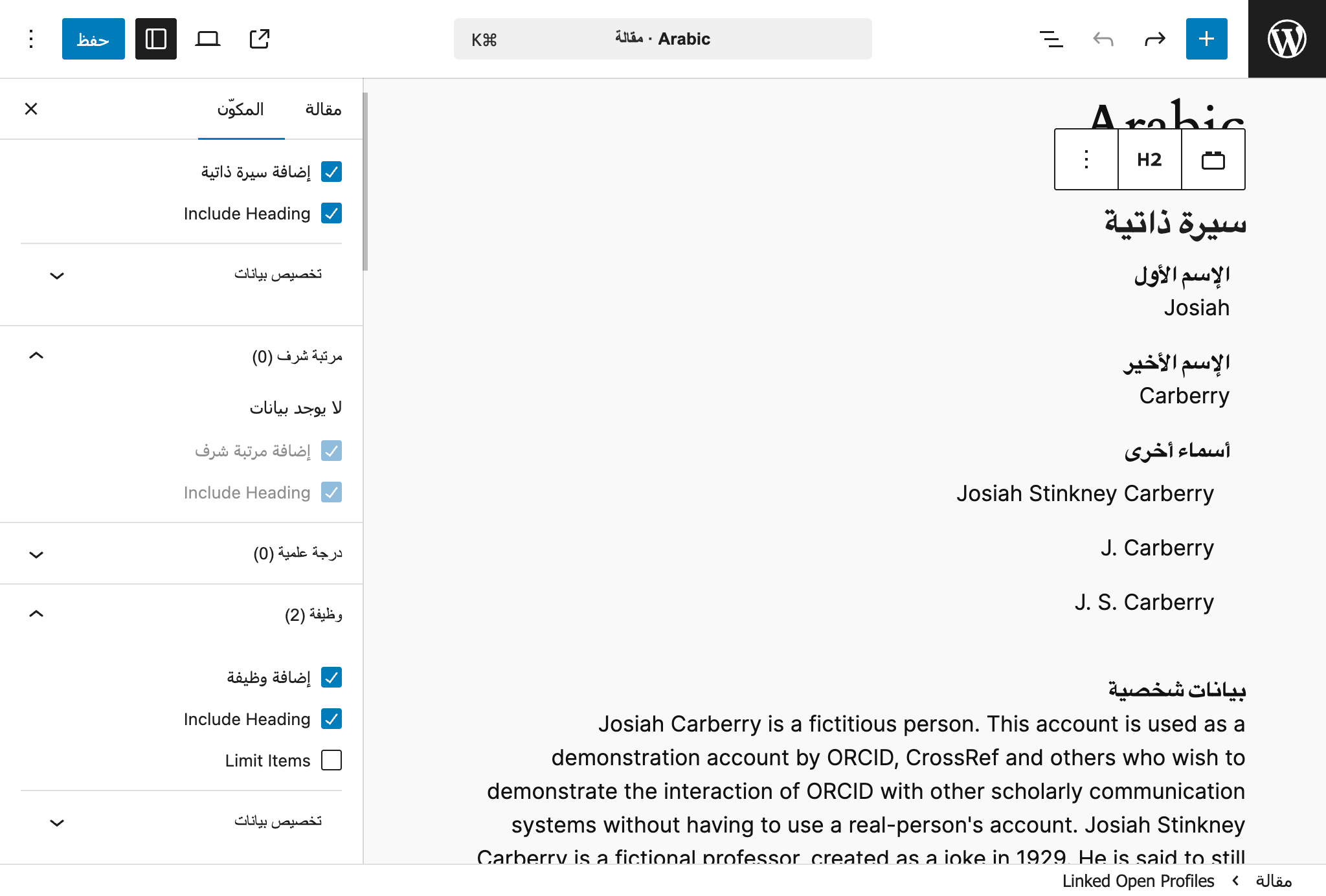
Screenshot of the plugin in use in a Gutenberg editor with the language set to Arabic
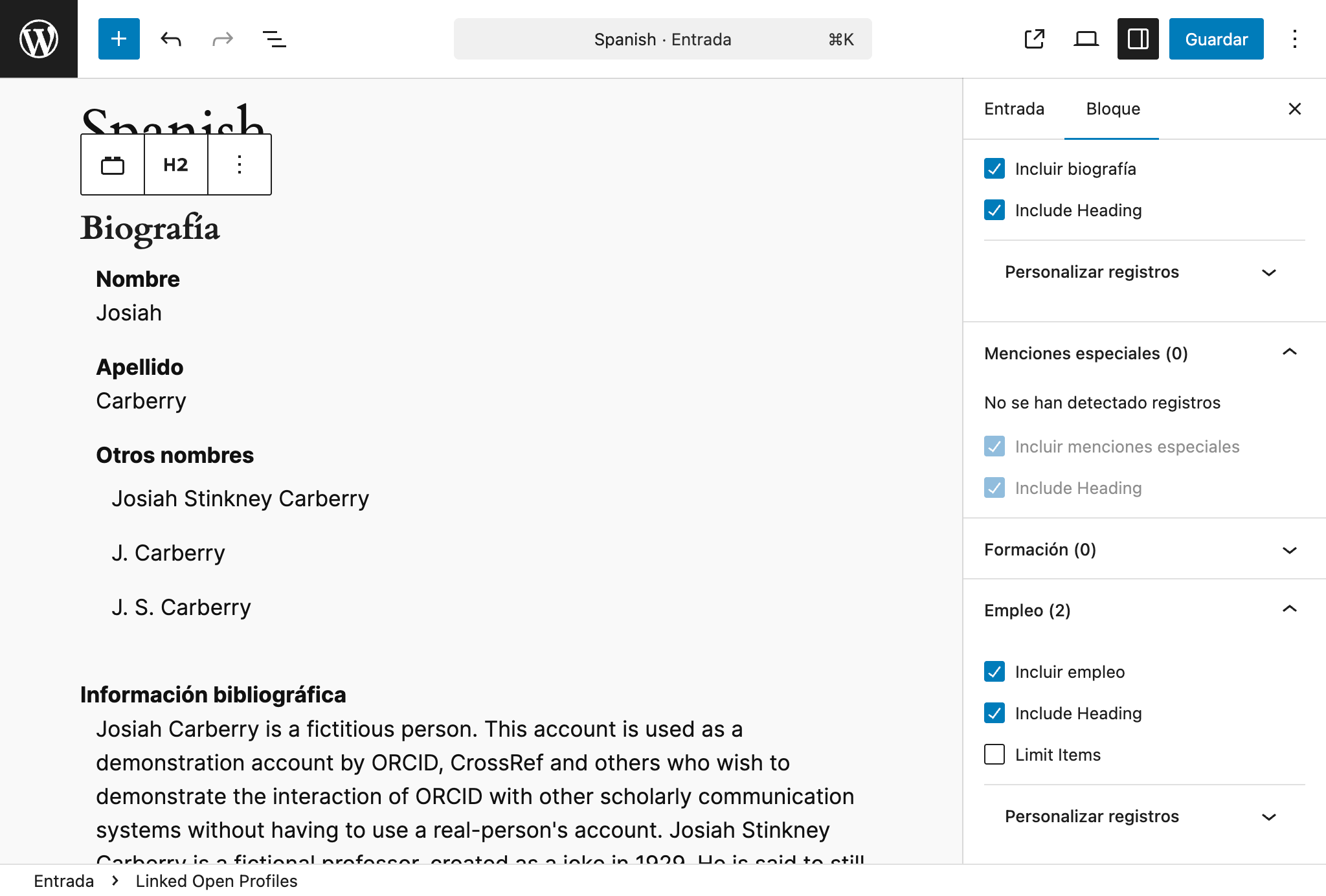
Screenshot of the plugin in use in a Gutenberg editor with the language set to Spanish
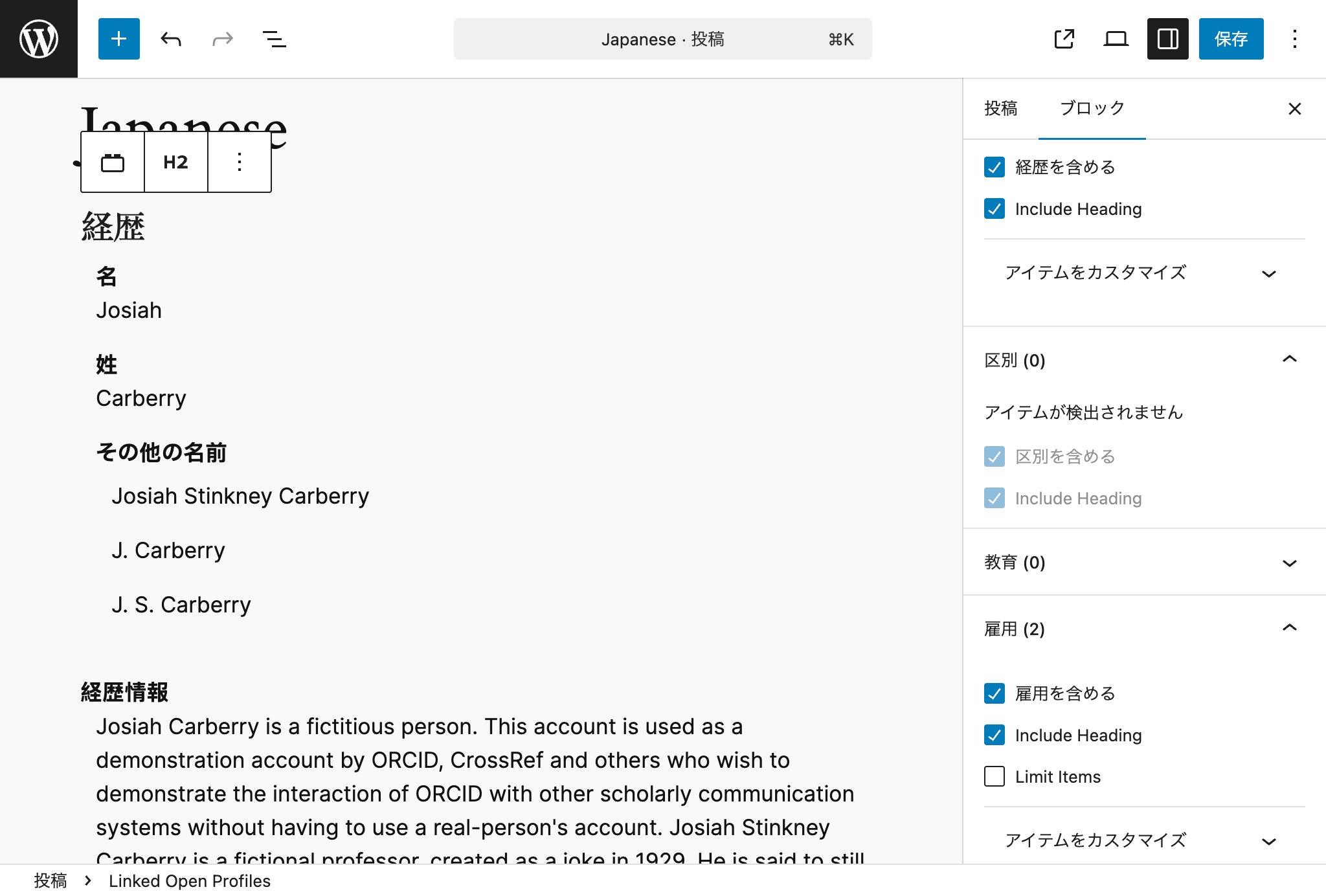
Screenshot of the plugin in use in a Gutenberg editor with the language set to Japanese
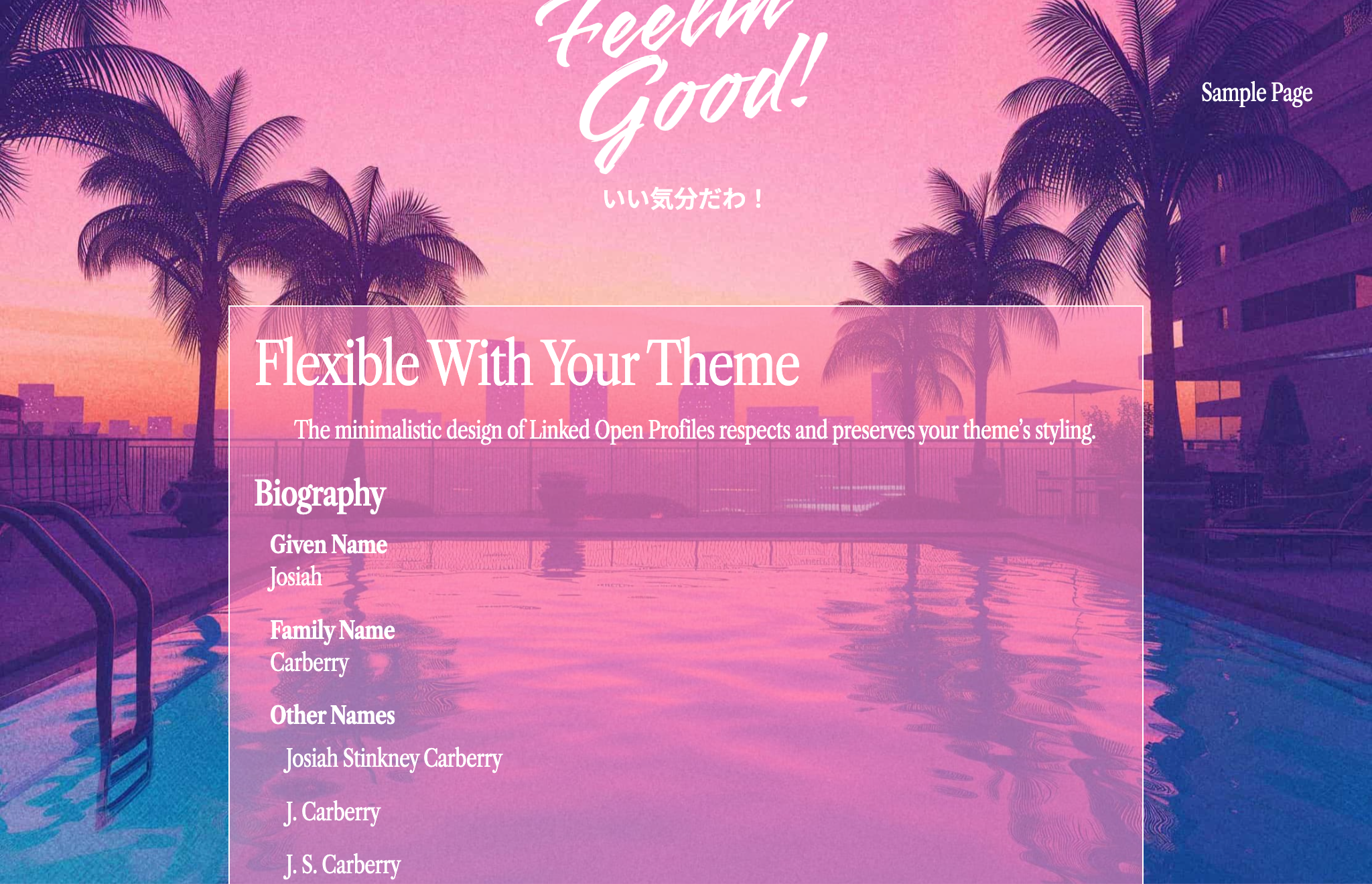
Screenshot of the plugin on a published post with the Feelin'Good theme activated, demonstrating the minimalistic design of the plugin respects and preserves the theme's styling
Changelog
Refer to the Releases page on this plugin’s GitHub repository:
https://github.com/MESH-Research/linked-open-profiles/releases