

List Child Pages Shortcode
A simple plugin to add list of child pages within the content of a parent page.
Plugin info
Maintenance & Compatibility
Maintenance score
Stale • Last updated 189 days ago • 3 reviews
Is List Child Pages Shortcode abandoned?
Likely maintained (last update 189 days ago).
Compatibility
Similar & Alternatives
Explore plugins with similar tags, and compare key metrics like downloads, ratings, updates, support, and WP/PHP compatibility.
Description
I could not find an easy plugin that enabled me to use a shortcode that would enable me to publish a list of child pages under a parent page. So, I built one.
Usage
The shortcode is [listchildpages]...[/listchildpages]. It accepts several attributes:
- ifempty: Message or HTML to show if no child pages exist.
- order:
ASCorDESC. Default:DESC. - orderby: Field to order by. Default:
publish_date(maps todate). Any validWP_Queryorderby value works. - displayimage: Show featured image (
yes|no). Default:no. - align: CSS class to apply to the image (
alignleft,alignright, etc.). - ulclass, liclass, aclass: CSS classes for the list, list items, and links.
- parent: ID, slug/path, or
currentto choose the parent page. Default:current. - size: Image size for thumbnails (
thumbnail,medium,large,full, or custom size). Default:thumbnail.
Examples:
Example 1: Order the child pages by publish date in descending order:
[listchildpages aclass=”” ifempty=”No child pages” orderby=”publish_date” order=”desc” displayimage=”no”]
Here are our child pages:
[/listchildpages]
Example 2: Order the child pages by title in ascending order with the page’s featured image aligned left:
[listchildpages orderby=”title” order=”asc” displayimage=”yes” align=”alignleft”]
Here are our child pages:
[/listchildpages]
Example 3: Target a specific parent page by ID and use medium-sized images:
[listchildpages parent=”123″ displayimage=”yes” size=”medium”]
Resources
[/listchildpages]
Example 4: Target a parent page by slug and show full-size featured images:
[listchildpages parent=”about/company” displayimage=”yes” size=”full”]
Team Sections
[/listchildpages]
Example 5: Explicitly set the parent as the current page and use large images:
[listchildpages parent=”current” displayimage=”yes” size=”large”]
Subpages
[/listchildpages]
The shortcode accepts all of the Order and Orderby Parameters listed within the WordPress class reference.
Built by DK New Media, visit MarTech to keep up on this plugin and other marketing tools to help you grow your online presence!
Installation
- Activate the plugin through the ‘Plugins’ menu in WordPress.
Frequently Asked Questions
Edit the child page and you’ll find an excerpt section where you can enter a description that will be published on the list.
Within your functions.php file, look for the add_theme_support post-thumbnails line and add page to the array. Or if you don’t have that line, you can just add it:
add_theme_support( 'post-thumbnails', array( 'post', 'page' ) );
There are additional class fields for the unordered list tag (ulclass), list item tag (liclass), and the anchor tag (aclass). You can modify the output utilizing your theme’s CSS.
Review feed
Great Shortcode!
Screenshots
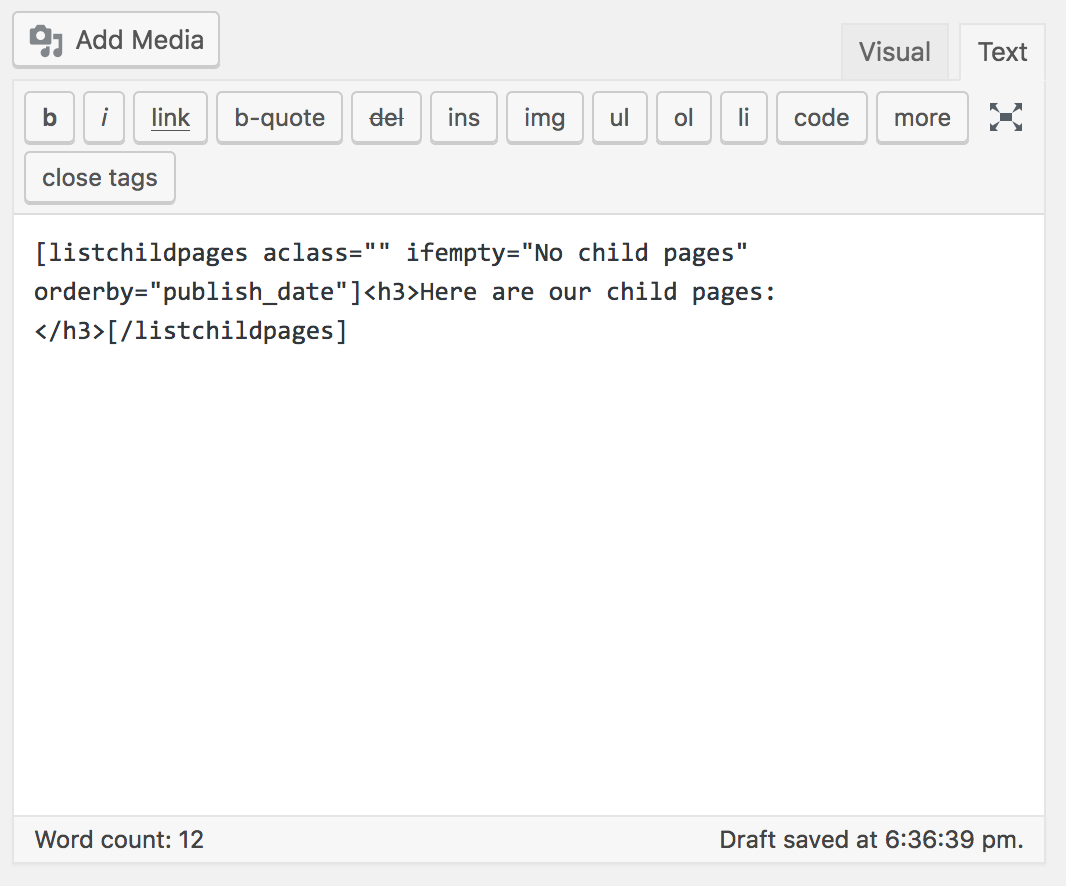
View of the shortcode.

View of the output.
Changelog
1.4.1
- Updated keywords for plugin
1.4.0
- Added
parentattribute to target a specific parent page by ID or slug. - Added
sizeattribute to choose featured image size. - Hardened shortcode sanitization and escaping for security.
- Backward-compatible with previous versions.
1.3.2
- Tested in latest versions of WordPress
1.3.1
- Tested in latest versions of WordPress
1.3.0
- Added an option to display the featured image for the page.
- Added class outputs for the ul and li tags in addition to the anchor text.
1.2.2
- Corrected an undeclared variable error.
1.2.1
- Added documentation on where you can see all of the order and orderby parameters.
1.2.0
- Added another shortcode option for the order. Default is DESC.
1.1.0
- Added another shortcode option for the orderby. Default is publish_date.
1.0.0
- Initial Release