

Lithe Course
A lightweight, modern course management plugin for WordPress. Create, organize, and deliver courses with intuitive block-based tools.
Plugin info
Maintenance & Compatibility
Maintenance score
Stale • Last updated 222 days ago
Is Lithe Course abandoned?
Likely maintained (last update 222 days ago).
Compatibility
Similar & Alternatives
Explore plugins with similar tags, and compare key metrics like downloads, ratings, updates, support, and WP/PHP compatibility.
Description
Lithe Course is a block-first learning management system (LMS) plugin for WordPress. It lets you create and organize courses with modules and lessons, manage student enrollment, and track progress — all with a simple, modern interface.
Key Features
- Course Management – Create and organize courses, modules, and lessons
- Student Enrollment – Manage enrollments and monitor progress
- Modern Blocks – Gutenberg blocks for course content, videos, and enrollment
- Drag & Drop Organizer – Intuitive course structure editor
- Progress Tracking – Lesson completion and course progress monitoring
- Block Theme Compatible – Designed specifically for WordPress block themes
Perfect For
- Online educators and trainers
- Universities and schools
- Corporate learning platforms
- WordPress professionals who want a clean, block-based LMS
Learn More
For a full step-by-step tutorial with images, please visit:
👉 Complete Lithe Course Introduction Guide
Installation
- Upload the plugin files to
/wp-content/plugins/lithecourse, or install directly from the Plugins screen. - Activate the plugin through the “Plugins” screen.
- Go to Courses in your WordPress admin to start creating courses.
- Use the provided blocks in the Gutenberg editor to build course pages.
Frequently Asked Questions
- WordPress 6.0 or higher
- PHP 8.0 or higher
Yes. Lesson completion tracking and overall course progress are built in.
Lithe Course is designed for block themes only. It may not work properly with classic themes.
Yes, but only when you embed videos. If you add YouTube, Vimeo, or Bunny.net videos into your course content, playback requests are sent to those services.
-
YouTube (Google) – Embedding and playback of course videos
-
Vimeo – Embedding and playback of course videos
-
Bunny.net (BunnyCDN) – Embedding and playback of course videos
📌 Important: All course data, student enrollments, and progress tracking remain stored in your WordPress database. No course content or student information is sent to these services.
Review feed
Screenshots
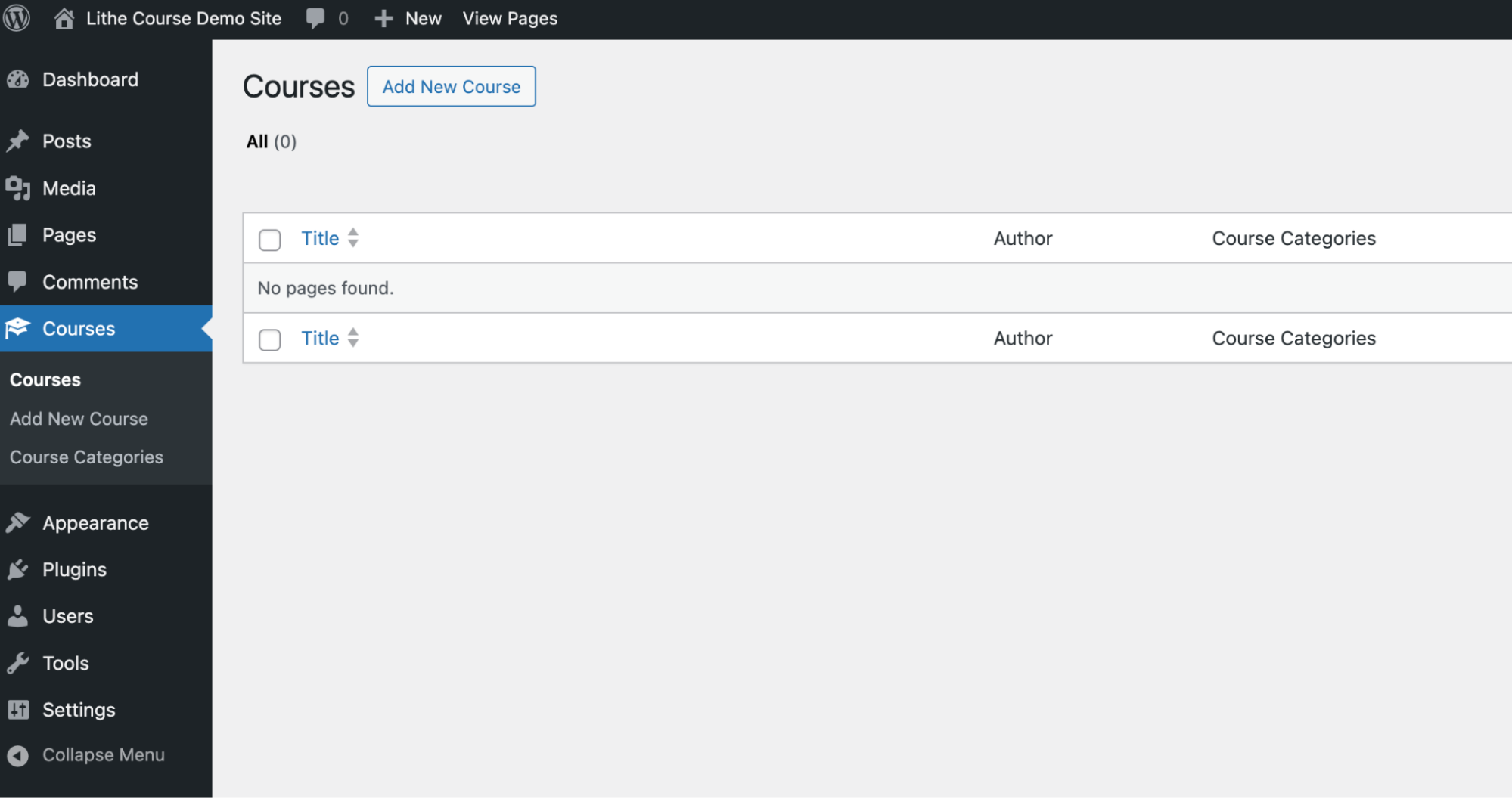
Manage all your courses from the WordPress admin list view
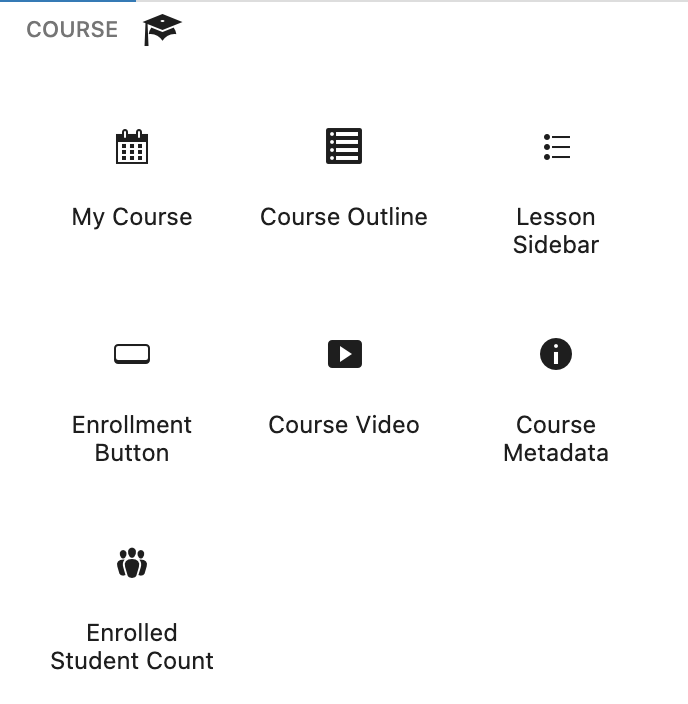
Add and customize course blocks in the block editor
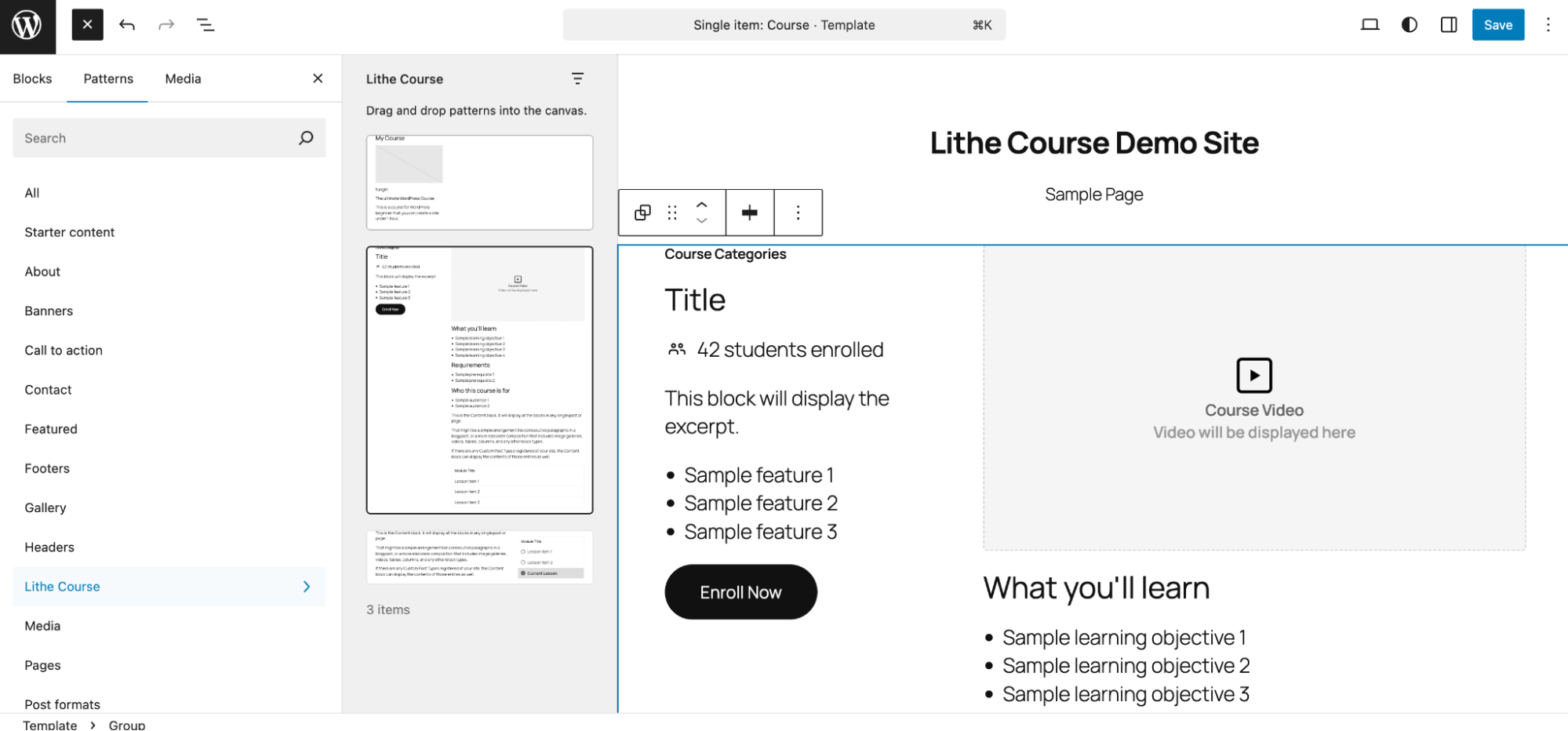
Example layout of a course template using Lithe Course
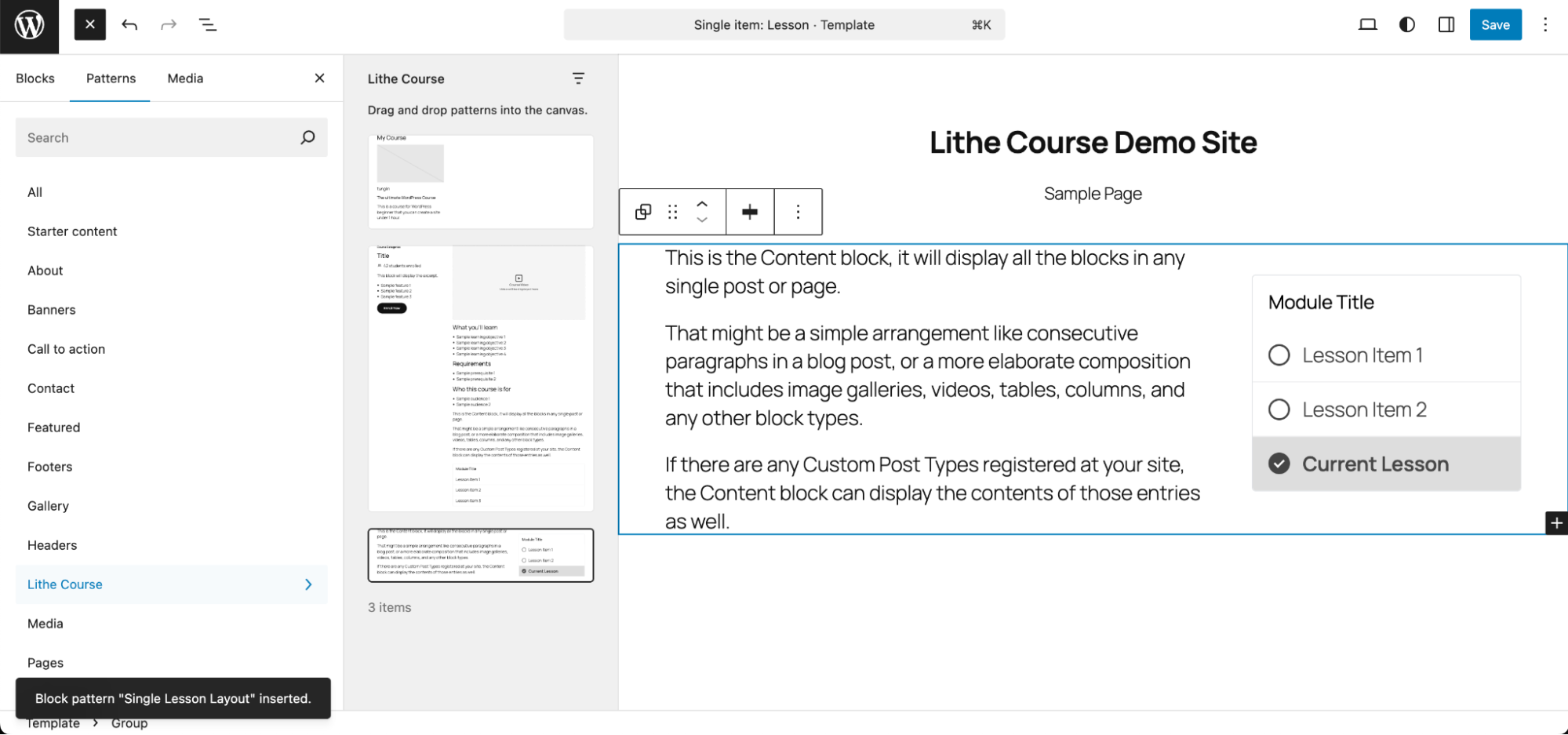
Example layout of a lesson template with progress tracking
Changelog
1.0.1
- Minor update to utility functions
- Updated screenshots in plugin page
1.0.0
- Initial release
- Course post type and drag-and-drop organizer
- Student enrollment system
- Lesson completion tracking
- Course blocks for Gutenberg
- Course taxonomy and categorization