

LLMS Central – AI Bot Tracker
Track AI bots (GPT, Claude, Gemini) visiting your site and manage your llms.txt file. See which AI systems are crawling your content.
Plugin info
Maintenance & Compatibility
Maintenance score
Maintained • Last updated 163 days ago
Is LLMS Central – AI Bot Tracker abandoned?
Likely maintained (last update 163 days ago).
Compatibility
Similar & Alternatives
Explore plugins with similar tags, and compare key metrics like downloads, ratings, updates, support, and WP/PHP compatibility.
Description
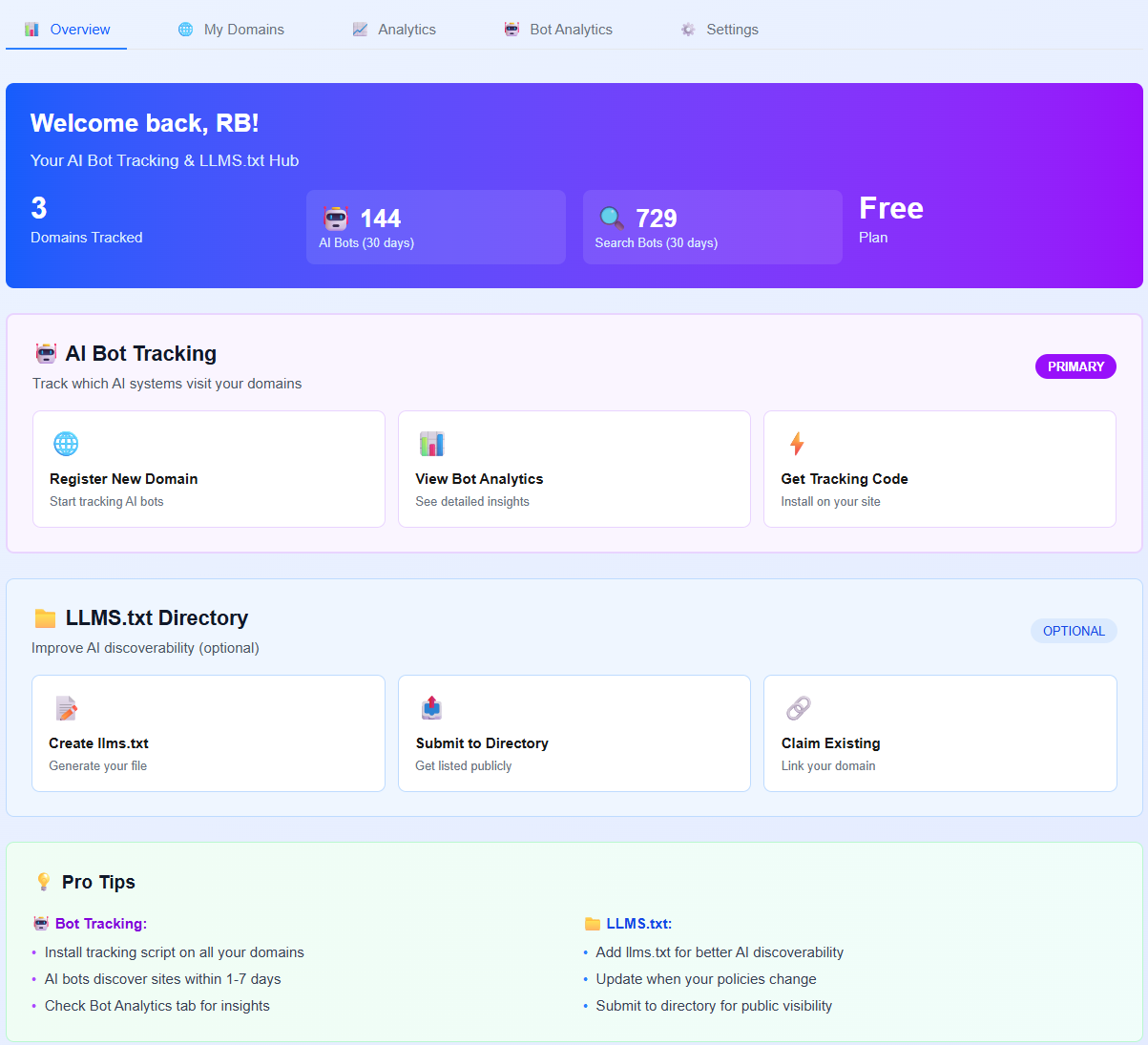
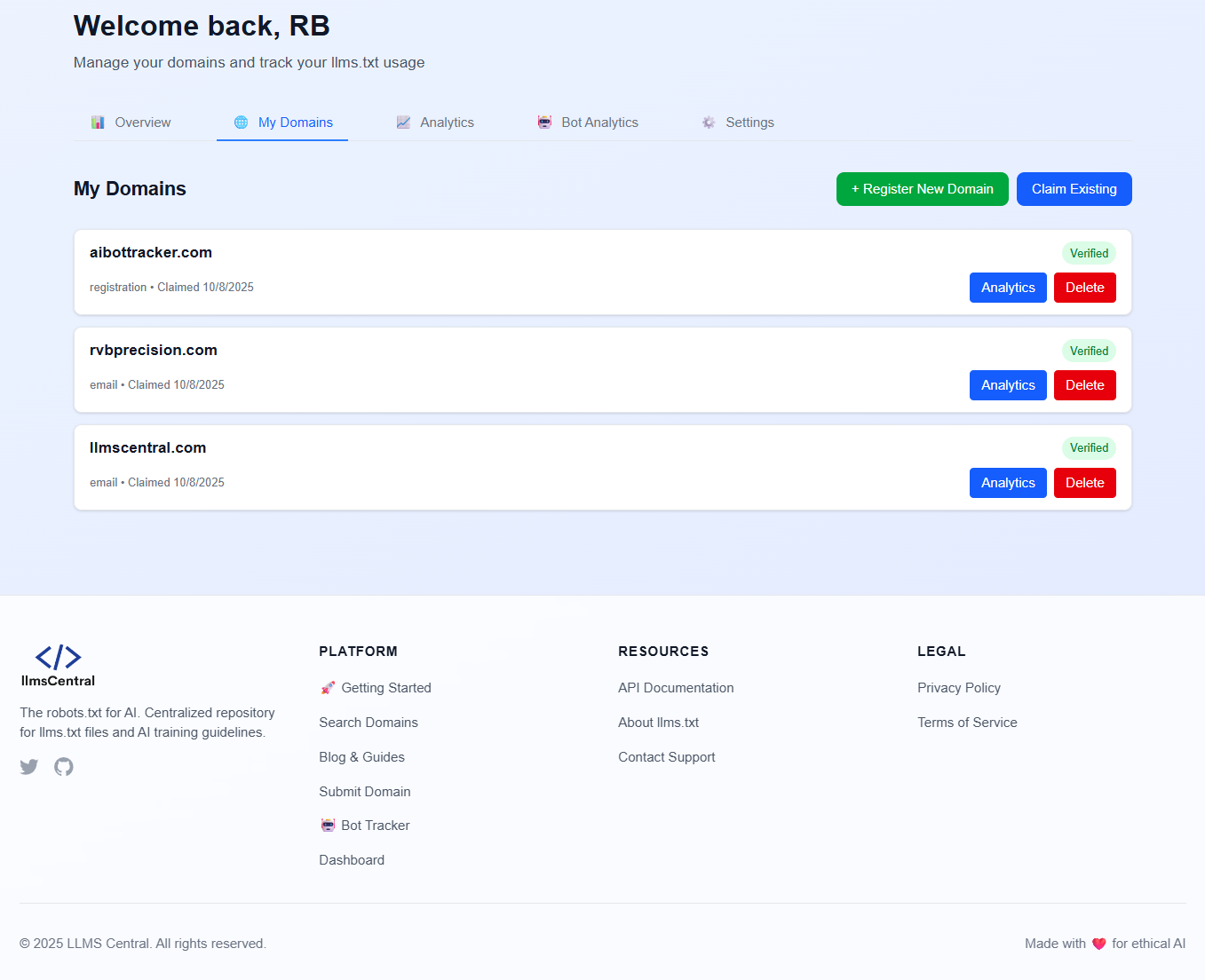
LLMS Central Bot Tracker helps you understand which AI systems are visiting your website and gives you control over how AI companies use your content.
Features
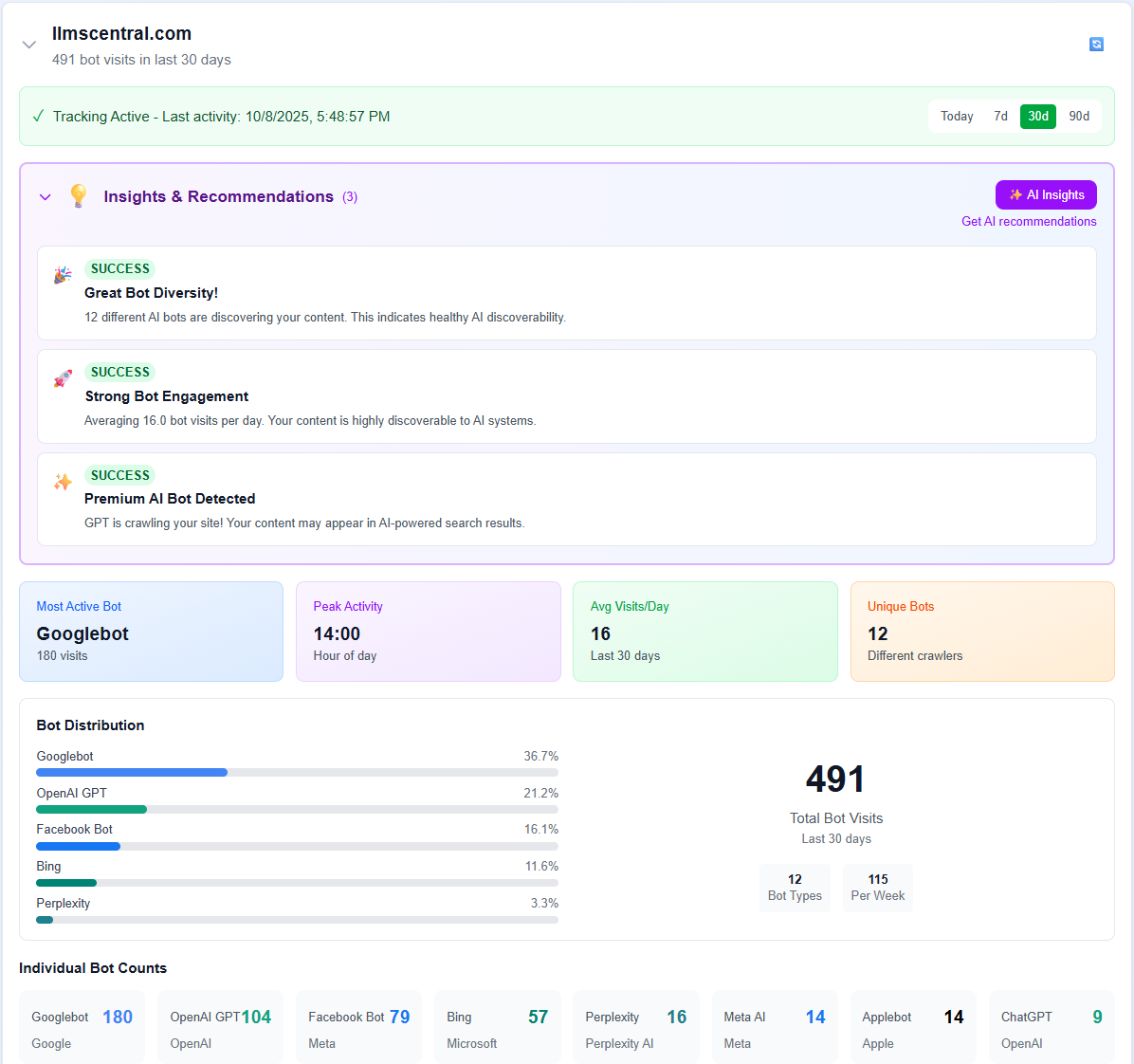
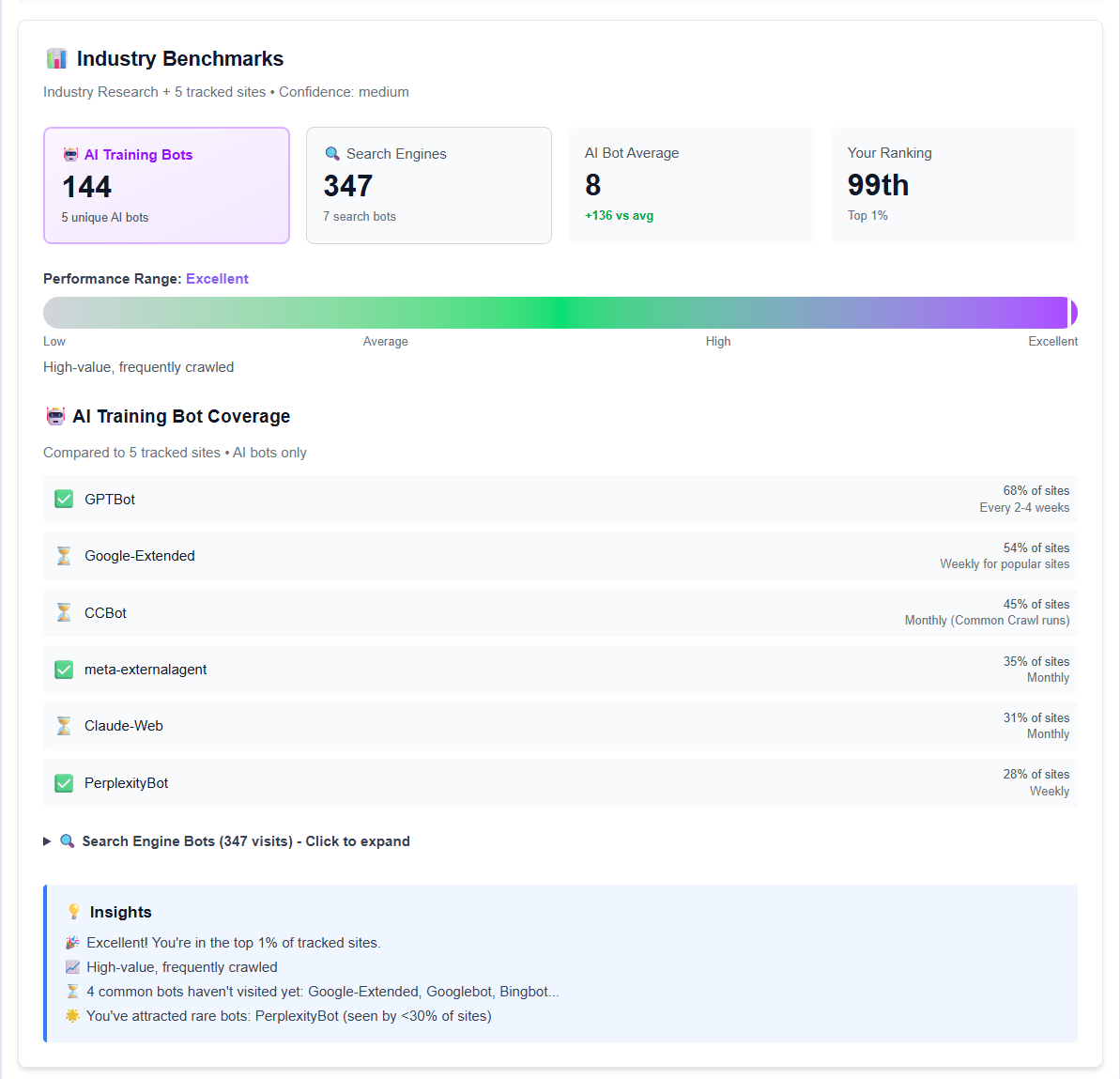
- Track 16+ AI Bots – Monitor visits from GPTBot, Claude, Gemini, Perplexity, and more
- Real-time Analytics – See which AI bots are crawling your site and when
- llms.txt Management – Create and manage your llms.txt file (the “robots.txt for AI”)
- Privacy-Focused – Only tracks bot user-agents, no personal data collected
- Dashboard Widget – View AI bot activity right in your WordPress dashboard
- Easy Setup – One-click installation, no coding required
What is llms.txt?
llms.txt is like robots.txt, but for AI systems. It tells AI companies how they can use your content for training their models. With this plugin, you can:
- Allow or restrict AI training on your content
- Require attribution when AI uses your content
- Set commercial use policies
- Provide contact information for AI companies
Tracked AI Bots
- GPTBot (OpenAI)
- ChatGPT-User (OpenAI)
- Claude-Web (Anthropic)
- Google-Extended (Google)
- Perplexity Bot
- Bytespider (ByteDance)
- Cohere AI
- FacebookBot (Meta)
- Amazonbot
- And 8+ more AI crawlers
Privacy & Data Collection
This plugin is designed with privacy in mind:
Data Collection is OPT-IN ONLY:
No data is sent to external servers unless you explicitly enable tracking and provide consent in the plugin settings.
When Tracking is Enabled (with your consent):
* Bot user-agent strings
* Page URLs visited by bots
* Timestamp of visits
* Your domain name
Data NOT Collected:
* Visitor IP addresses
* Personal information
* Cookies or tracking identifiers
* Form submissions
* Human visitor data
You can disable tracking at any time, and no data will be transmitted without your explicit permission.
Use Cases
- Content Creators – Know which AI systems are using your content
- Publishers – Monitor AI bot traffic and set training policies
- Developers – Track AI crawler behavior on your site
- SEO Professionals – Understand AI bot impact on your site
- Business Owners – Control how AI companies use your content
Privacy Policy
This plugin sends data to LLMS Central servers (https://llmscentral.com) for analytics purposes.
Data Sent:
* Bot user-agent strings
* Page URLs visited by bots
* Timestamp of visits
* Your domain name
Data NOT Sent:
* Visitor IP addresses
* Personal information
* Cookies or tracking identifiers
* Form submissions
* Human visitor data
You must explicitly consent to this data collection by checking the consent box in the plugin settings. You can revoke consent at any time by disabling the plugin.
For full details, see our Privacy Policy and Terms of Service.
External Services
This plugin connects to the following external service:
LLMS Central API (https://llmscentral.com)
* Purpose: Send AI bot tracking data and retrieve analytics (OPT-IN ONLY)
* Privacy Policy: https://llmscentral.com/privacy
* Terms of Service: https://llmscentral.com/terms
* Data Transmission: Only when tracking is explicitly enabled by the user
This plugin does NOT send any data to external servers by default. Connection to LLMS Central servers only occurs when you:
1. Enable the “Bot Tracking” feature in settings
2. Accept the privacy policy and provide explicit consent
3. Check the consent checkbox
Without your explicit consent, the plugin operates entirely locally on your WordPress site.
Support
For support, please visit:
- Plugin Documentation
- Support Forum
- LLMS Central Dashboard (requires free account)
- Getting Started Guide
Before requesting support, please:
1. Check the FAQ section above in this readme
2. Ensure you’re using the latest version
3. Review the plugin settings in WordPress admin
4. Check the WordPress debug log for errors
5. Visit the WordPress.org support forum for community help
Credits
Developed by the LLMS Central team. Visit llmscentral.com to learn more about AI training policies and llms.txt files.
Installation
Automatic Installation
- Go to Plugins Add New
- Search for “LLMS Central Bot Tracker”
- Click “Install Now”
- Click “Activate”
- Go to AI Bot Tracker in your admin menu
- Enable tracking and accept the privacy policy
- Done! AI bot visits will now be tracked
Manual Installation
- Download the plugin ZIP file
- Go to Plugins Add New Upload Plugin
- Choose the ZIP file and click “Install Now”
- Click “Activate”
- Go to AI Bot Tracker in your admin menu
- Configure your settings
After Installation
- Navigate to AI Bot Tracker in your WordPress admin menu
- Go to the Bot Tracking tab
- Check “Enable Tracking”
- Review and accept the privacy policy in the Privacy & Consent tab
- (Optional) Enable llms.txt file in the llms.txt File tab
- Click “Save Settings”
- View analytics at LLMS Central Dashboard
Frequently Asked Questions
No. The tracking script is lightweight (< 2KB) and loads asynchronously. It only runs when an AI bot visits, which is typically less than 1% of your traffic.
No account is required for basic tracking. However, creating a free account at llmscentral.com gives you access to advanced analytics and features.
Only bot user-agents, page URLs, timestamps, and your domain name. No personal data or visitor information is collected. See the Privacy & Data Collection section for details.
Yes. The plugin only tracks bot user-agents, not human visitors. No personal data is collected, so GDPR compliance is maintained.
No. This plugin tracks AI bots but does not block them. To block AI bots, you would need to use robots.txt or server-level blocking.
llms.txt is a proposed standard (like robots.txt) that tells AI systems how they can use your content for training. Learn more at llmscentral.com.
Yes! The plugin provides a built-in editor. You can also use our llms.txt generator for help.
Yes. The tracking script works with all major caching plugins (WP Rocket, W3 Total Cache, WP Super Cache, etc.).
Yes! A dashboard widget shows basic AI bot activity. For detailed analytics, visit your LLMS Central dashboard.
Yes! The plugin is 100% free. LLMS Central may offer premium features in the future, but core tracking will always be free.
Review feed
Screenshots
Admin settings page - Bot Tracking tab
Admin settings page - llms.txt File management
Admin settings page - Privacy & Consent
Dashboard widget showing AI bot activity
Changelog
1.0.1 – 2025-01-16
- Security: Fixed all output escaping issues (replaced _e() with esc_html_e())
- Security: Added proper URL escaping with esc_url() for all admin_url() calls
- Security: Added esc_attr() for attribute outputs
- Improved: Changed prefix from llms_ to llmscbt_ for better uniqueness (WordPress requirement)
- Improved: Replaced direct script/style tags with proper wp_enqueue_script() and wp_add_inline_style()
- Improved: Added defer strategy to tracking script for better performance
- Improved: Enhanced security compliance with WordPress coding standards
- Improved: Added uninstall.php to properly clean up all data when plugin is deleted
- Fixed: All 60+ instances of unescaped output now properly secured
- Fixed: Tracking script now properly enqueued using wp_enqueue_scripts hook
- Fixed: Widget styles now properly enqueued using admin_enqueue_scripts hook
- Note: Breaking change – existing settings will need to be reconfigured after update
1.0.0 – 2025-01-07
- Initial release
- AI bot tracking for 16+ crawlers
- llms.txt file management
- WordPress dashboard widget
- Privacy-focused data collection
- Full WordPress.org compliance= 1.1.0 – 2025-01-20 =
- MAJOR UPDATE: Added server-side bot detection for accurate AI bot tracking
- NEW: Tracks AI bots that don’t execute JavaScript (GPTBot, Claude, etc.)
- IMPROVED: Non-blocking async API calls for better performance
- IMPROVED: More reliable bot detection using WordPress init hook
- FIXED: AI bots now properly tracked even when JavaScript is disabled
- TECHNICAL: Server-side tracking runs before page output for 100% coverage
1.0.1 – 2025-01-15
- Initial release
- Basic bot tracking via JavaScript widget
- llms.txt file management
- Dashboard widget